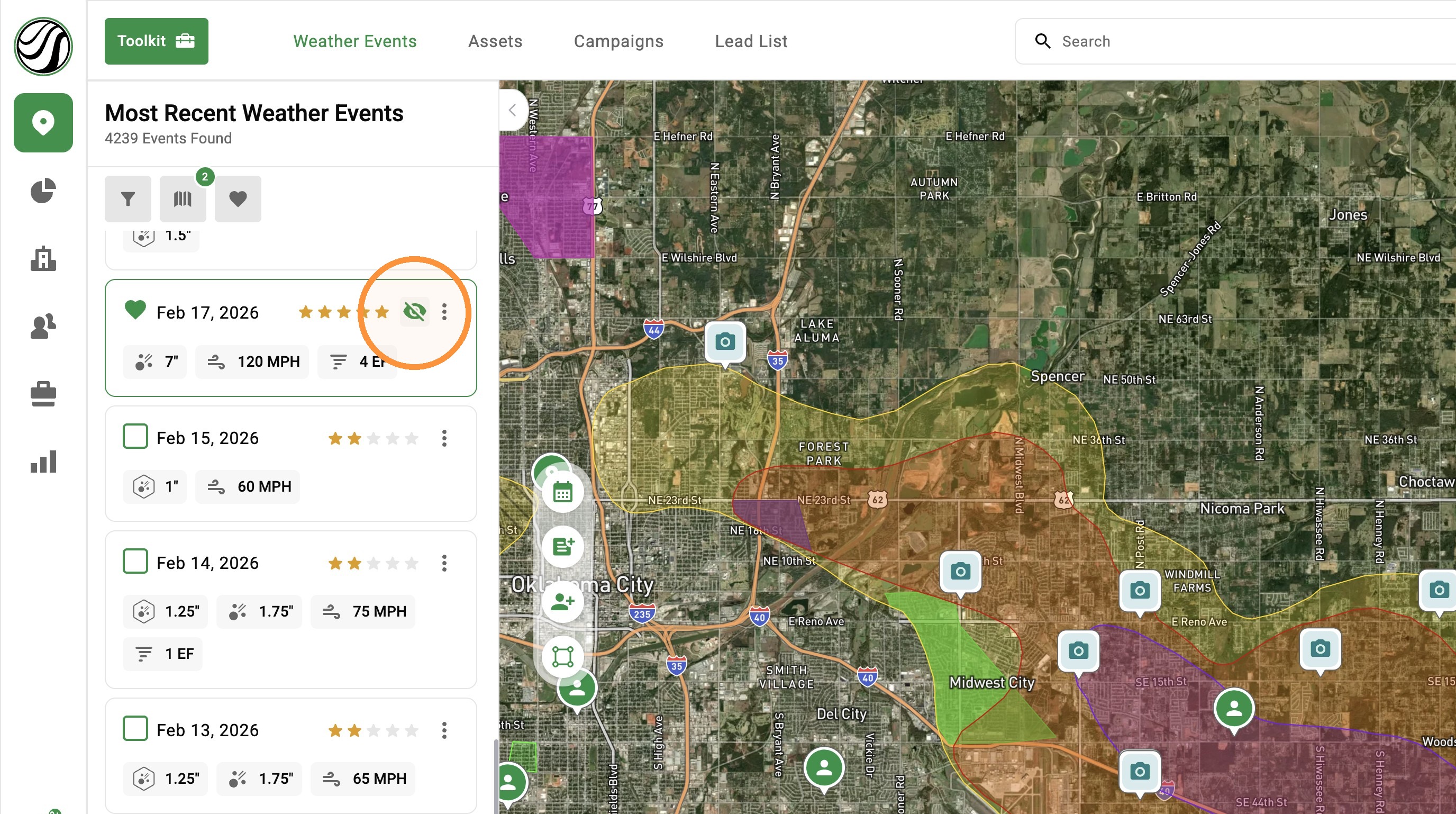
[5.0] Temporarily Hide Weather Events
You can now hide individual weather layers without unloading their events from the map.
Hiding a layer does not delete or unload the event, and other loaded weather events remain visible. This makes it easier to clean up crowded maps and compare overlapping storms without having to find and reload events.
Mobile App
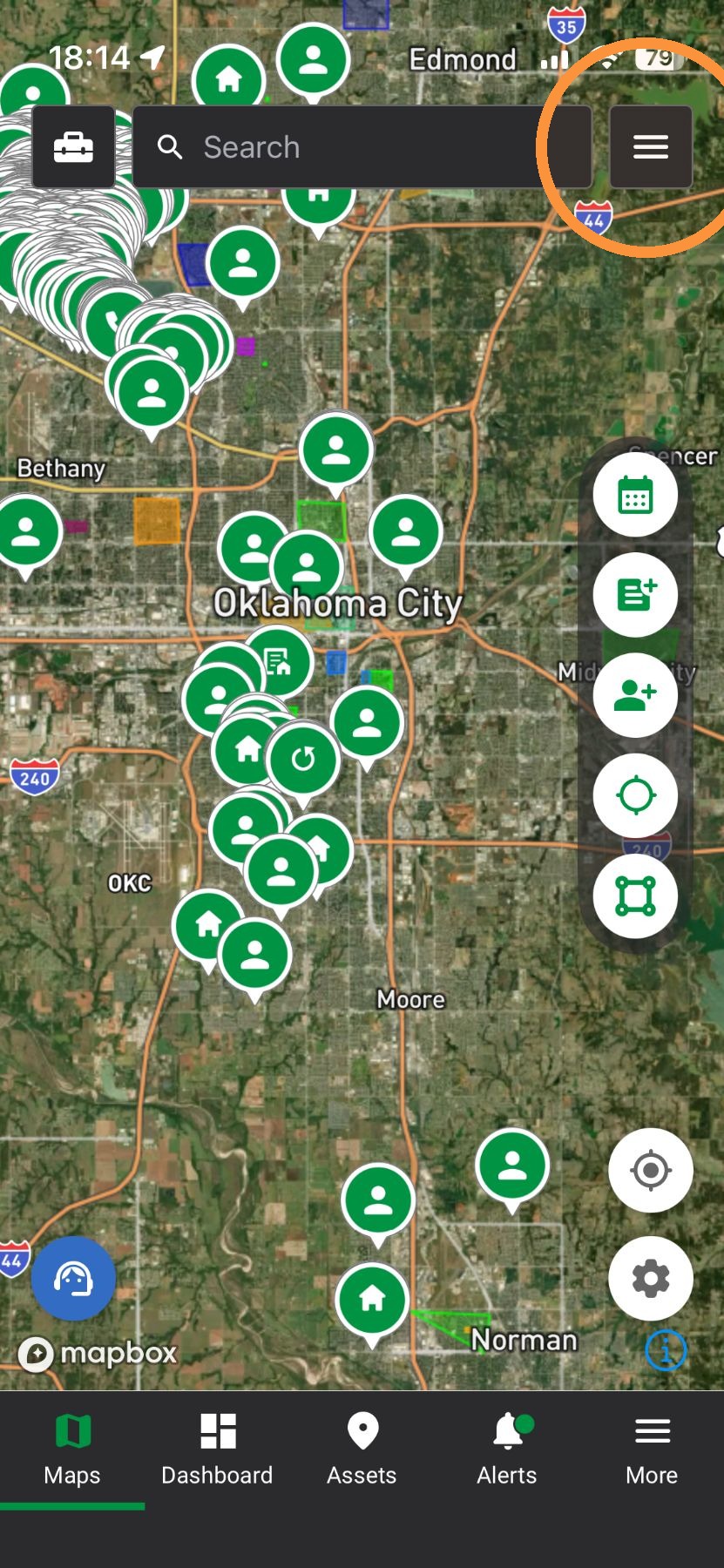
1. Tap Navigation Panel
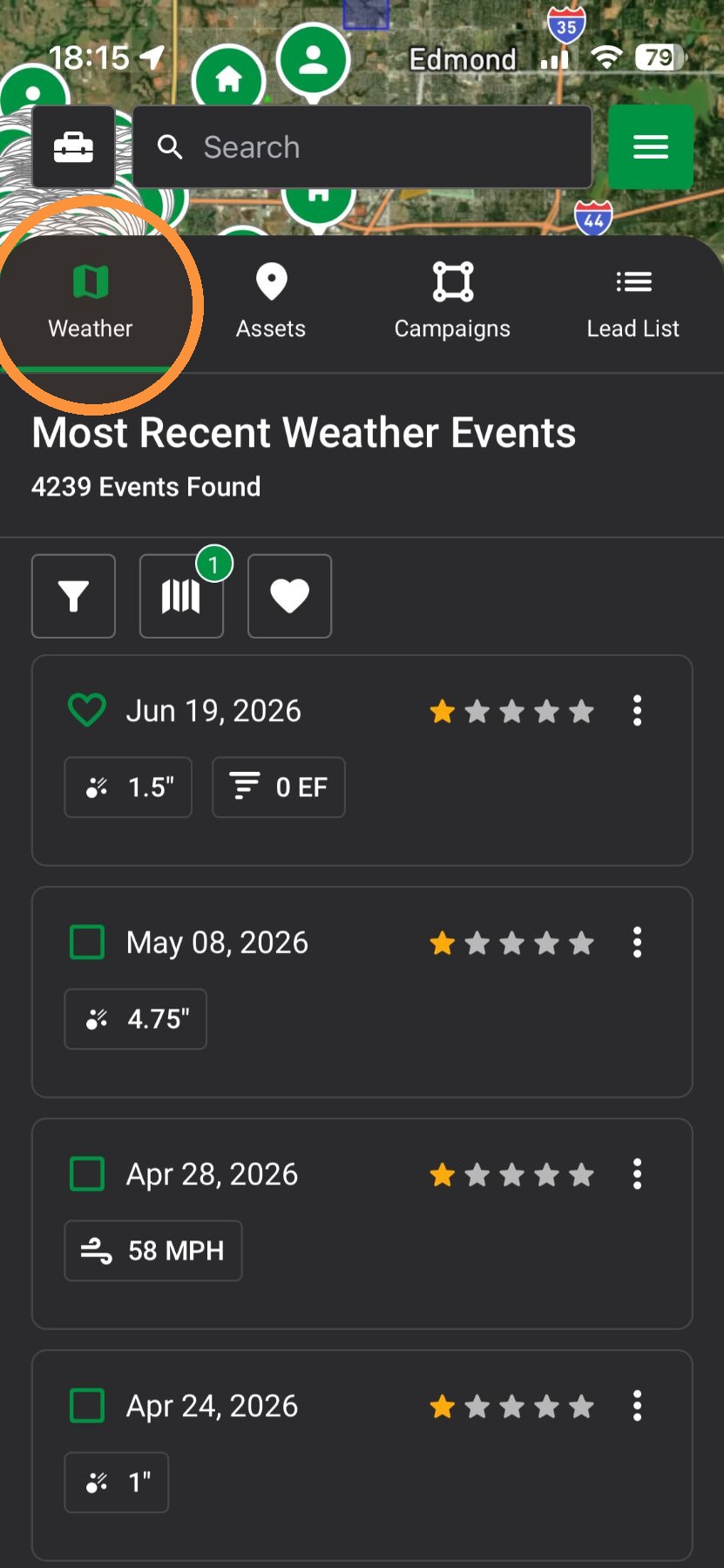
2. Tap "Weather" panel
3. Find & load a weather event
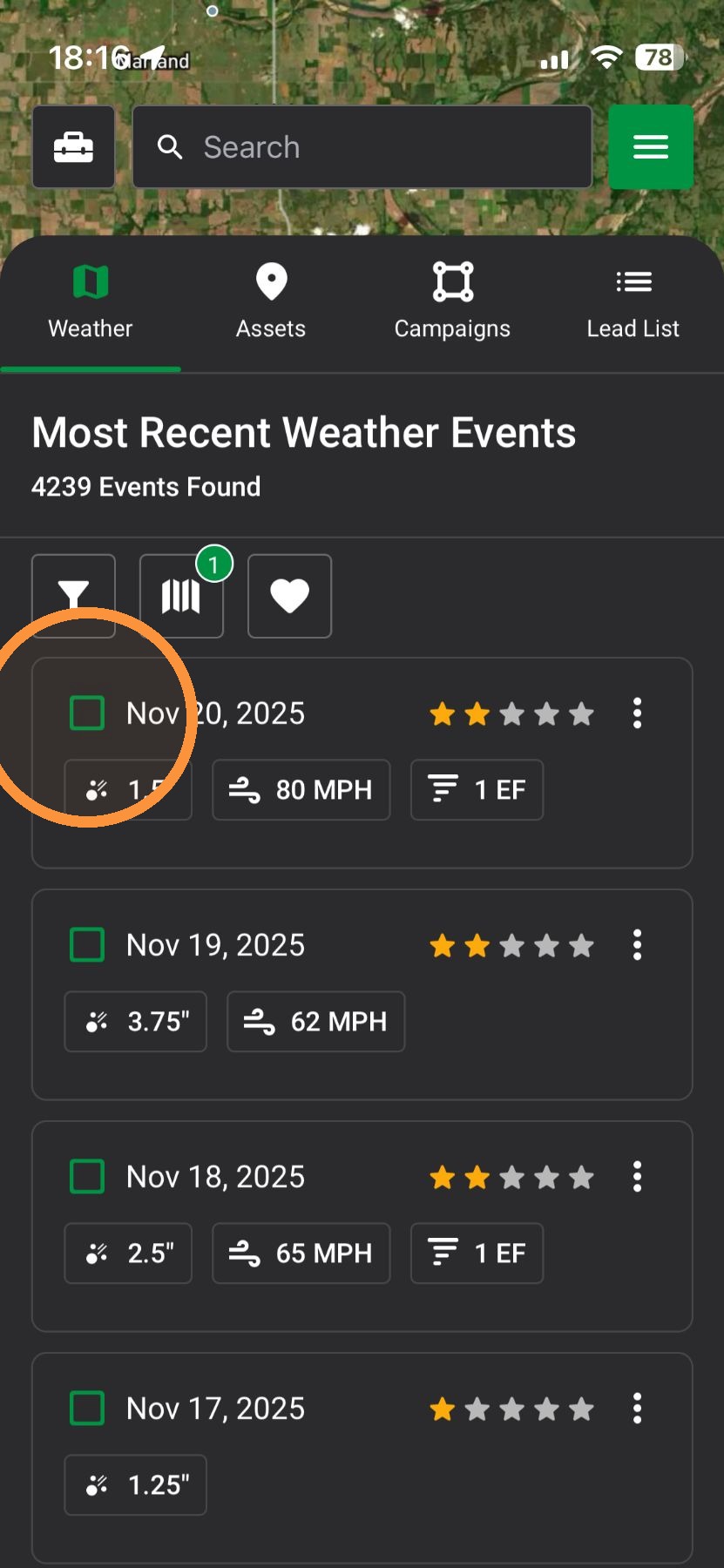
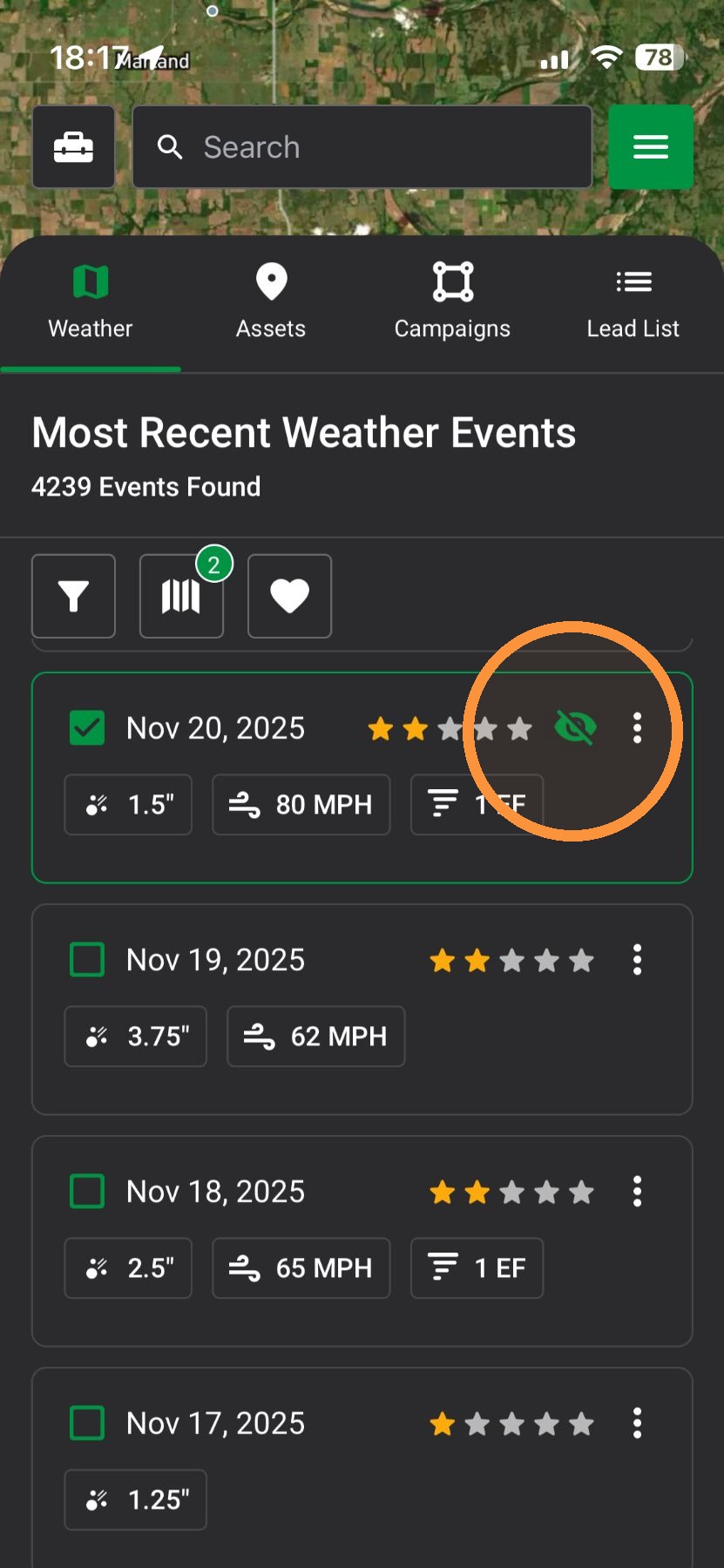
4. Tap the "View" icon to temporarily hide the weather event
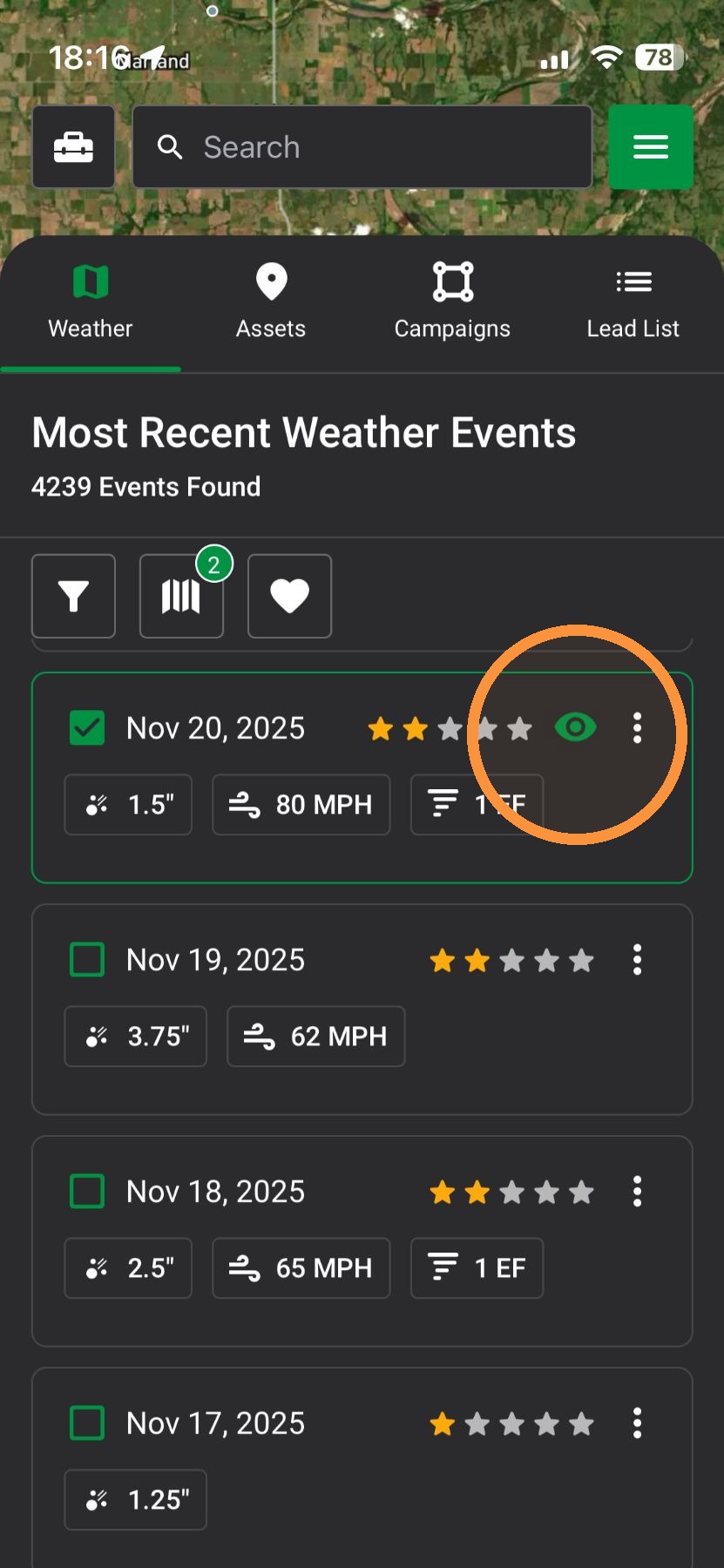
5. Tap the "View" icon again to reveal the weather event
Browser App
1. Click "Maps" page
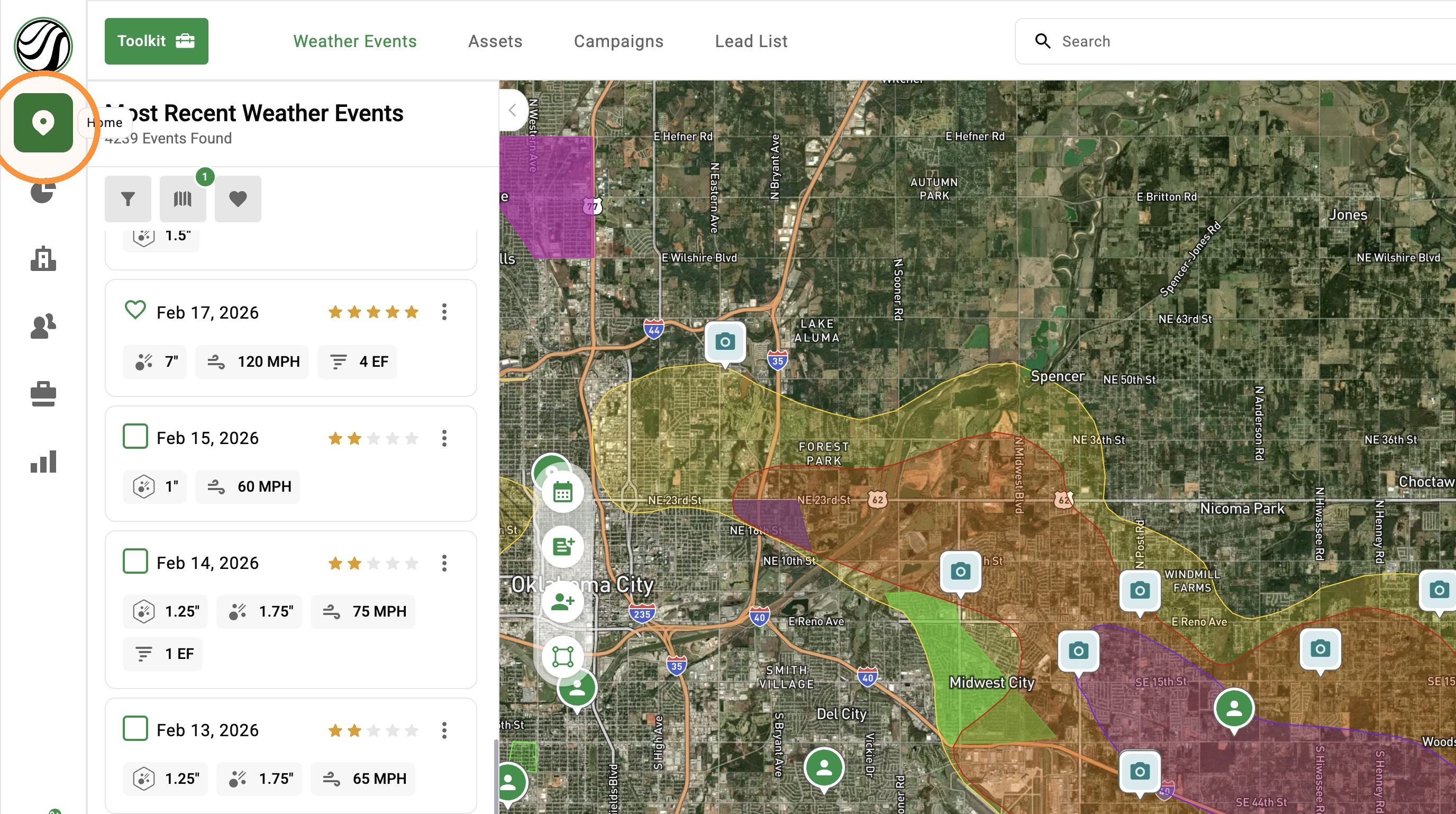
2. Load a weather event
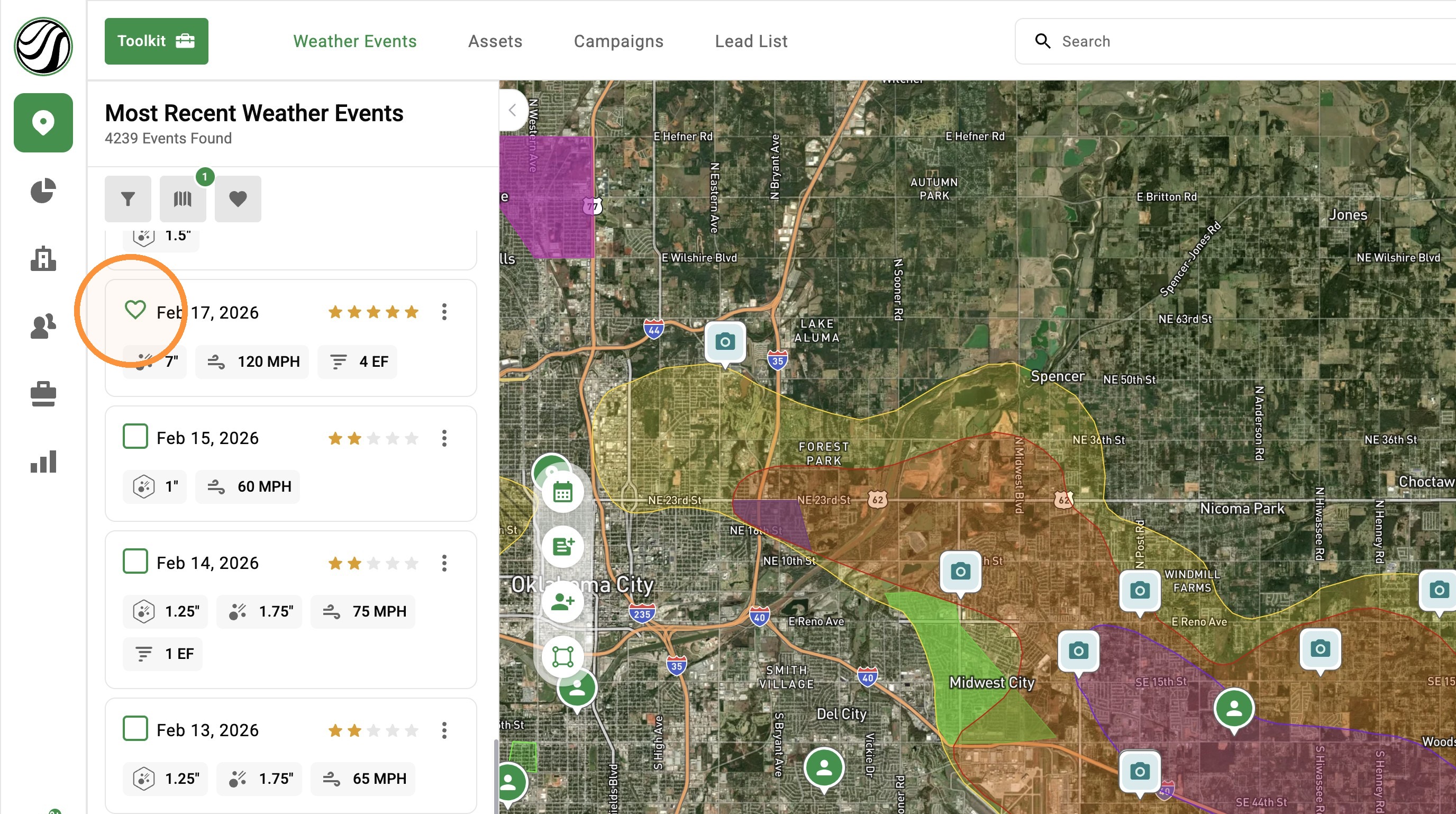
3. Click the "View" weather event icon to temporarily hide the map
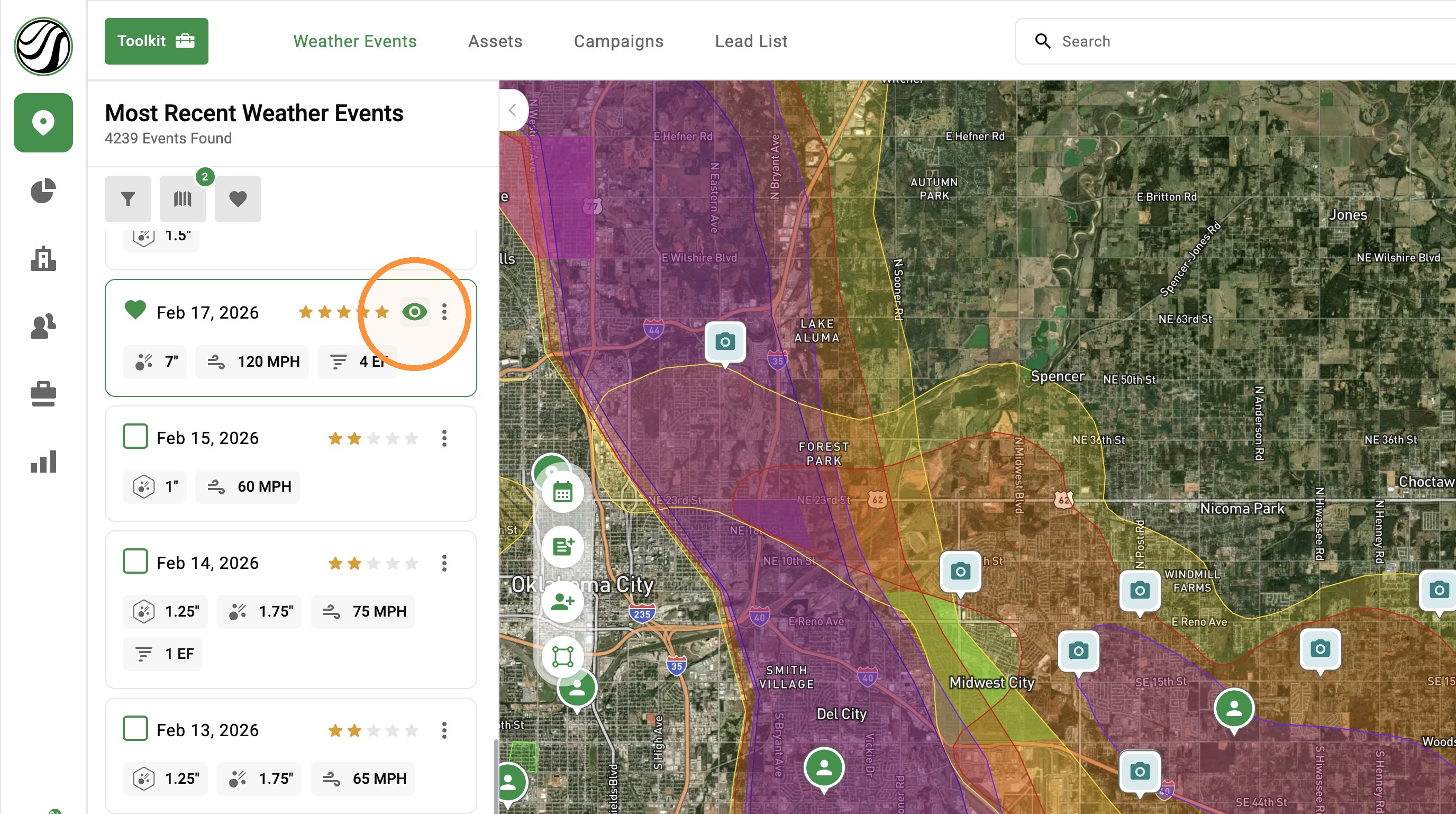
4. Click the "View" weather event icon again to reveal the map