Related Articles
[5.0] View and Edit a Campaign
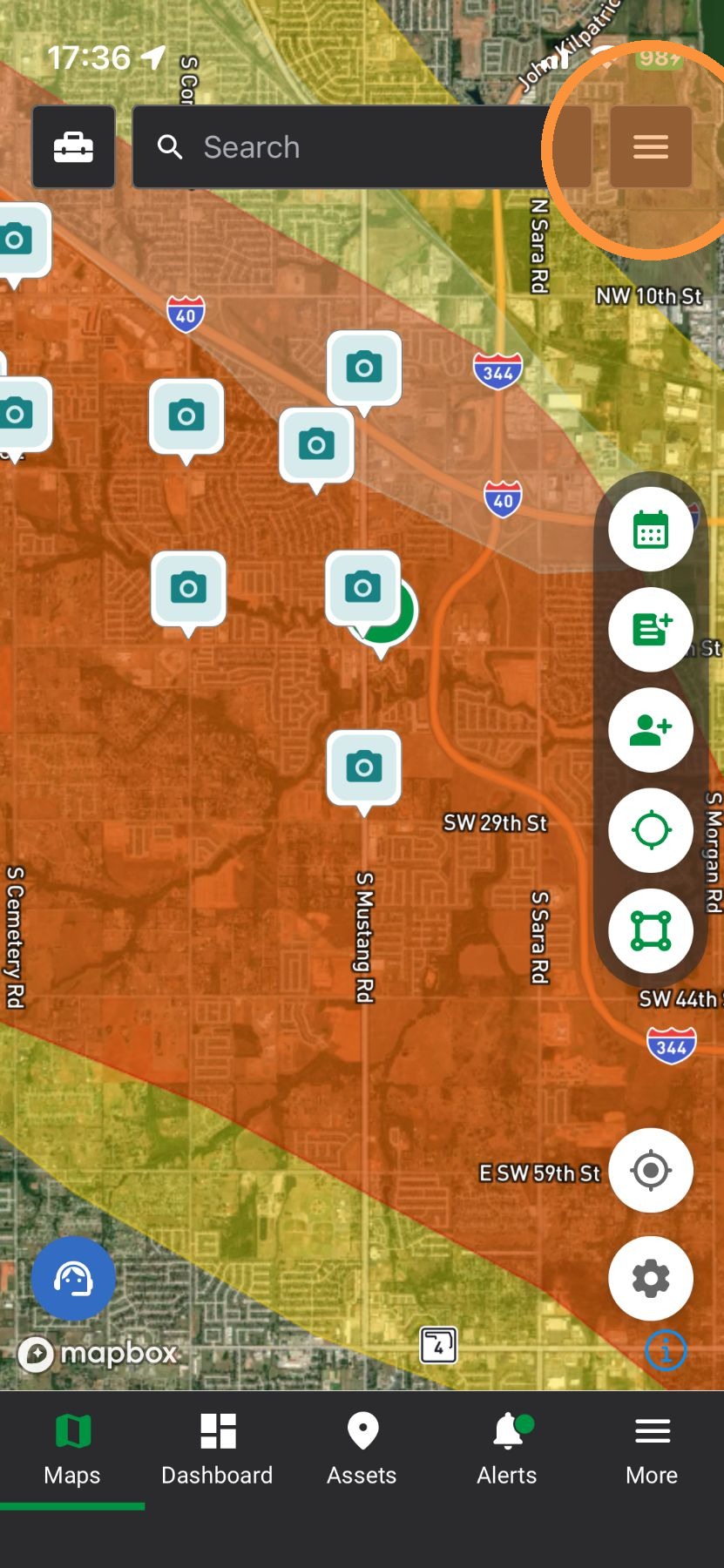
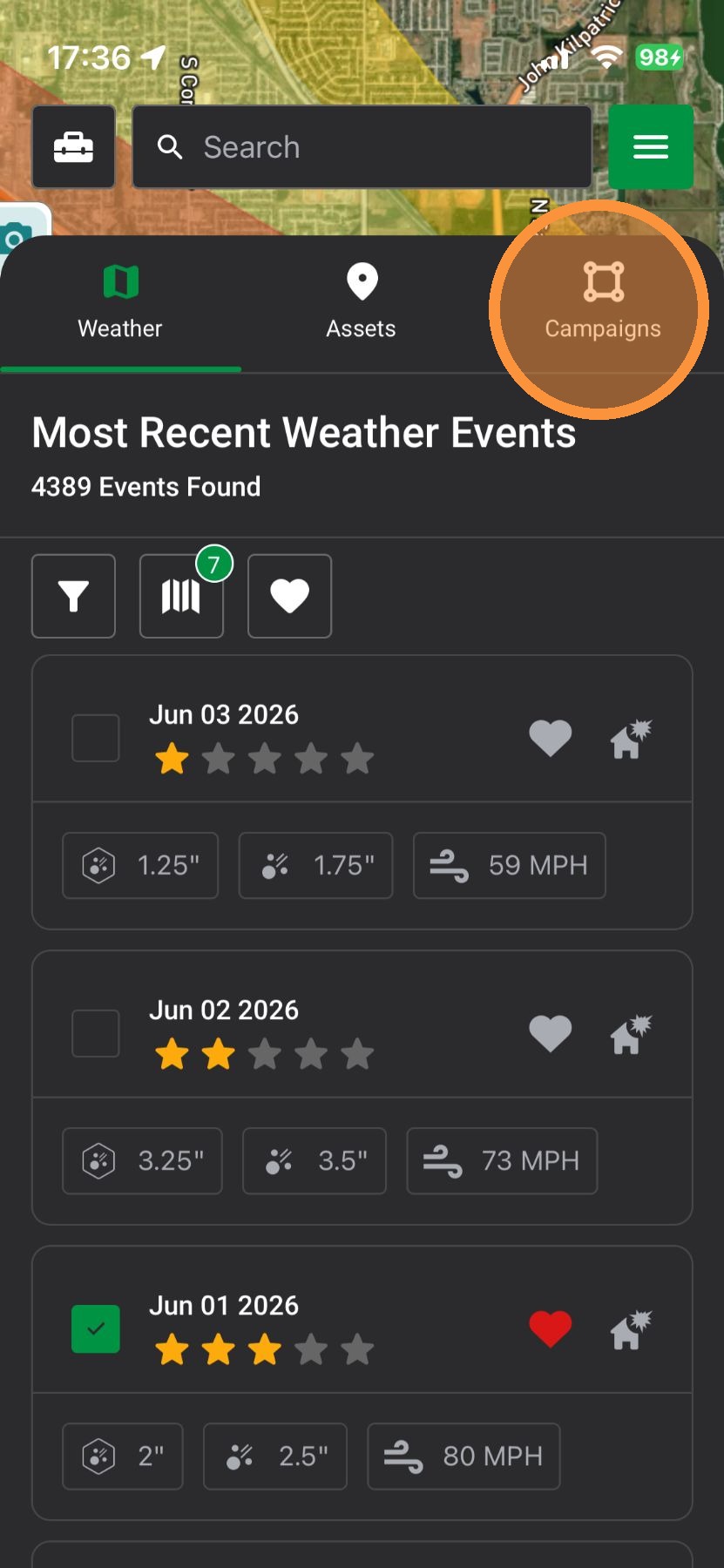
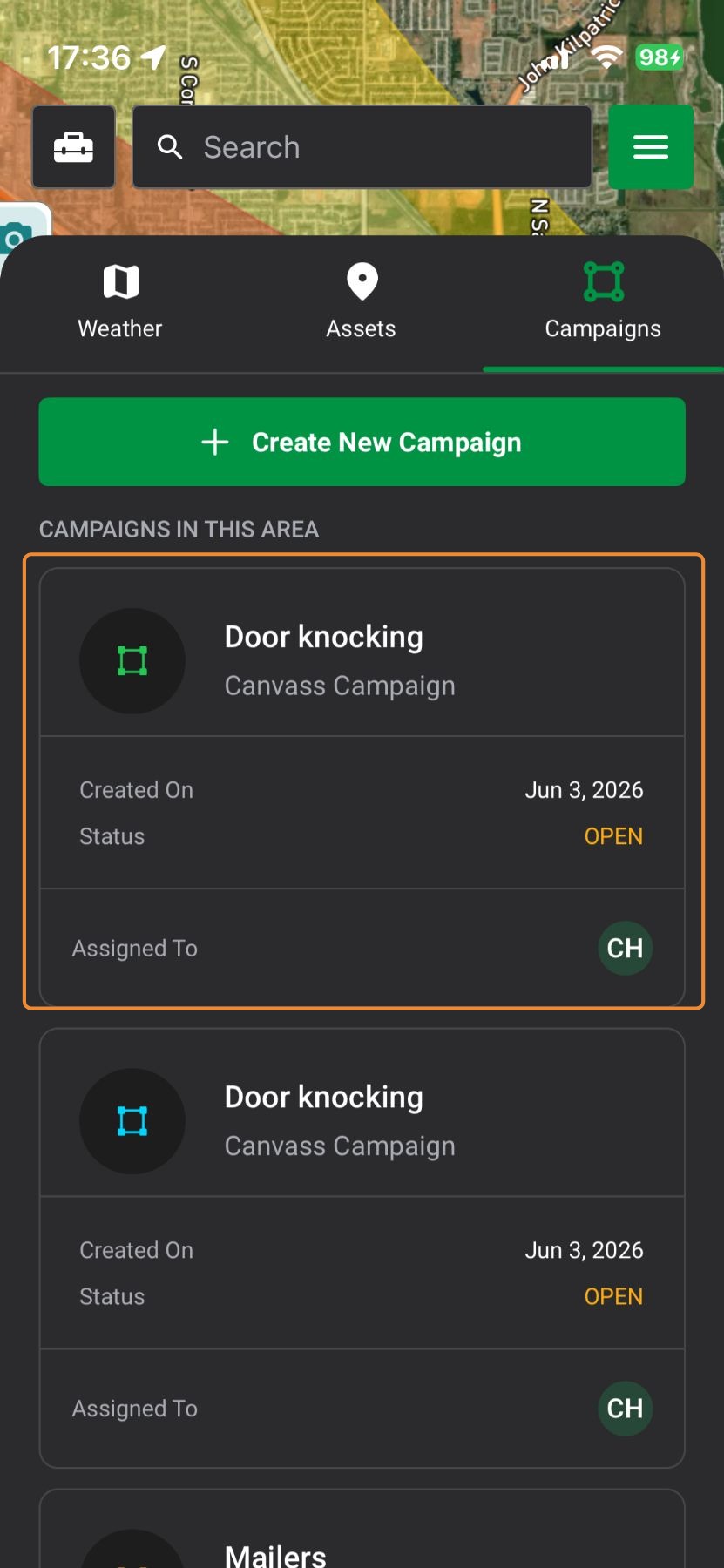
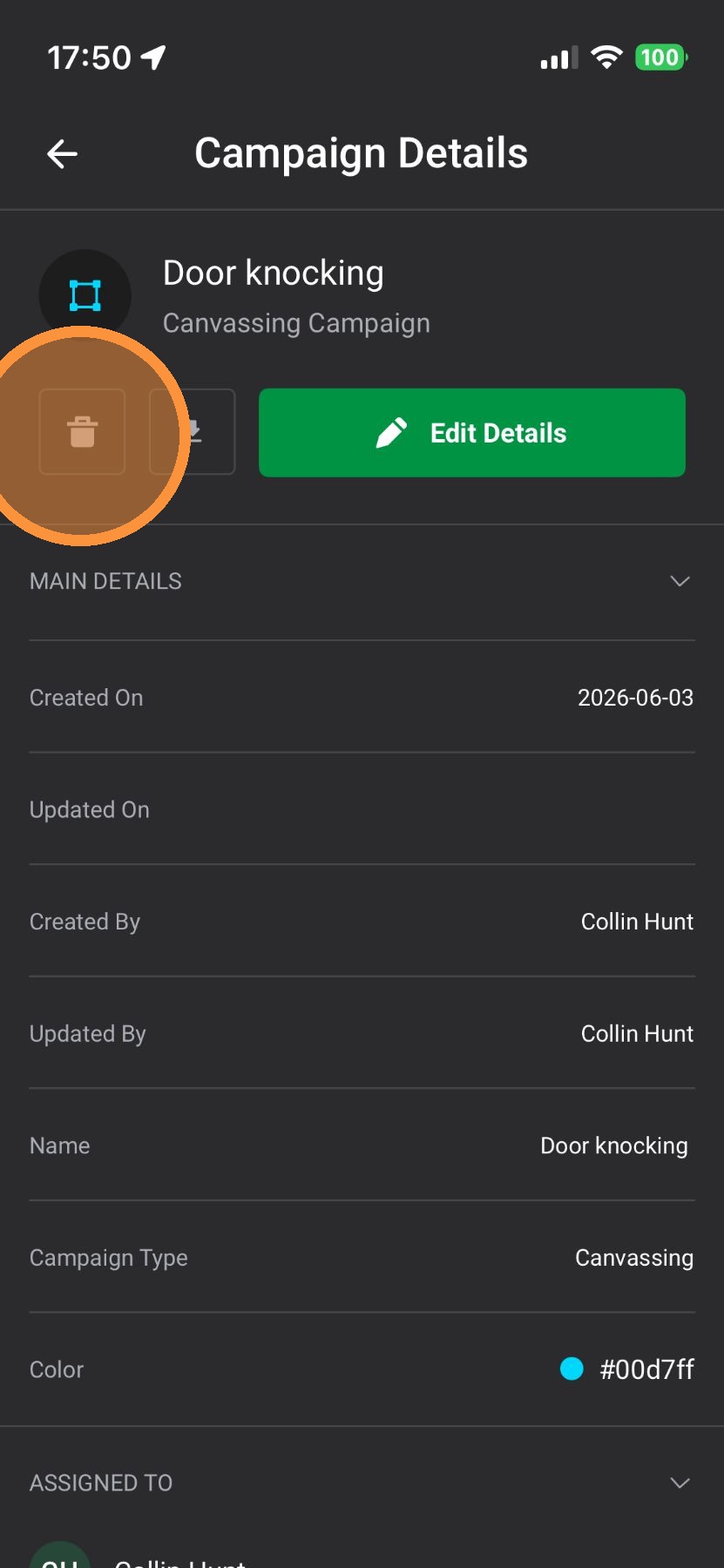
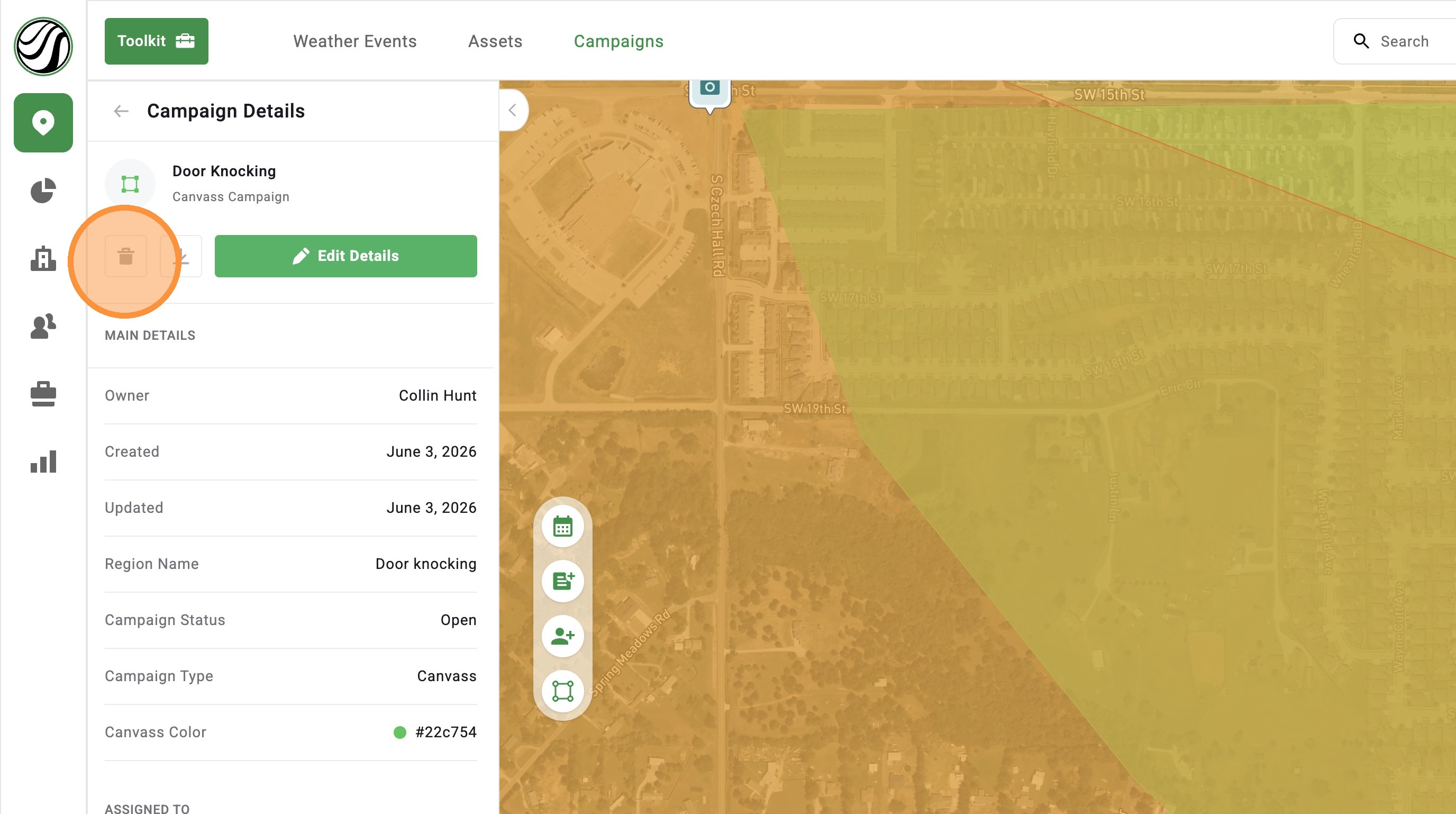
Campaigns help you eliminate confusion by organizing your team’s efforts around specific neighborhoods. Below are the steps to edit a campaign. Want to create a campaign? Read this article. Only Account Owners, DealTrace Manager, or DealTrace Admin ...
[5.0] Create A Campaign To Coordinate Teams
After a storm, it’s easy for sales, marketing, and canvassing teams to step on each other’s toes — or miss key opportunities altogether. Campaigns help you eliminate the confusion by organizing your team’s efforts around specific neighborhoods. You ...
[5.0] Edit Sub-users' Personal Info, Access, and Roles
Account Owners and users with an Admin role can update sub-user accounts as needed. This includes changing a user’s personal information, app access, roles, and permissions. Use this when a team member changes positions, needs access to more tools, ...
[5.0] Edit or Delete One-Way HailTrace Integrations
Edit an Integration Along the left-hand bar, select Personal Settings, indicated by the "gear" icon Select API Keys Click Edit to the right of the API Key "title" Edit API Key Click Save Delete an Integration Along the left-hand bar, select Personal ...
[5.0] How To Edit Roof Squares and Predominant Pitch in RoofTrace™
RoofTrace™ automatically calculates roof squares, predominant pitch, and replacement value. Most of the time, those numbers are accurate enough for fast estimates and sales conversations. But if you see something that looks off, you can manually edit ...