[5.0] How to Delete Assets
The following steps will allow you to delete some or all of your assets in the HailTrace app.
You will need one of the following roles to delete assets:
- Account Owner
- Asset Admin
- DealTrace Admin
Mobile App
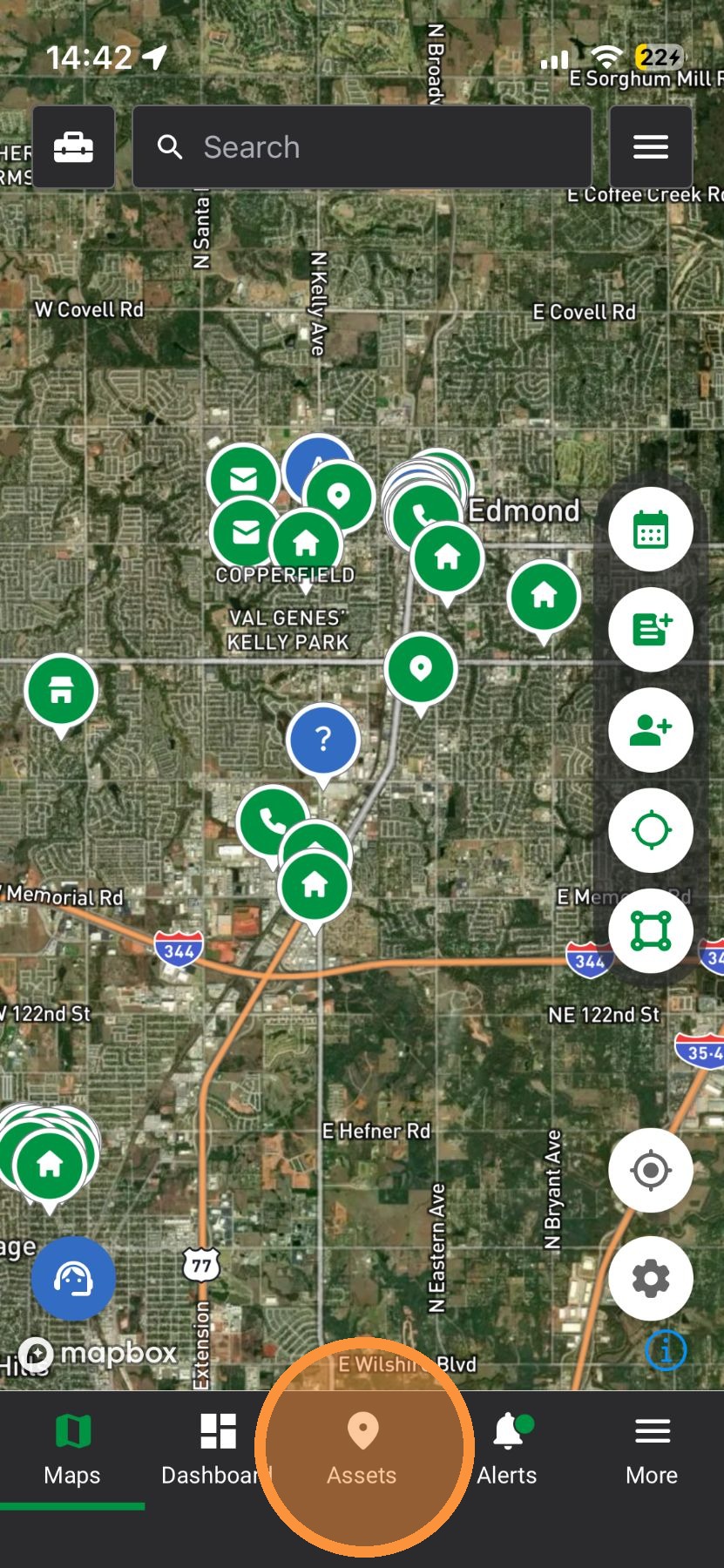
Way #1: Assets Page

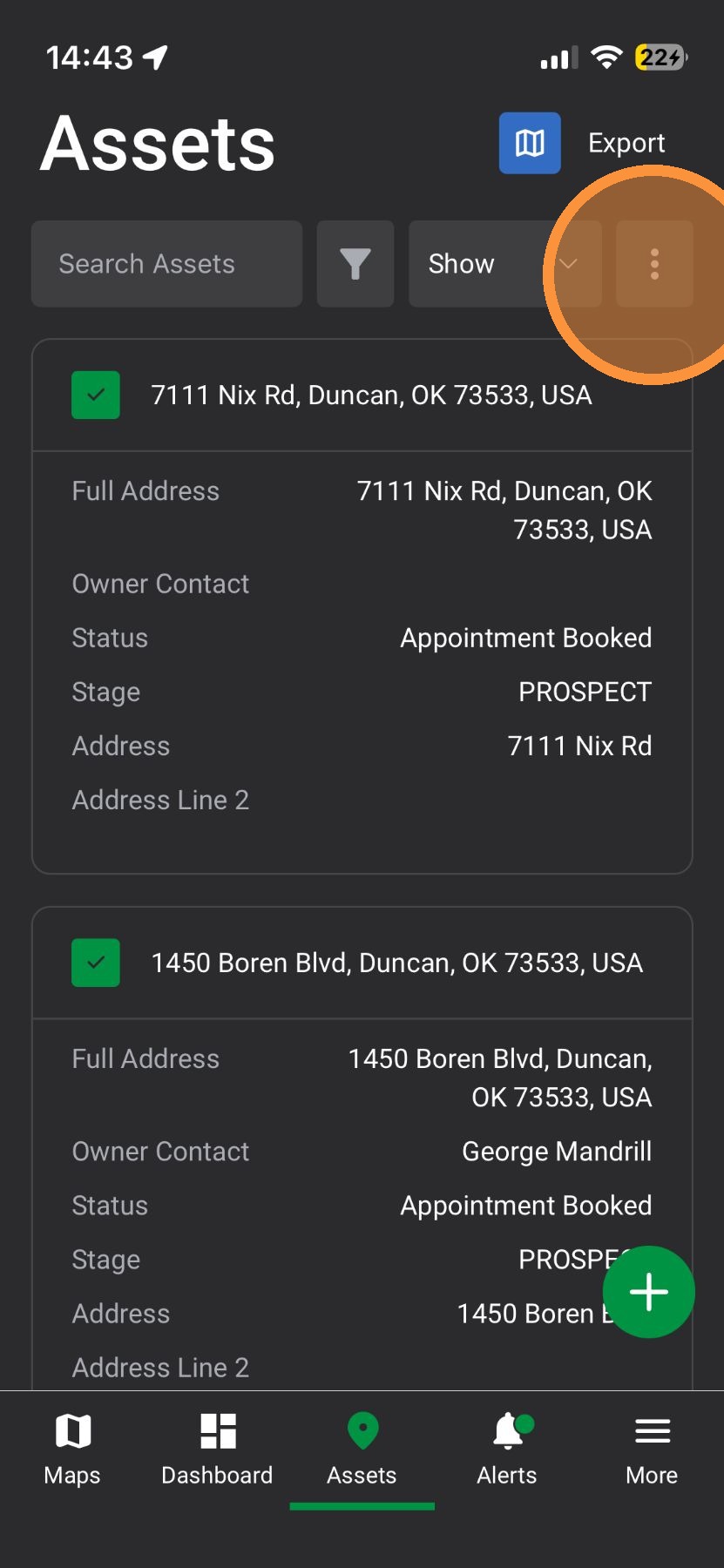
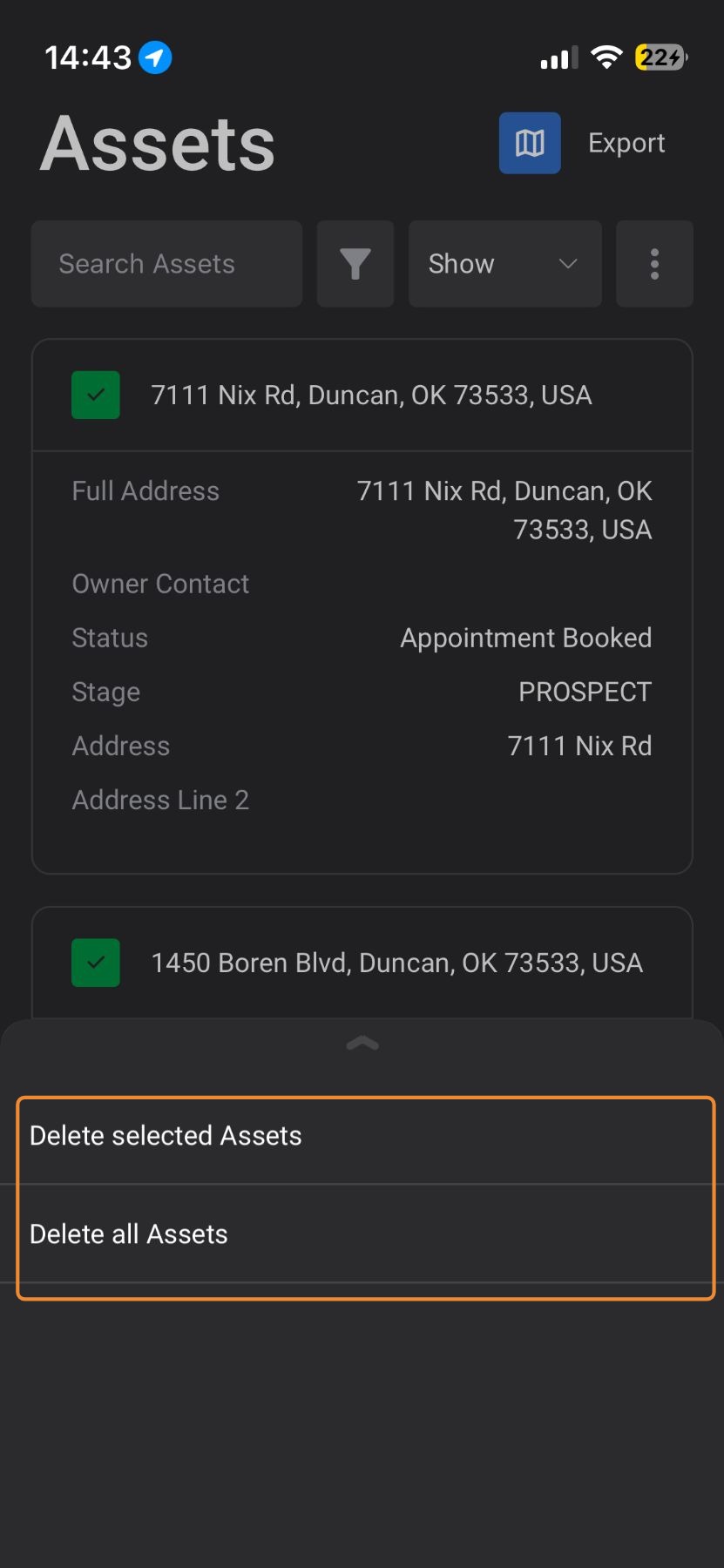
2. Select Asset(s) to be deleted (skip this step if deleting ALL assets)
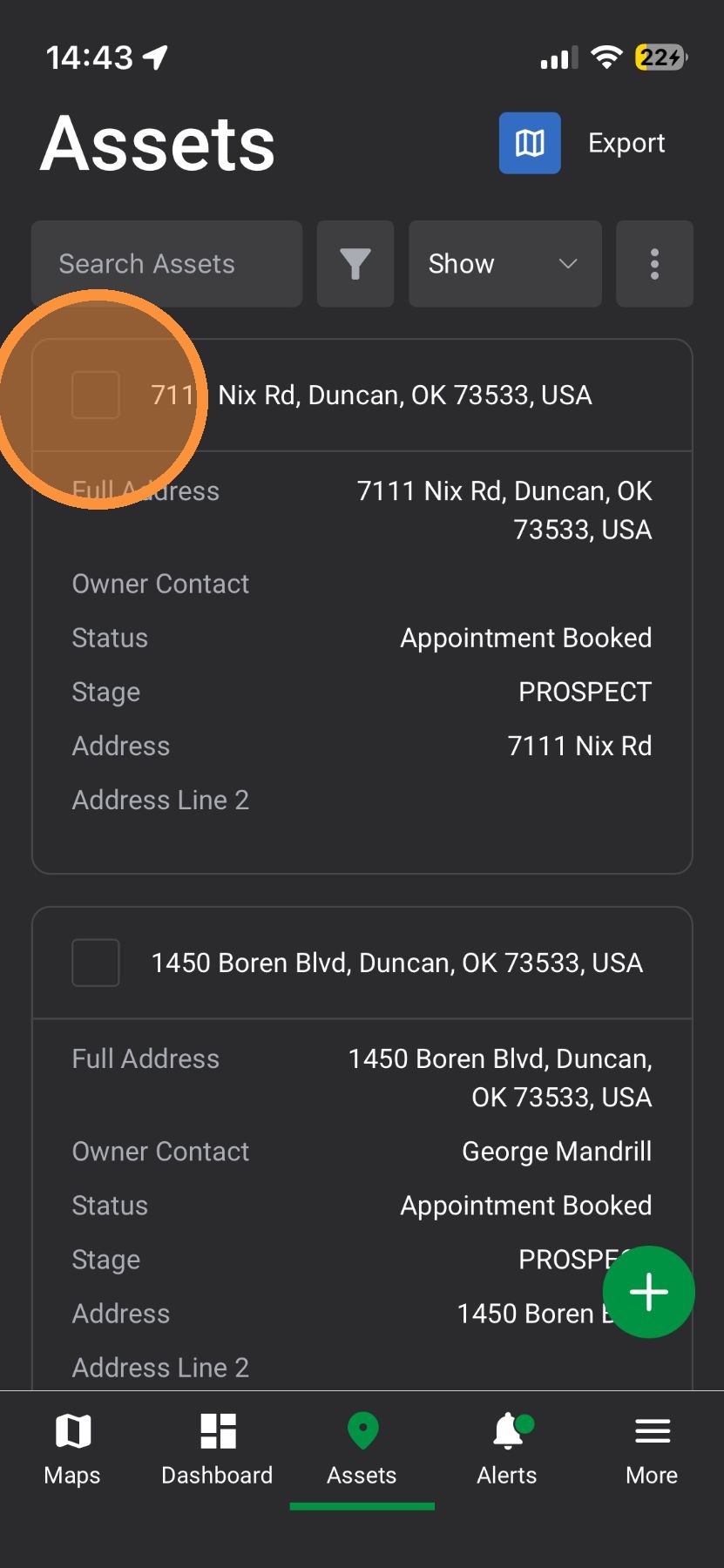

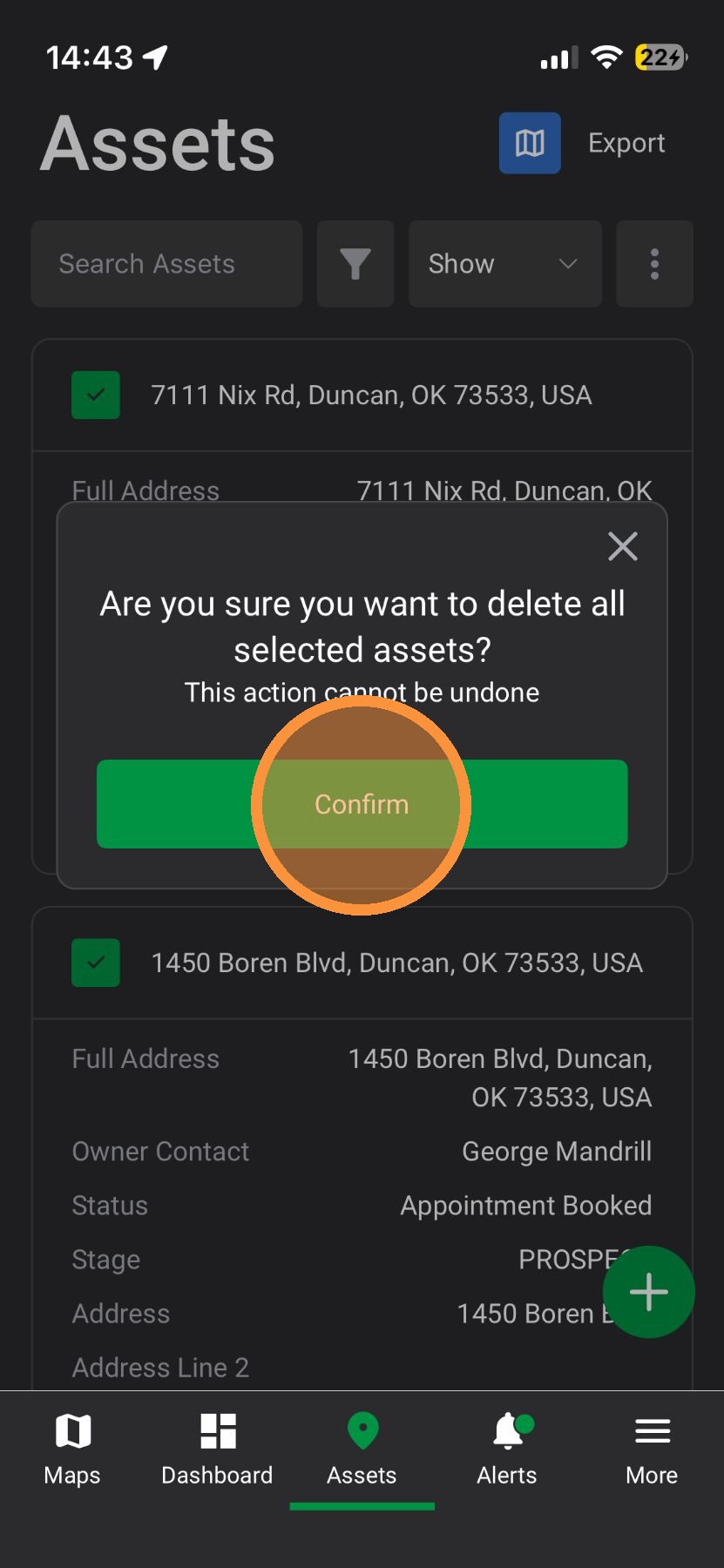
4. Select "Delete selected assets" or "Delete all Assets"

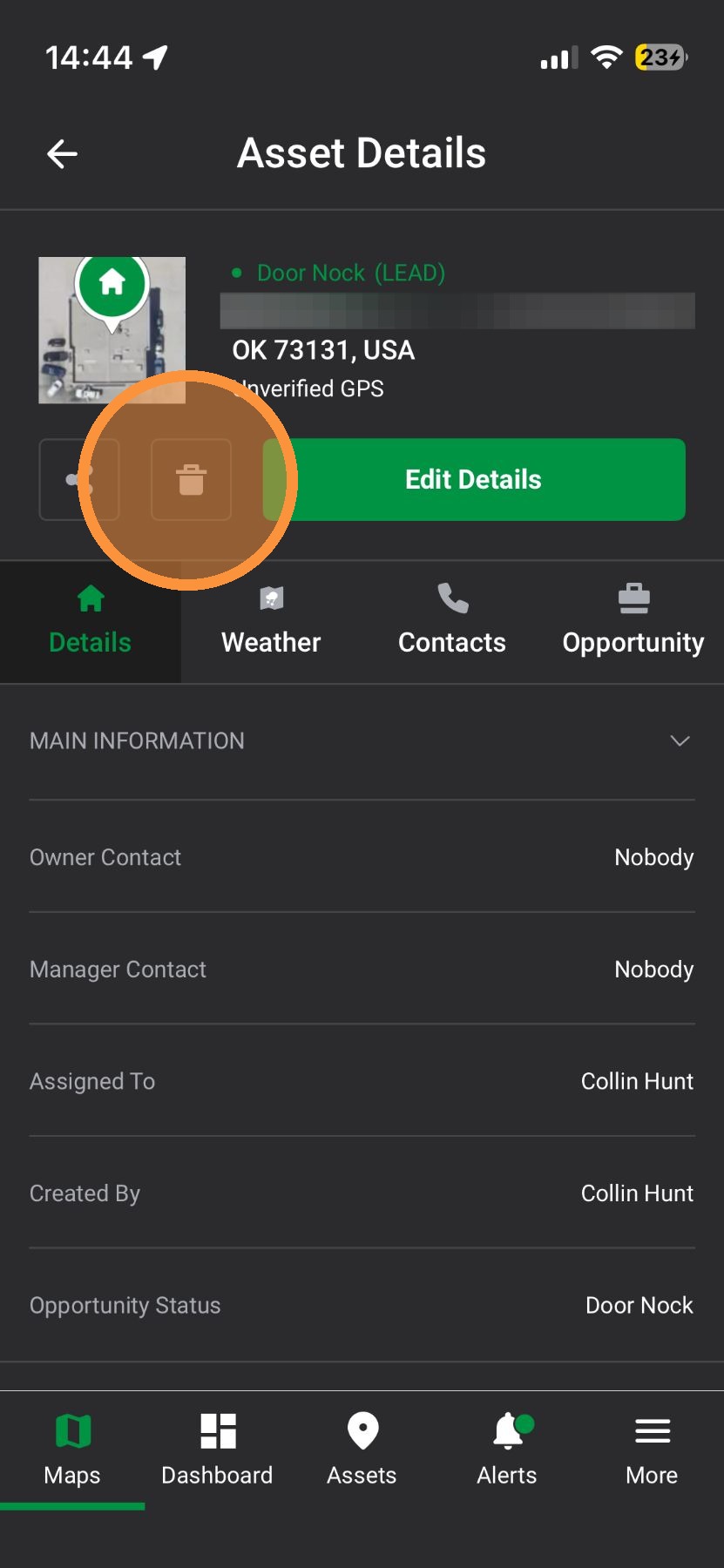
Way #2: Maps page
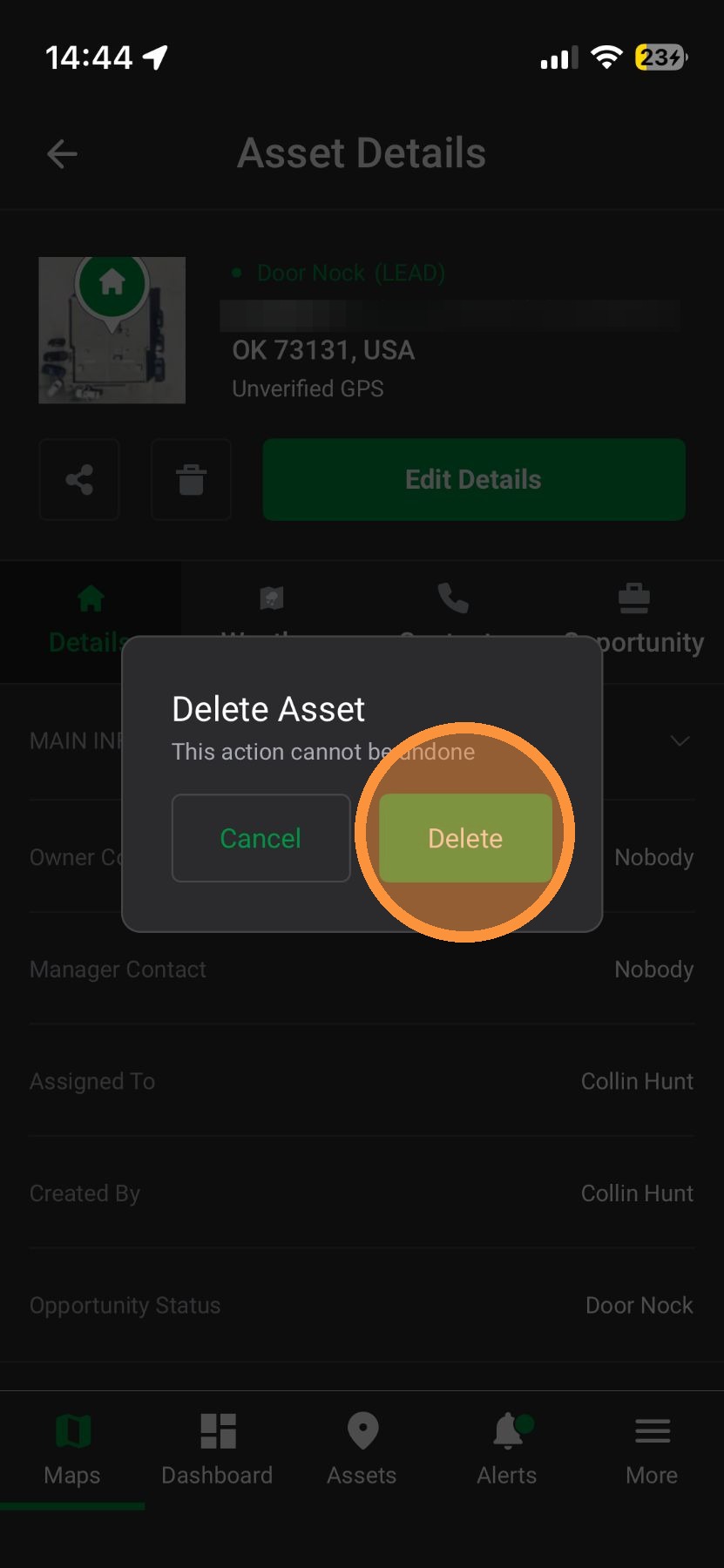
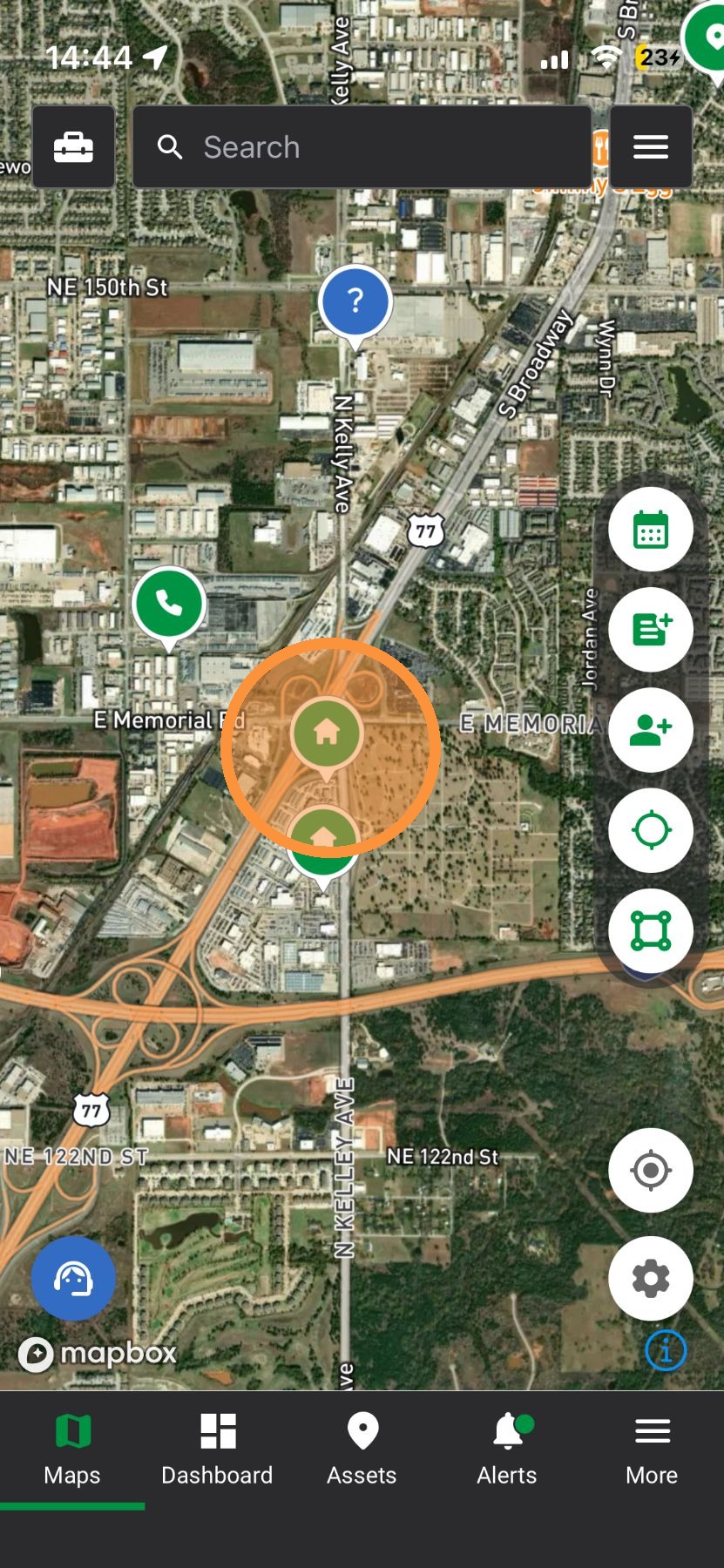
1. Tap an asset on the Map page or find an asset in the search bar


Browser App
Way #1: Assets Tab
1. Select Assets tab
2. Select Asset(s) to be deleted (skip if you need to delete ALL assets)
4. Select one of the following options: Delete Selected or Delete All
5. Type "CONFIRM" and click Confirm
Way #2: Maps Tab
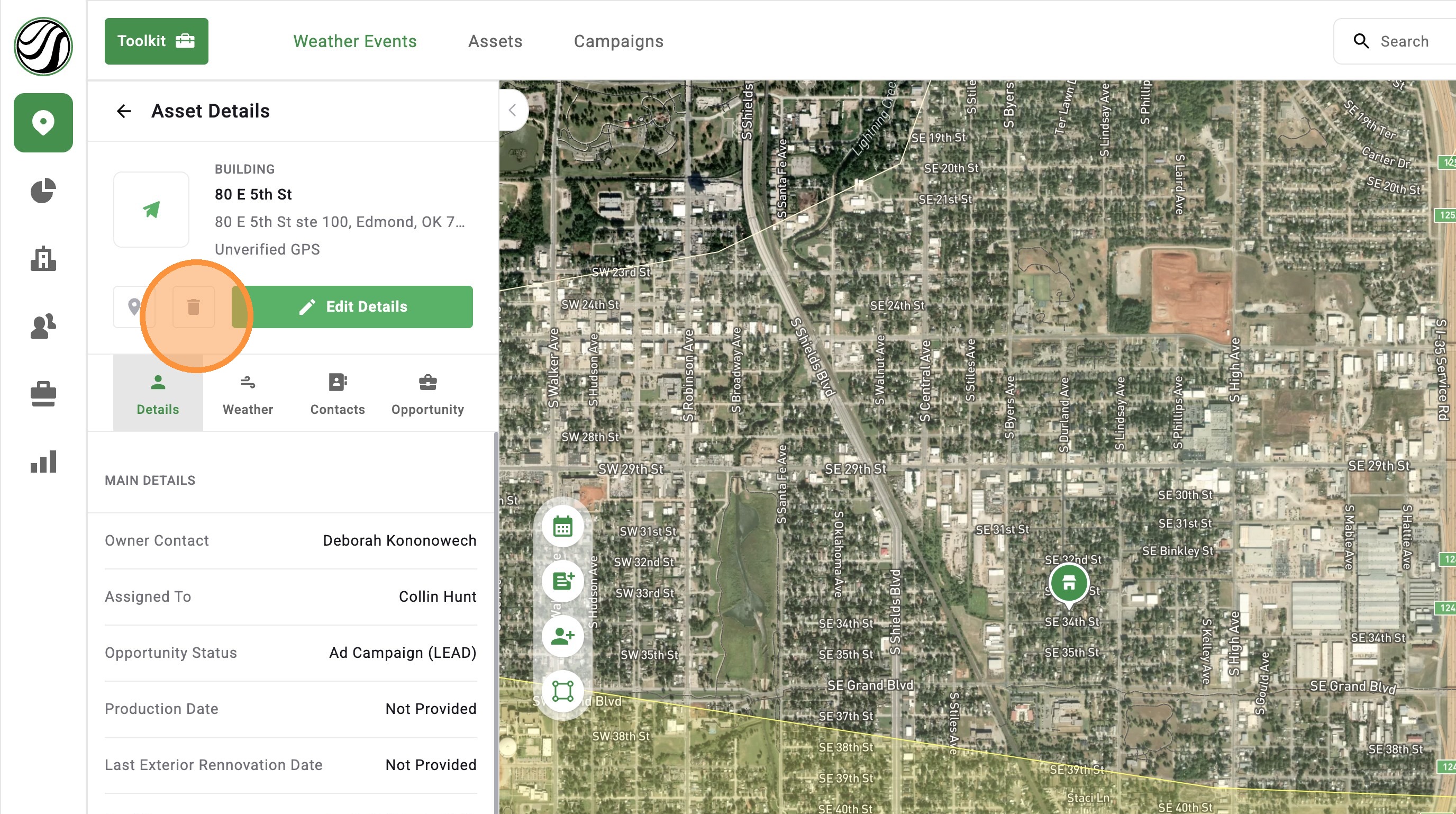
1. Click on an Asset or find an Asset in the Search bar
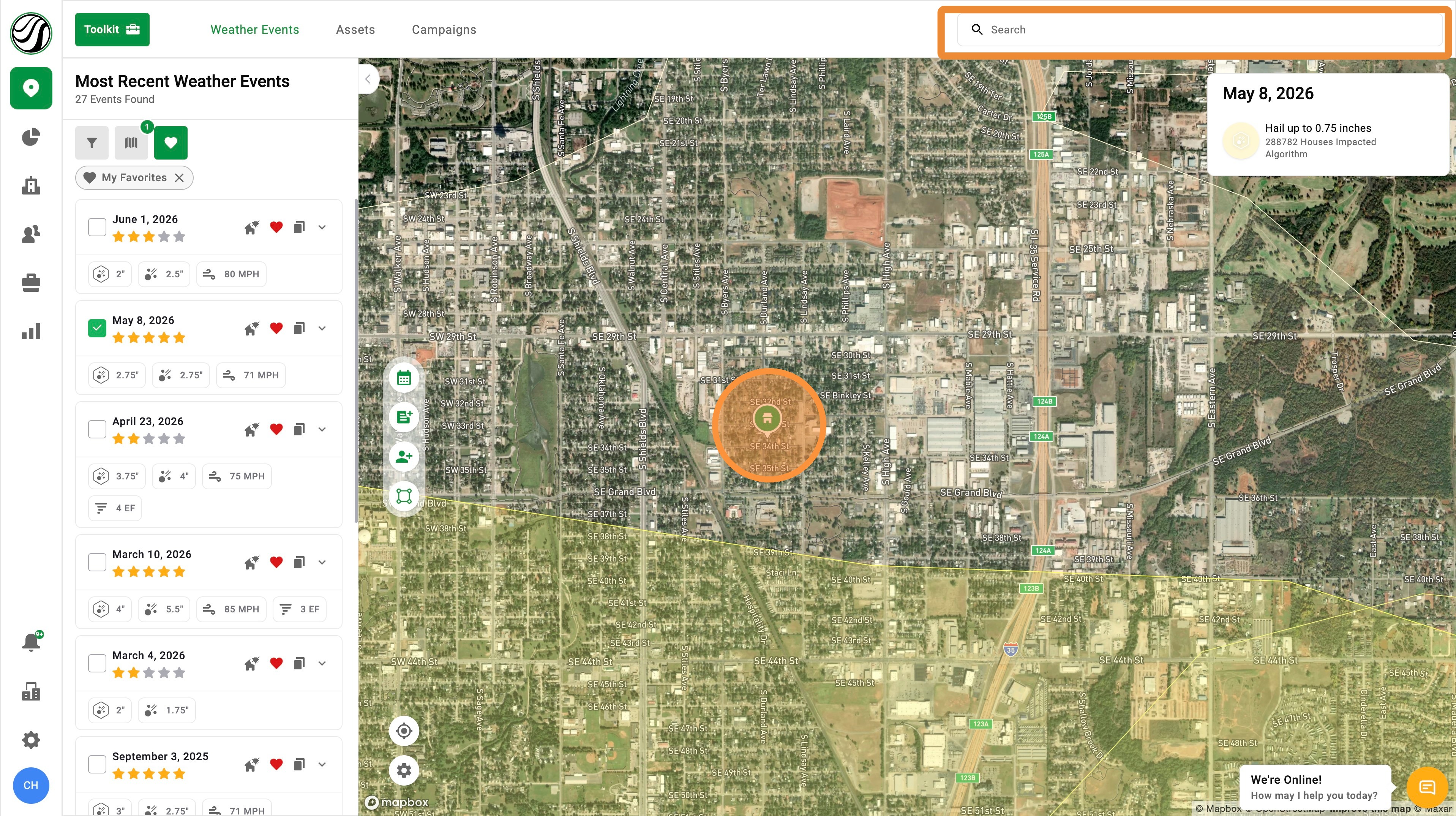

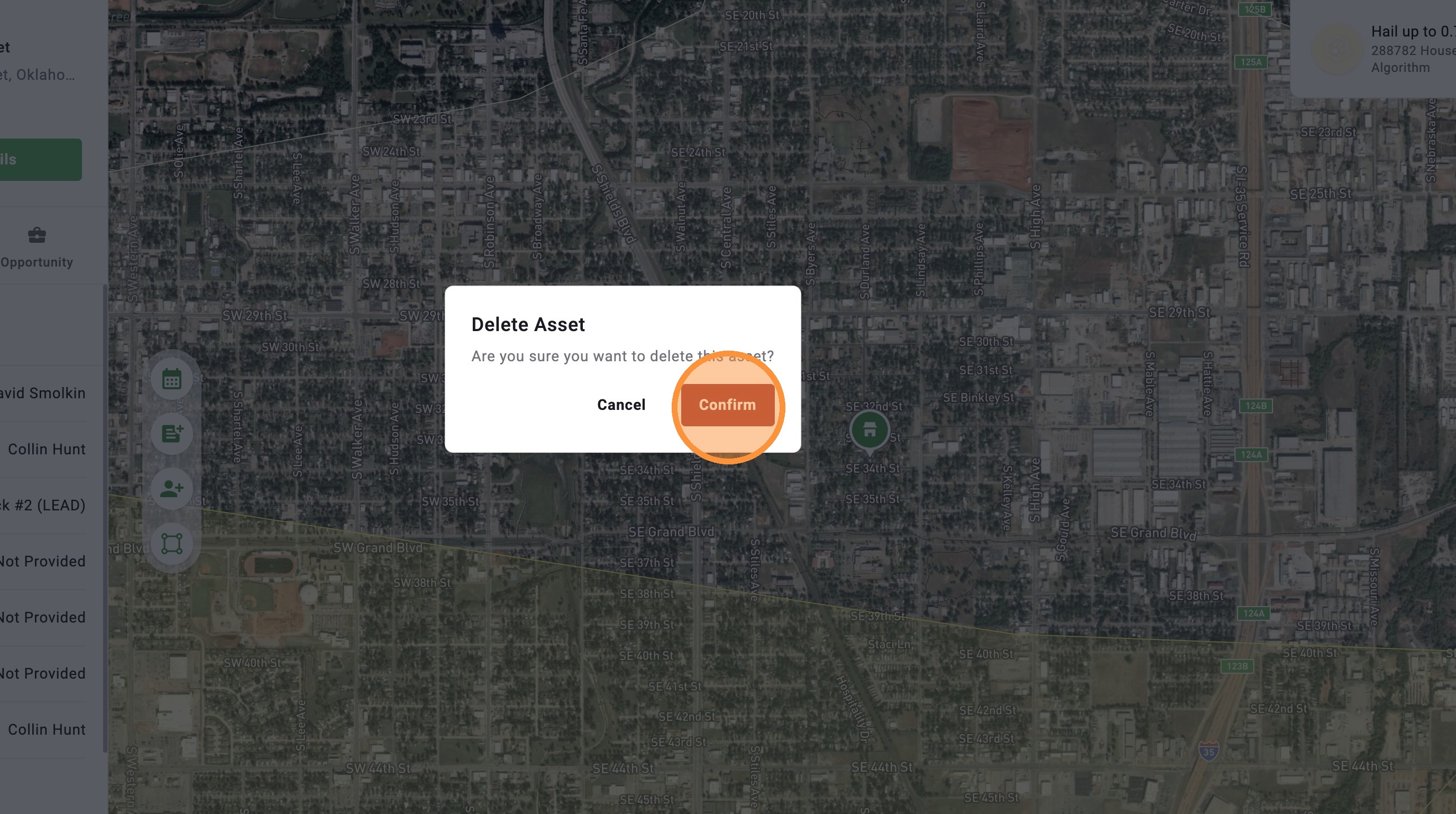
3. Click "Confirm" to delete asset

Related Articles
[5.0] Upload Your Assets(Clients) Into HailTrace
Uploading your clients into HailTrace helps your team see which properties were impacted by recent storms and track every deal in one place. By importing your client list, you can: Generate new sales from past storms – Identify and contact leads or ...
[5.0] Use the Asset Panel to Find, Create, and Manage Assets
The Asset Panel now makes it easier to manage your work without leaving the map. Filters are built right into the panel, so you can quickly find the assets you need. You can also create a new asset right from the panel. This helps you stay organized, ...
[5.0] Edit Sub-users' Personal Info, Access, and Roles
Account Owners and users with an Admin role can update sub-user accounts as needed. This includes changing a user’s personal information, app access, roles, and permissions. Use this when a team member changes positions, needs access to more tools, ...
[5.0] Asset Import CSV Template
Attached is a template you can user when uploading a client list(assets) into the HailTrace app. For the full steps, read Import Assets
[5.0] How to Create an Asset, Contact, & Opportunity
When dropping a pin or tracking a lead in the HailTrace app, you can create an Asset, Contact, and Opportunity at the same time. This helps you track the door knock, start monitoring the property for future storm with Impacted Assets, and work the ...