[5.0] How to Order a Meteorologist Reviewed Report

[5.0] How to Order a Meteorologist Reviewed Report

Every claim needs proof of coveragedamage, and causationCausation shows whether the damage can be tied back to a specific storm.

HailTrace Weather Reports help document causation with trusted storm data tied to the date of loss.

Meteorologist Reviewed Report is helpful when the date of loss is unclear or being questioned. A meteorologist reviews the selected date or date range and confirms whether a qualifying storm occurred.

InfoNote: Meteorologist Reviewed Reports are included with your subscription and usually take 5–10 business days to complete, depending on demand.


Steps

1. Navigate to https://hailtrace.com
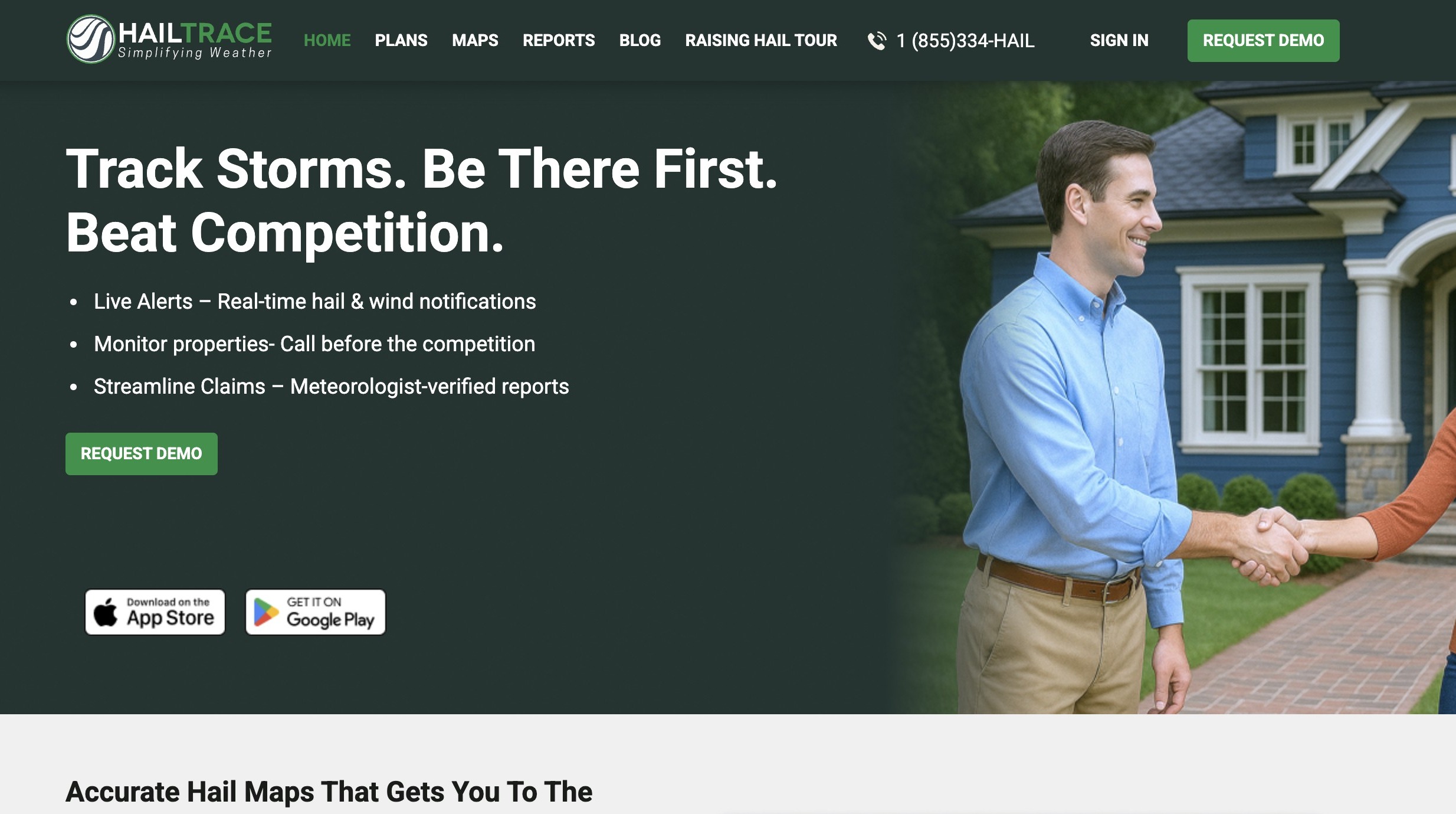

2. Click "Reports"
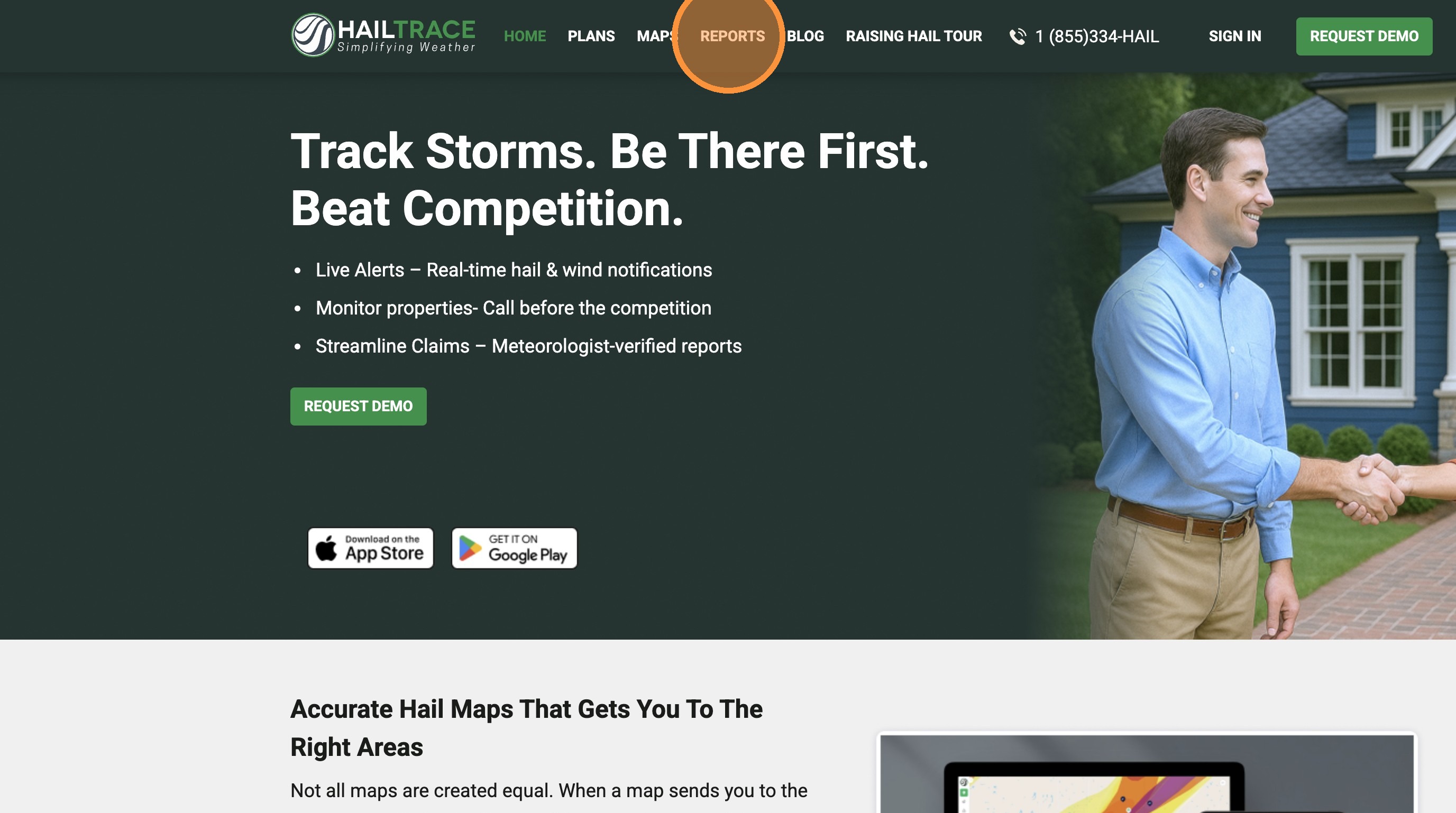

3. Click "BUY NOW" for the "Meteorologist Reviewed" report type.

Note: The price will be removed if you are ordering a report inside your subscription area
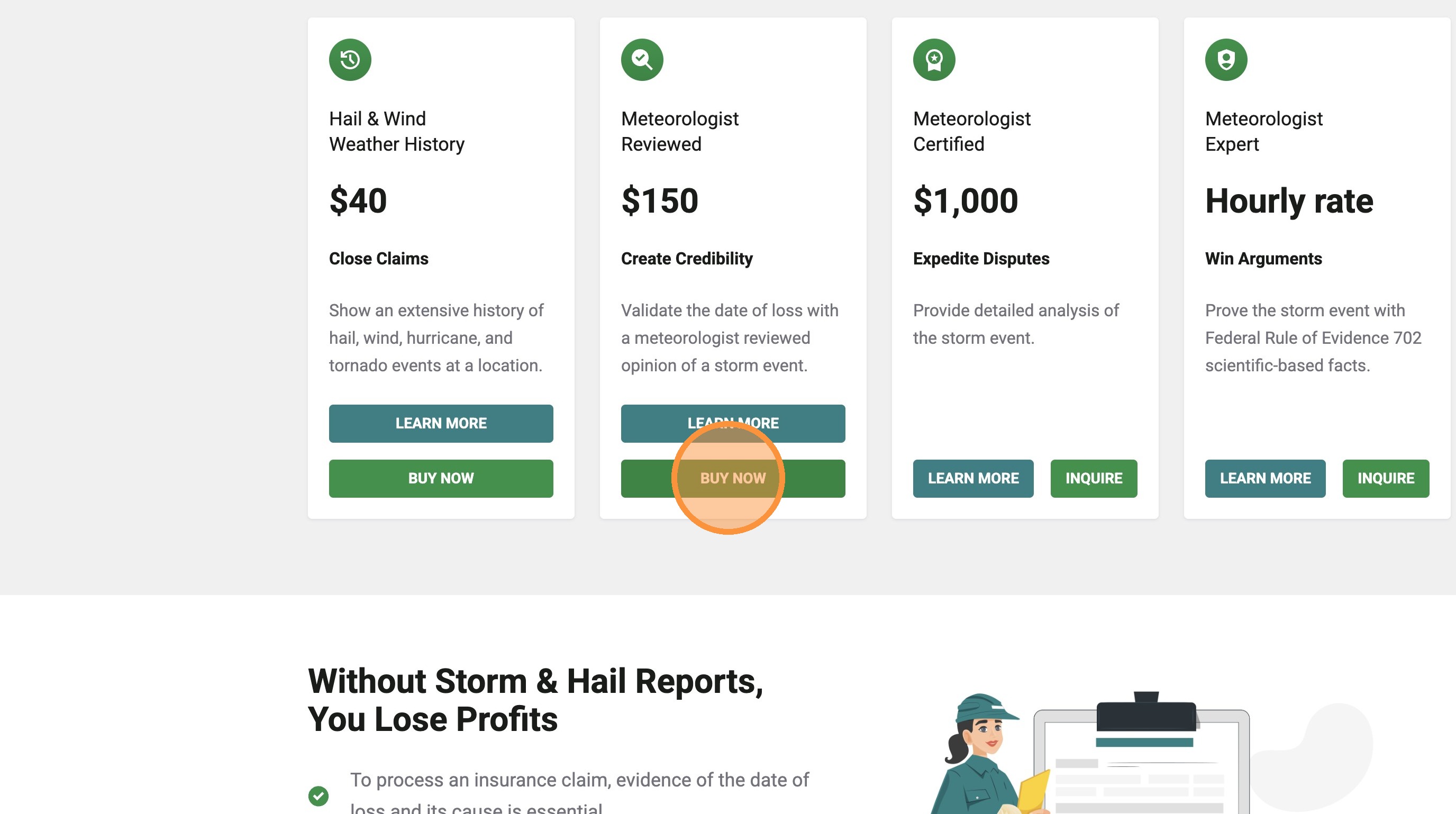

4. Sign in to your account or create a new account

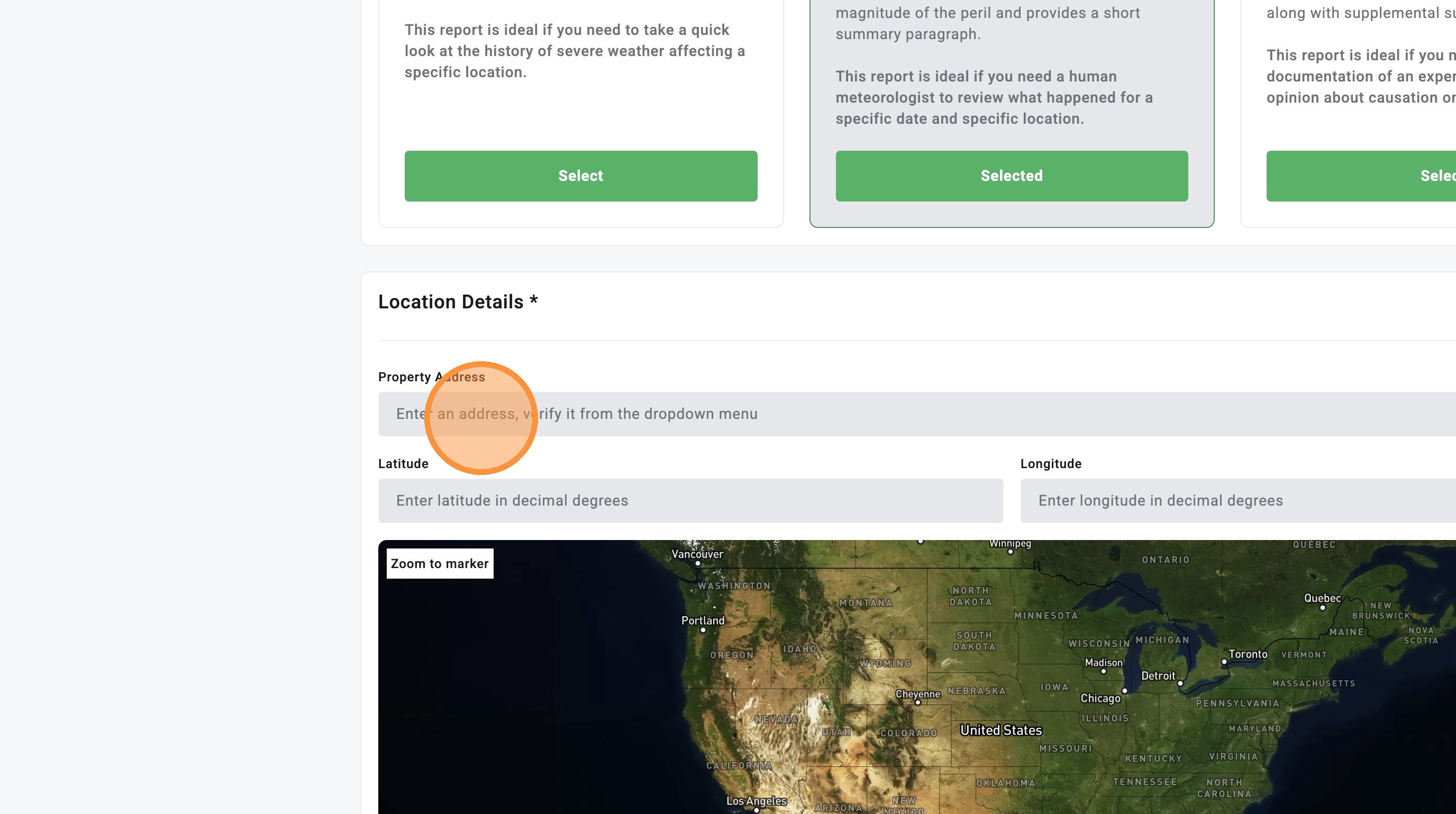
5. Enter the property address in the "Location Details" section.

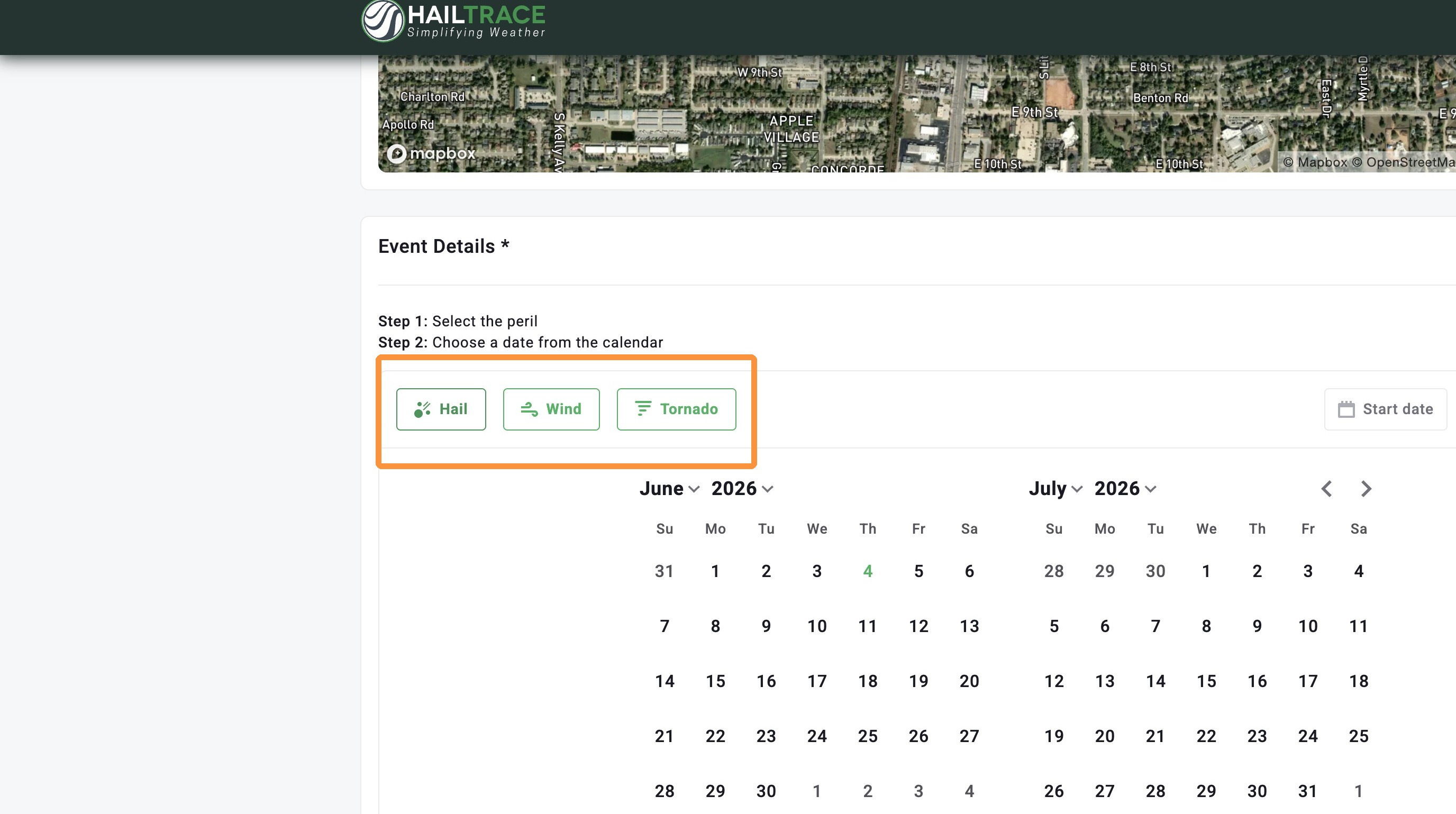
6. Select "Hail," "Wind," or "Tornado" as the peril for the report.

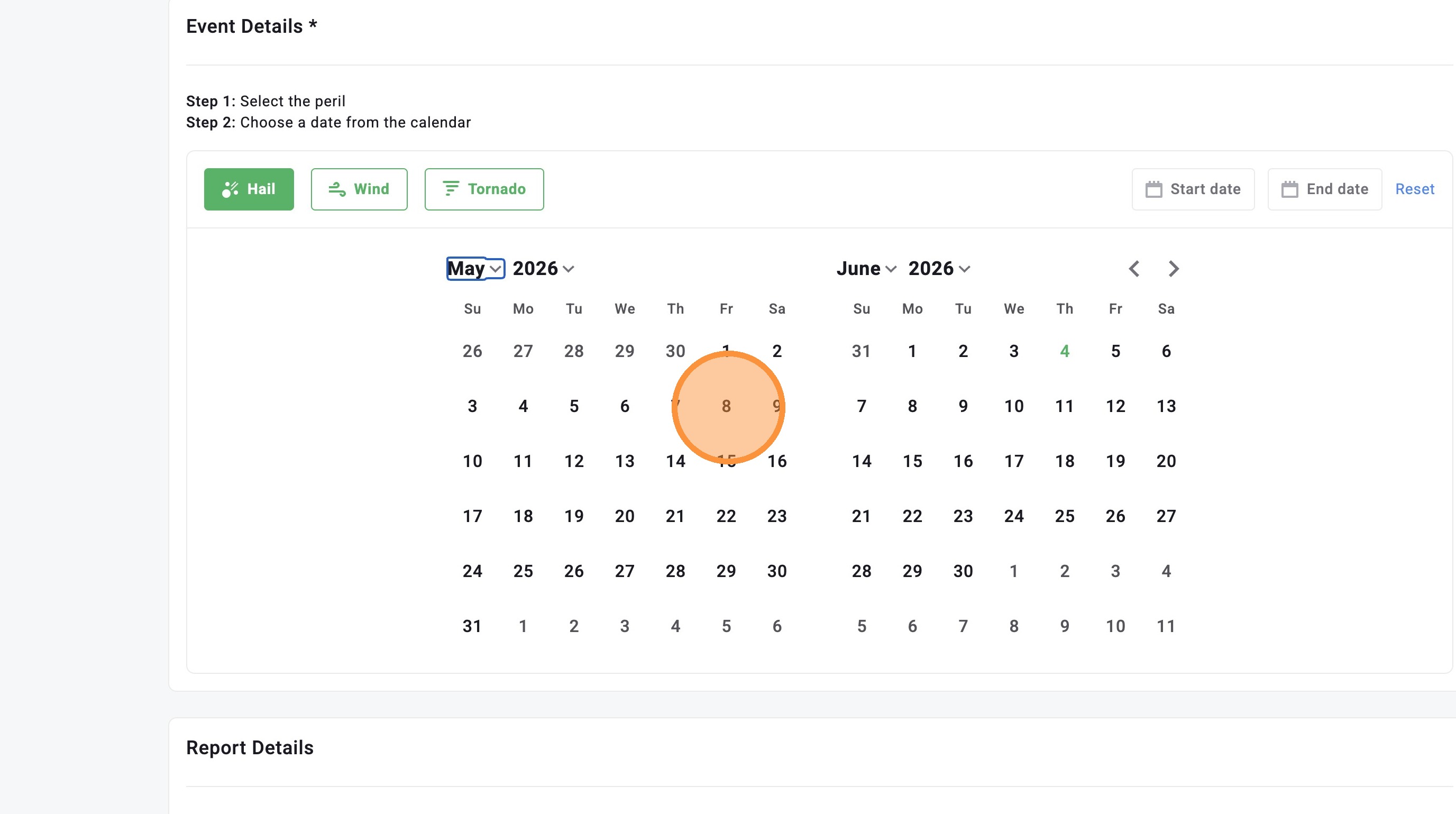
7. Select the event date from the calendar.

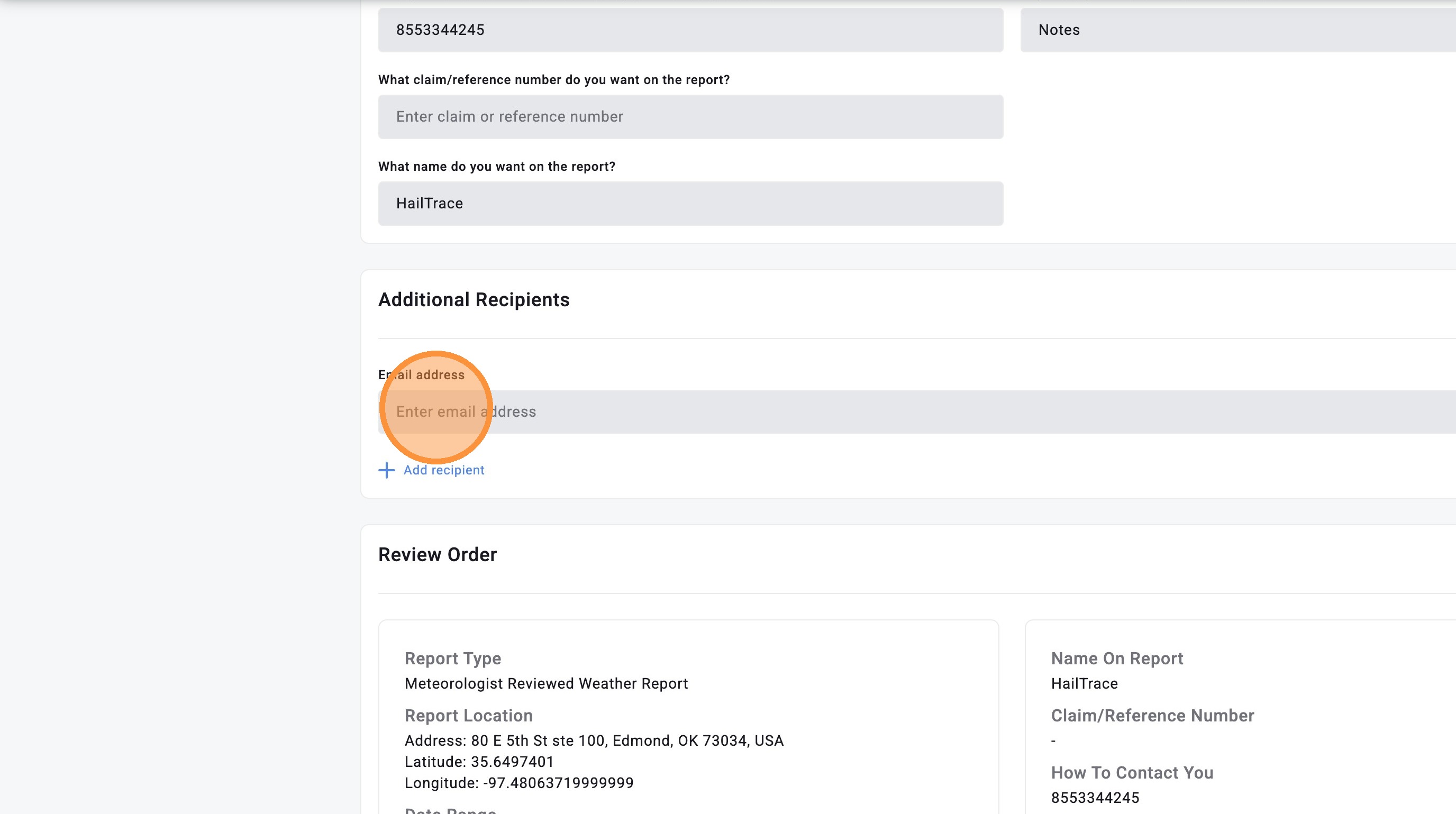
8. Complete the "Report Details" and "Additional Recipients" sections by entering your phone number, notes, claim number, and name
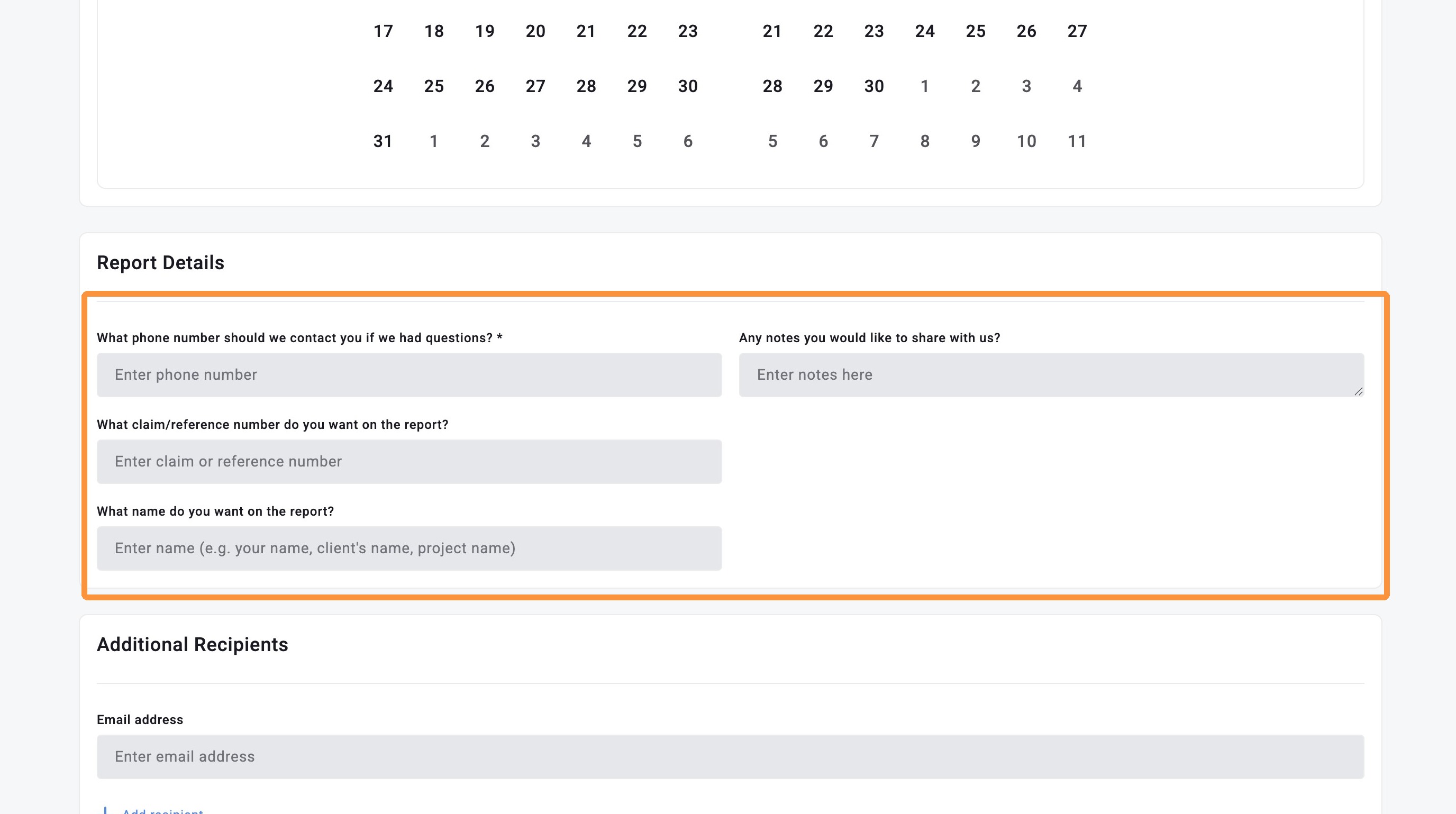

9. Optional: Add an additional recipient for this report

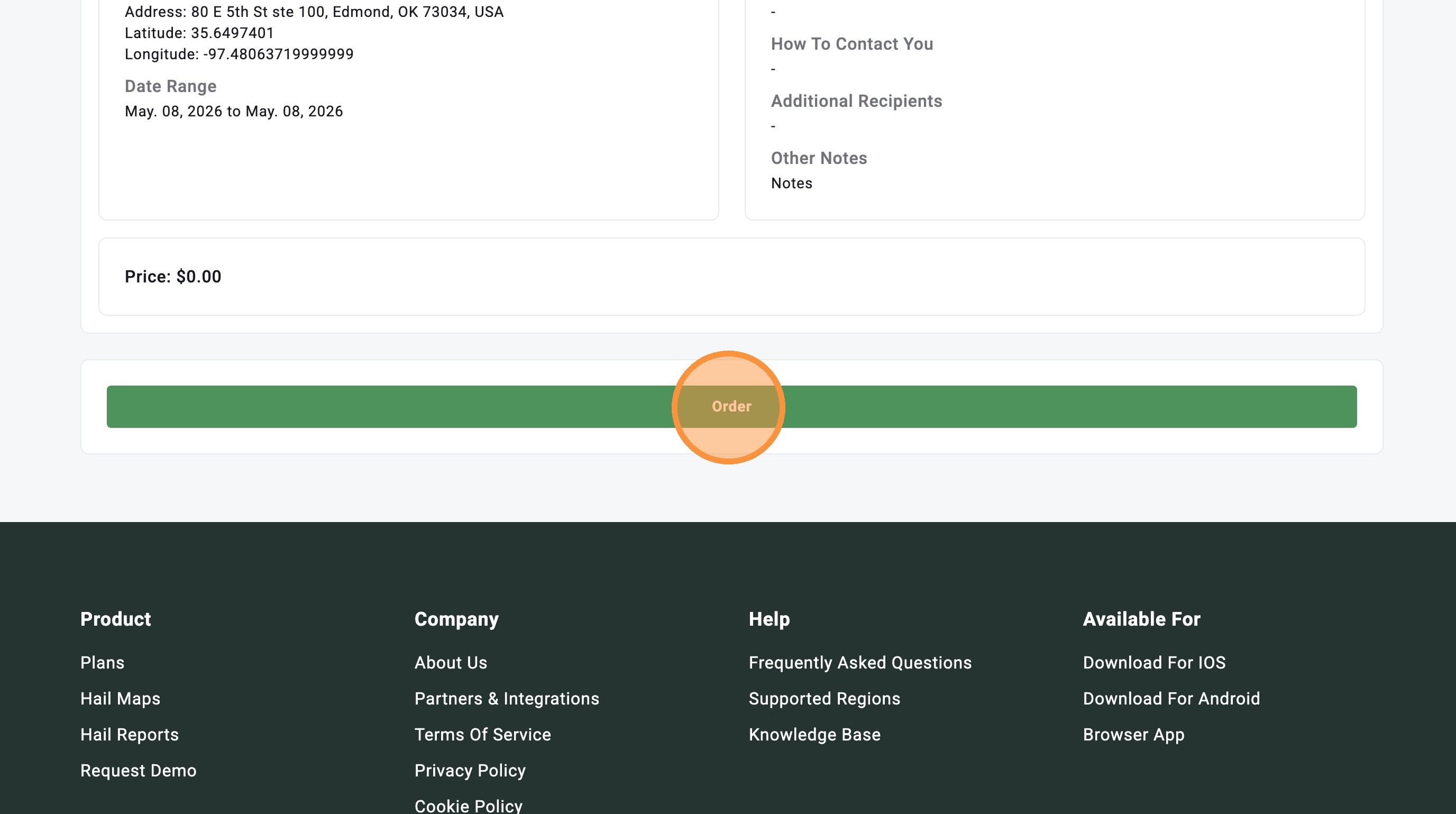
10. Click "Order" to submit your report request.


    • Related Articles

    • [5.0] Download a Weather History Report For An Address

      HailTrace’s Reviewed Report empowers customers to win property owner’s trust and streamline insurance claims with accurate storm history and precise date of loss reporting. For example, you can use the Weather History Report in the following ways: ...
    • [5.0] How to Order a Meteorologist Certified and Expert Repots

      Certified and Expert Reports are used for complex or high-value claims, especially when a claim is disputed or may be headed to court. A consultation with our Forensic Meteorologist is required before ordering a Meteorologist Certified or Expert ...
    • [5.0] How To Add Your Branding to the Weather History Report

      Branded Weather History Reports let you add your company’s logo and contact information to every weather history report you download in the HailTrace app, helping build trust by telling the full story of a property’s storm history, with your company ...
    • [5.0] How To Find Storms & Activate A Weather Event

      Our Maps, also called Weather Events, help you find areas hit by hail, wind, and tornadoes. Use them to identify the best places to generate leads and get there first—whether in the heart of the storm for maximum opportunity or along the edges where ...
    • [5.0] Utilize the Inspector Tool to View Storm Data & Generate Lead Lists

      The Inspector Tool lets you quickly analyze storm data right in the mobile app. With a single tap, you can enter inspection mode, review hail and wind details, and request new lead lists — all without leaving the map. Whether you’re tracking a fresh ...