[5.0] How to Search for a Campaign
Quickly find the right campaign by searching for its name or an assigned user.
Campaigns help your team assign areas to representatives for canvassing and track marketing activities such as mailers, cold calls, and social media ads.

Campaigns are included with a DealTrace subscription. To view or edit campaigns, you must have the DealTrace User, DealTrace Manager, or DealTrace Admin role.
Mobile App
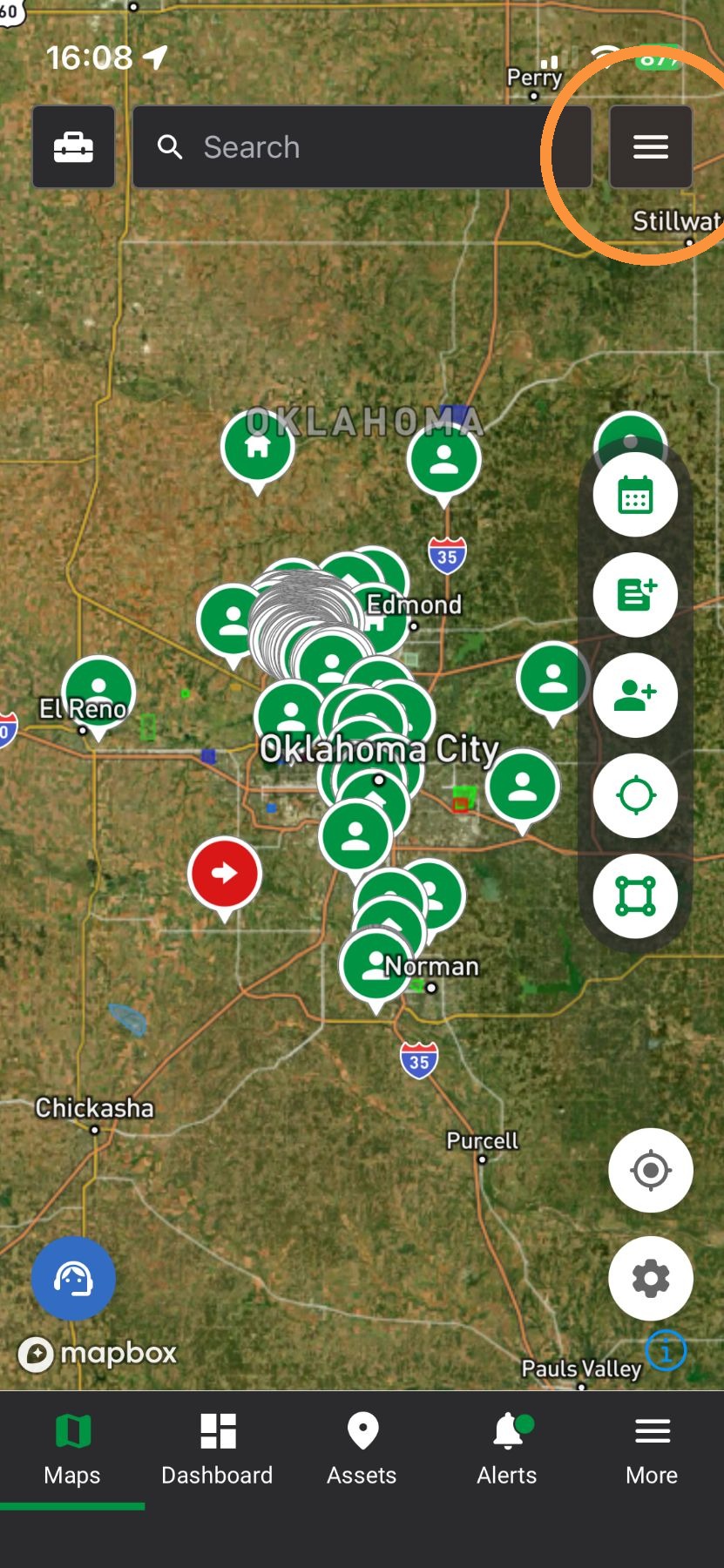
1. Tap the Navigation Panel
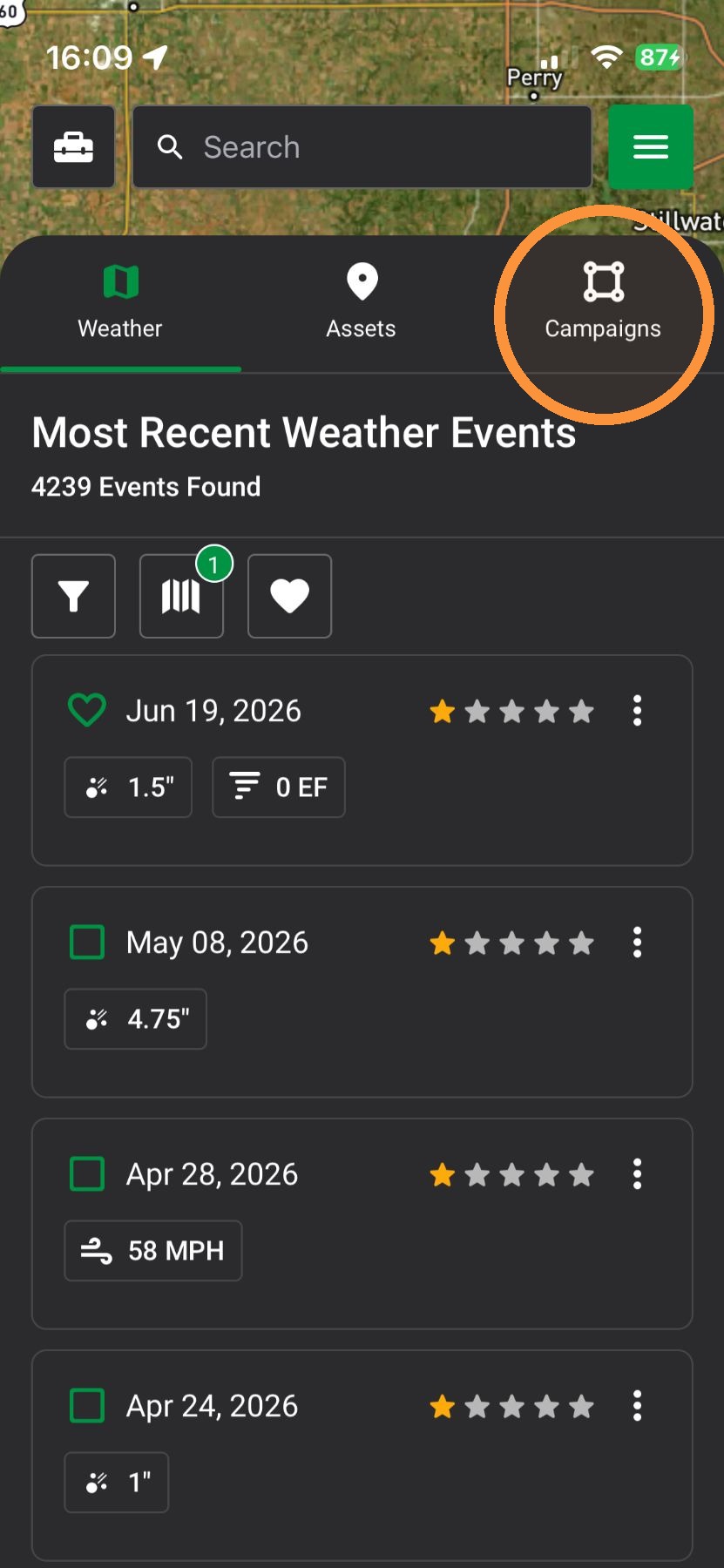
2. Tap "Campaigns" panel
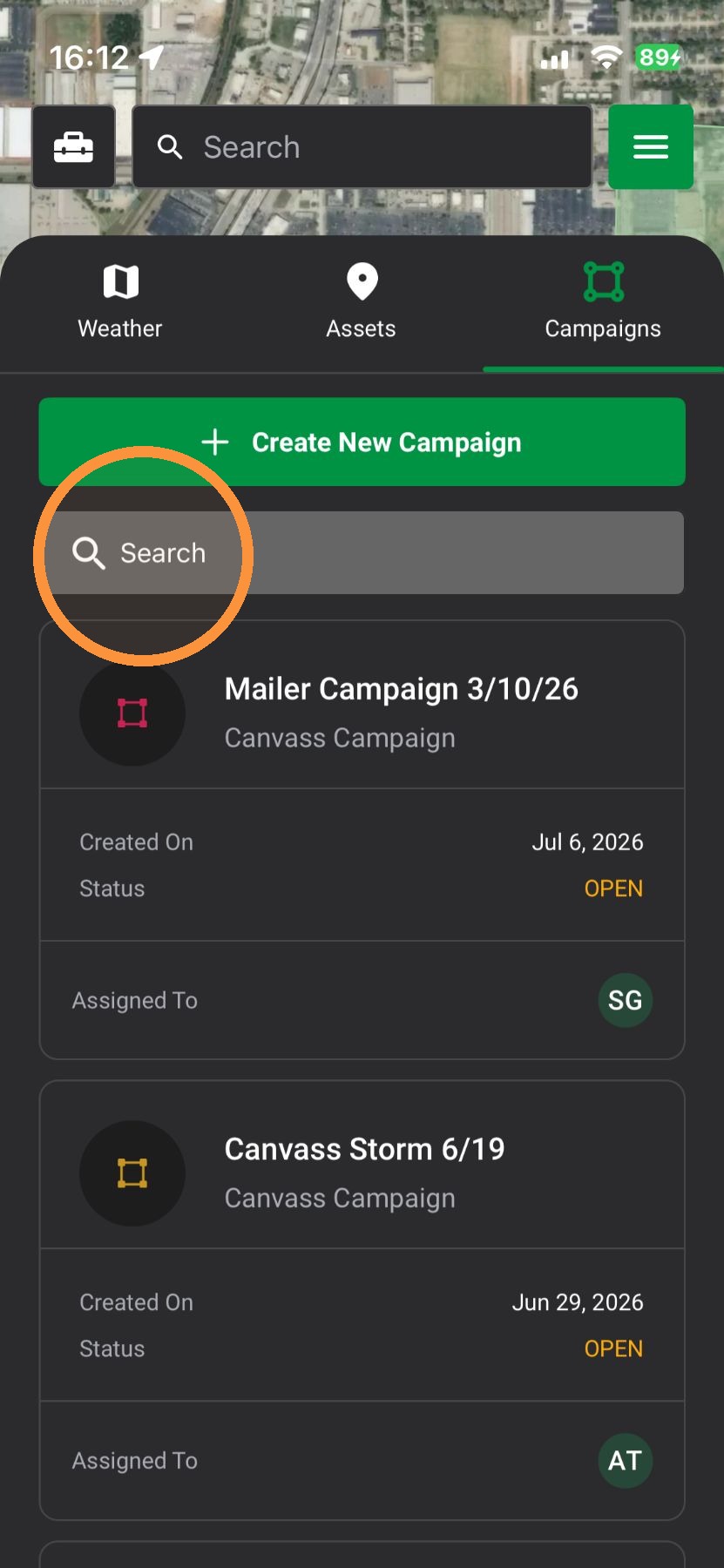
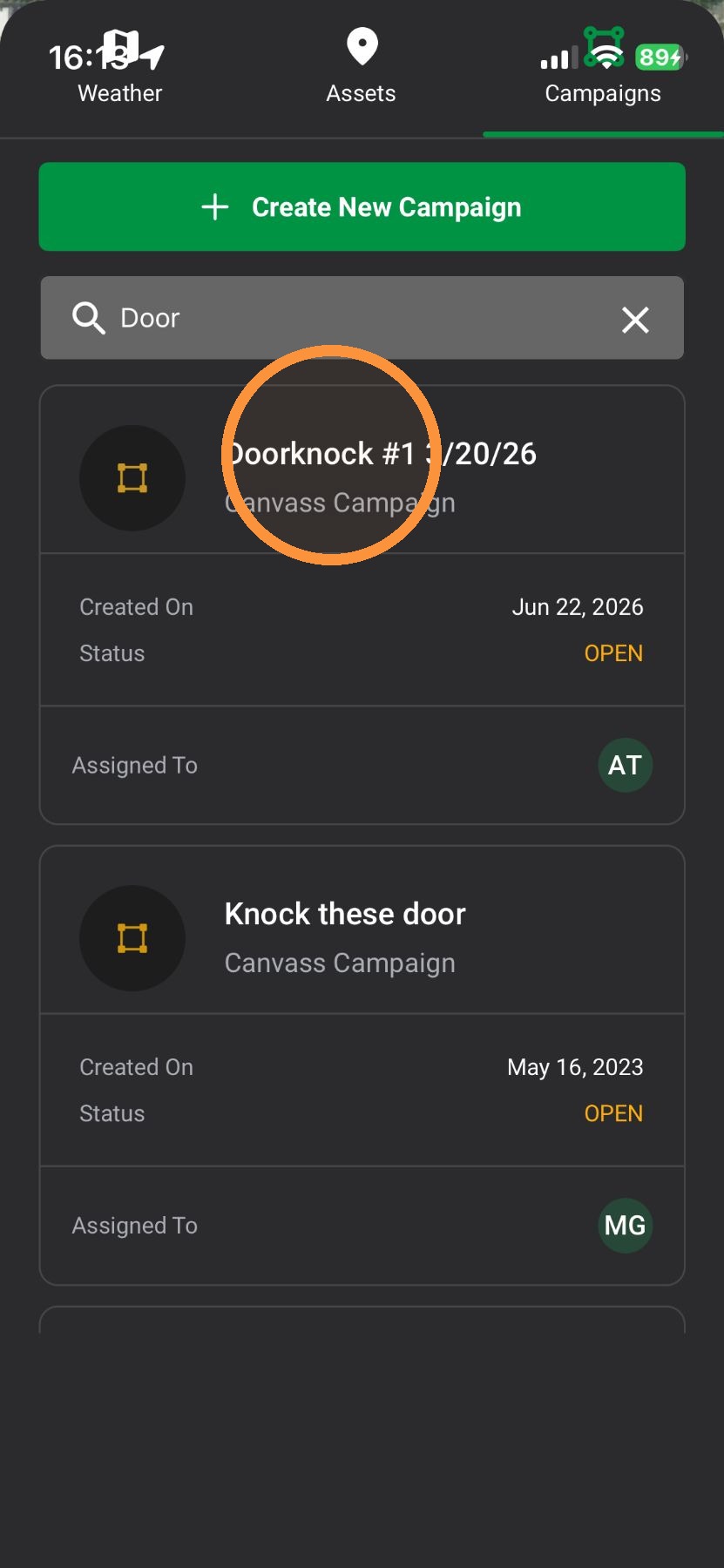
3. In the search bar, enter the name of a campaign or a specific user
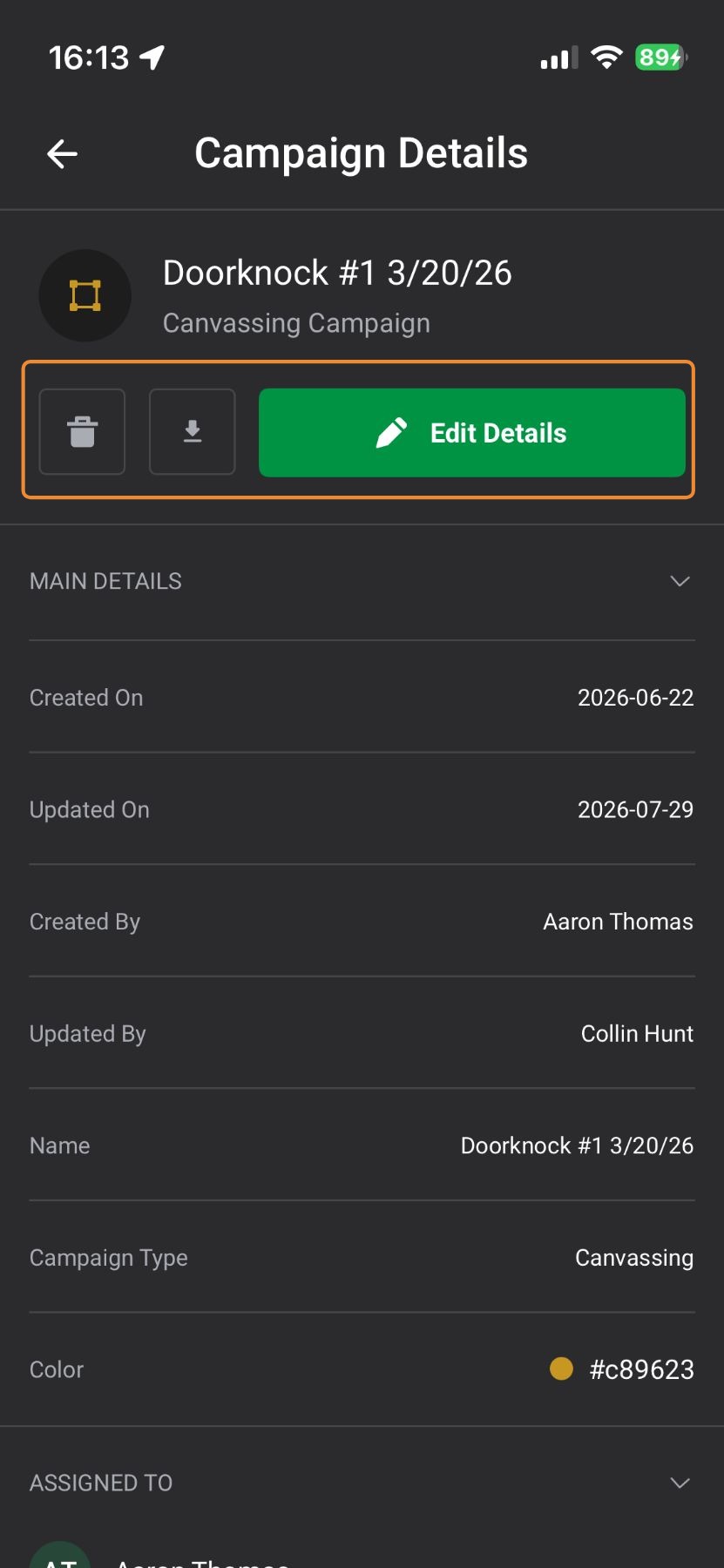
4. Tap on the campaign
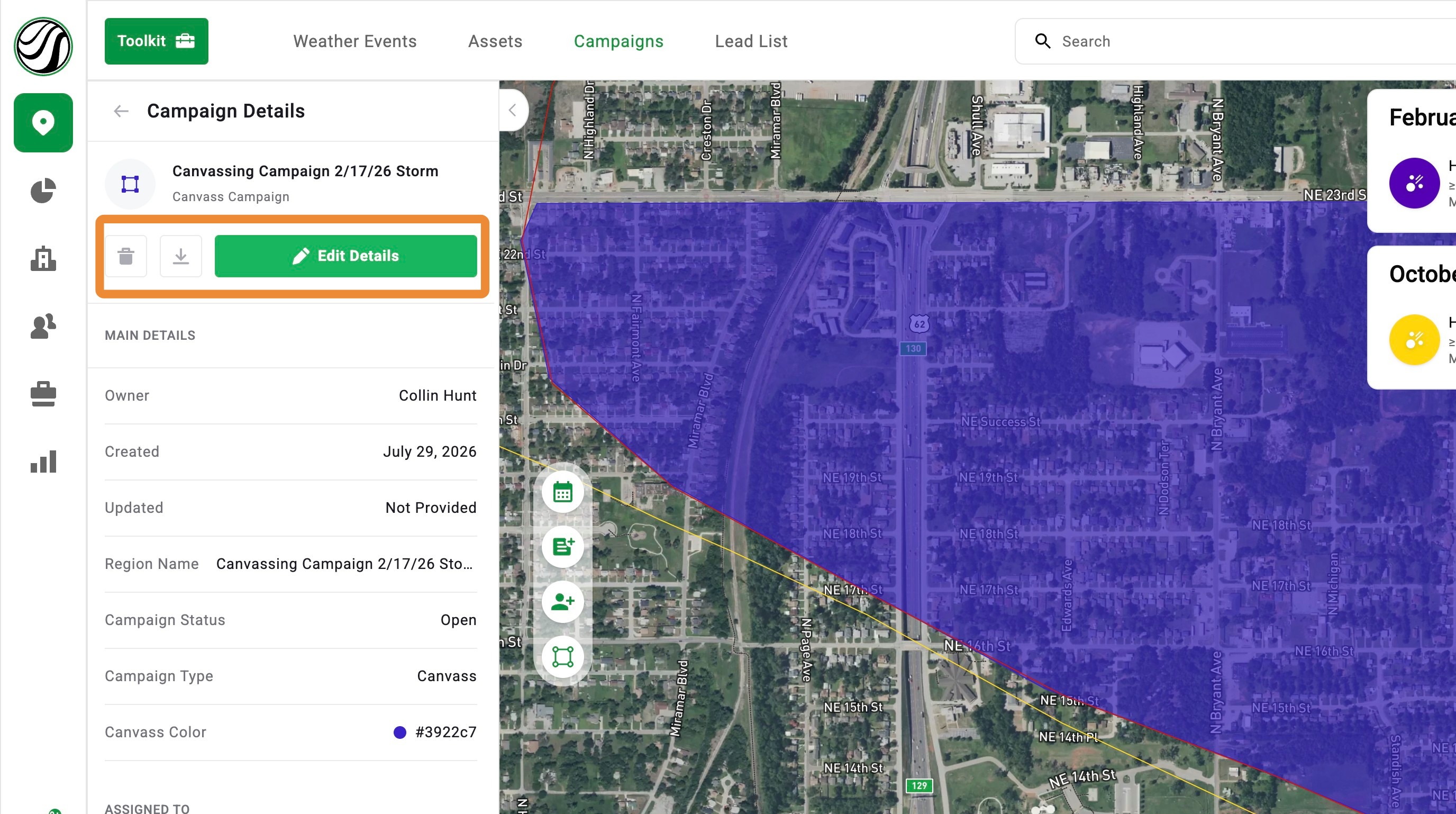
5. From here, edit the campaign or pull a lead list
Browser App
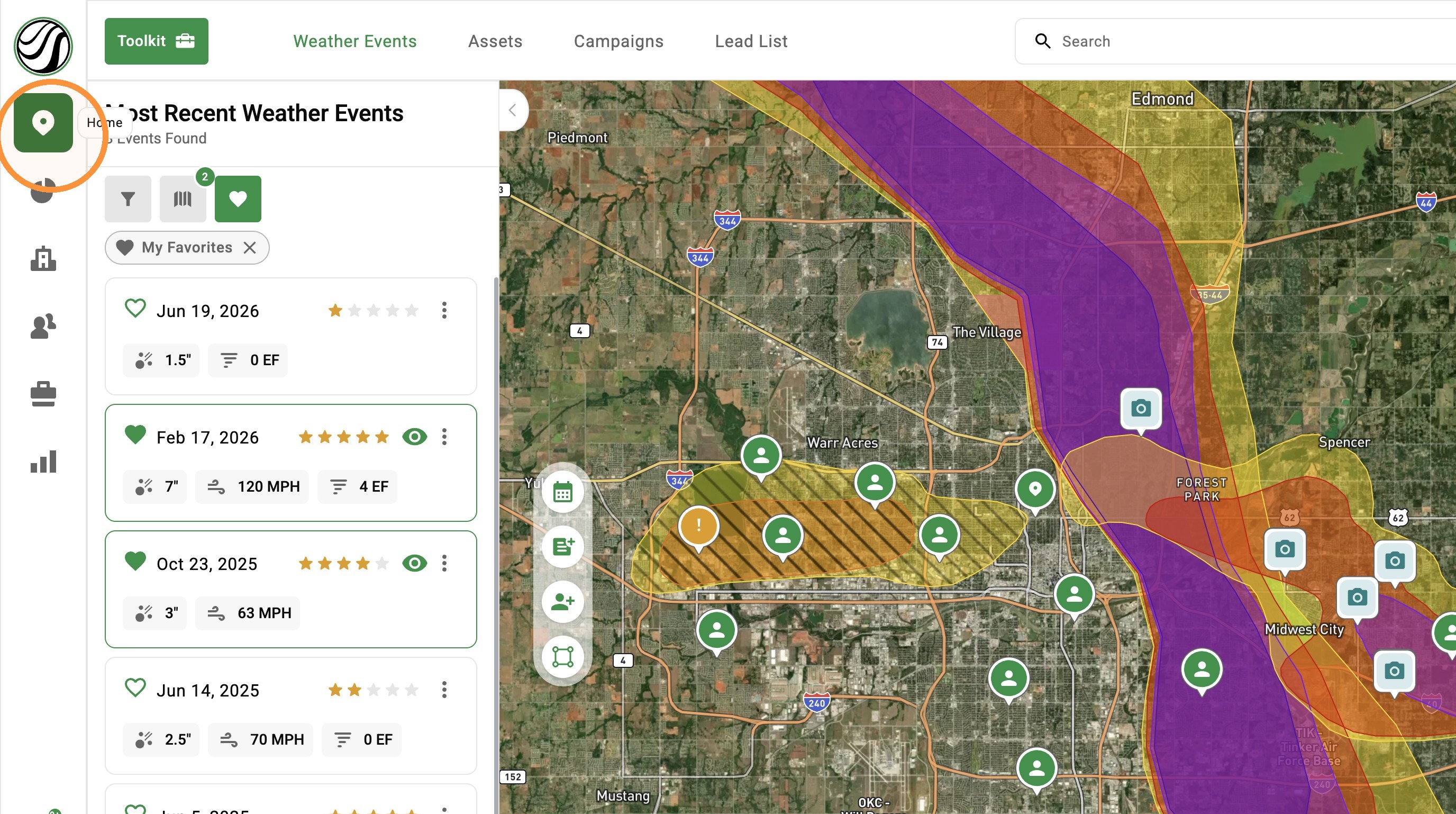
1. Click "Maps Page"
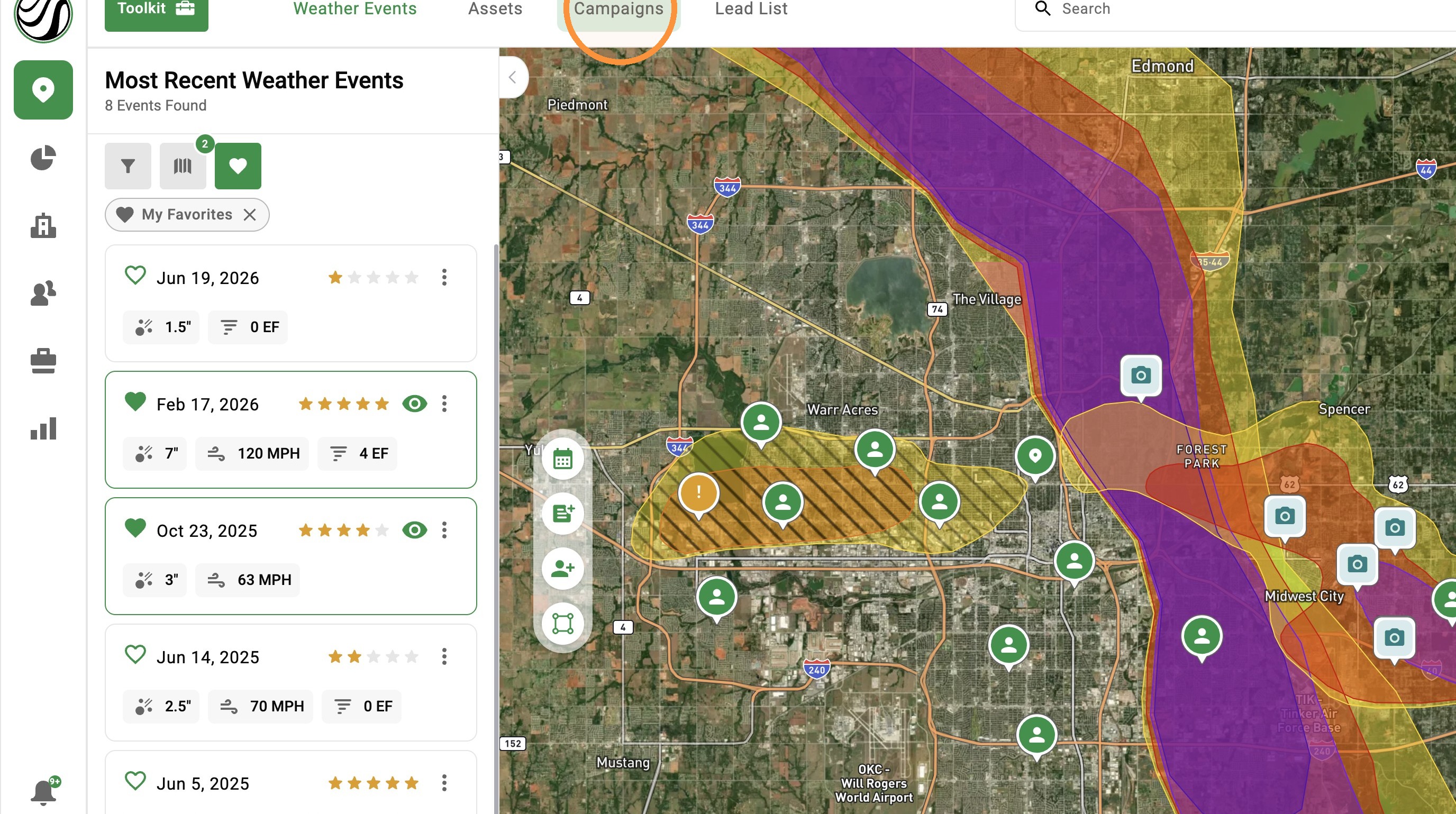
2. Click "Campaigns" panel
3. In the search bar, enter the name of a campaign or a specific user
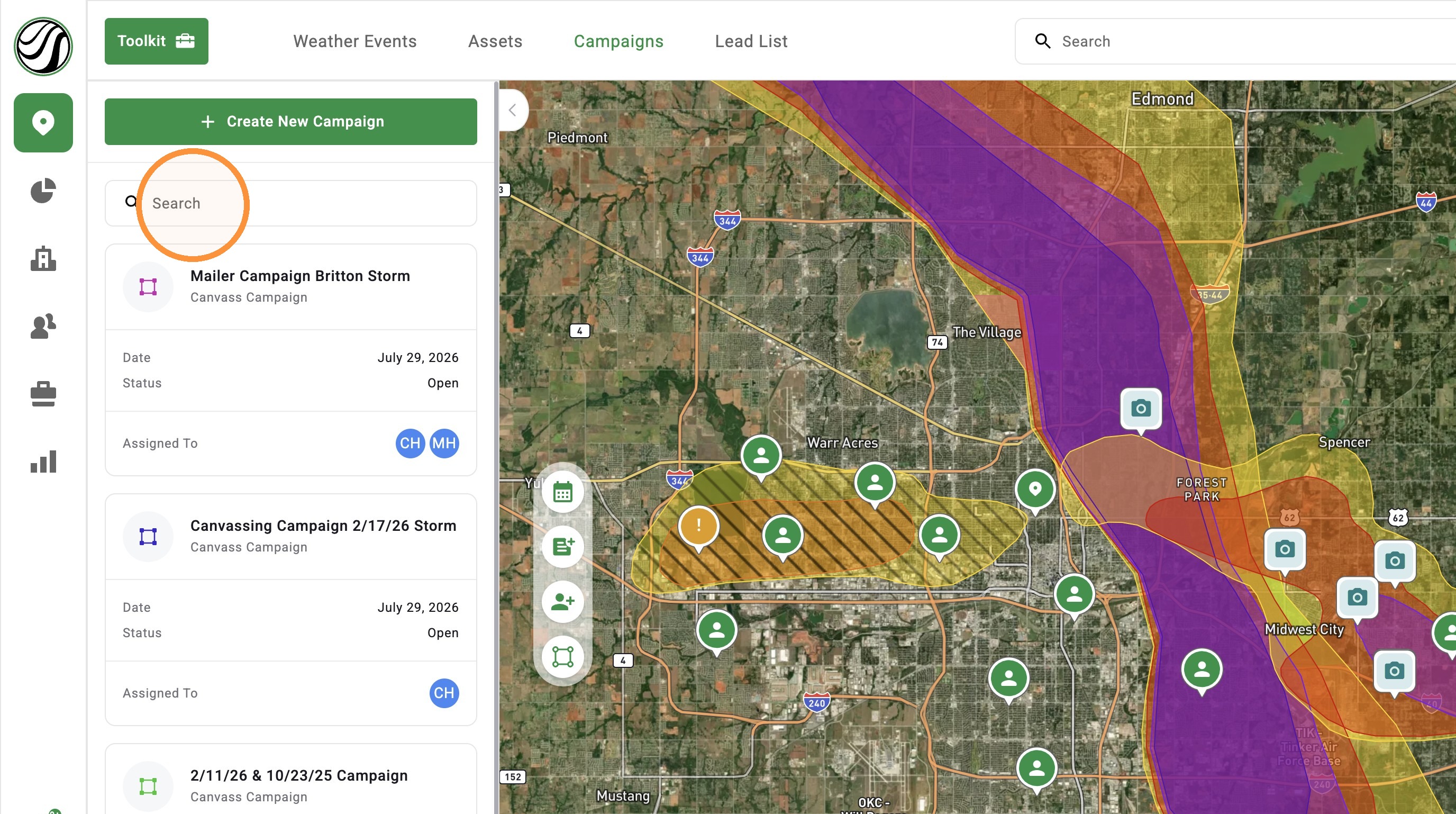
4. Select the campaign
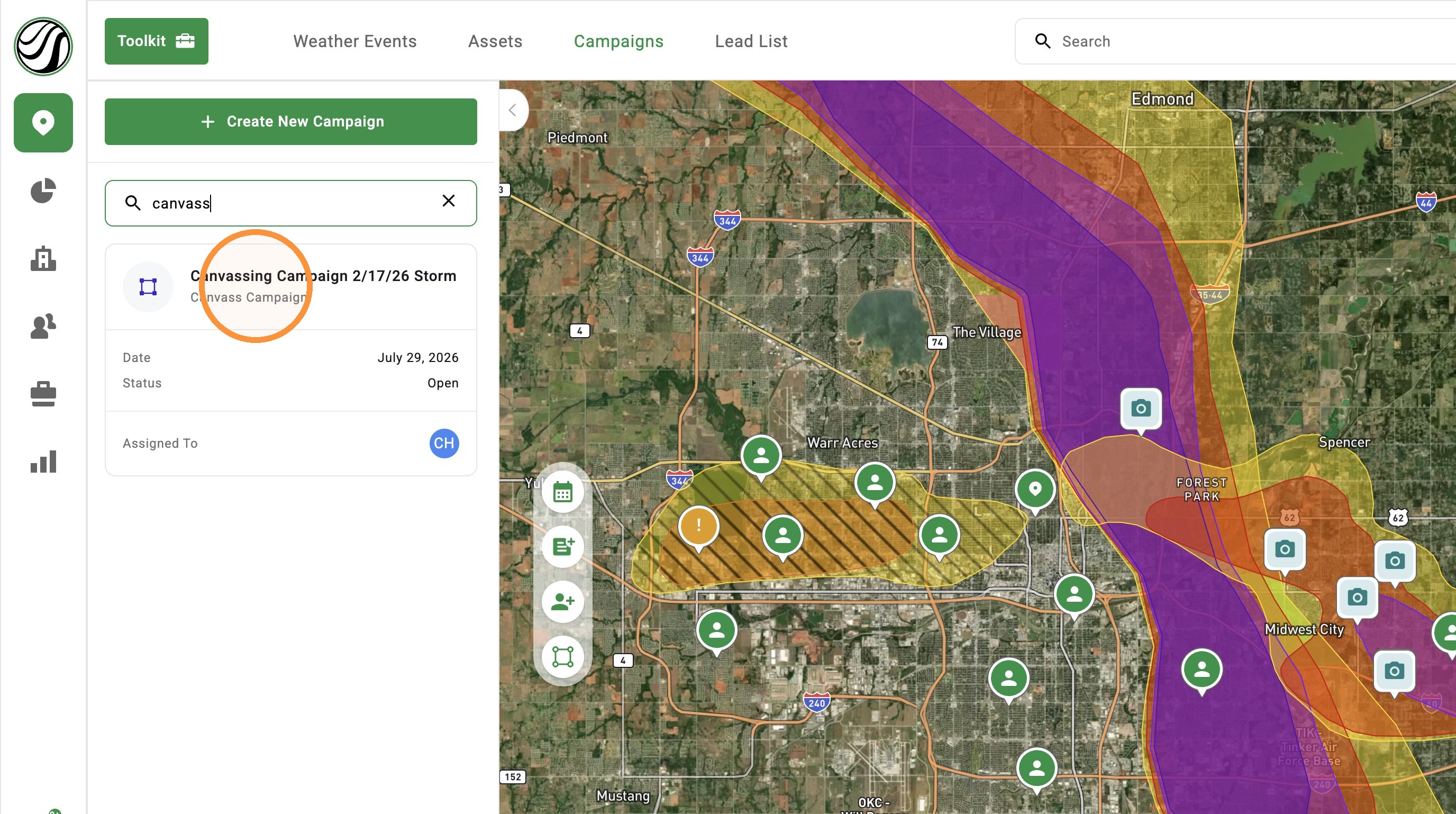
5. From here edit the campaign or pull a lead list