[5.0] Impacted Assets: List from the Entire Day of Storm
Find assets impacted by all storms that occurred on a specific date, helping you quickly identify leads and past customers to prioritize outreach after a storm.

Turn on your notifications to be alerted the moment your assets are impacted by a new storm. Learn how here
Mobile App
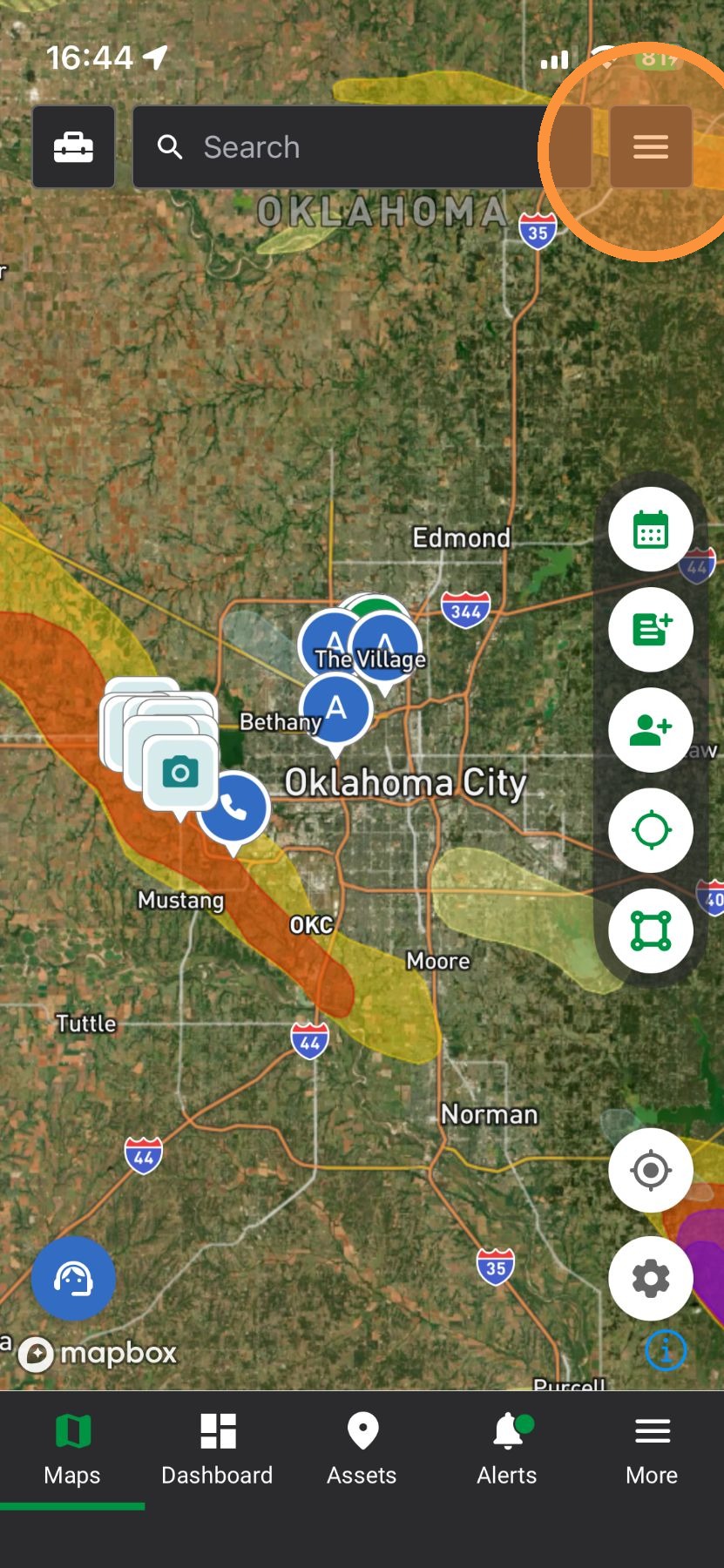
1. Tap Navigation Panel
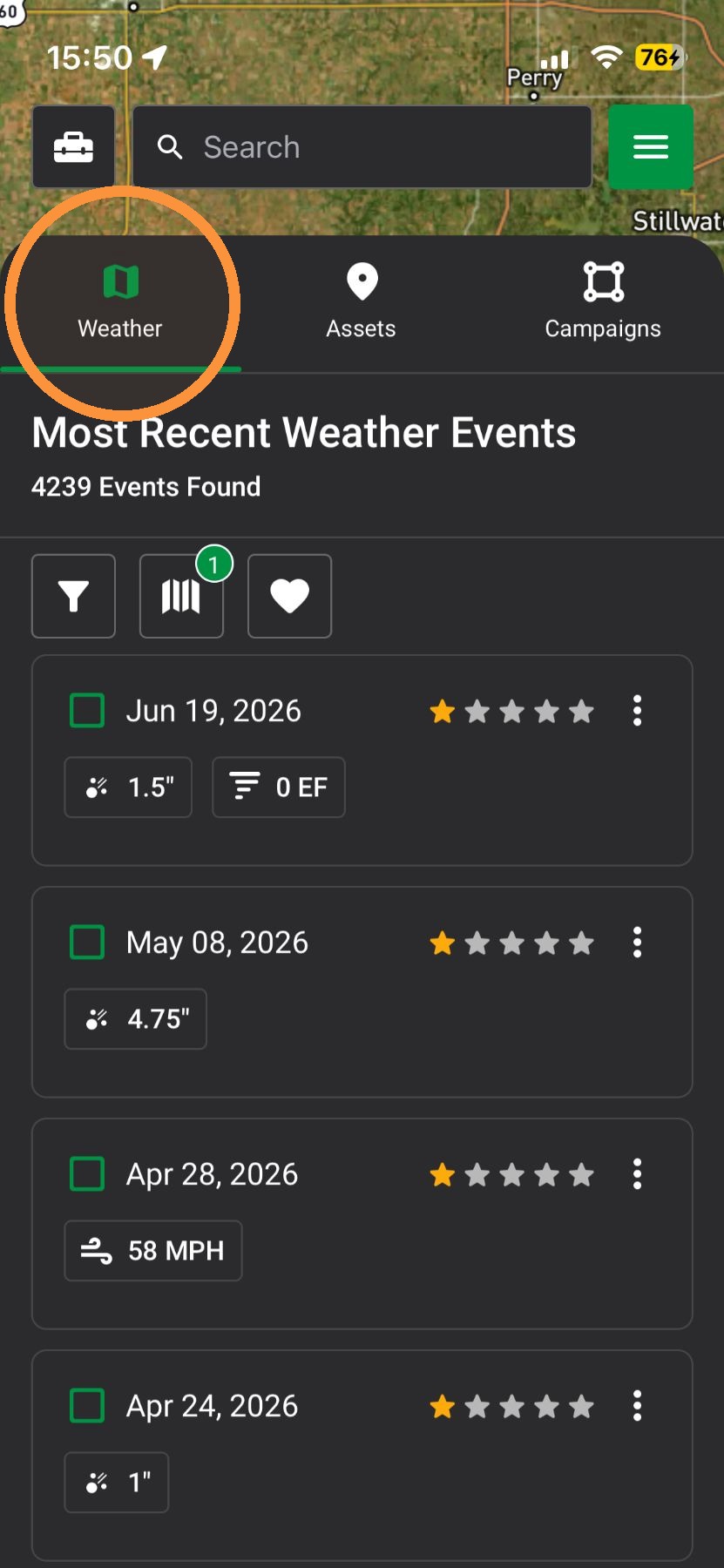
2. Tap "Weather" Panel
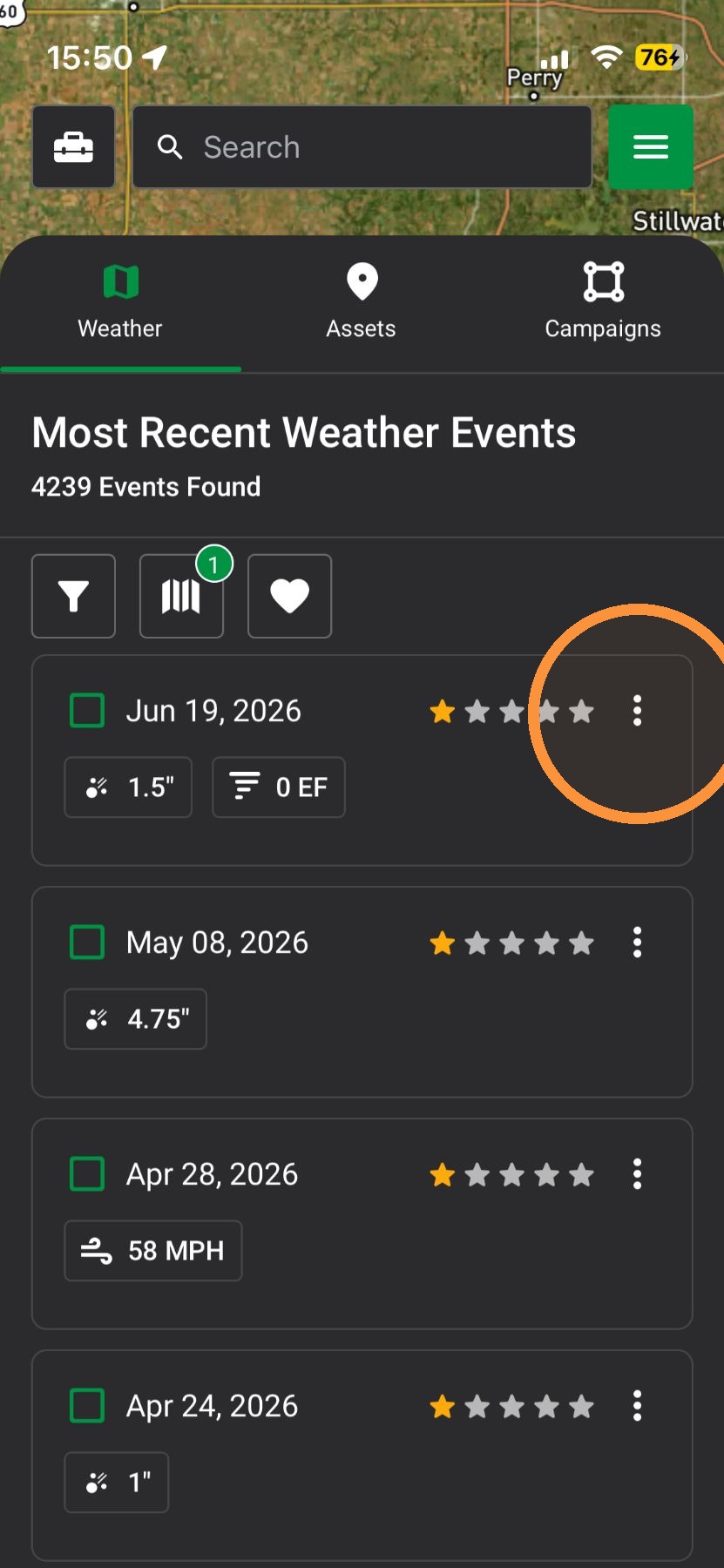
3. Find a weather event & tap the three-dot options icon
4. Tap "Download Impacted Asset"
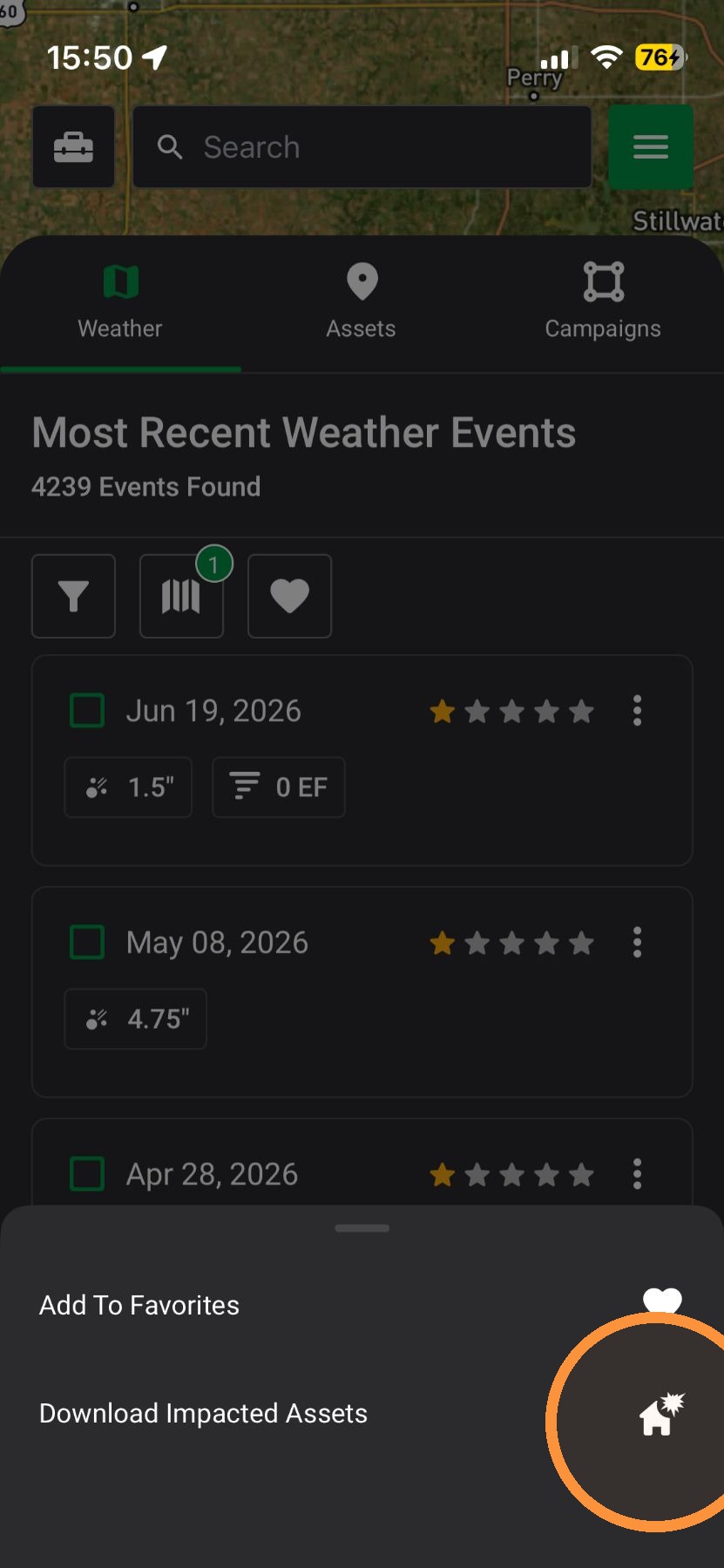
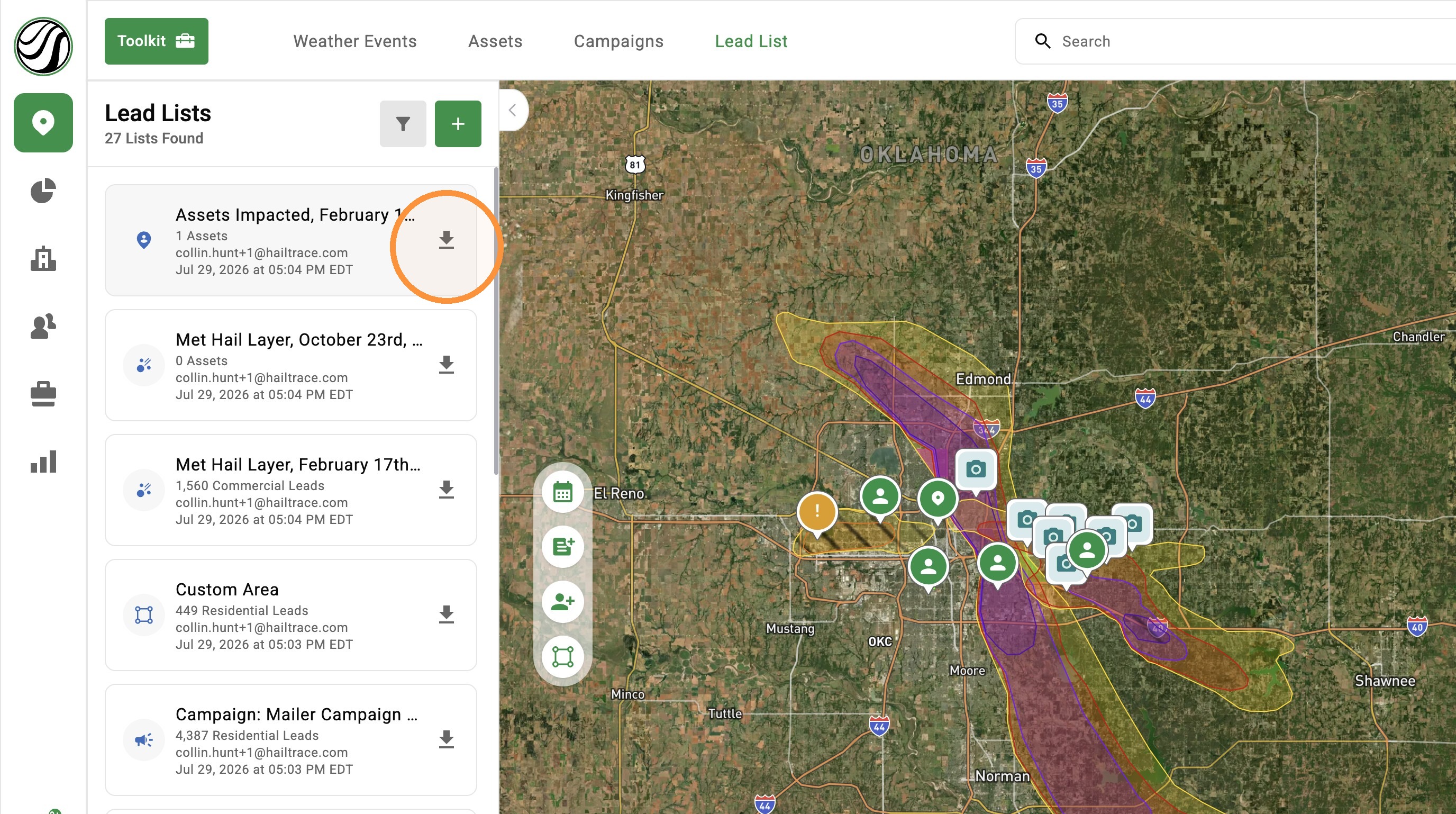
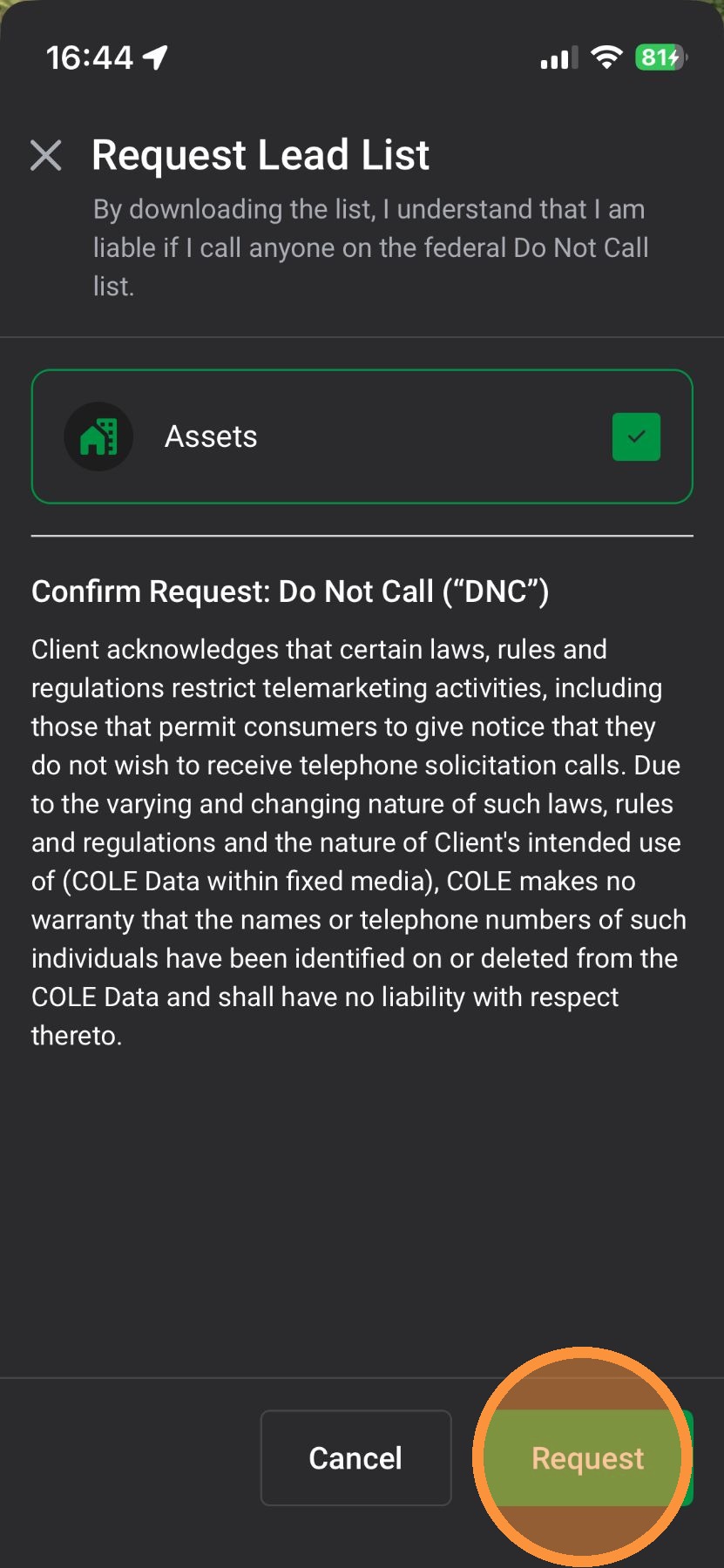
5. Tap "Request" and download the impacted asset list from your email the Lead List panel
Browser App
1. Click "Maps" page
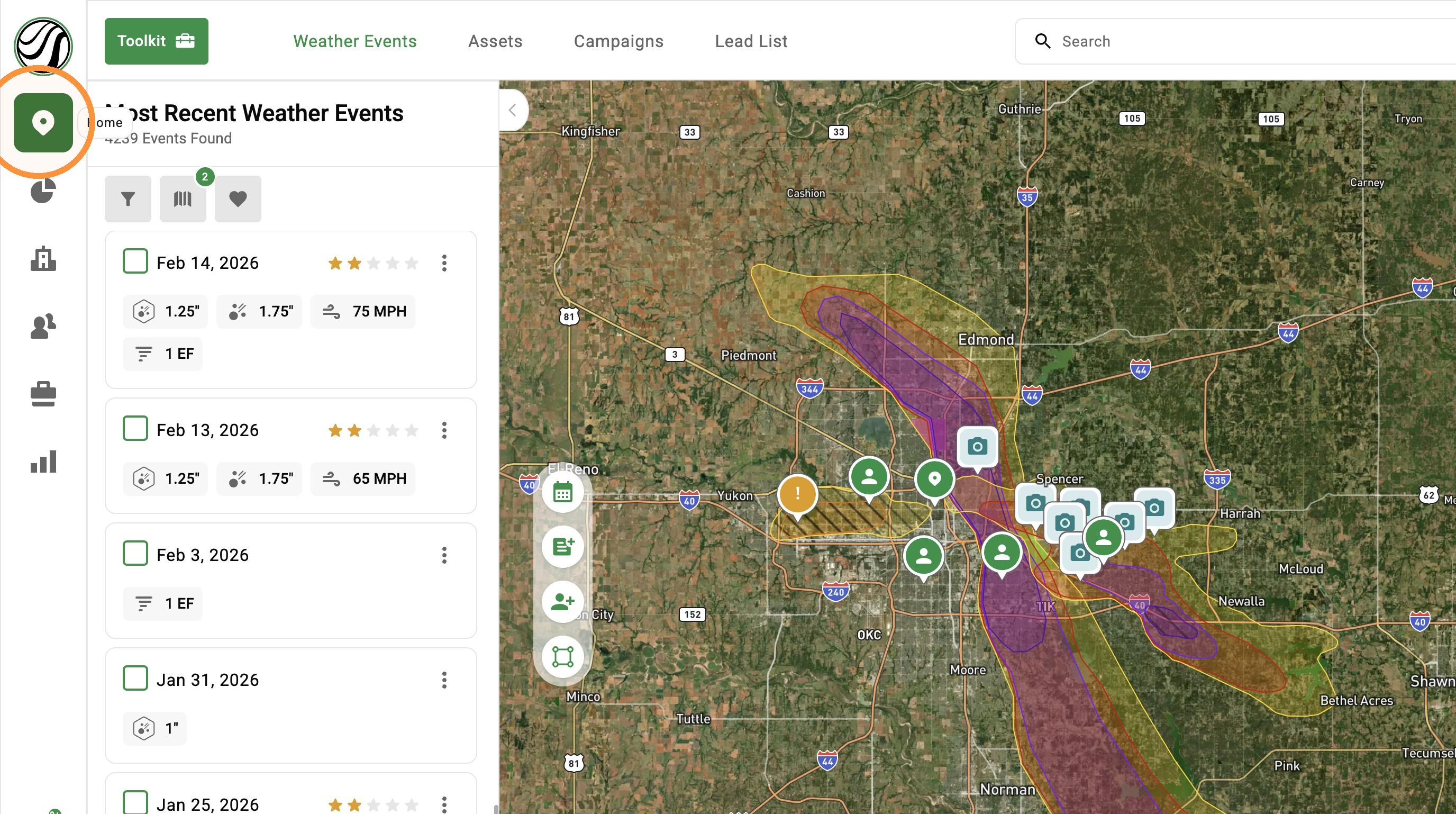
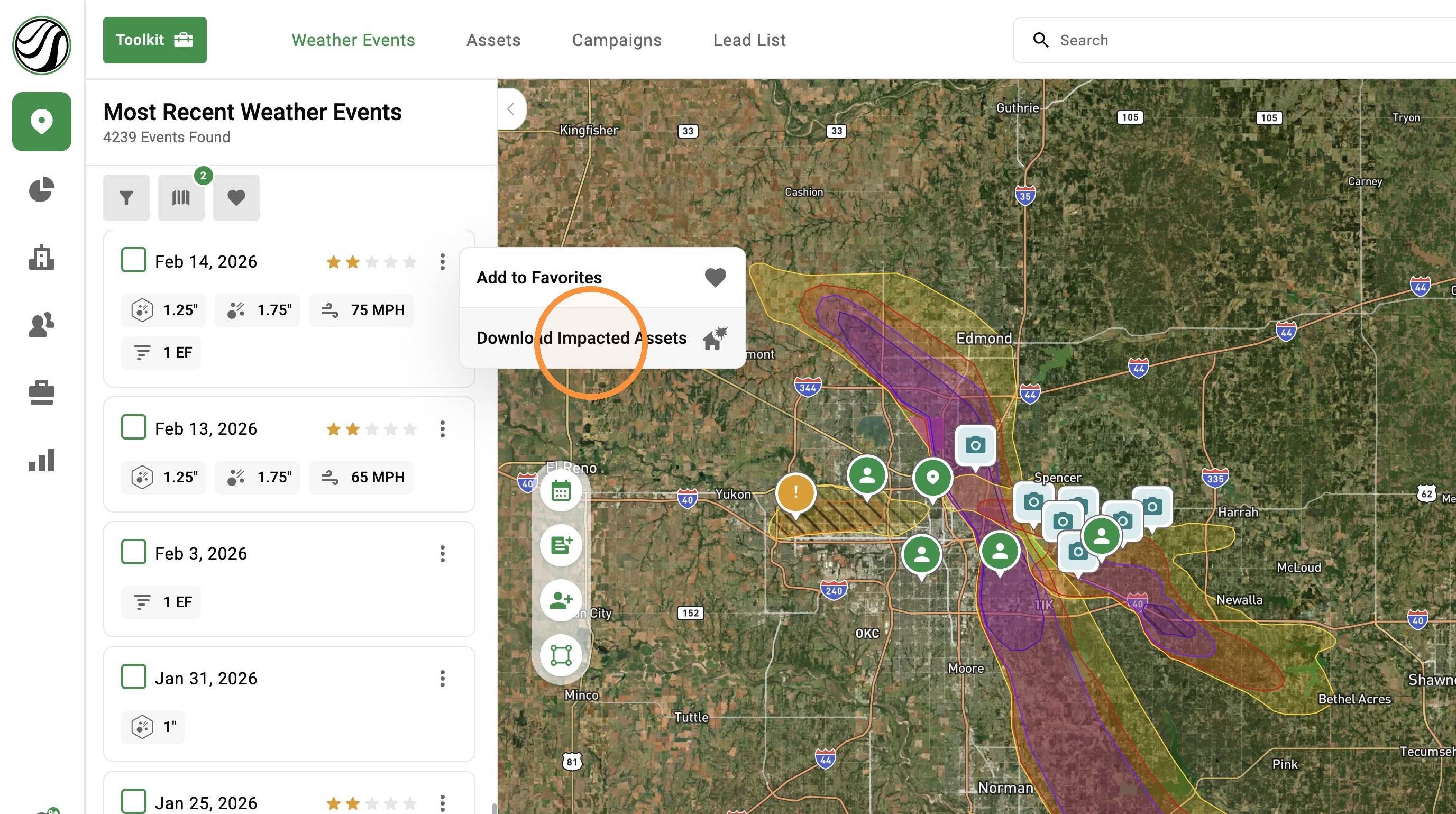
2. Find a weather event & tap the three-dot options icon
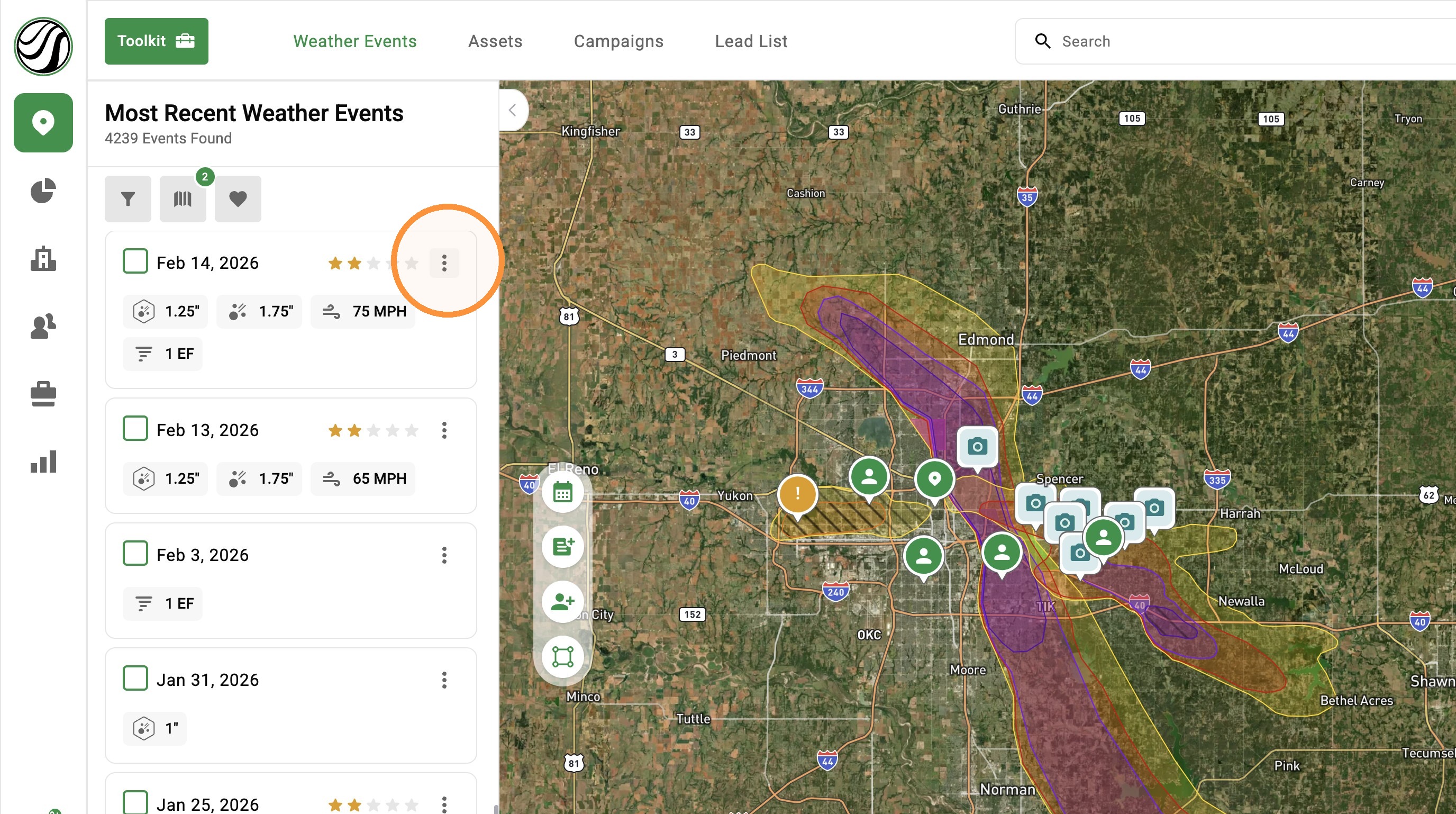
3. Click "Download Impacted Assets"
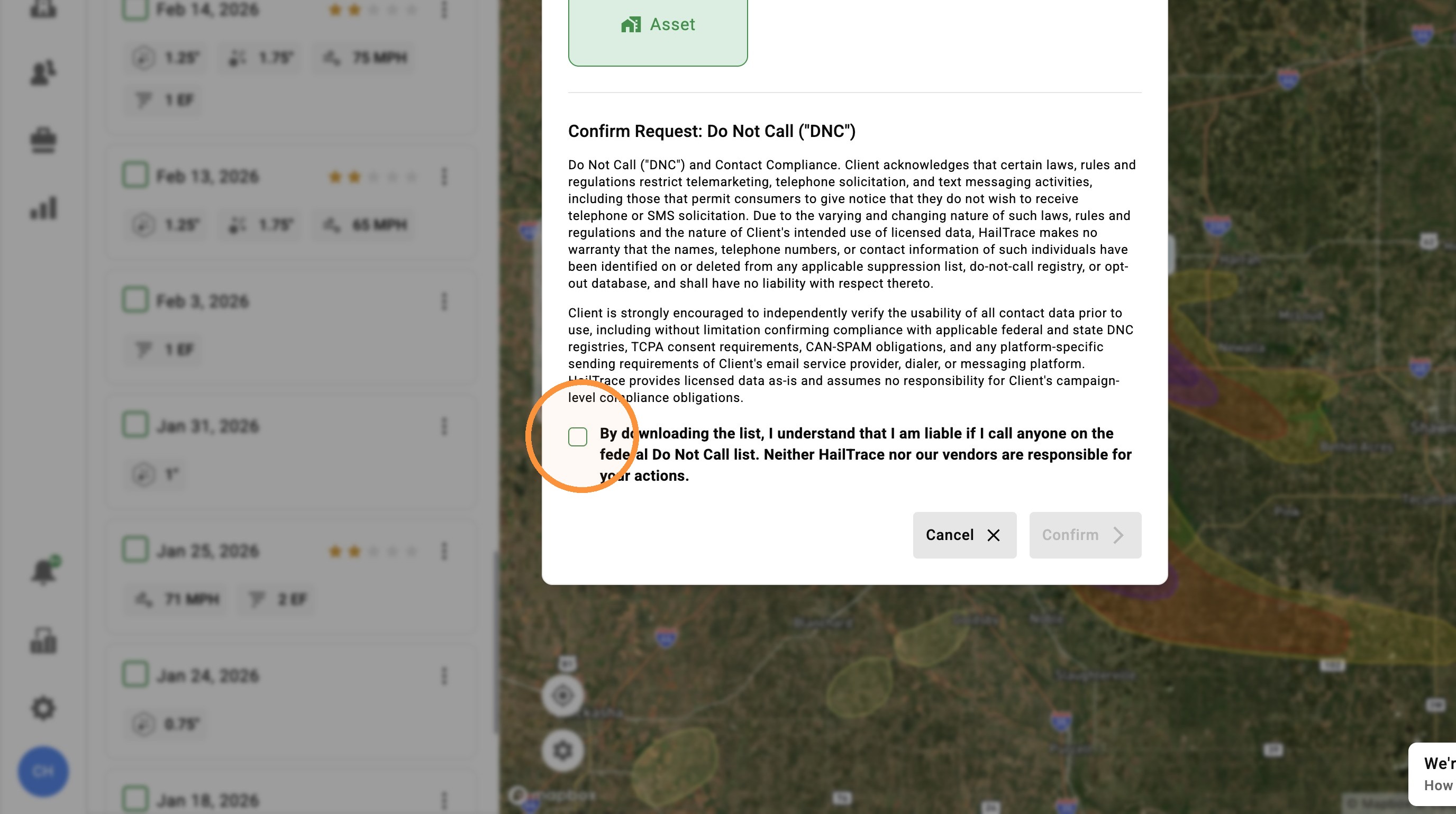
4. Click DNC Checkbox
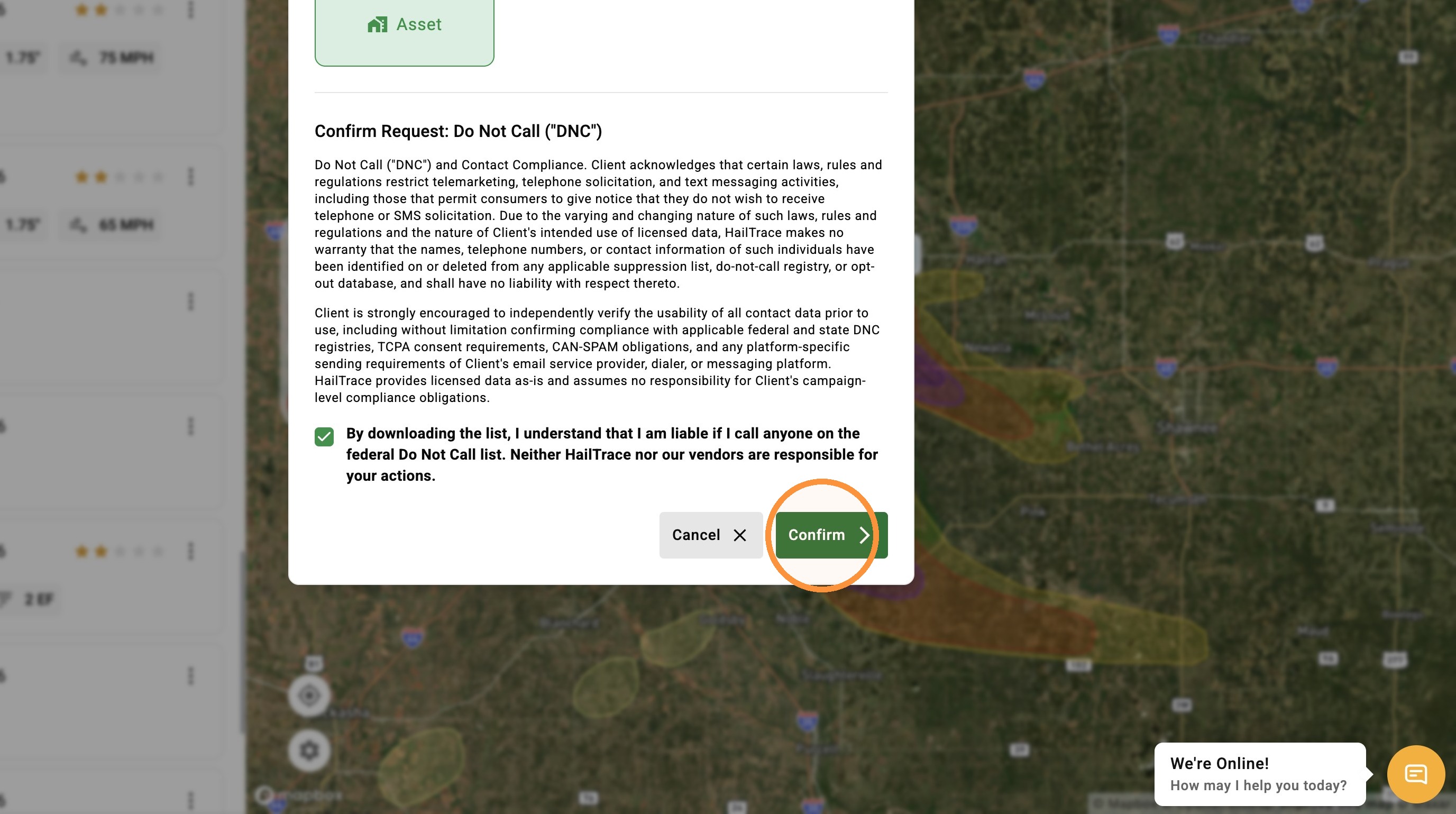
5. Click "Confirm"
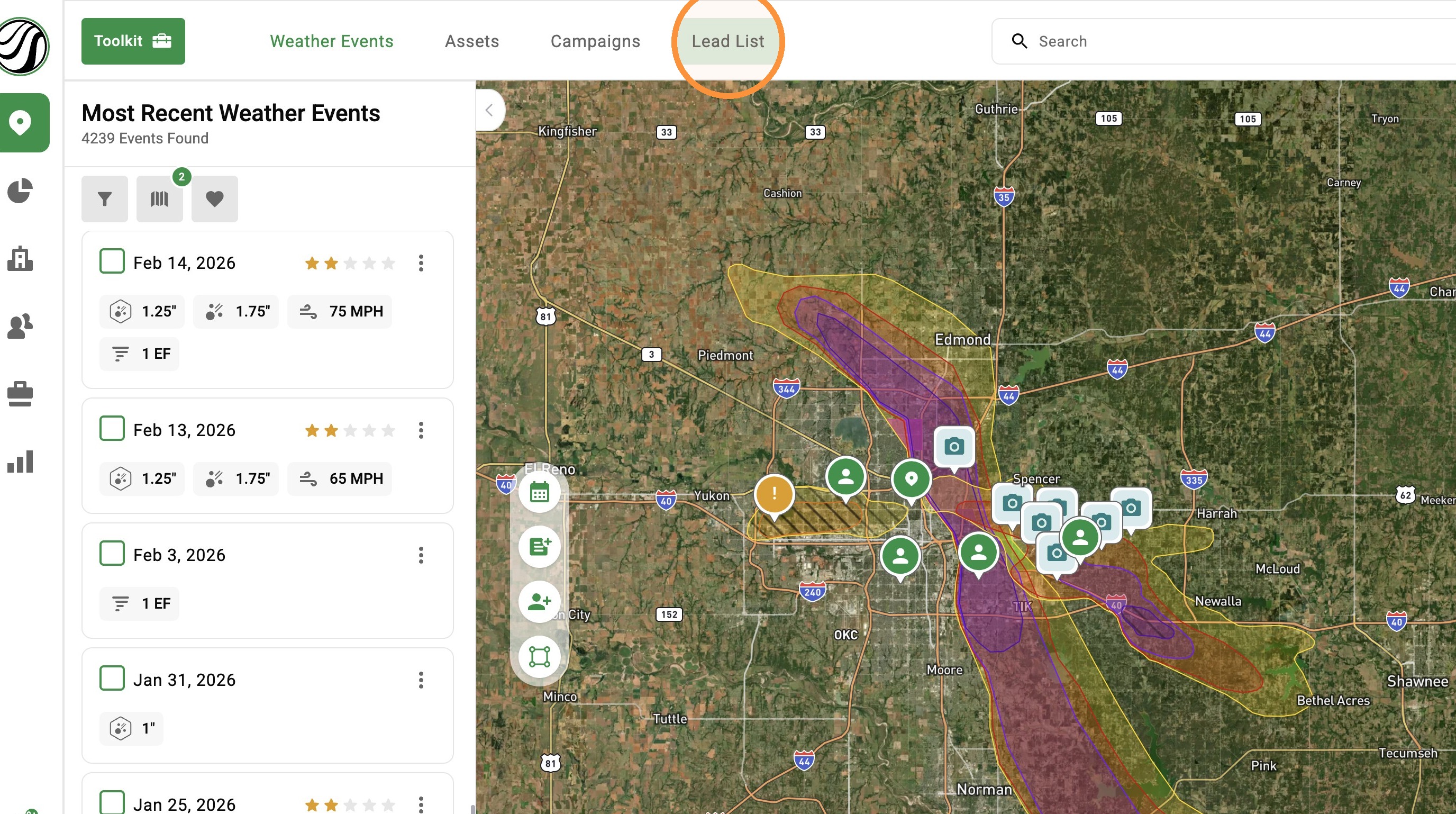
6. Click "Lead List"
7. Download your Impacted Asset list