[5.0] Find What You Need with the New Navigation Bar

[5.0] Find What You Need with the New Navigation Bar

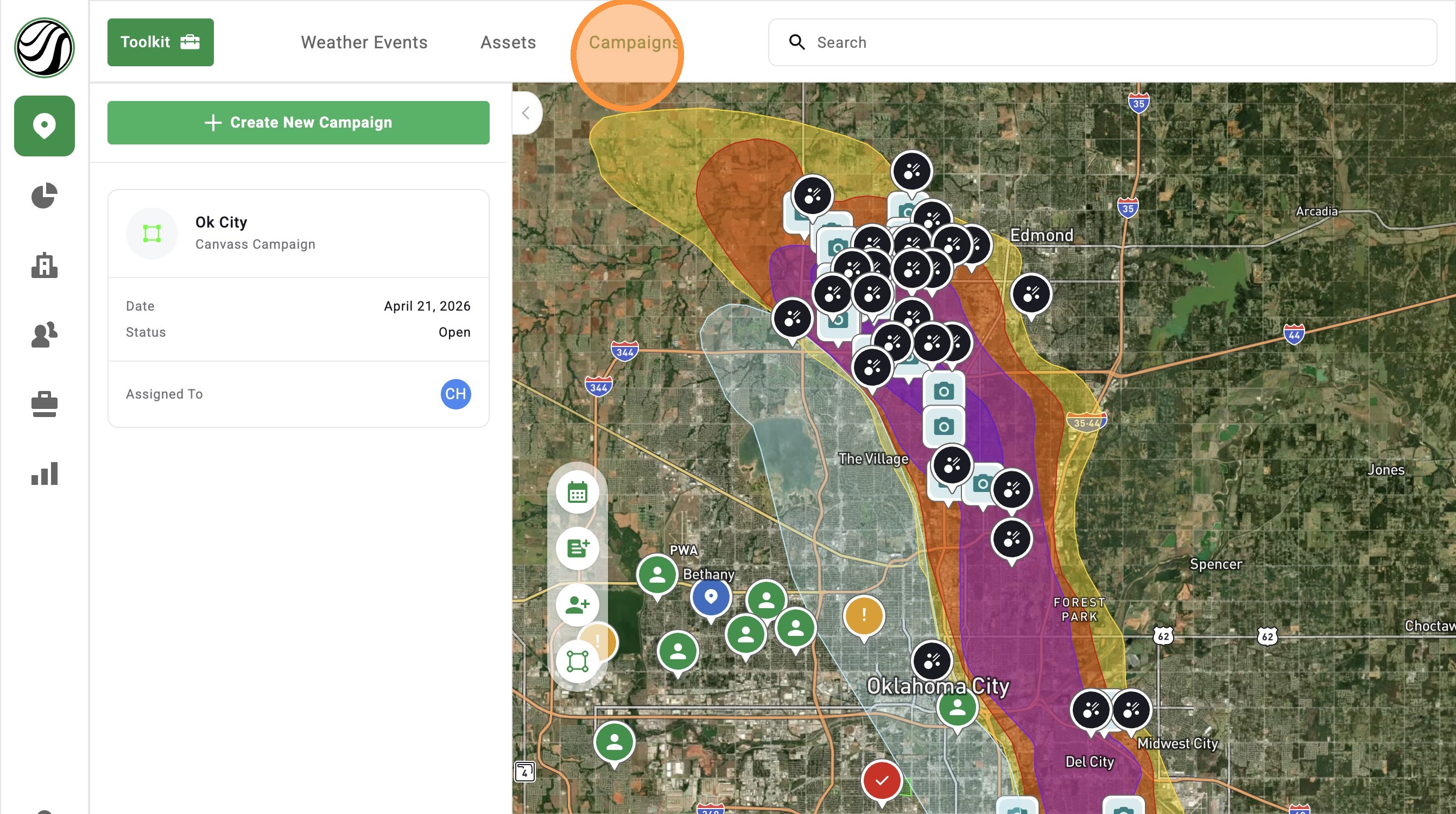
The new navigation bar is always at the top, so your main tools are never out of reach.

You can quickly jump to Weather Events, Assets, and Campaigns without digging through menus.
This means less clicking, less confusion, and more time working the map.


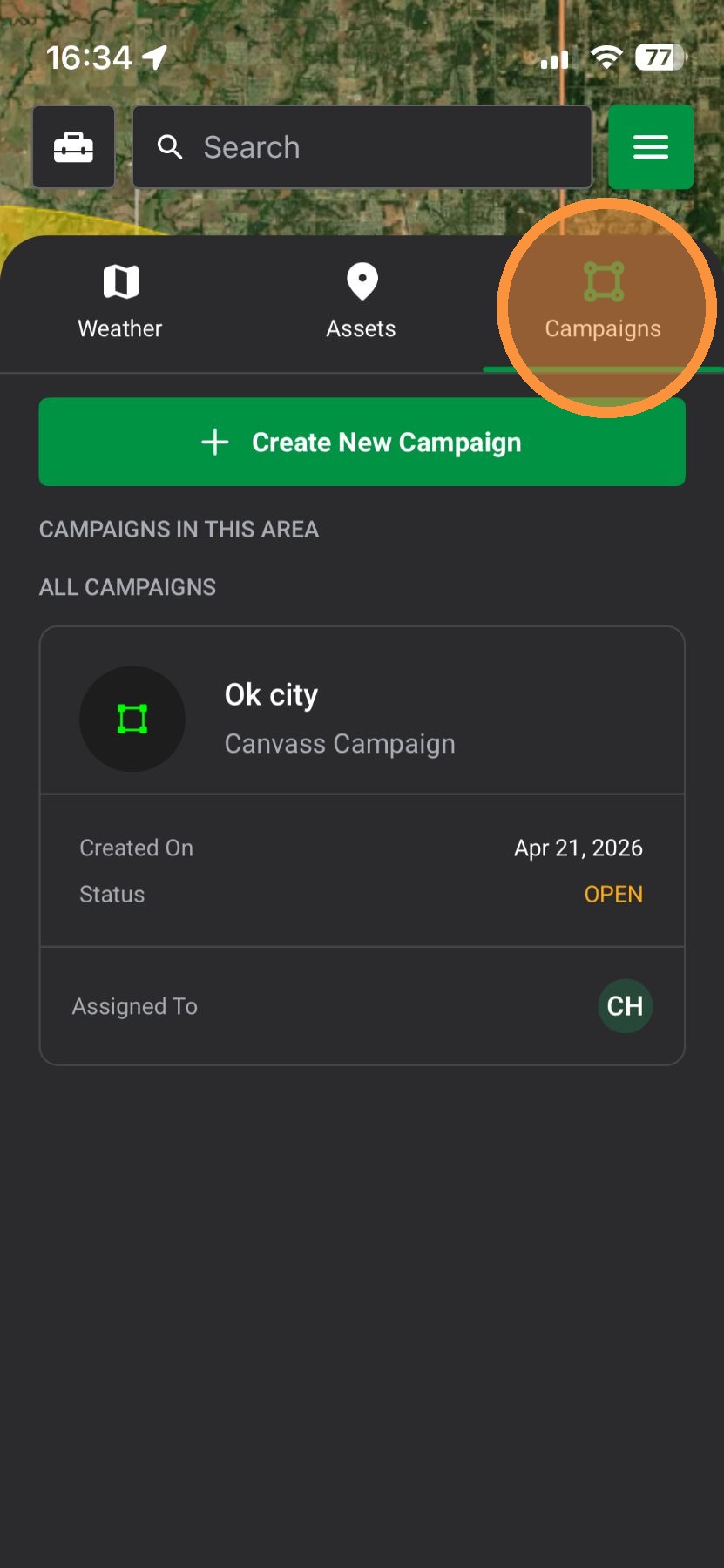
Mobile App

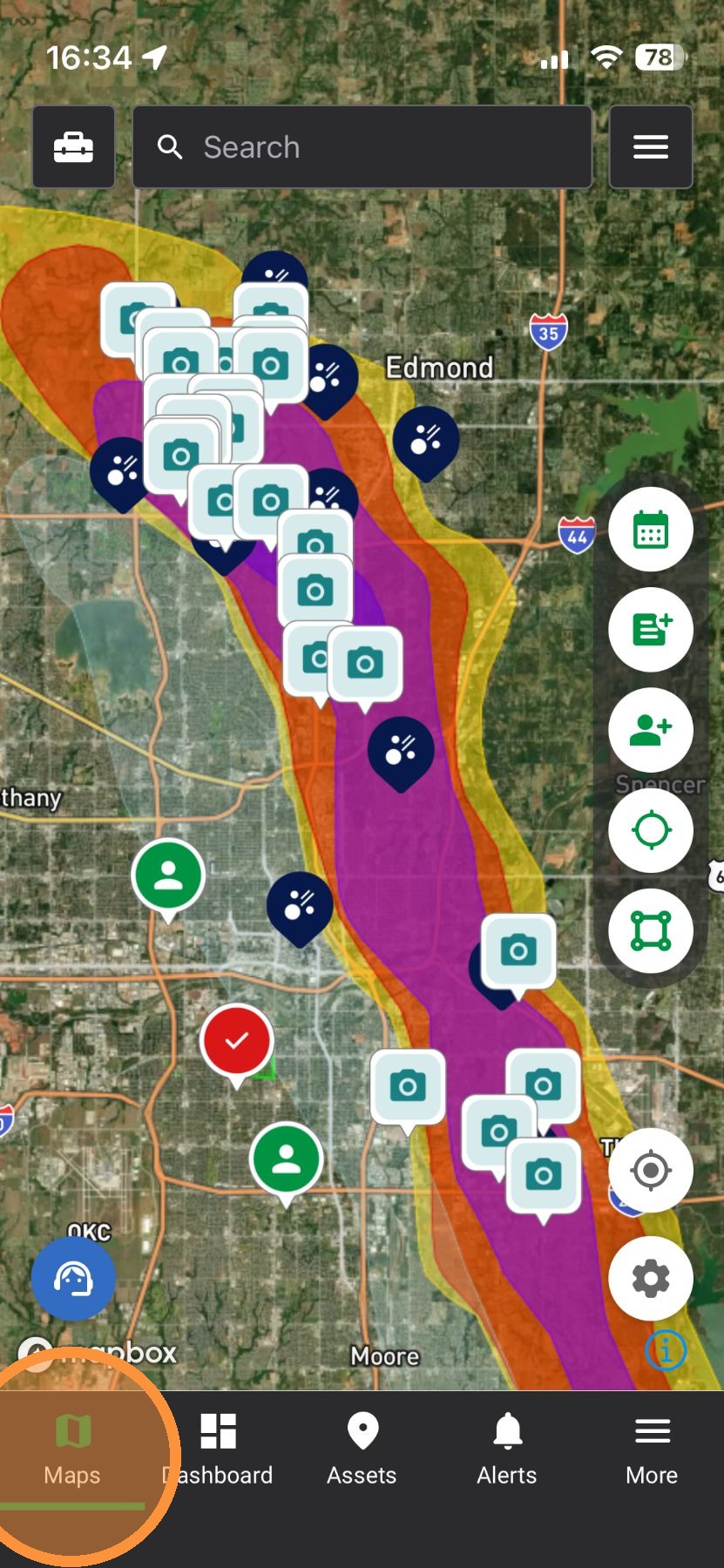
1. Tap "Maps" page

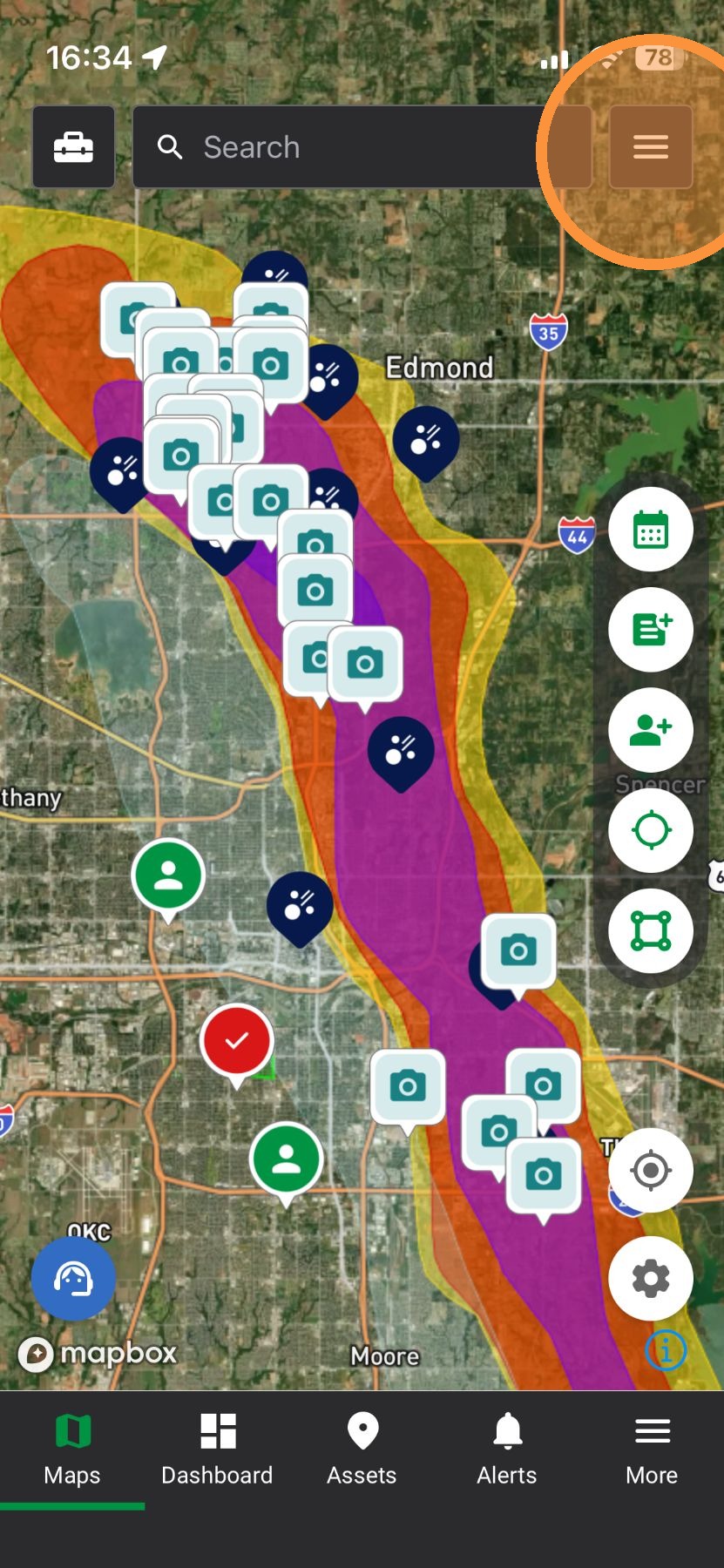
2. Tap "Navigation Bar"

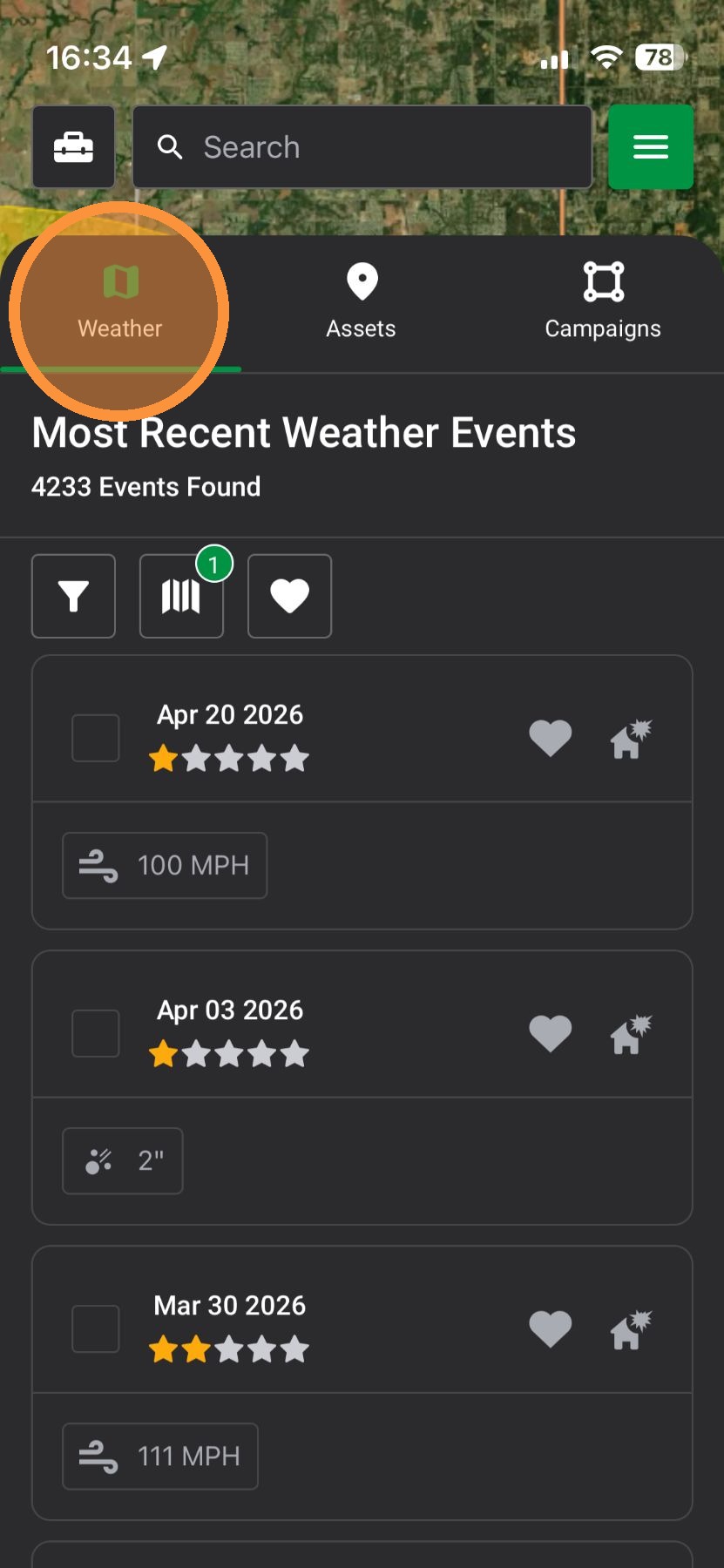
3. Weather Events: Find storms and see where to go next.

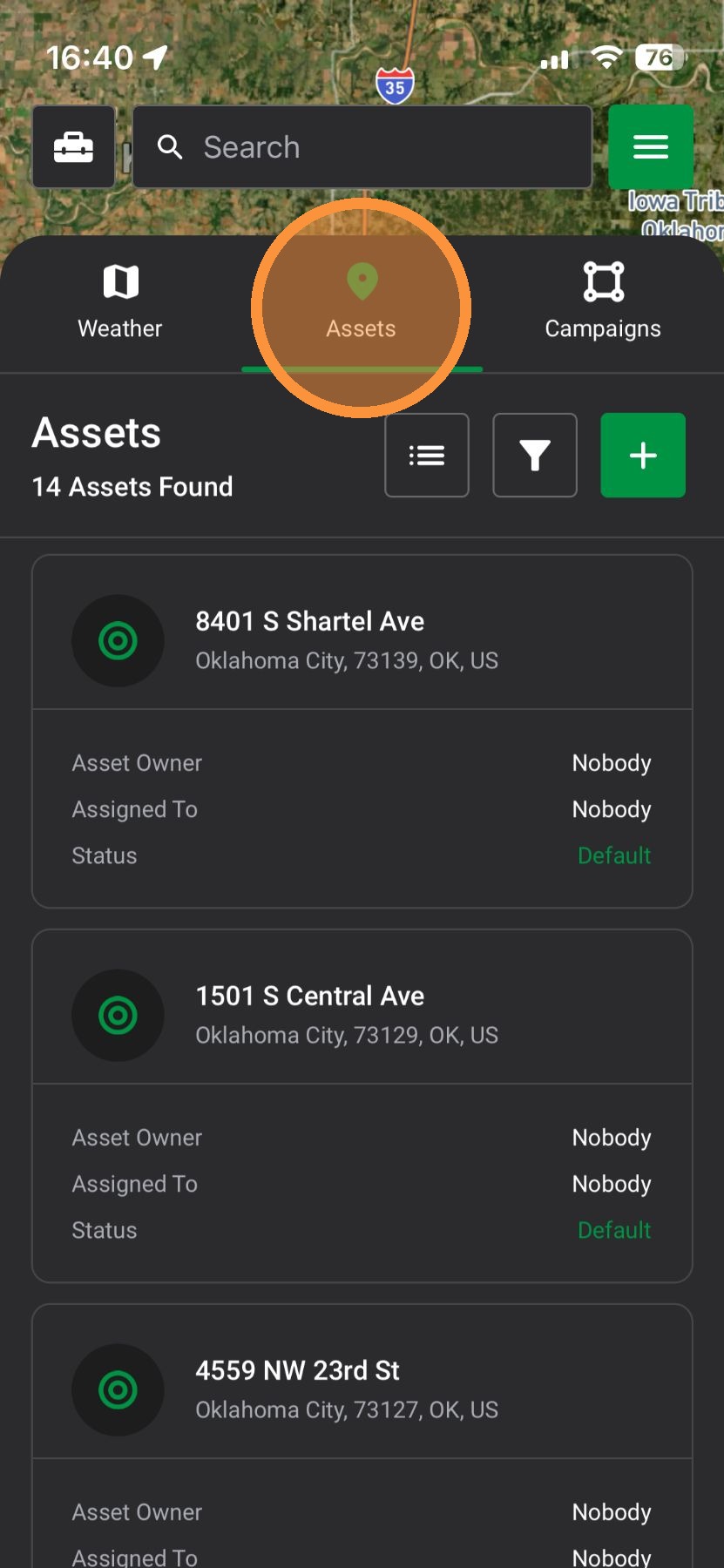
4. Assets: Create pins and track deals you are working.

5. Campaigns: Plan and manage where your team is working


Browser App

1. Select the "Map" page
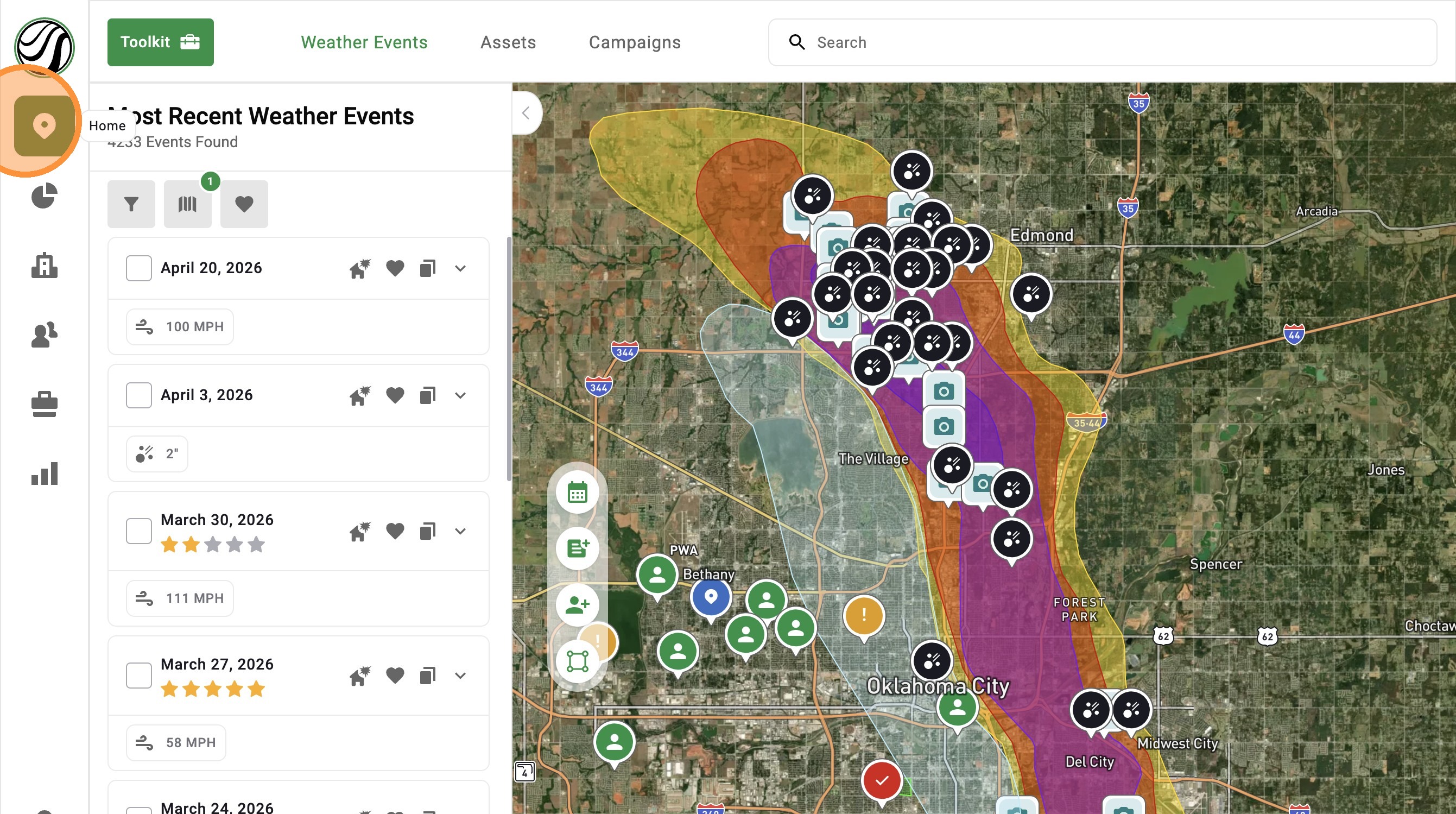

2. Weather Events: Find storms and see where to go next
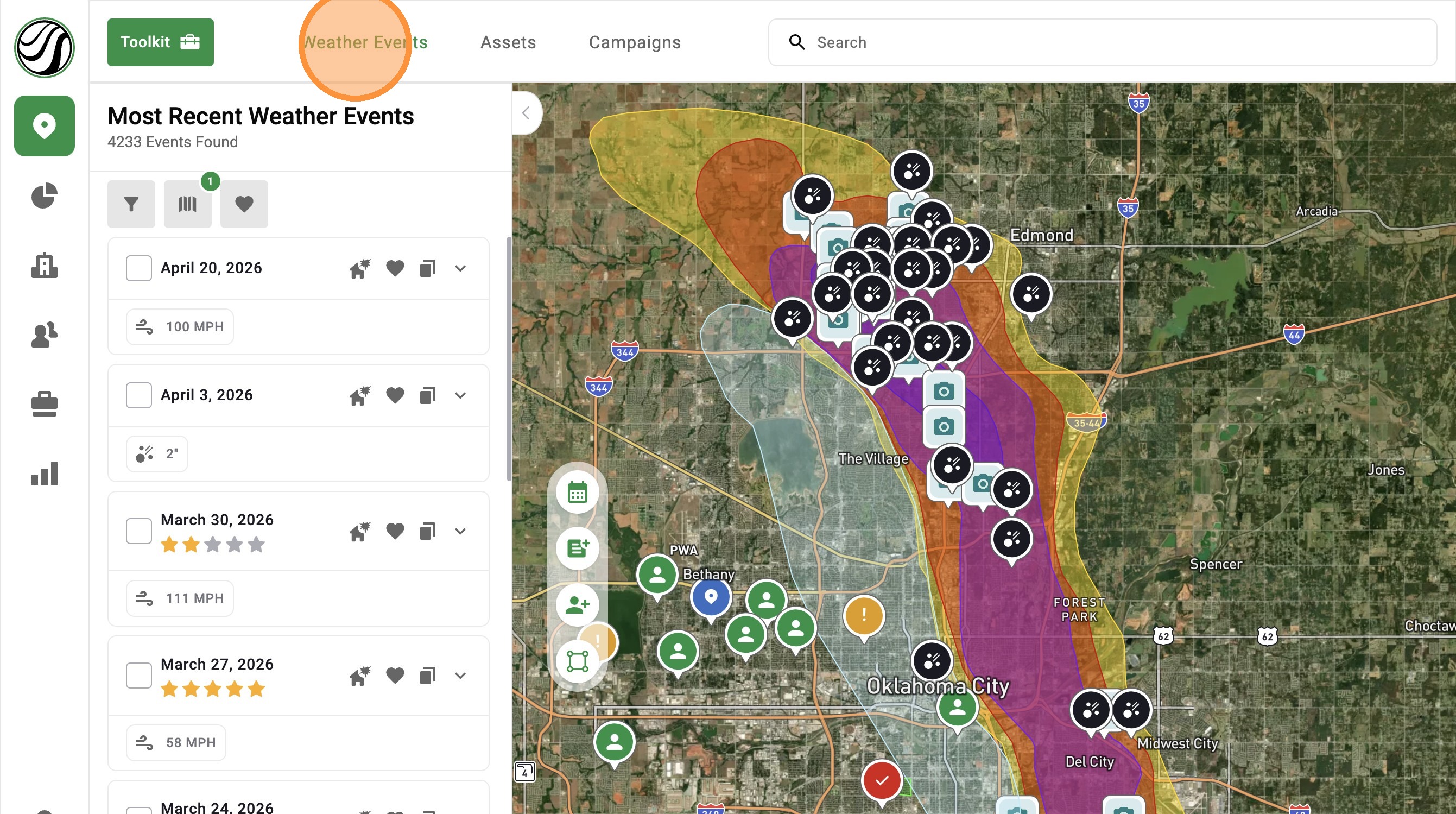

3. Assets: Create pins and track deals you are working
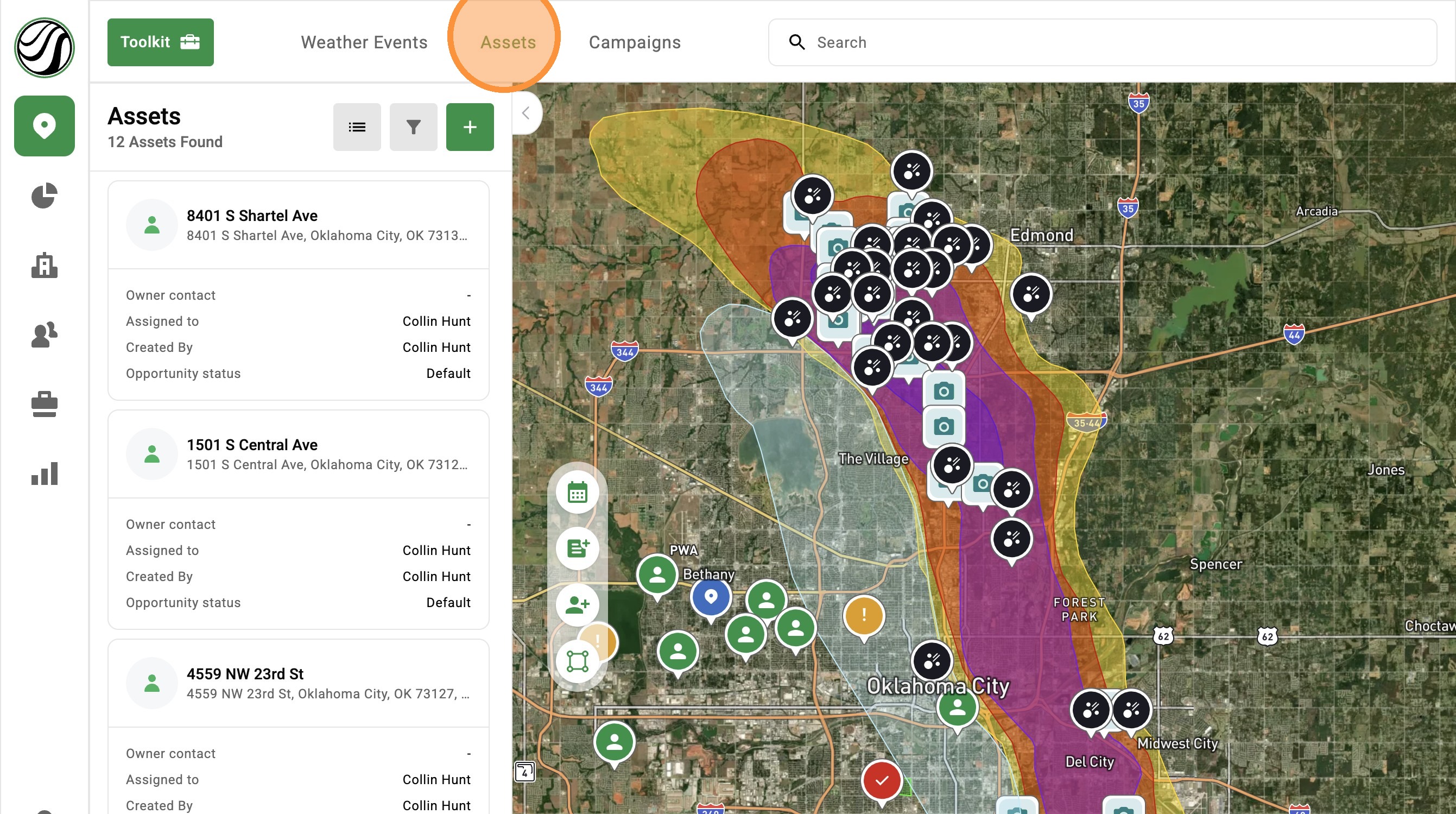

4. Campaigns: Plan and manage where your team is working


    • Related Articles

    • [5.0] Create a New Password

      Below are the steps of updating your password in the mobile and browser app. Mobile App Along the bottom bar, select More tab indicated by three dots Tap Settings Select Security Fill out New Password Password must include all of the following: 8 ...
    • [5.0] Use the Asset Panel to Find, Create, and Manage Assets

      The Asset Panel now makes it easier to manage your work without leaving the map. Filters are built right into the panel, so you can quickly find the assets you need. You can also create a new asset right from the panel. This helps you stay organized, ...
    • [5.0] How to Create a New Opportunity for an Asset

      Opportunities help you track deals tied to an Asset in HailTrace. They include details like the status, notes, priority level, and assigned user. If a deal is lost, a claim is closed, or a new storm creates another sales opportunity, you can create a ...
    • [5.0] Use Asset Filters to Find the Right Properties Faster

      Assets are the properties tied to your clients, contacts, and opportunities in HailTrace. Asset Filters help you quickly find the properties you need, whether you are working from the Asset page or viewing them on the Map. You can filter by details ...
    • [5.0] How To Find Storms & Activate A Weather Event

      Our Maps, also called Weather Events, help you find areas hit by hail, wind, and tornadoes. Use them to identify the best places to generate leads and get there first—whether in the heart of the storm for maximum opportunity or along the edges where ...