How To Delete Your HailTrace Account
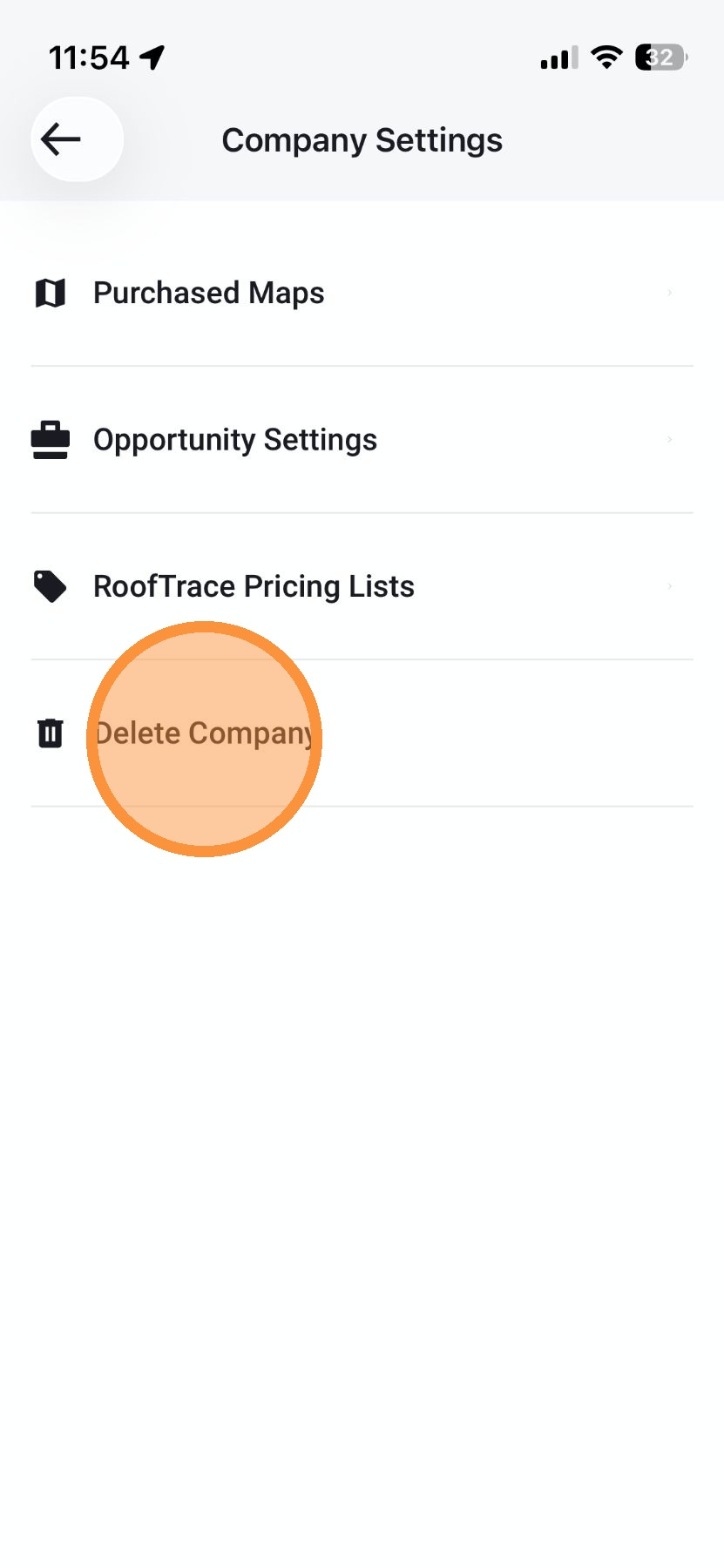
If needed, you can delete your HailTrace account in the mobile app.
Note that deleting your account is permanent.
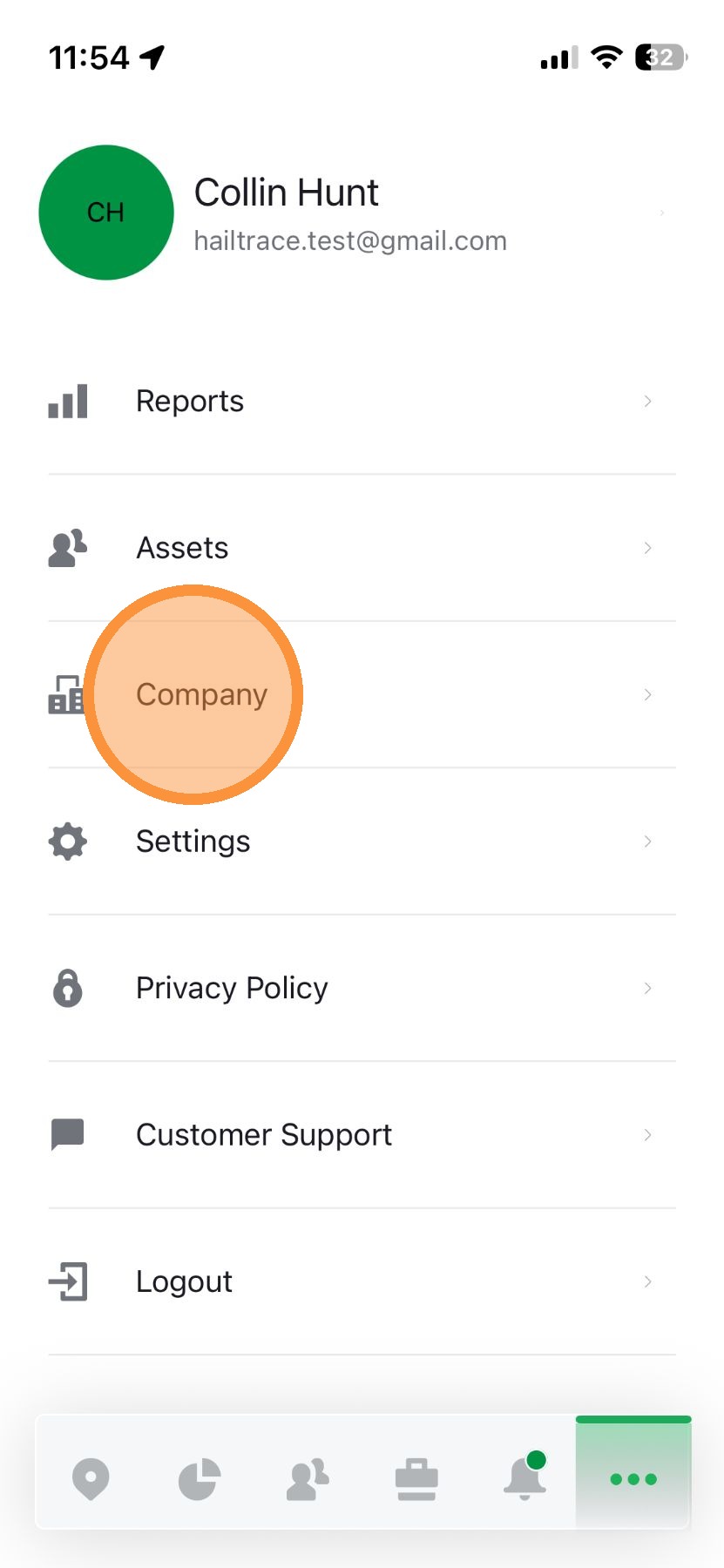
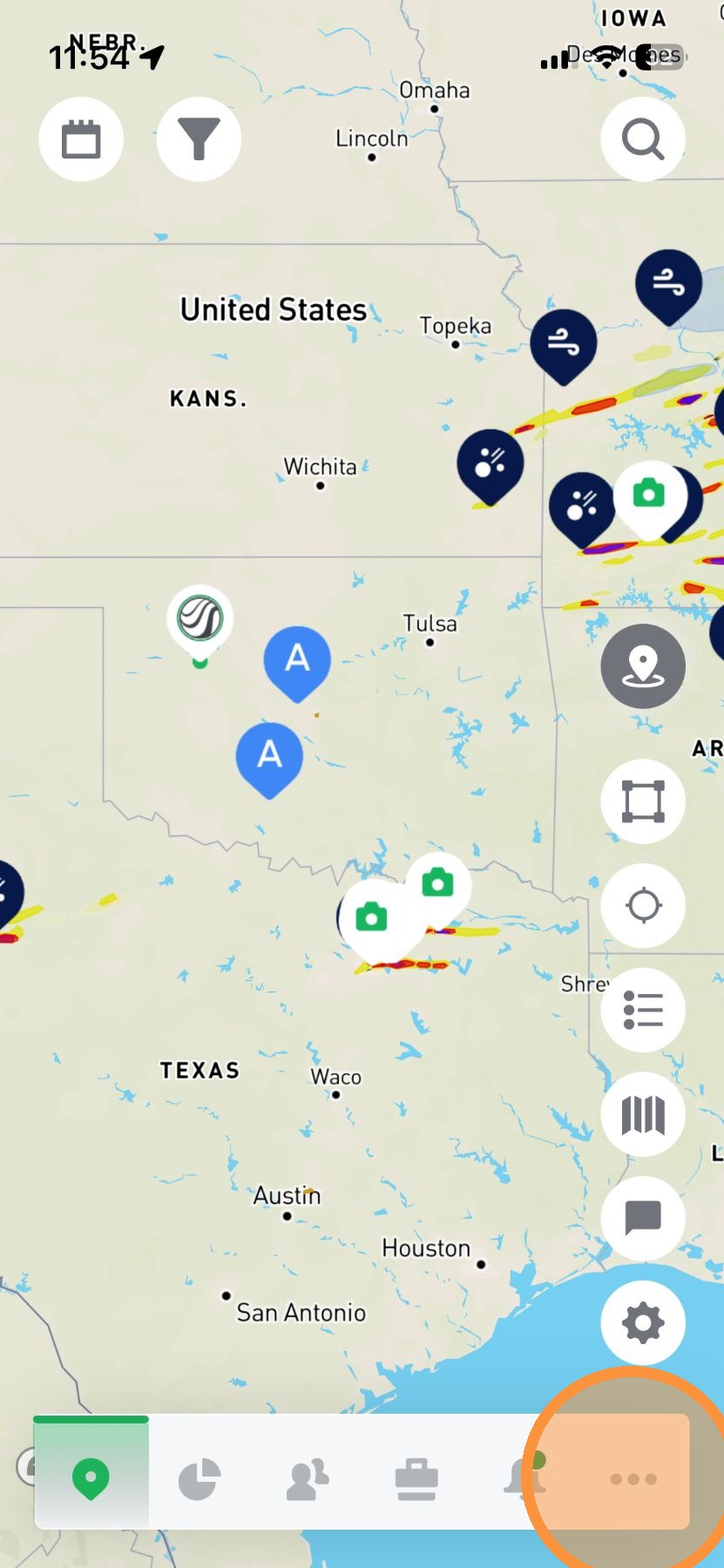
1. On the Mobile app, tap "More" page


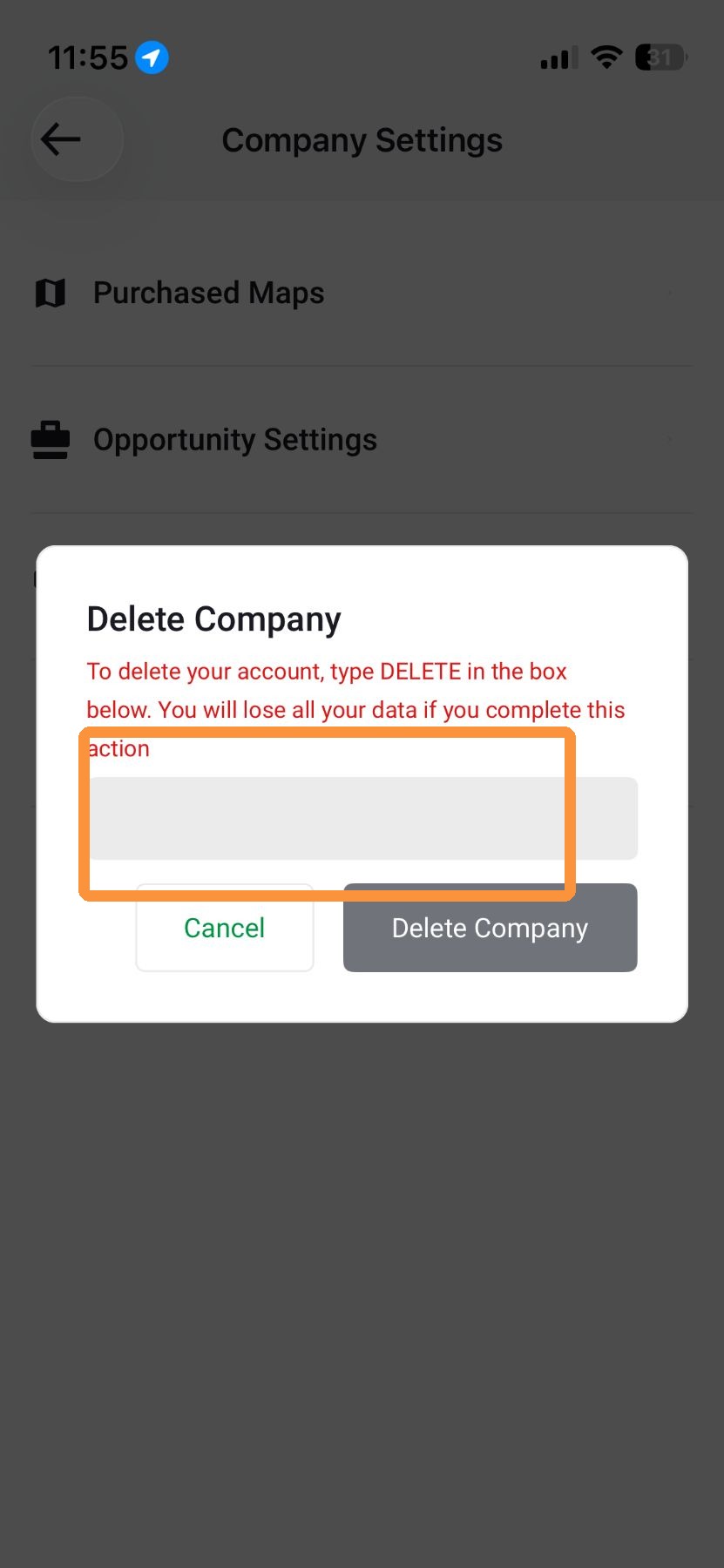
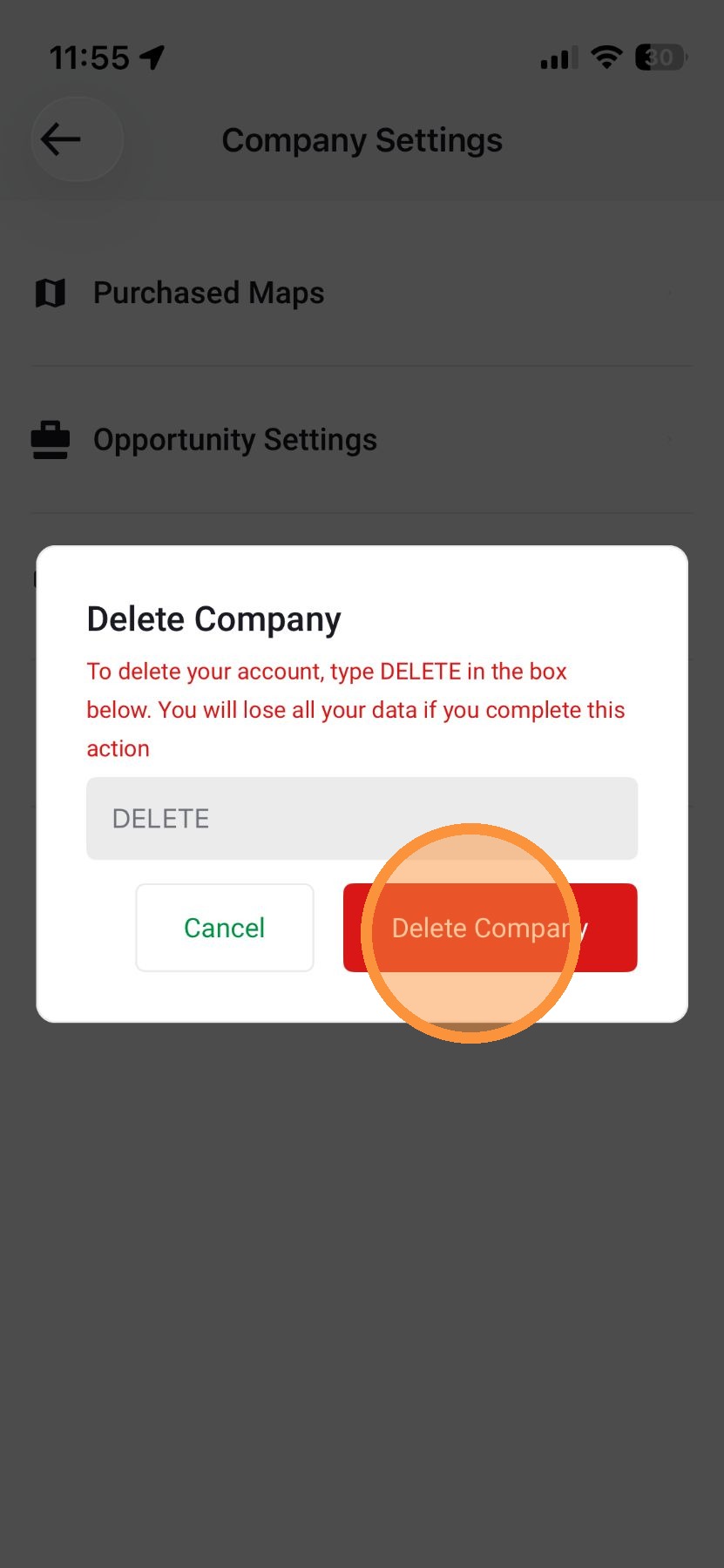
4. Enter "DELETE" in the text box

5. Tap "Delete Company" *note this will permanently delete your HailTrace account
Related Articles
Delete an Asset
The following steps will allow you to delete some or all of your assets in the HailTrace app. You will need one of the following roles to delete assets: Account Owner Asset Admin Canvasssing Admin Mobile App Way #1: Assets Tab 1. Select the More tab, ...
Delete a Contact
The following steps will allow you to delete some or all of your contacts in the HailTrace app. You will need one of the following roles to delete contacts: Account Owner Asset Admin Canvasssing Admin Mobile App 1. Select Contacts tab along the ...
Quick Start With HailTrace
We strive to simplify storm data, so you can respond instantly after a storm to serve property owners. Set up your HailTrace account now so you’re ready before the next storm hits. Jump To Quick Start For Owner & Admins Quick Start For Sales & Other ...
3 Ways To Learn HailTrace Fast
HailTrace is packed with powerful tools to help you track storms, manage leads, and close deals before competition. We’ve made it easy to learn to use these features: ? Enroll In HailTrace Academy Quick, easy-to-follow videos to help you master the ...
How To Register For HailTrace Academy
HailTrace Academy is your go-to training course for learning how to use the HailTrace app—fast and on your own schedule. In just a few minutes, you can register and start watching short, on-demand videos that help you track storms, find leads, and ...