[5.0] How To Manage Early Access Features
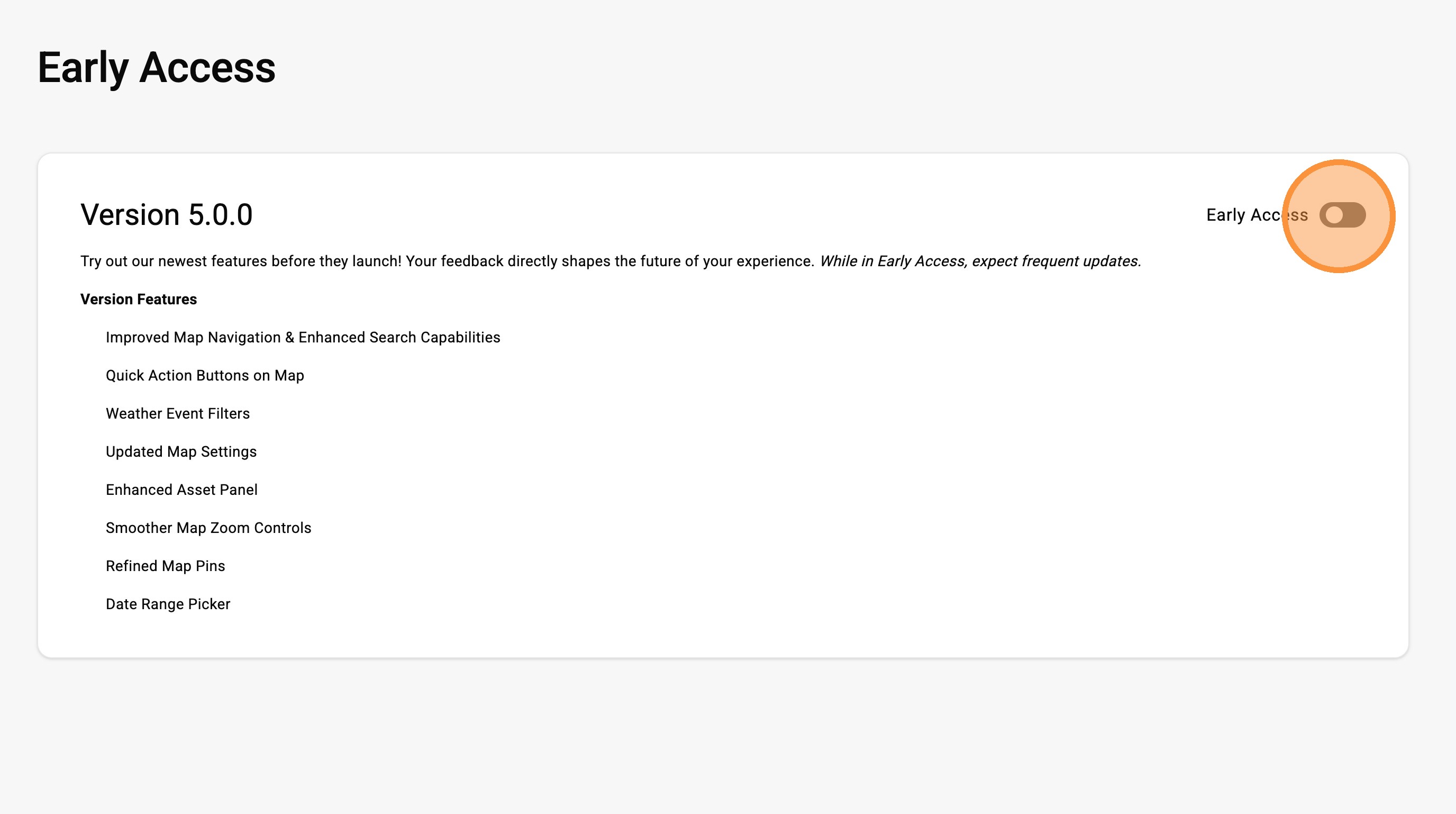
Early Access lets you try new features before they’re fully released.
You can turn it on or off anytime in Settings and see what’s included.
You’ll also get invited to test new updates as they roll out, giving you a simple way to stay up to date and in control.
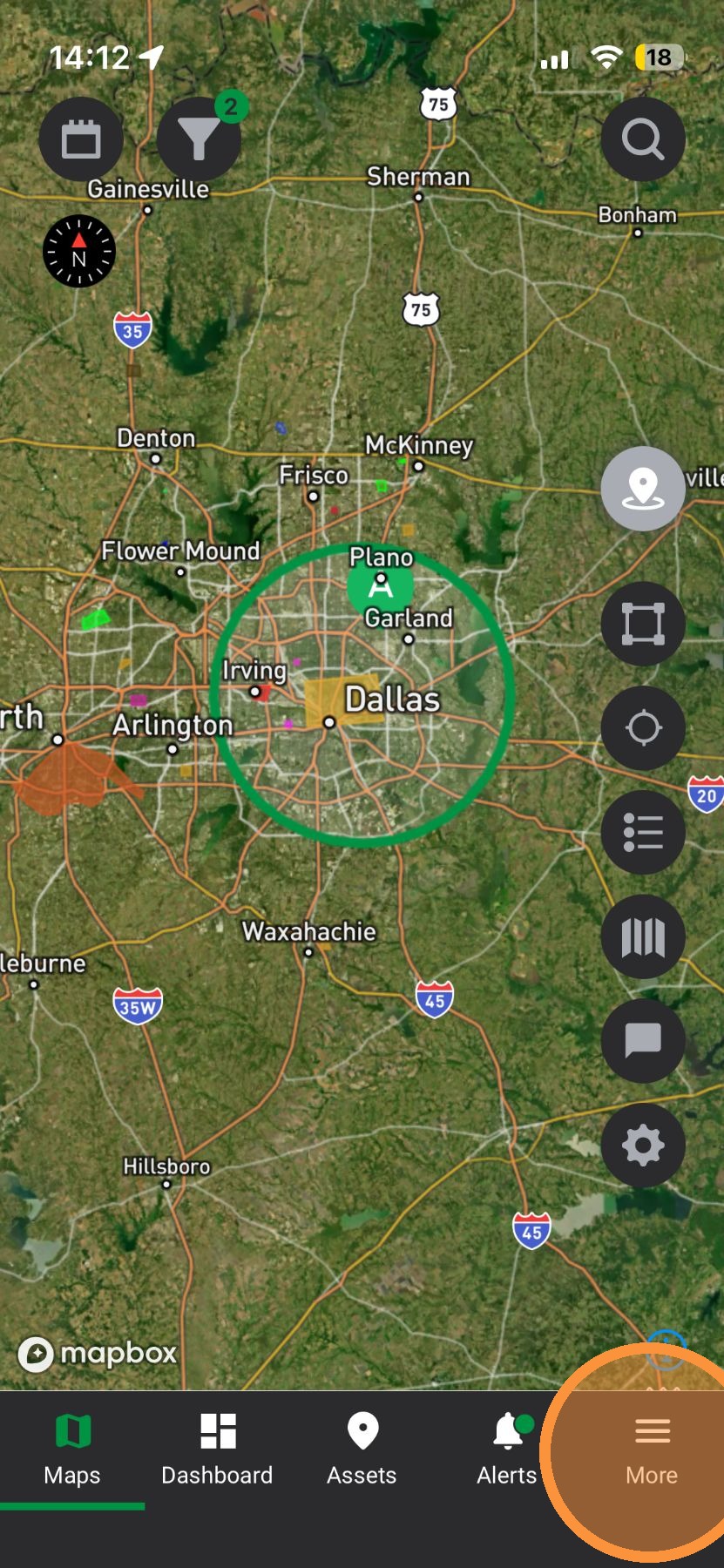
Mobile App

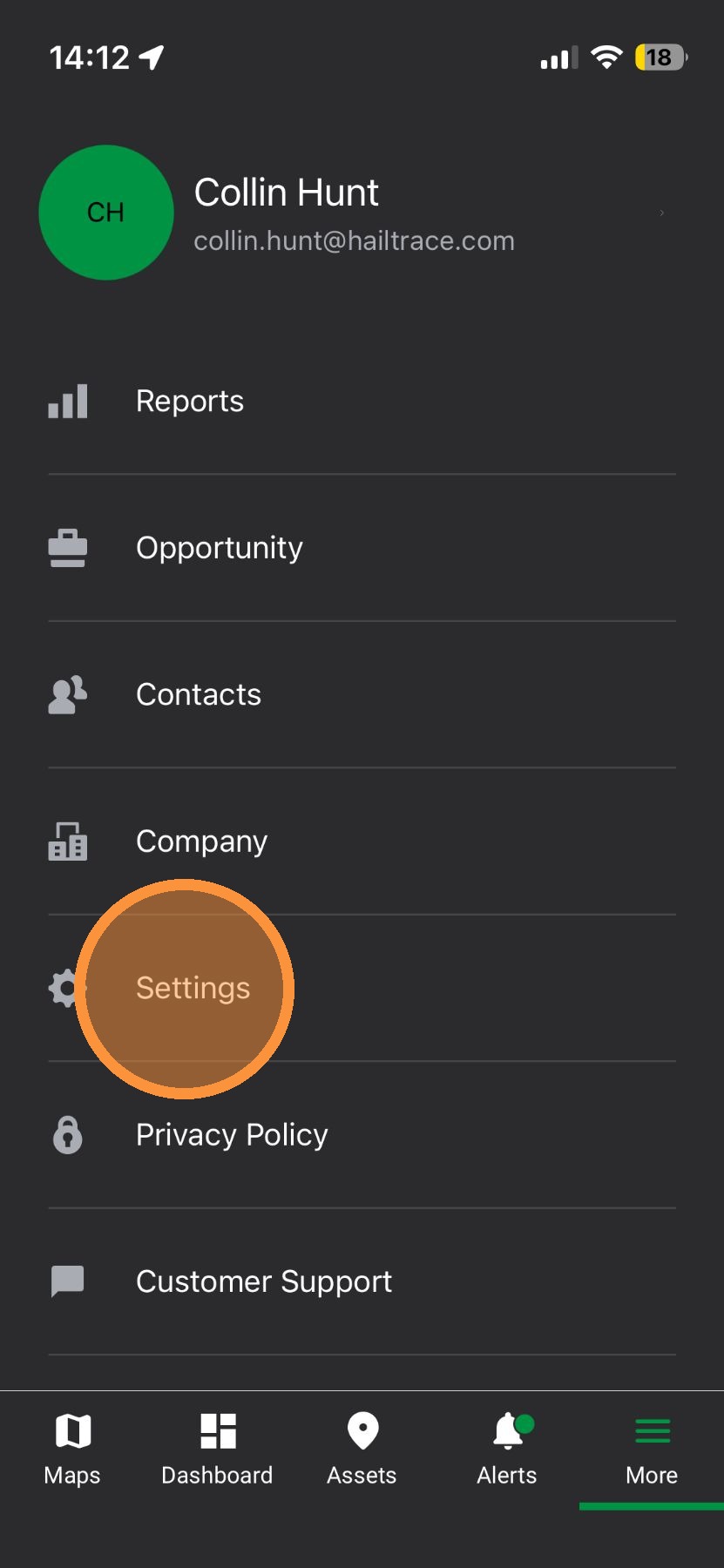
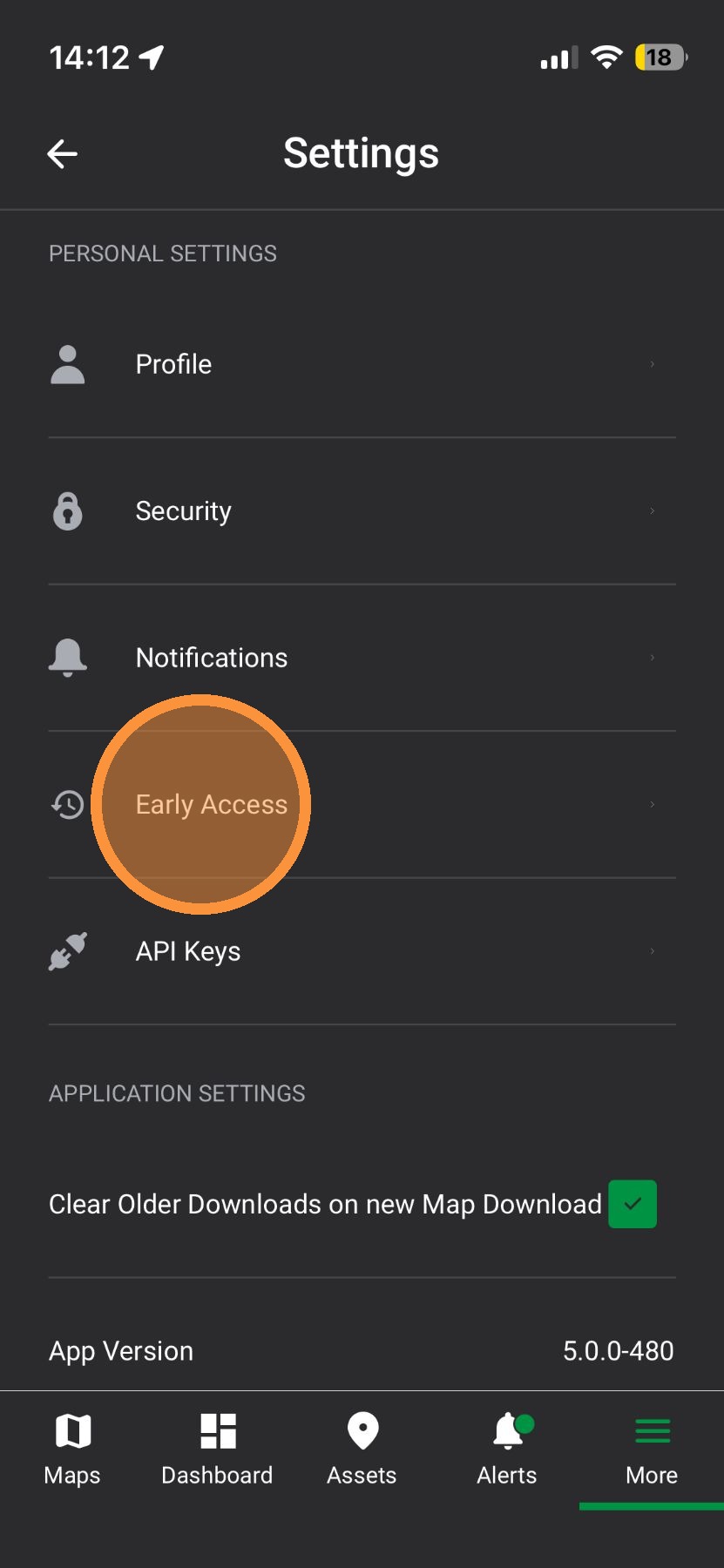
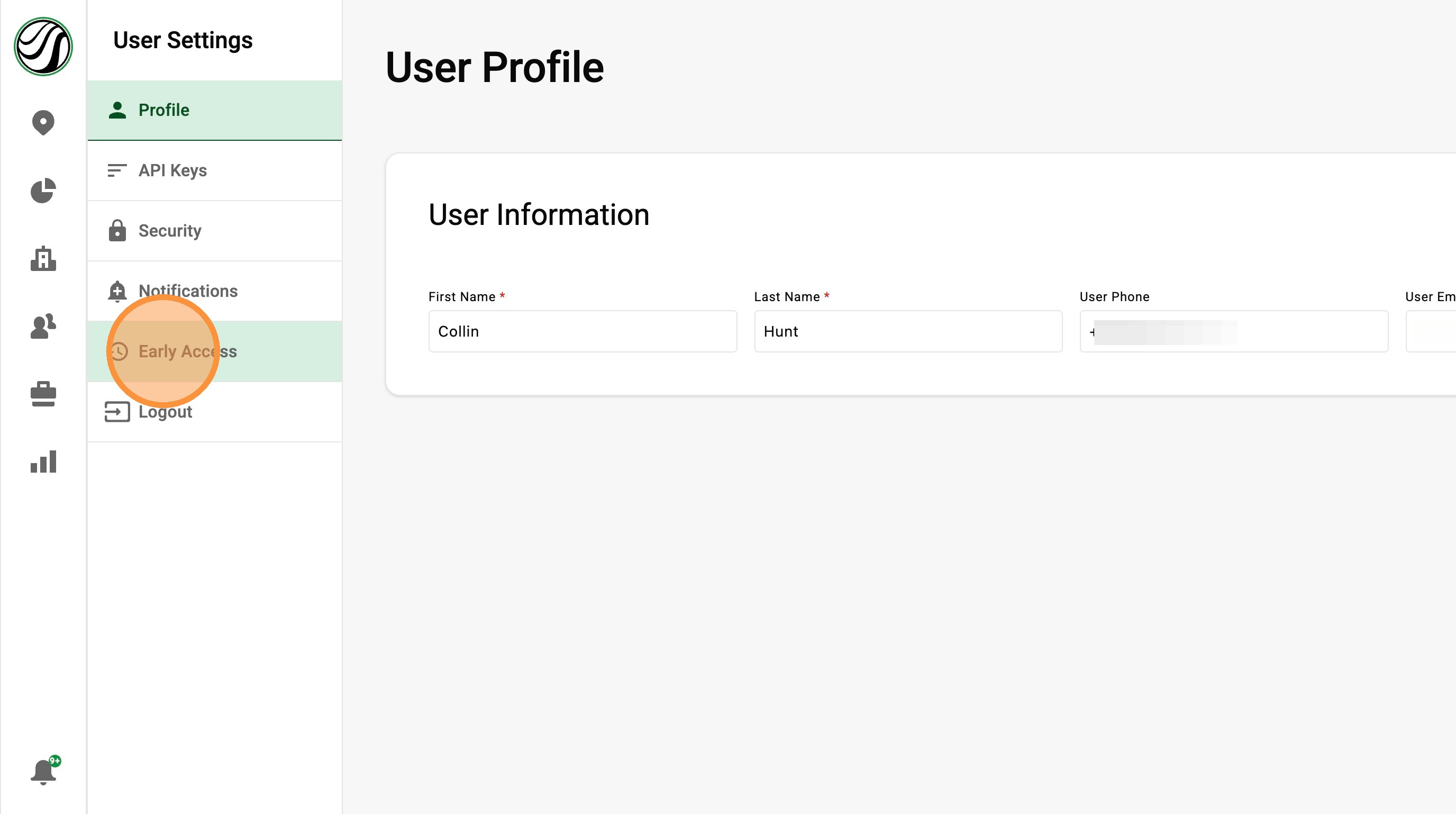
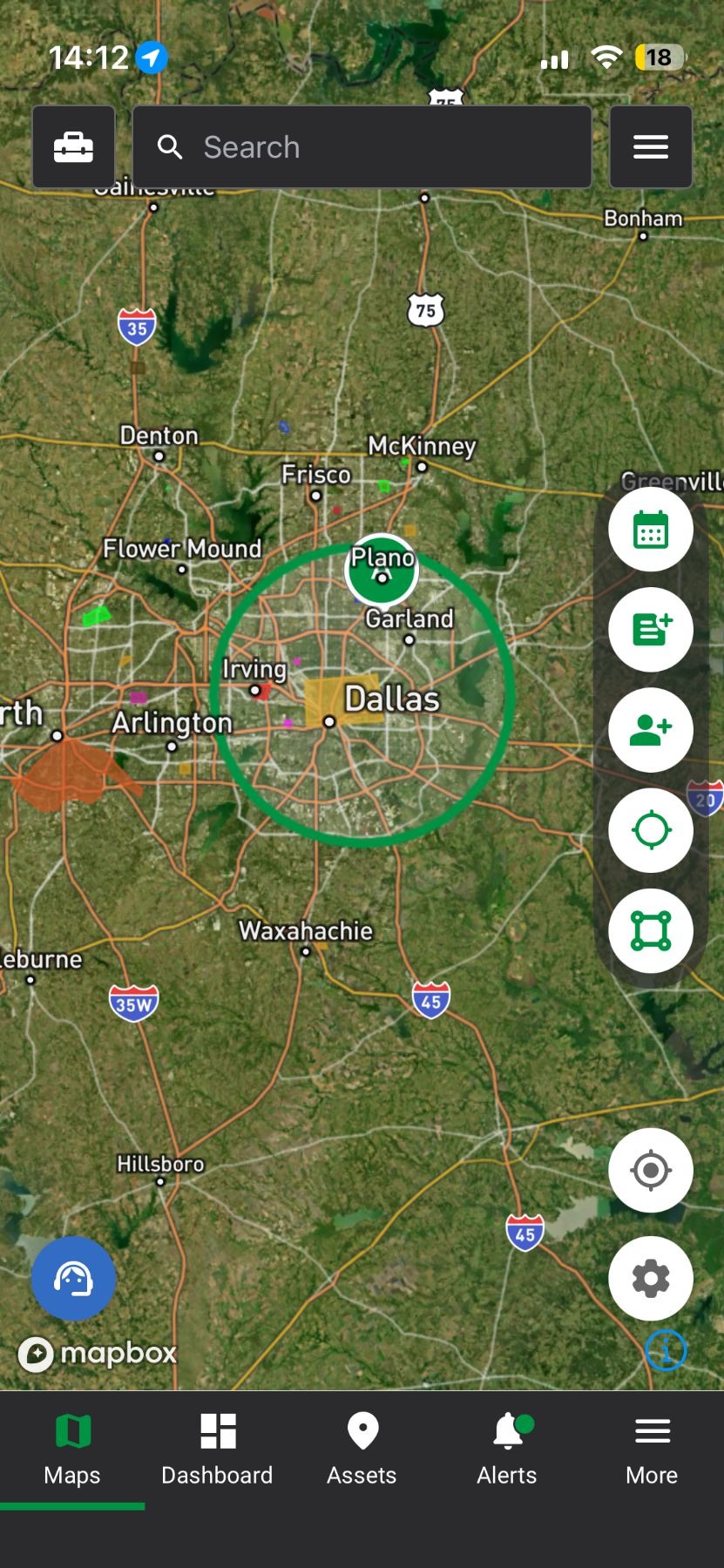
2. Tap "Personal Settings"


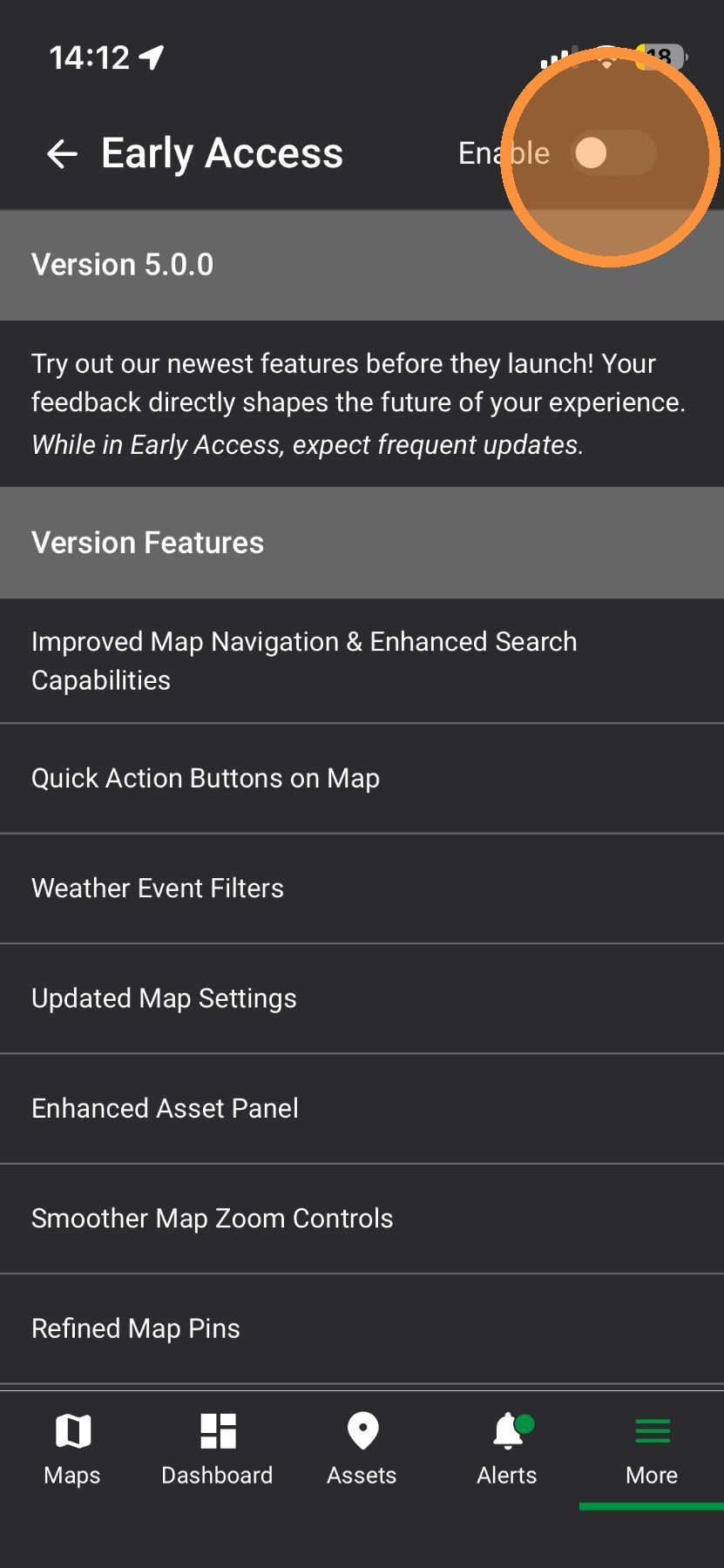
4. Enable Early Access toggle

5. Start exploring Early Access features
Browser App
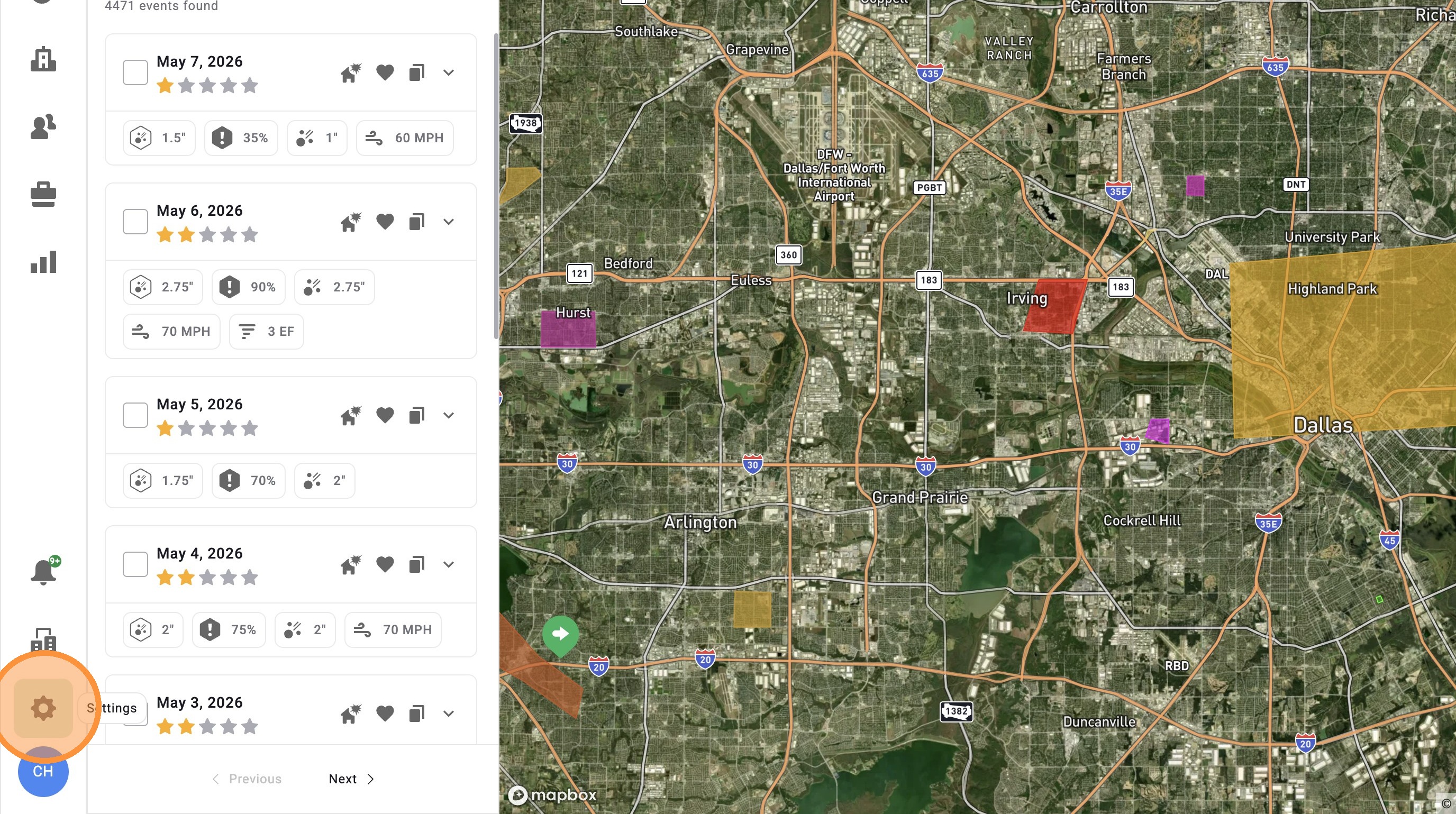
1. Click "Personal Settings"

3. Enable Early Access toggle

4. Start exploring Early Access features
Related Articles
[5.0] Edit Sub-users' Personal Info, Access, and Roles
Account Owners and users with an Admin role can update sub-user accounts as needed. This includes changing a user’s personal information, app access, roles, and permissions. Use this when a team member changes positions, needs access to more tools, ...
[5.0] Manage Storms Faster with the Weather Event Panel
The Weather Event Panel now makes it easier to find and manage your storms. You can quickly filter maps, view active events, and access your saved favorites all in one place. Clear maps one at a time or reset everything with one click. This helps you ...
[5.0] Use the Asset Panel to Find, Create, and Manage Assets
The Asset Panel now makes it easier to manage your work without leaving the map. Filters are built right into the panel, so you can quickly find the assets you need. You can also create a new asset right from the panel. This helps you stay organized, ...
[5.0] Save Weather Events for Quick Access
Saving weather events makes it easy to find the storm maps you use most often. Use saved events to quickly pull up important storms, active sales areas, or maps you need to reference often inside the app. Mobile App 1. Tap "Maps" page 2. Tap ...
[5.0] Understand App Roles & Permissions
Introduction A Role is a set of permissions given a User(s) to carry out their tasks and responsibilities within their company. When an account with HailTrace is set-up, the Primary Account Holder is given all the permissions inside the app. Each new ...