[5.0] Improved Map Search Using the Radius Filter

[5.0] Improved Map Search Using the Radius Filter

We’ve updated how the radius filter behaves when searching for weather events to give you more control and reduce confusion while working on the map.

The radius can now either move with your screen or stay locked to a selected location, depending on how you’re using the map.
This makes it easier to explore nearby areas without accidentally changing your search area or relying on address-based workarounds.


Mobile App

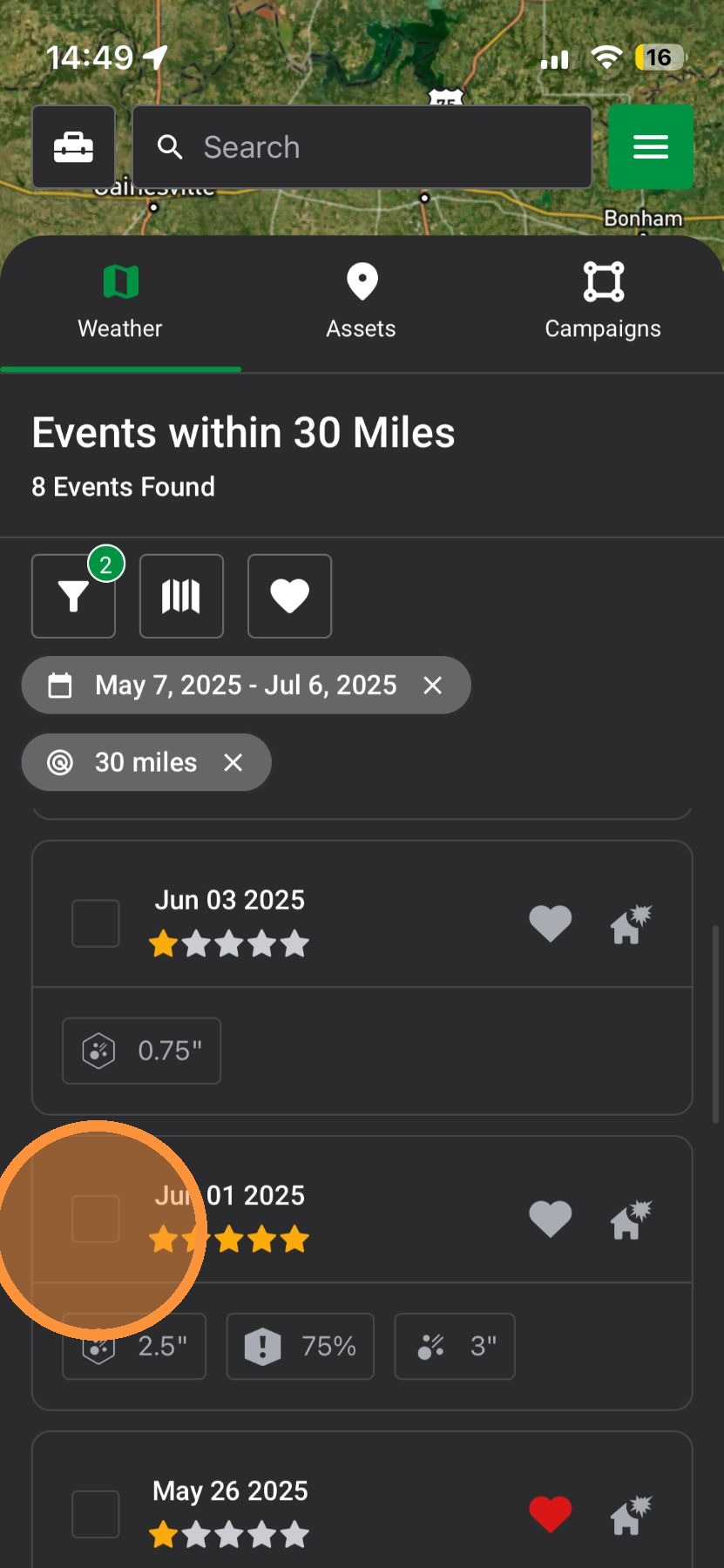
1. Tap "Maps" page
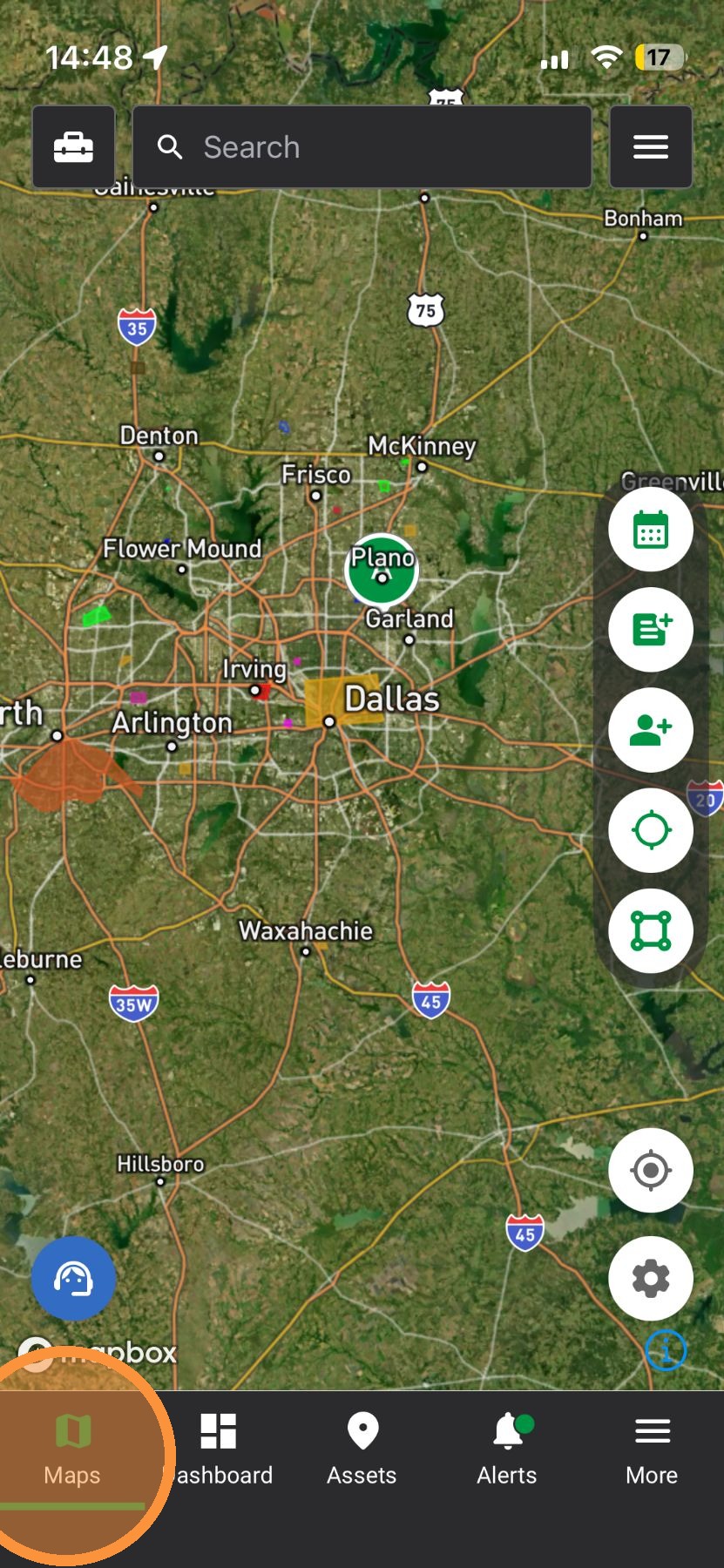

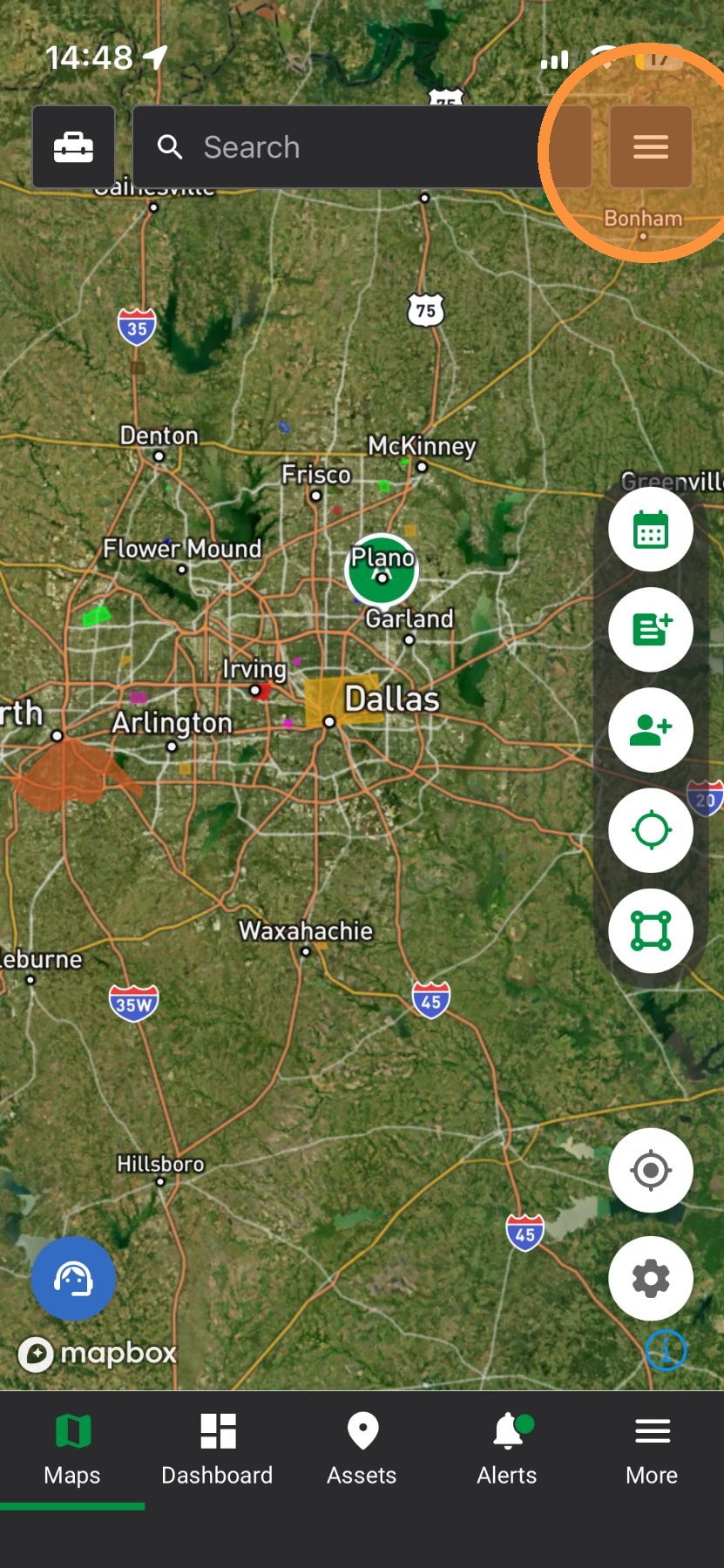
2. Tap "Navigation" panel

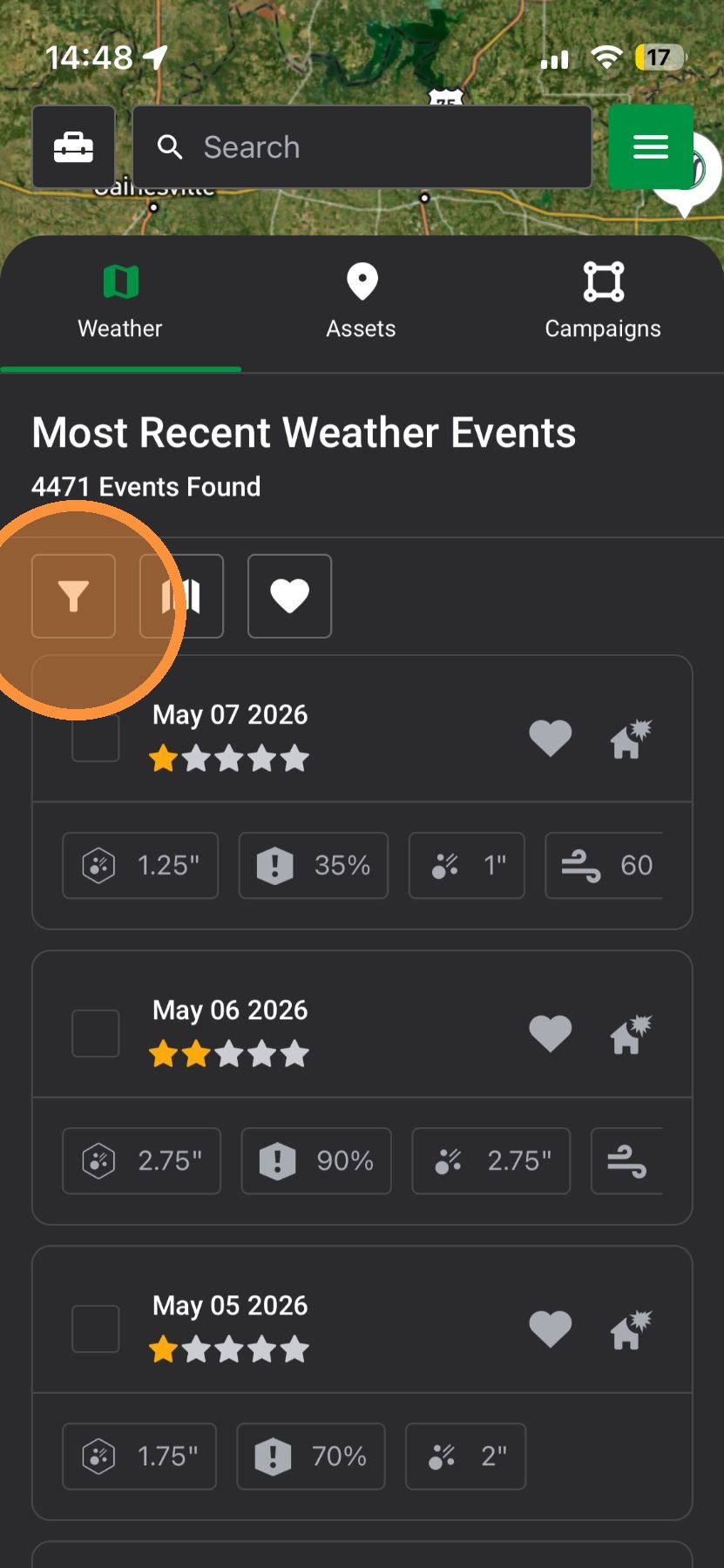
3. Tap "Weather Event Filter"

4. Enable "Radius" filter to search for storms in a specific area
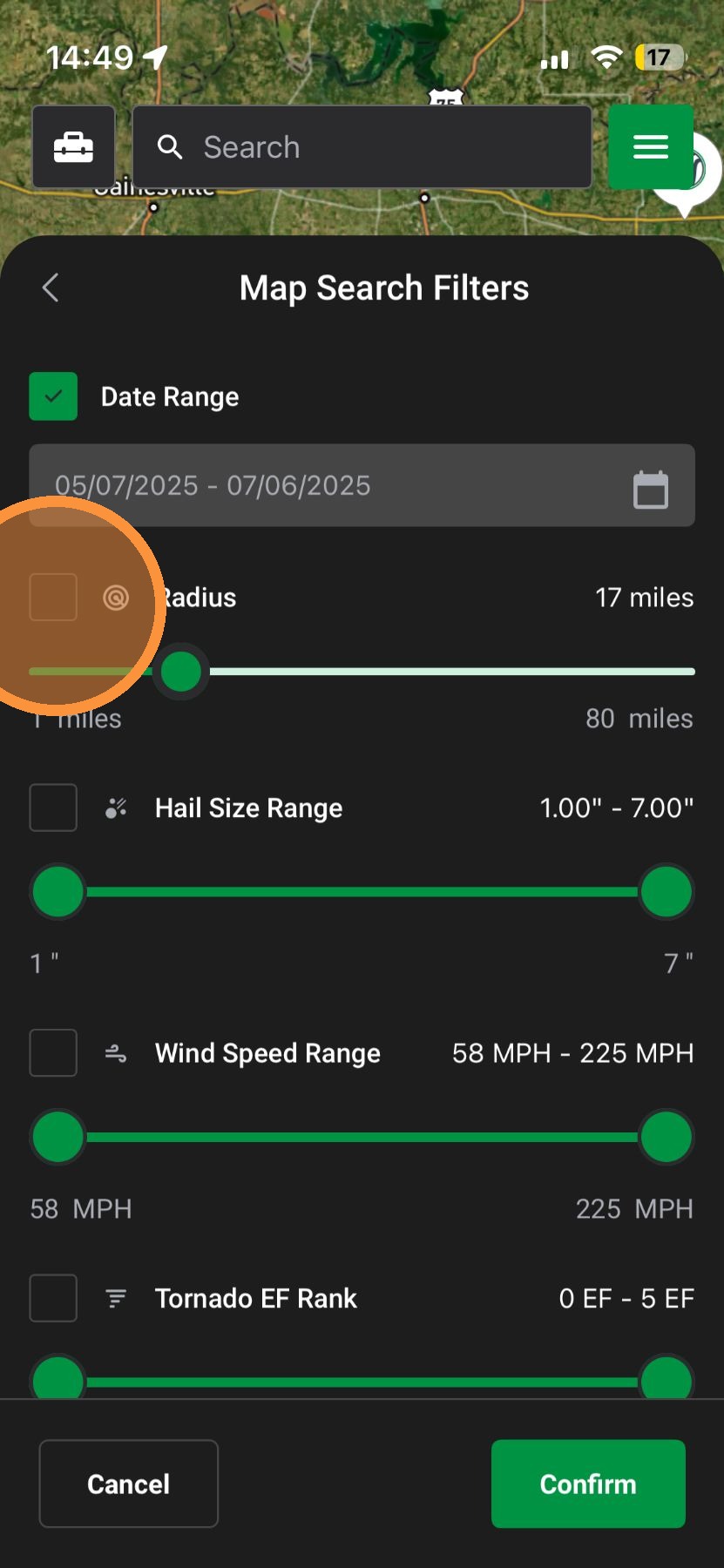

5. Tap "Confirm"
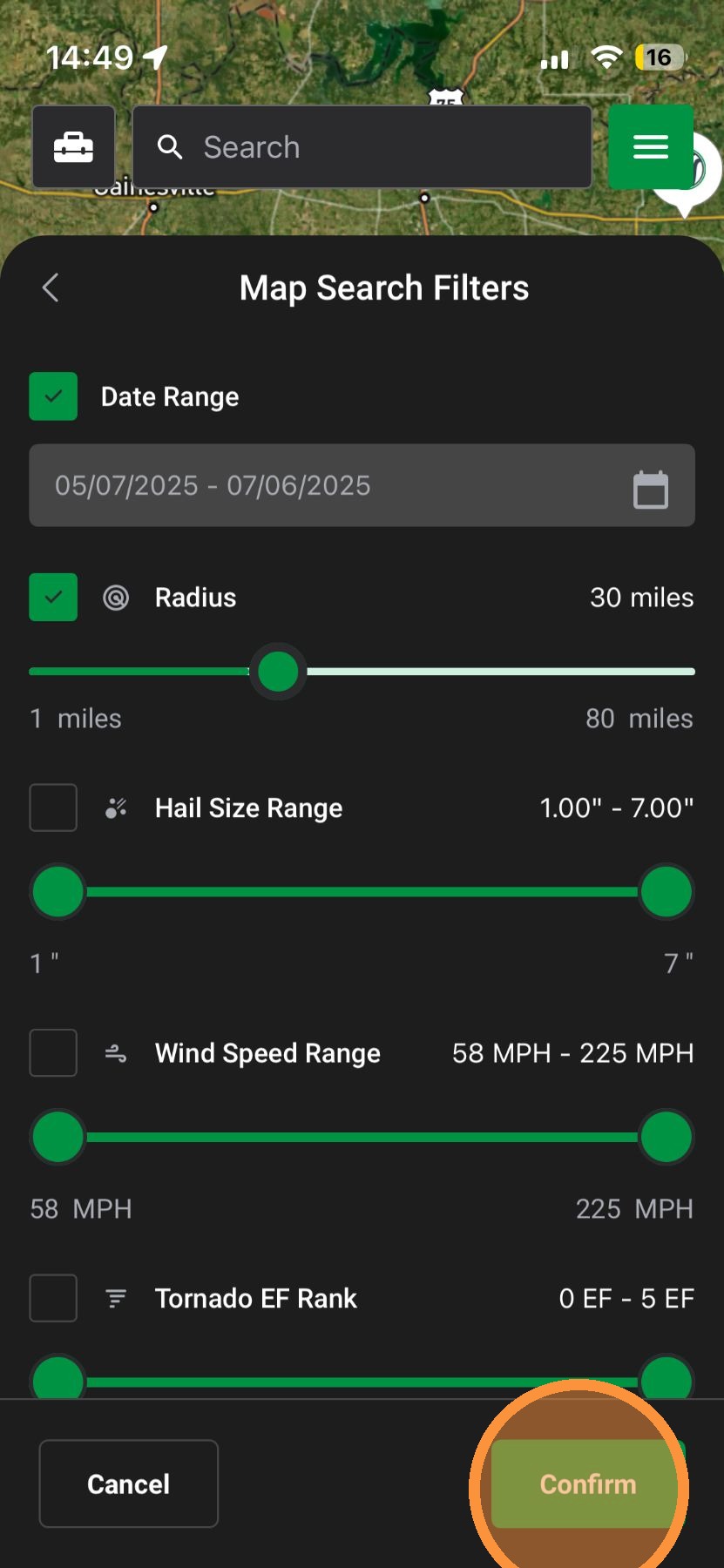

6. Swipe down on navigation
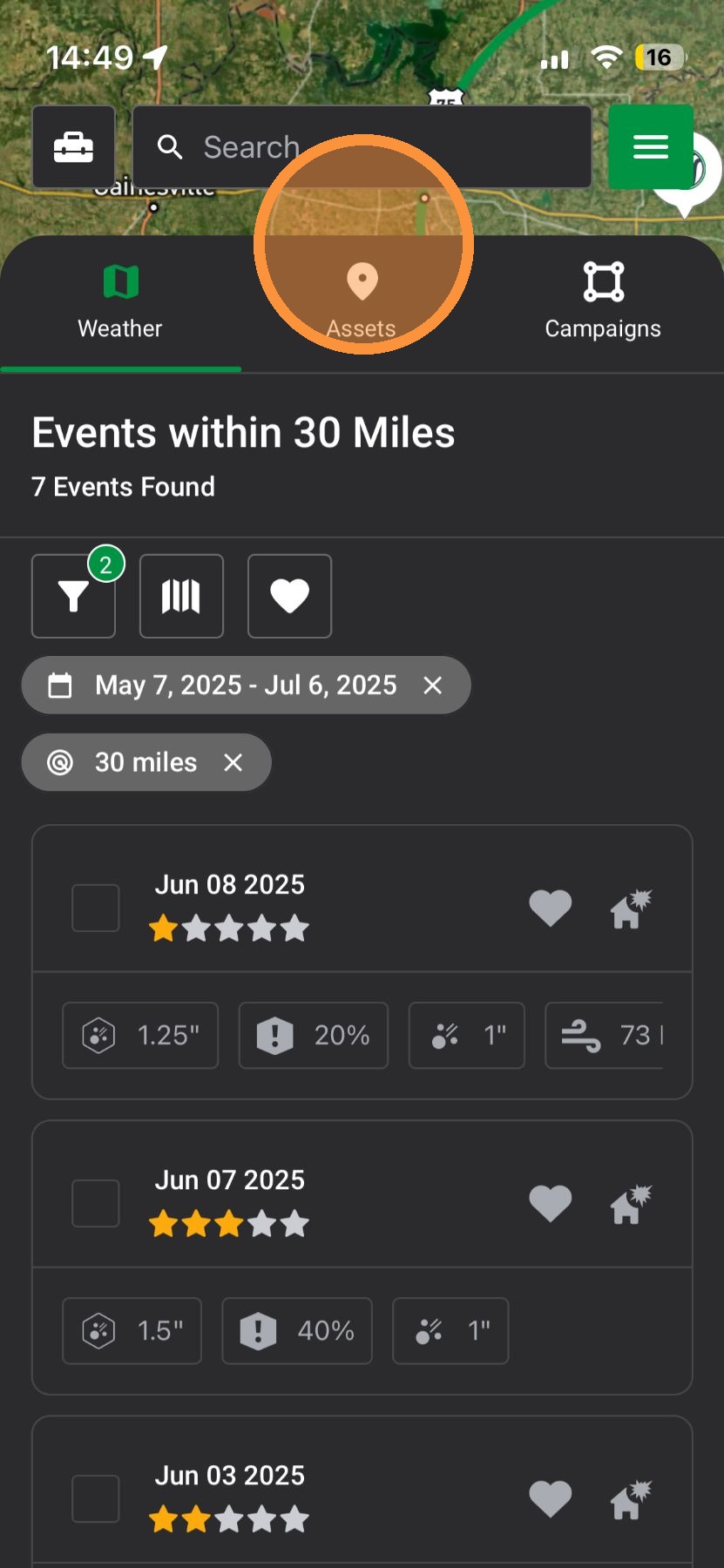

7. The radius will automatically re-center to where you are looking. Tap on the map lock the radius in place

Idea
Quick Tip: Turn on the radius by tapping twice in the same spot. The map will turn on your radius and let you start activating maps
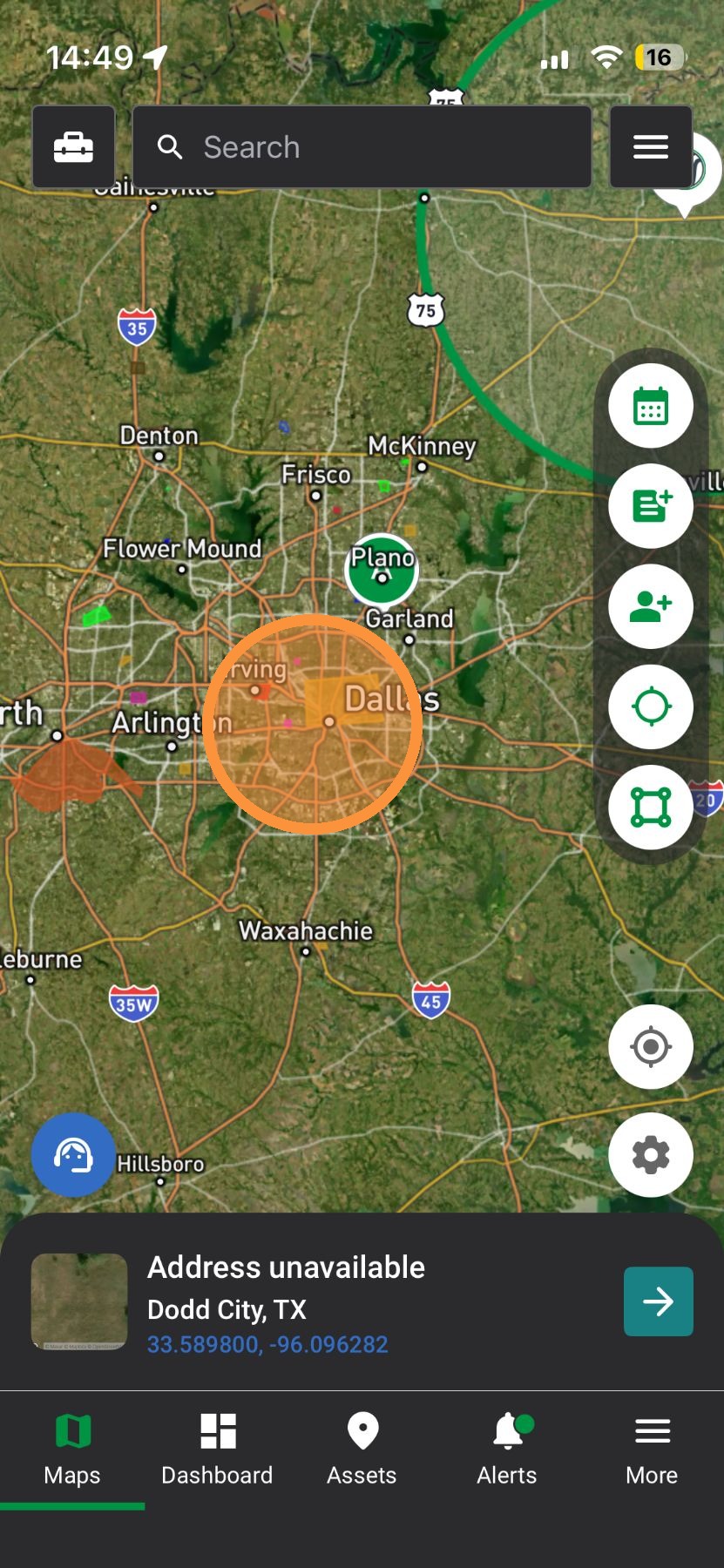

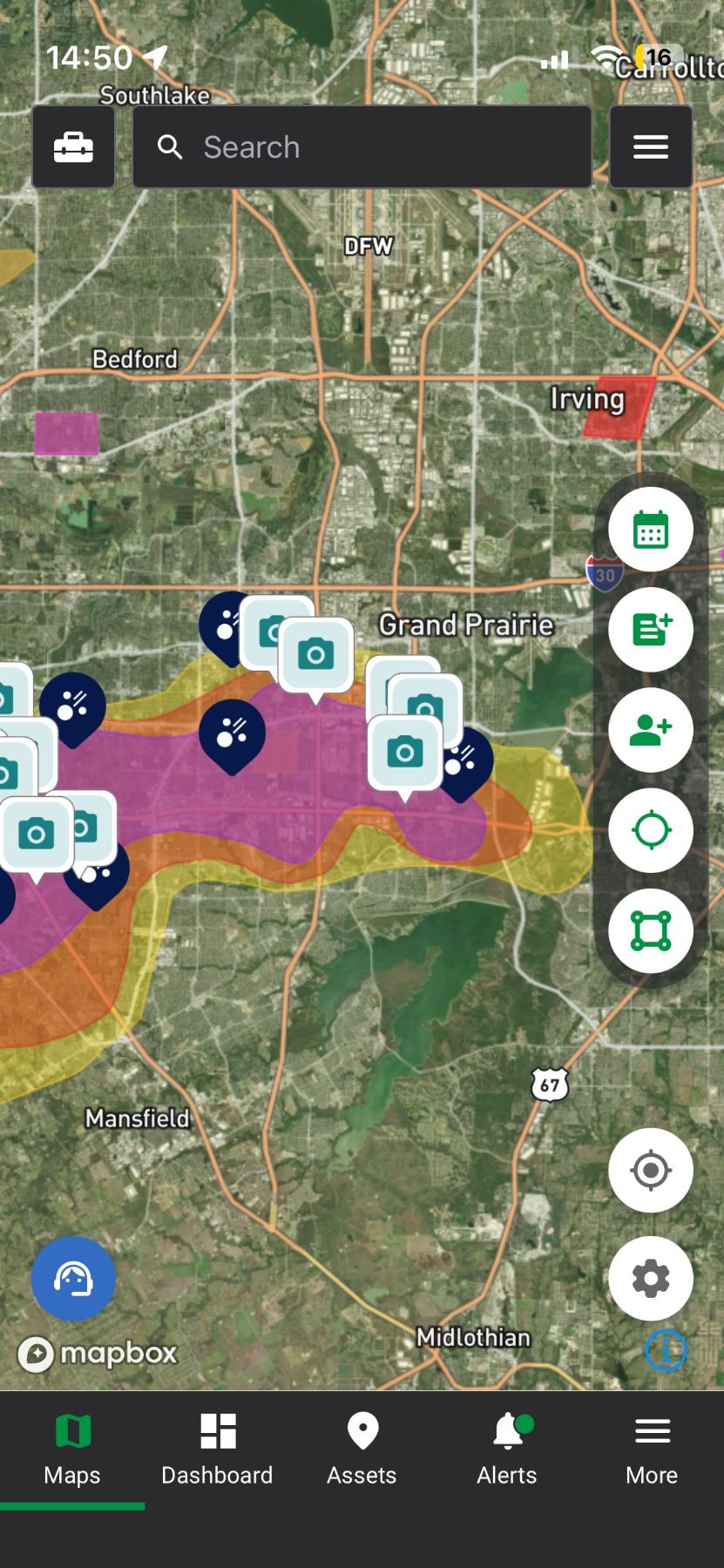
8. Tap "Navigation" panel
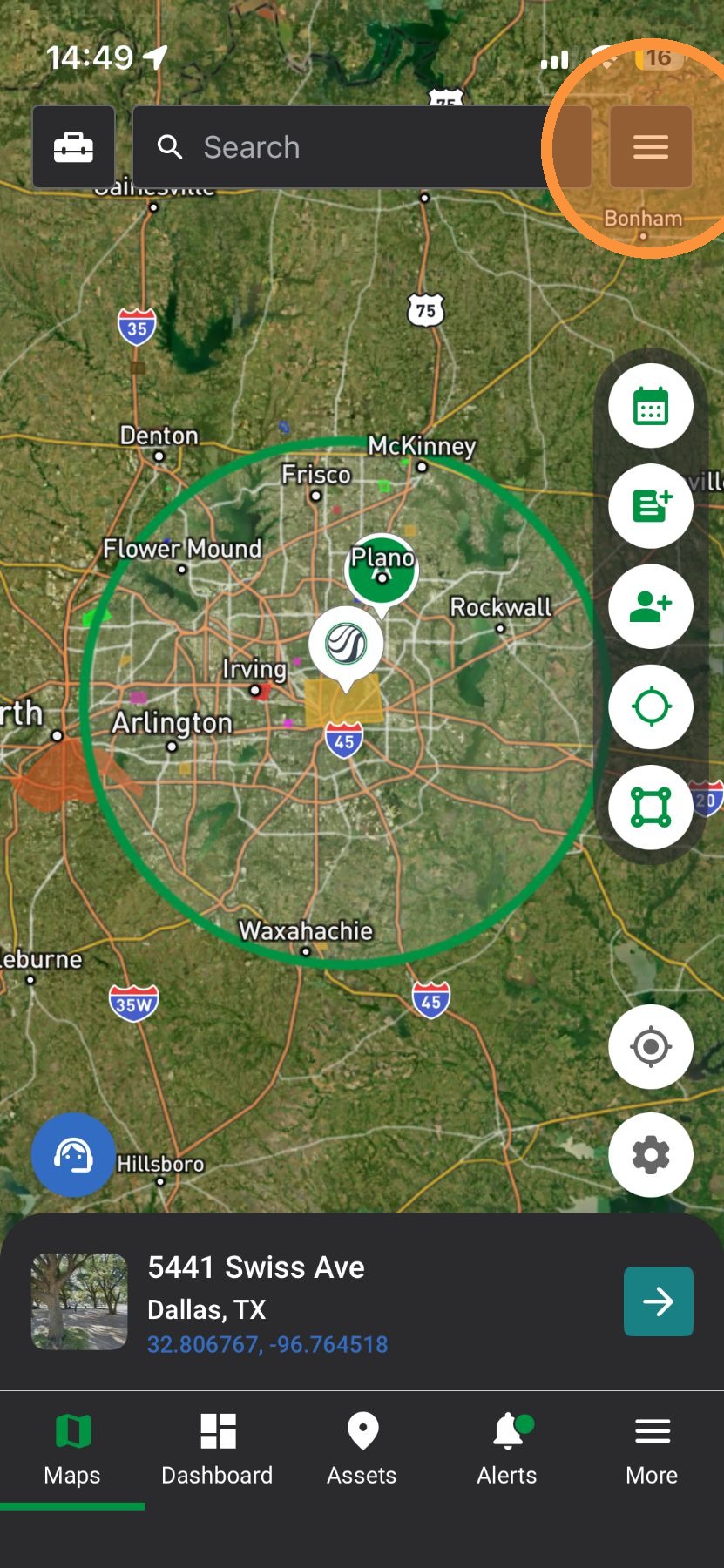

9. Enable any number of weather events

10. Start finding impacted areas within a storm


Browser App

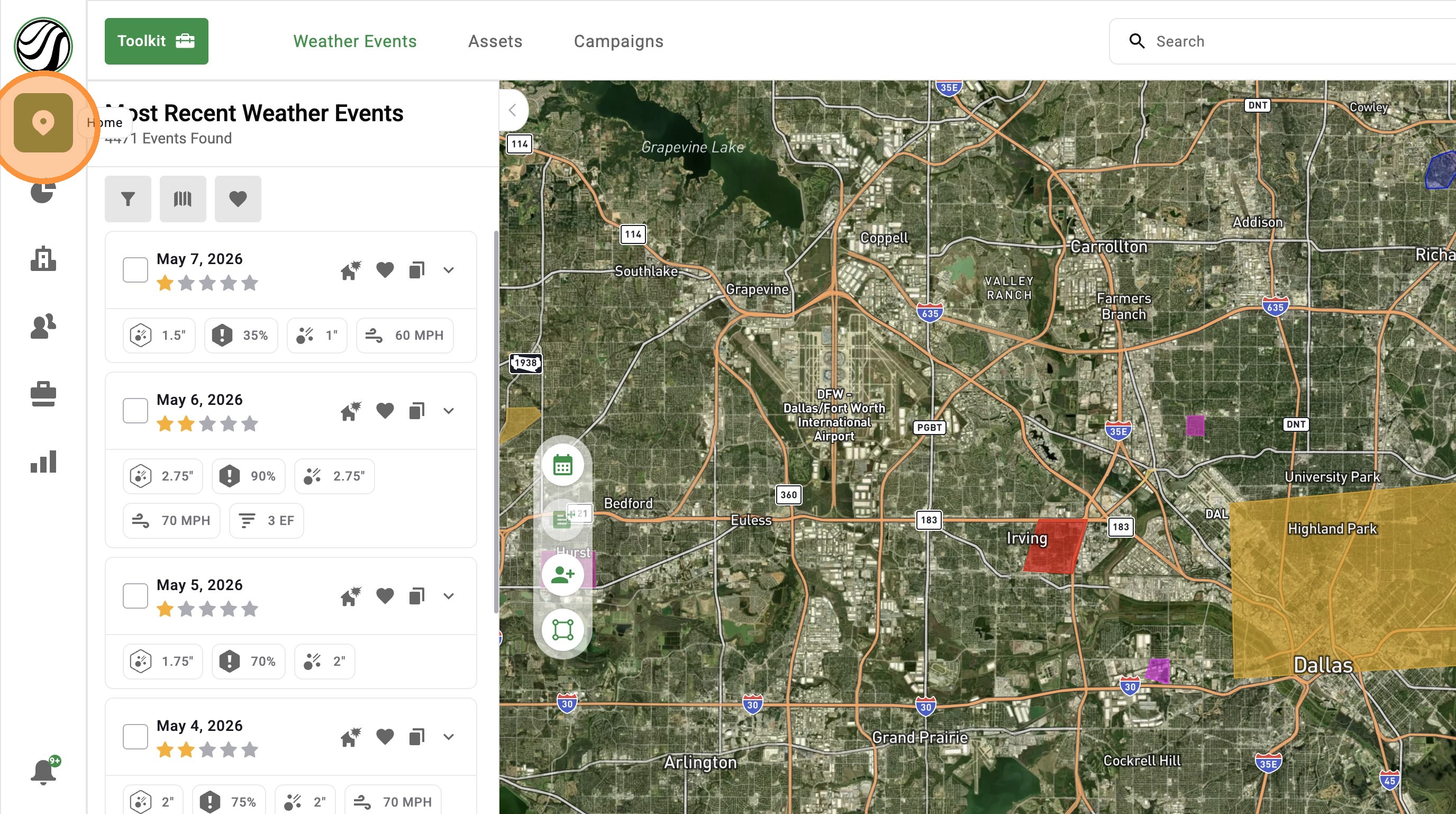
1. Click "Maps" page

2. Click "Weather Events"
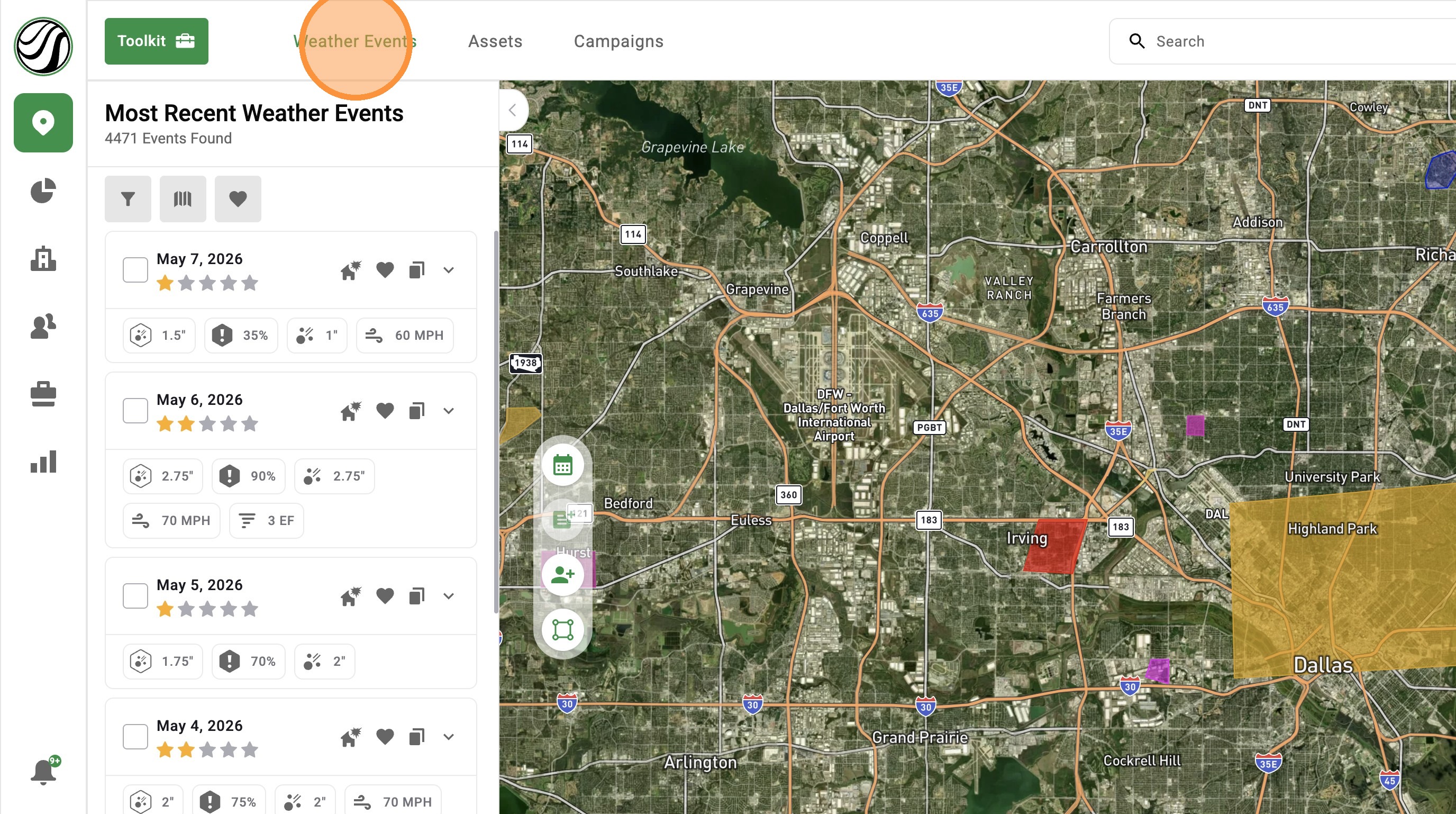

3. Click "Weather Event Filter"
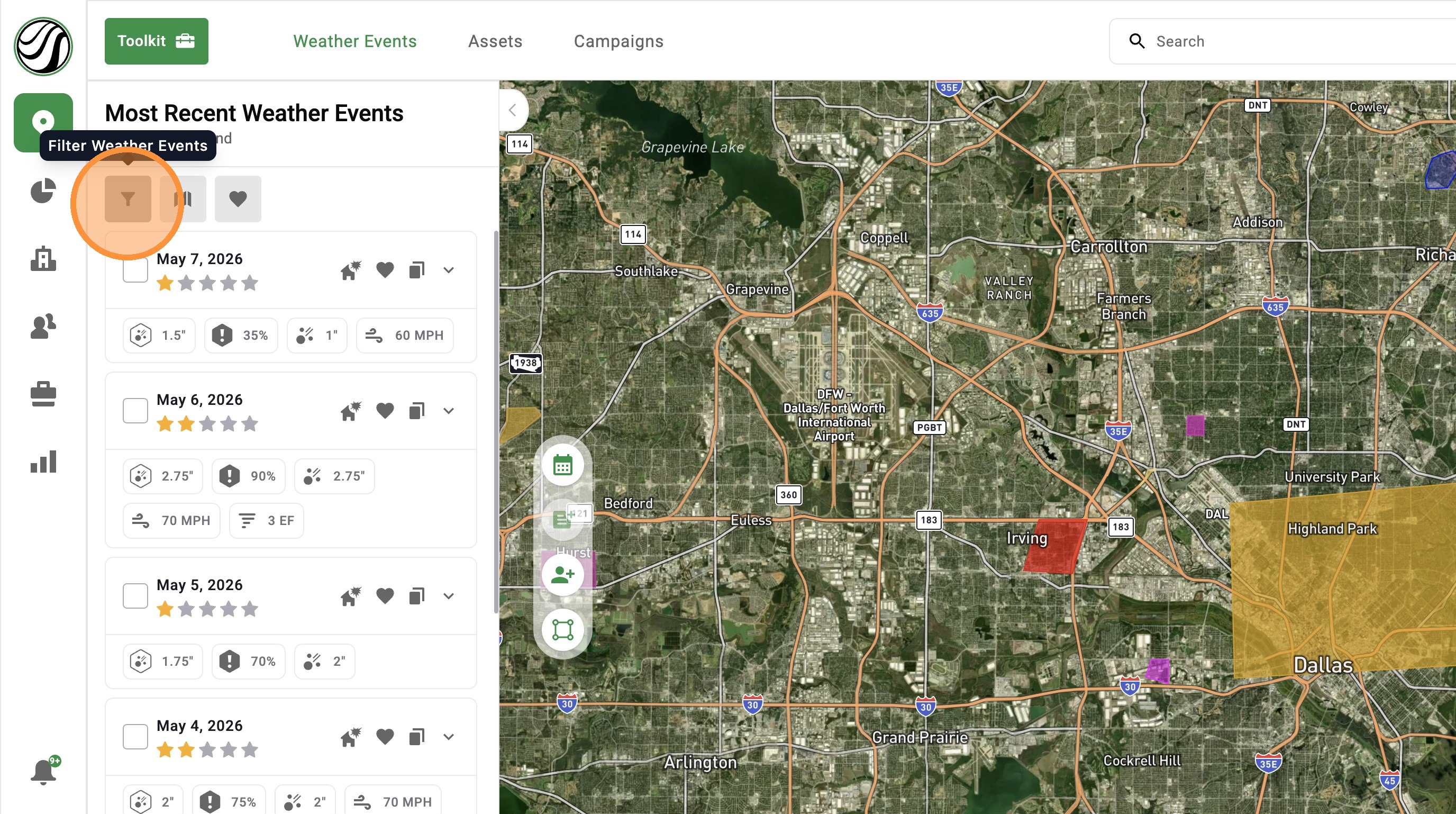

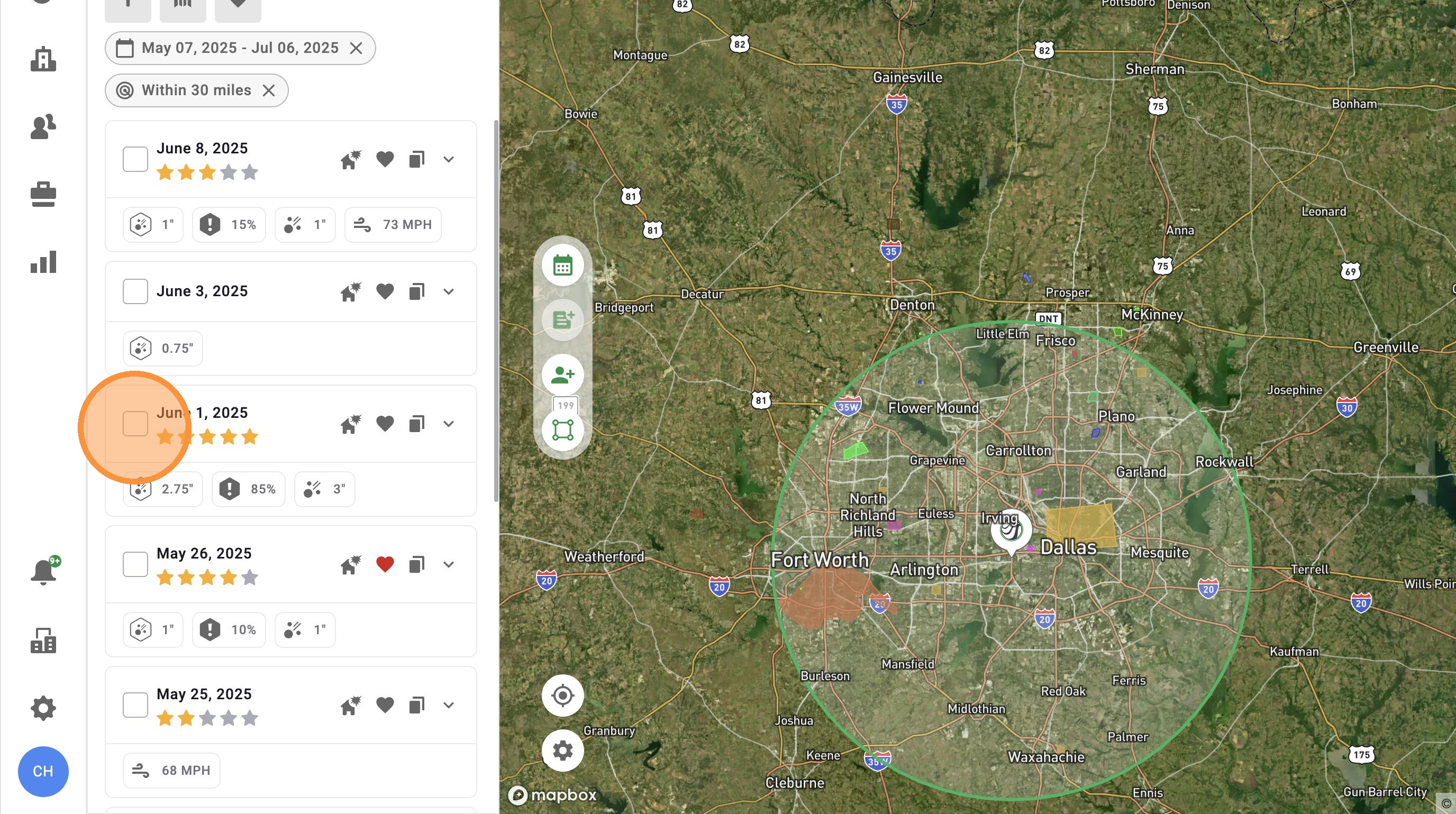
4. Enable "Radius" filter to search for storms in a specific area
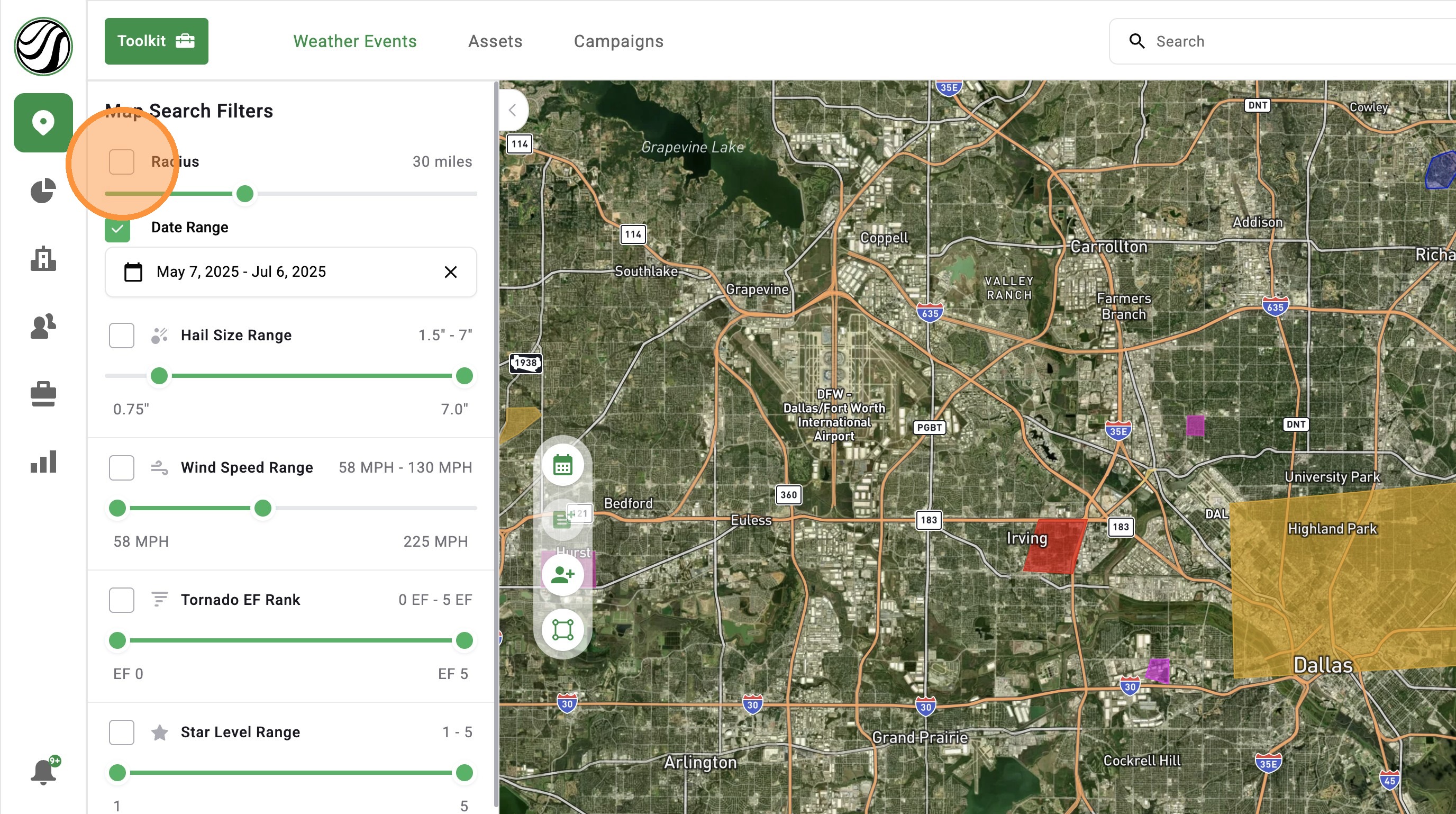

5. Click "Confirm"
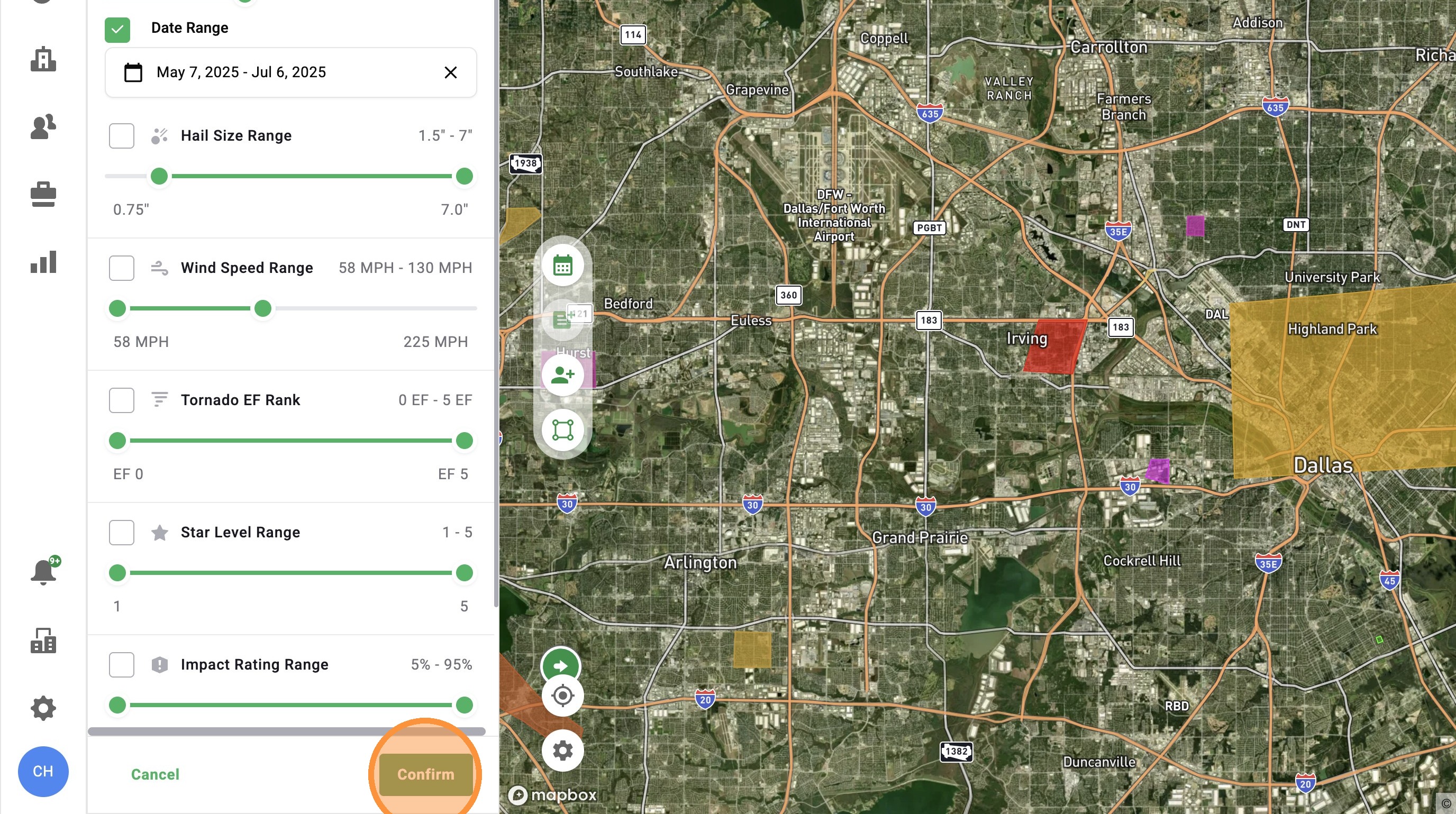

6. The radius will automatically re-center to where you are looking. Click on the map lock the radius in place

Idea
Quick Tip: Turn on the radius by tapping twice in the same spot. The map will turn on your radius and let you start activating maps
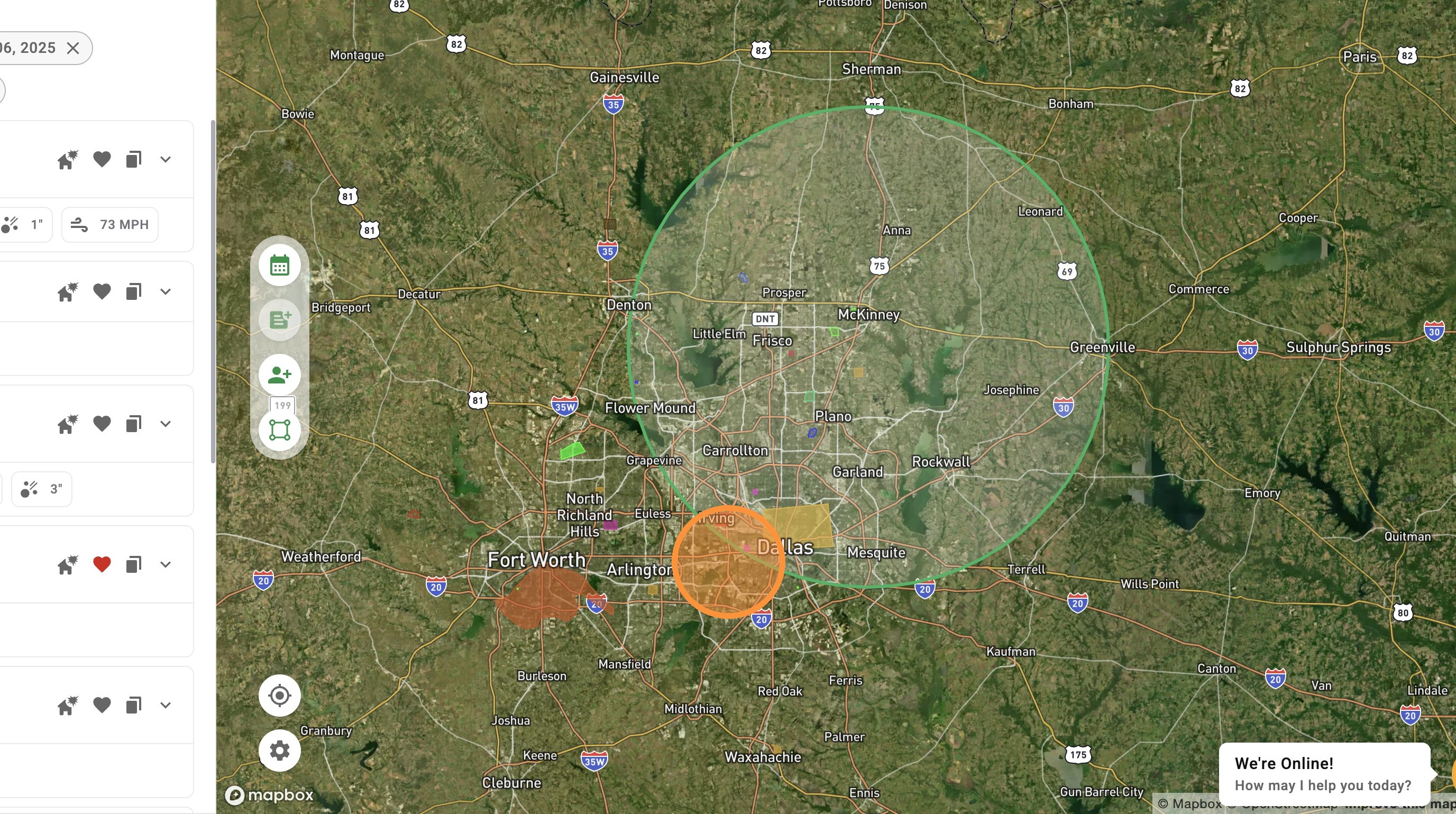

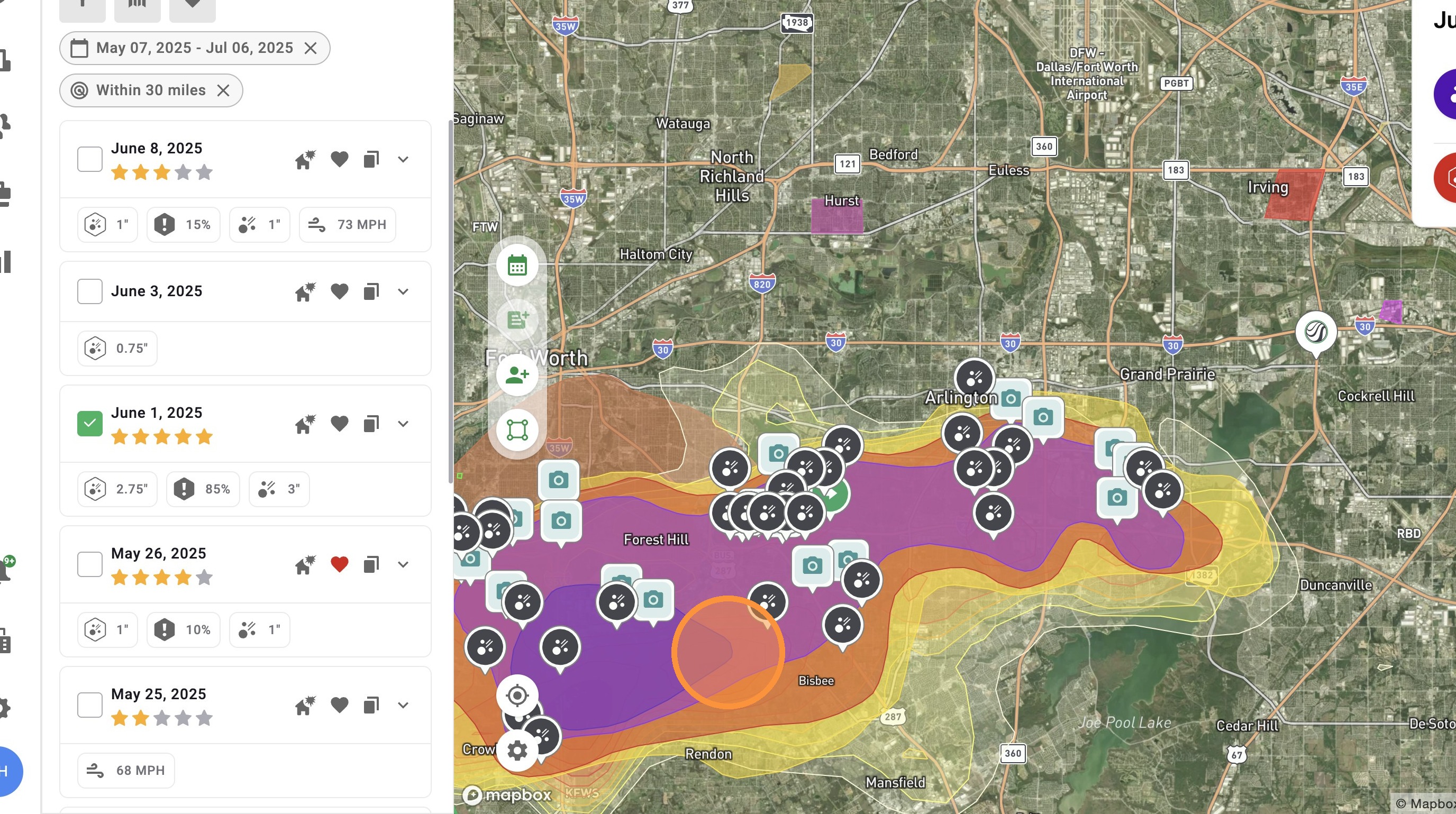
7. Enable any number of weather events

8. Start finding impacted areas within a storm

    • Related Articles

    • [5.0] How To Find Storms & Activate A Weather Event

      Our Maps, also called Weather Events, help you find areas hit by hail, wind, and tornadoes. Use them to identify the best places to generate leads and get there first—whether in the heart of the storm for maximum opportunity or along the edges where ...
    • [5.0] Find Storms Nearing Deadline with Statute of Limitations Filter

      The Statute of Limitations filter highlights storms nearing the deadline for homeowners to file an insurance claim. It helps you quickly find and revisit damaged areas so you can reach owners who may still be able to file but haven’t yet. Mobile App ...
    • [5.0] Manage Storms Faster with the Weather Event Panel

      The Weather Event Panel now makes it easier to find and manage your storms. You can quickly filter maps, view active events, and access your saved favorites all in one place. Clear maps one at a time or reset everything with one click. This helps you ...
    • [5.0] Search That’s Easier to Use

      Search is now front and center, giving you one place to quickly find addresses, contacts, assets, and businesses. Easily search by business type, view results on the map or in a list, and jump back to recent searches. This allows you to spend less ...
    • [5.0] Control Your App with Map Settings

      Map Settings puts all your controls in one place. You can change how the map looks and what data you see without searching through menus. Switch views, turn layers on or off, and adjust settings to fit how you work. This helps you see better, stay ...