[5.0] Search That’s Easier to Use

[5.0] Search That’s Easier to Use

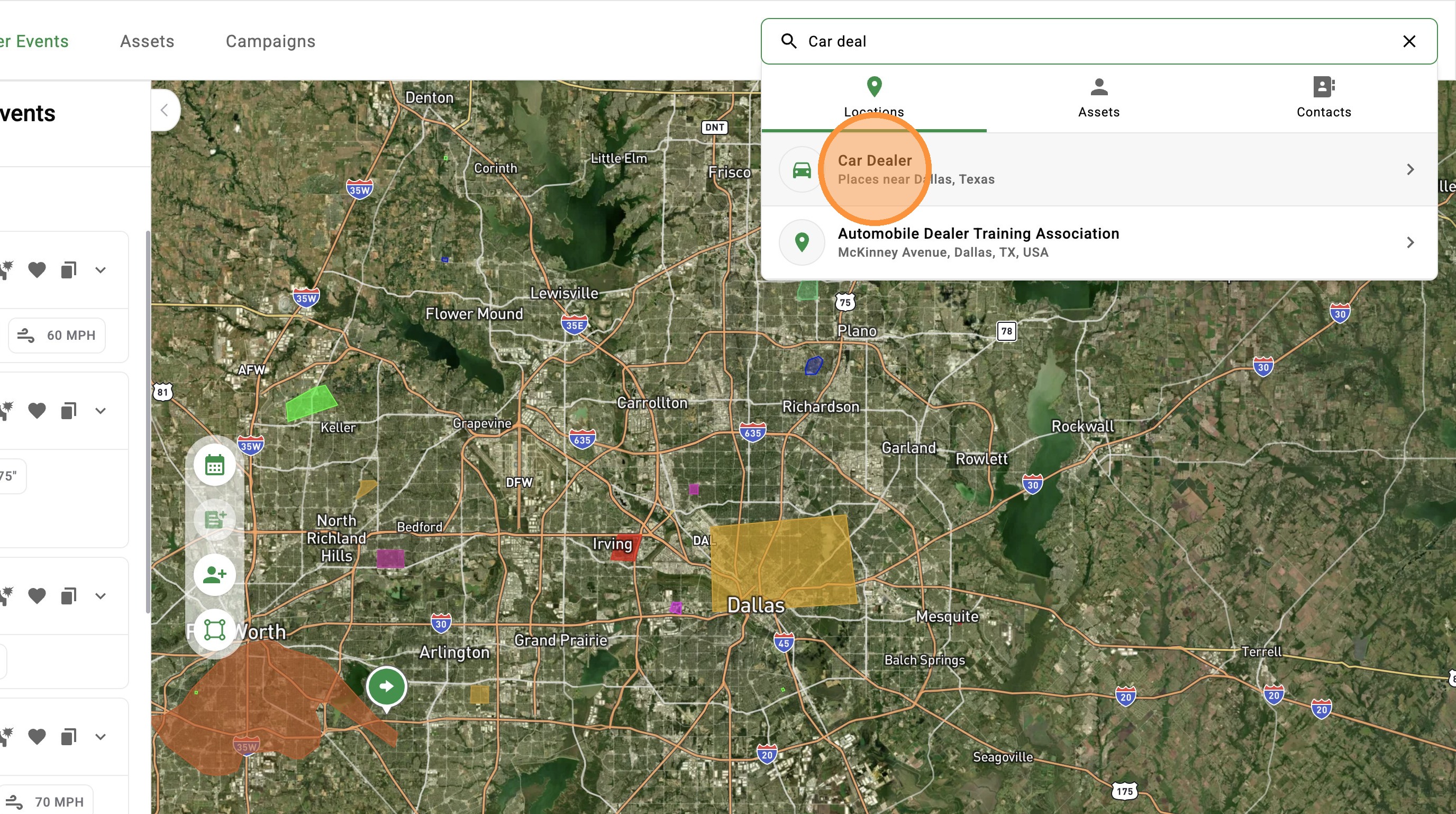
Search is now front and center, giving you one place to quickly find addresses, contacts, assets, and businesses.

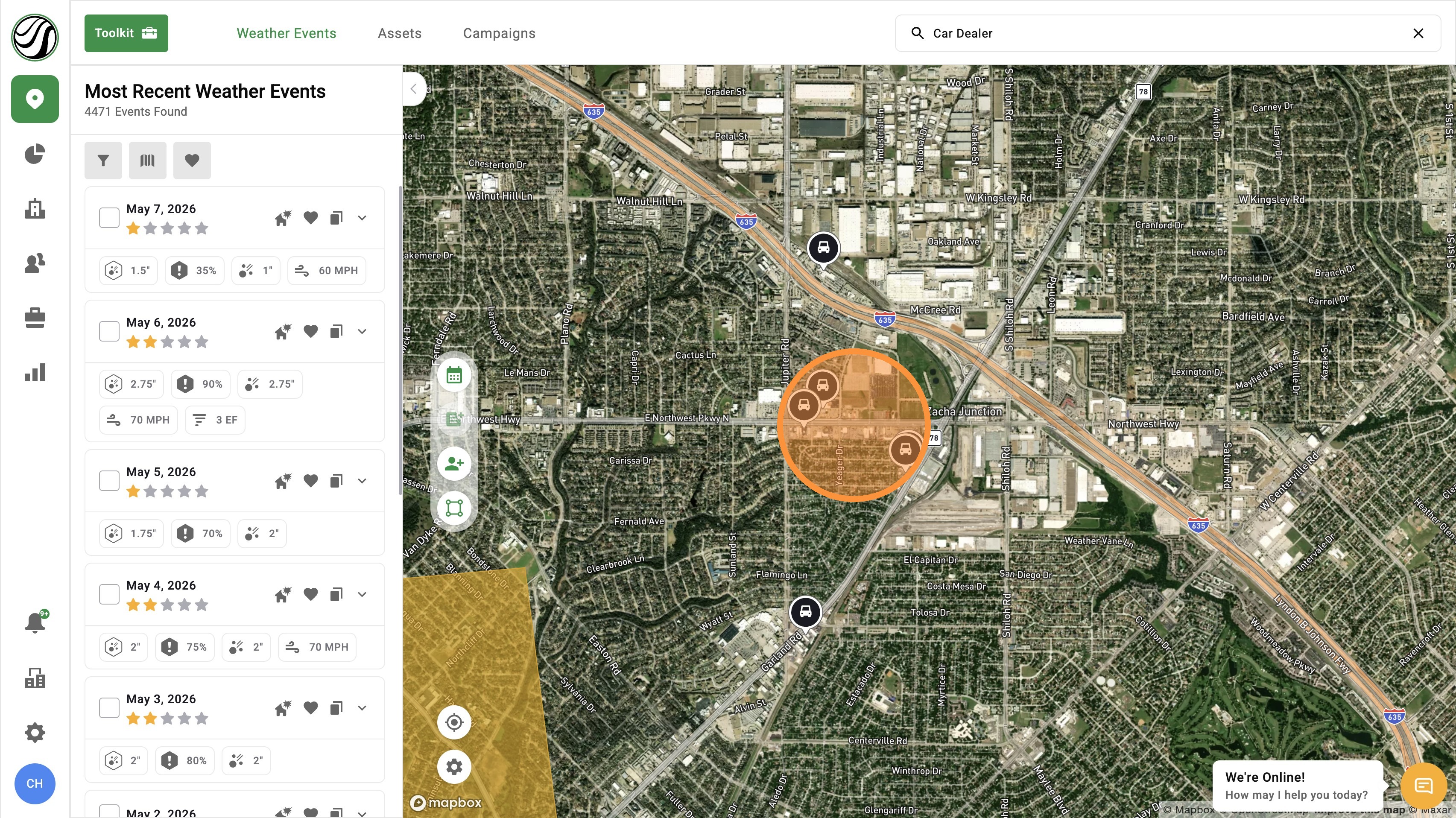
Easily search by business type, view results on the map or in a list, and jump back to recent searches.
This allows you to spend less time typing and more time prospecting in the field.


Types of Businesses 

Food & Dining
  • Bakery
  • Bar
  • Cafe
  • Meal Delivery
  • Meal Takeaway
  • Restaurant
  • Shopping & Retail
  • Bicycle Store
  • Book Store
  • Clothing Store
  • Convenience Store
  • Department Store
  • Drugstore
  • Electronics Store
  • Florist
  • Furniture Store
  • Hardware Store
  • Home Goods Store
  • Jewelry Store
  • Liquor Store
  • Pet Store
  • Pharmacy
  • Shoe Store
  • Shopping Mall
  • Store
  • Supermarket
  • Education
  • Primary School
  • School
  • Secondary School
  • University
  • Religious Organizations
    • Church
    • Hindu Temple
    • Mosque
    • Synagogue
    Automotive
  • Car Dealer
  • Car Rental
  • Car Repair
  • Car Wash
  • Gas Station
  • Parking
  • RV Park
  • Taxi Stand
  • Transportation
  • Airport
  • Bus Station
  • Light Rail Station
  • Subway Station
  • Train Station
  • Transit Station
  • Health & Medical
  • Dentist
  • Doctor
  • Gym
  • Hair Care
  • Hospital
  • Physiotherapist
  • Spa
  • Veterinary Care
  • Professional Services
  • Accounting
  • Electrician
  • Insurance Agency
  • Lawyer
  • Locksmith
  • Moving Company
  • Painter
  • Plumber
  • Real Estate Agency
  • Roofing Contractor
  • Travel Agency
  • Government & Public Services
  • City Hall
  • Courthouse
  • Embassy
  • Fire Station
  • Library
  • Local Government Office
  • Police
  • Post Office
  • Entertainment & Recreation
  • Amusement Park
  • Aquarium
  • Art Gallery
  • Bowling Alley
  • Casino
  • Campground
  • Movie Rental
  • Movie Theater
  • Museum
  • Night Club
  • Park
  • Stadium
  • Tourist Attraction
  • Zoo
  • Lodging & Facilities
  • Cemetery
  • Funeral Home
  • Lodging
  • Storage
  • Financial Services
  • ATM
  • Bank
  •  

    Mobile App

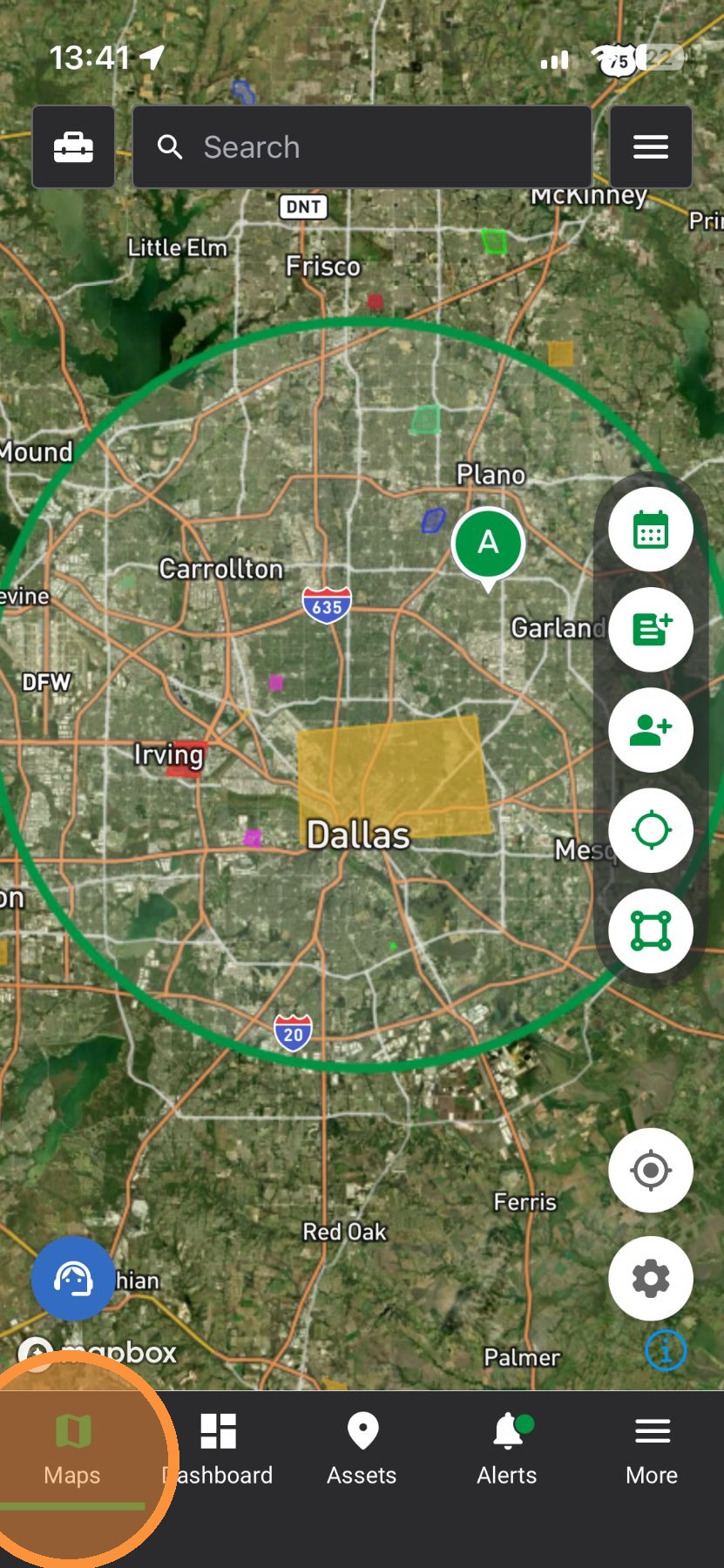
    1. Tap "Maps" page


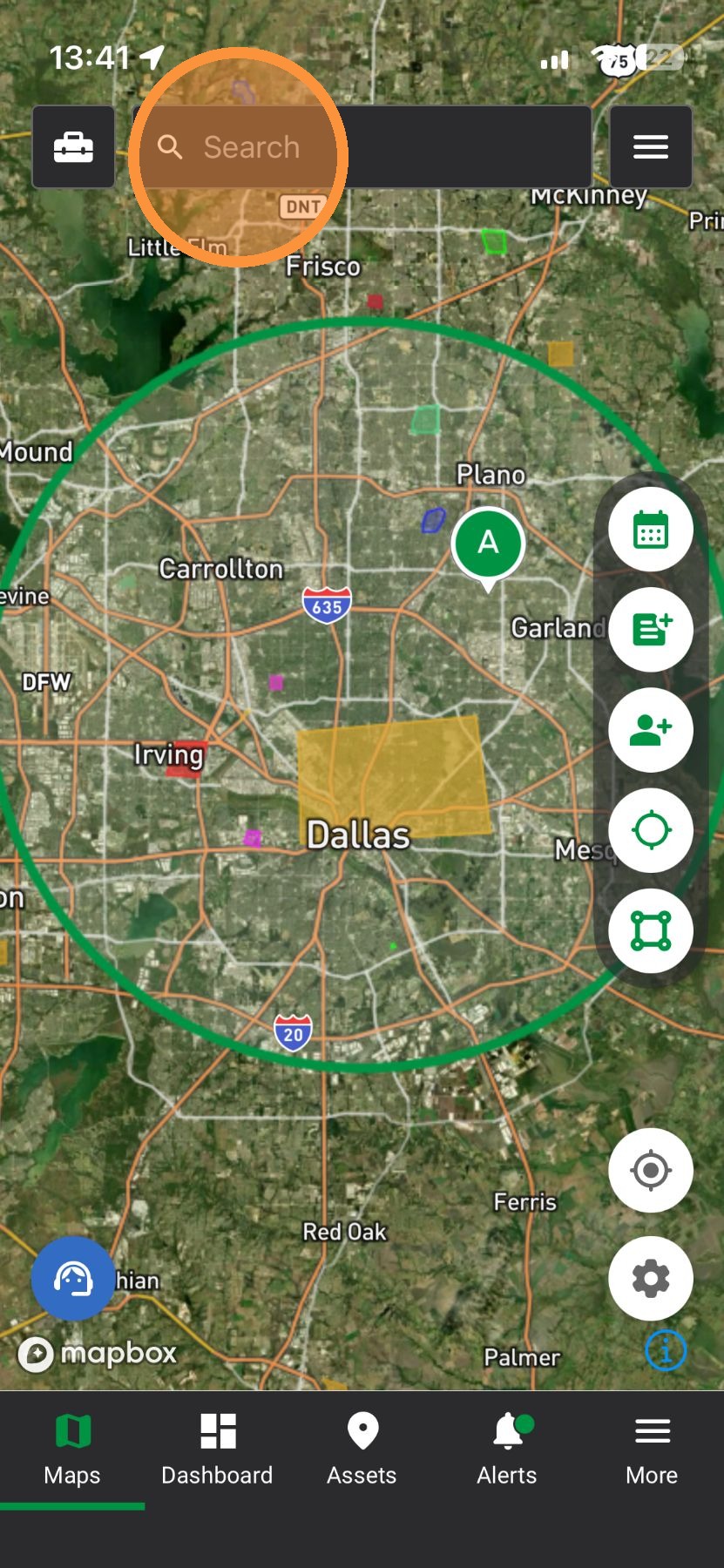
    2. Tap "Search" to find

    1. Address
    2. Assets
    3. Contacts
    4. Business Types


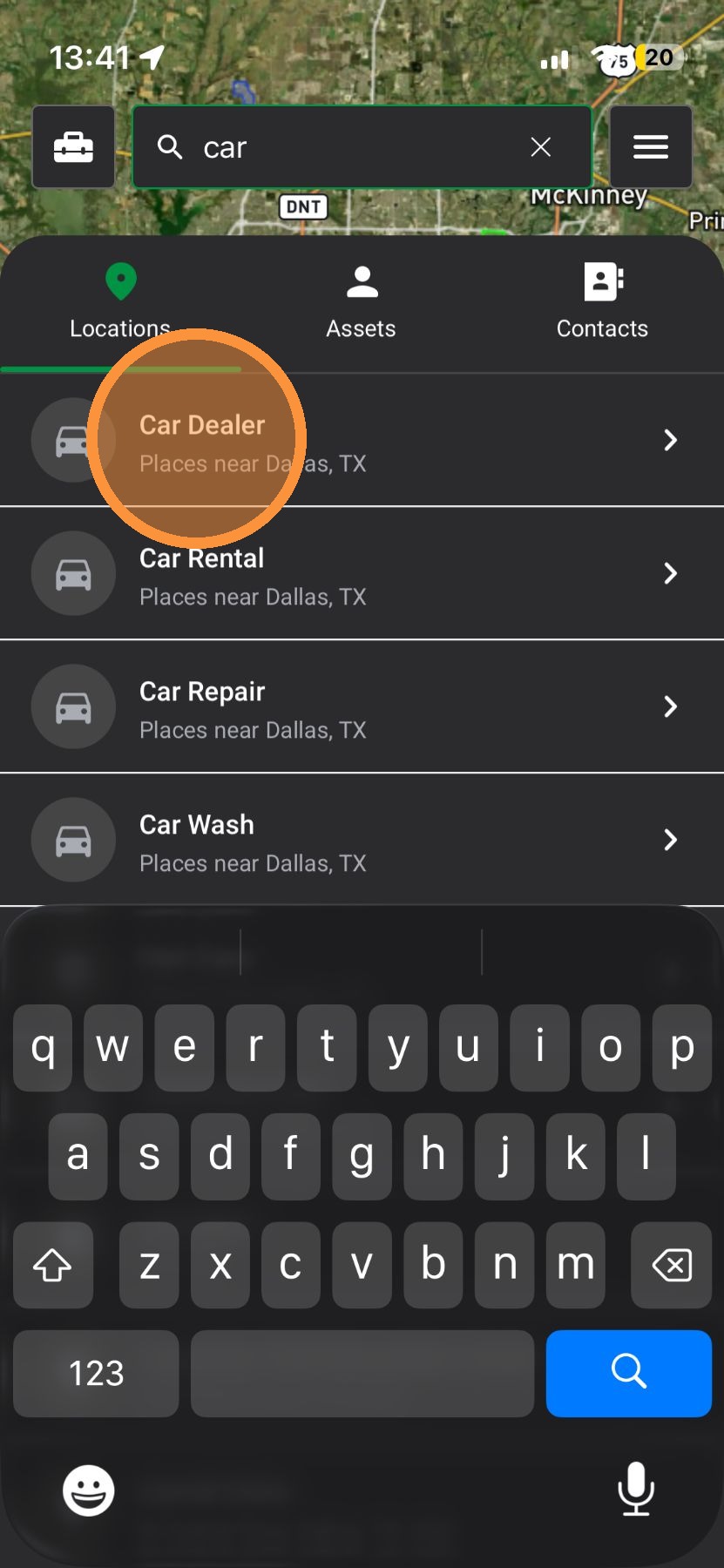
    3. Business Types: Find types of commercial properties on the map

    Common business types include:

    1. RESTAURANT
    2. SHOPPING MALL
    3. SUPERMARKET
    4. CAR DEALER
    5. LODING (Hotels)
    6. GAS_STATION
    7. SCHOOL (or PRIMARY SCHOOL / SECONDARY SCHOOL)
    8. CHURCH
    9. STORAGE
    10. DEPARTMENT STORE


    4. Pull HALF WAY Down
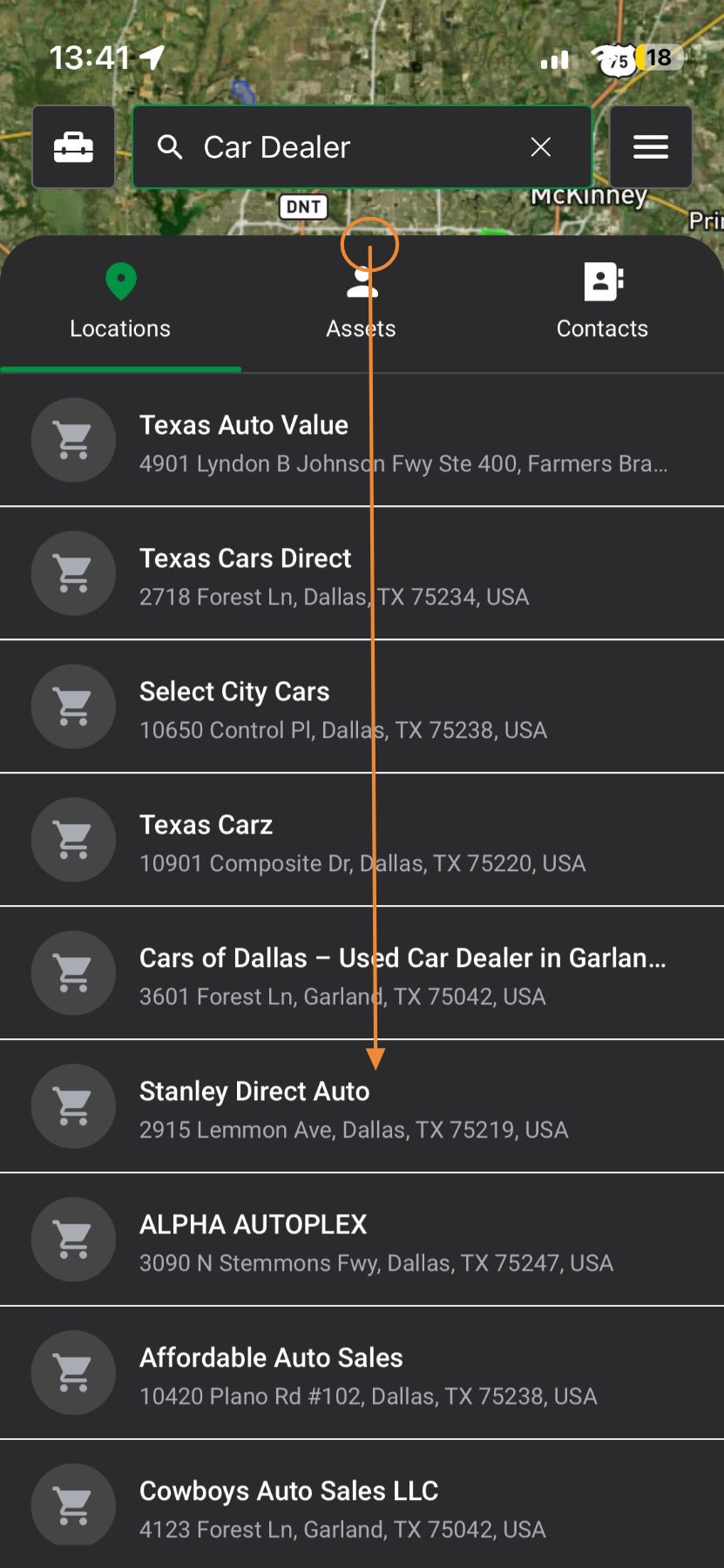

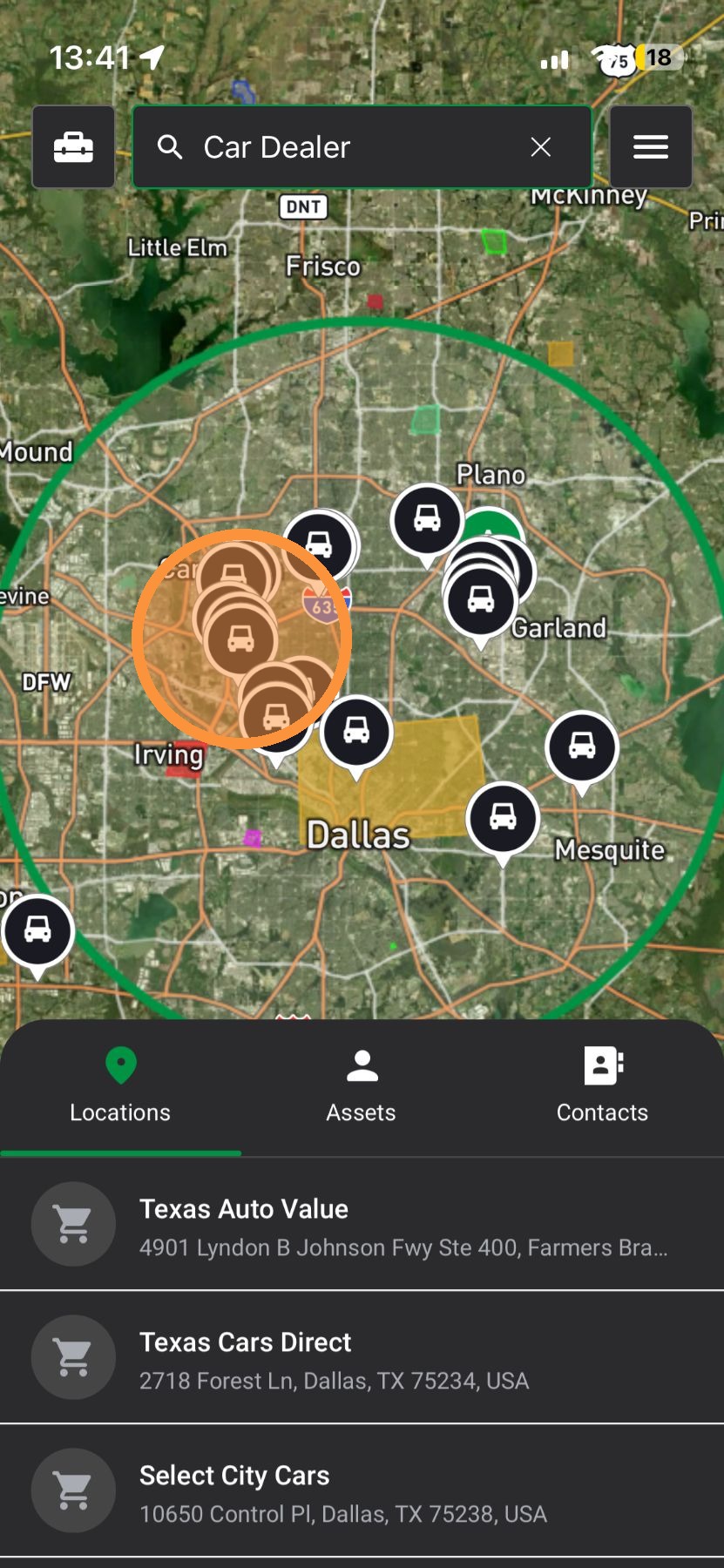
    5. View Businesses on the map


    Browser App

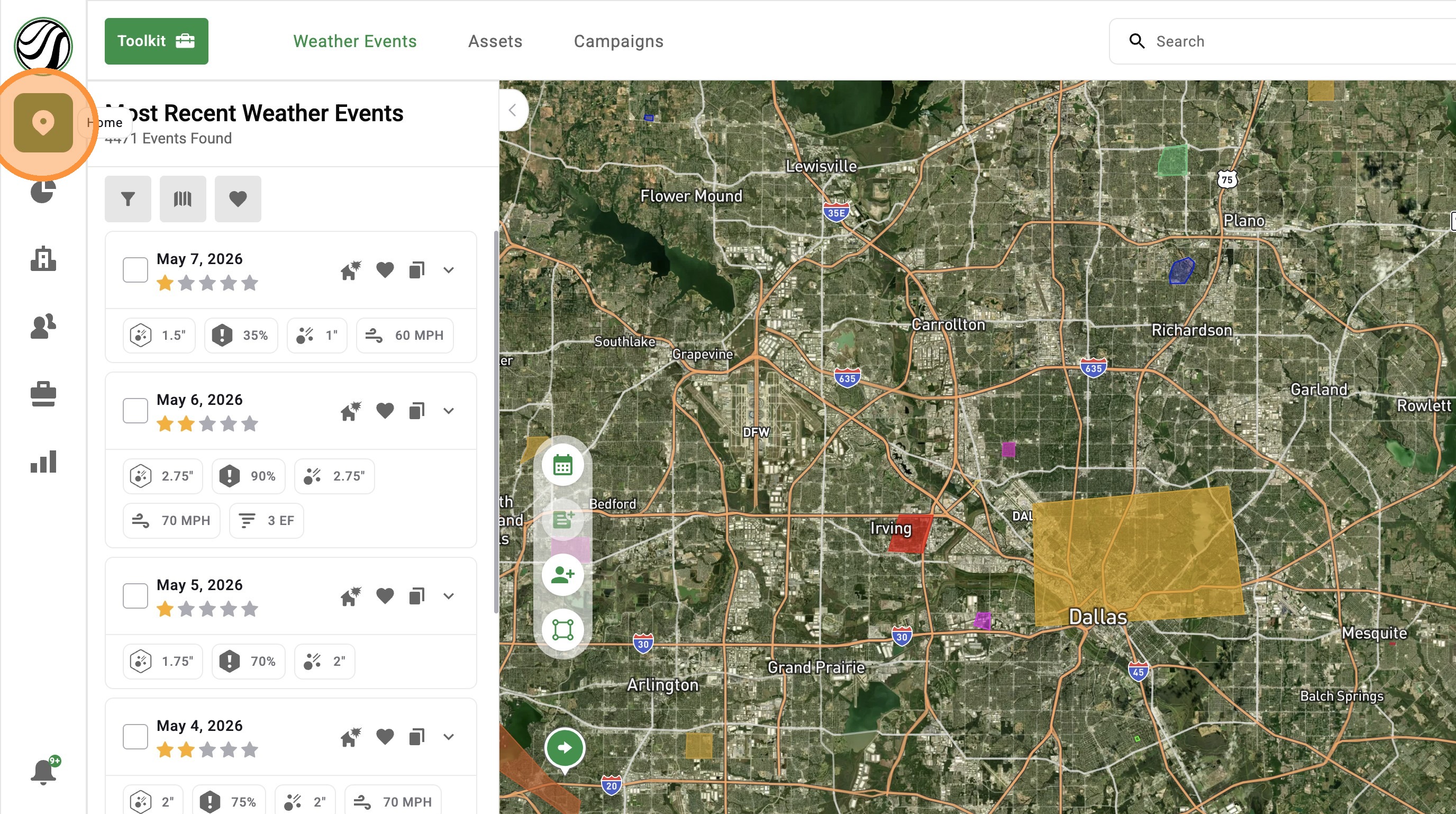
    1. Click "Maps" page

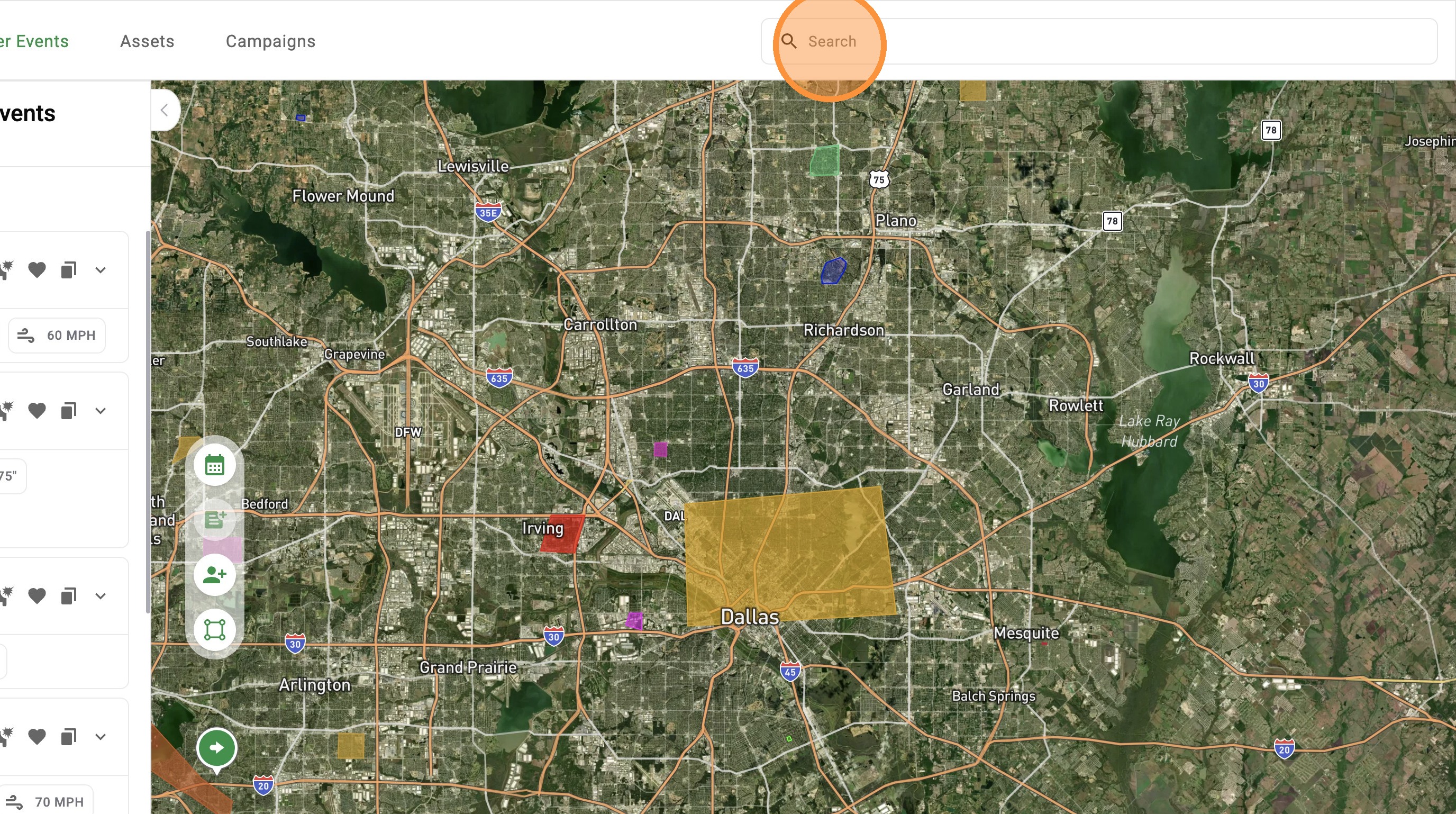
    2. Click "Search" to find

    1. Address
    2. Assets
    3. Contacts
    4. Business Types


    3. Business Types: Find types of commercial properties on the map

    Common business types include:

    1. RESTAURANT
    2. SHOPPING MALL
    3. SUPERMARKET
    4. CAR DEALER
    5. LODING[[ ]](Hotels)
    6. GAS_STATION
    7. SCHOOL[[ ]](or PRIMARY SCHOOL / SECONDARY SCHOOL)
    8. CHURCH
    9. STORAGE
    10. DEPARTMENT STORE


    4. View businesses on the map


      • Related Articles

      • [5.0] Improved Map Search Using the Radius Filter

        We’ve updated how the radius filter behaves when searching for weather events to give you more control and reduce confusion while working on the map. The radius can now either move with your screen or stay locked to a selected location, depending on ...
      • [5.0] Download a Weather History Report For An Address

        HailTrace’s Reviewed Report empowers customers to win property owner’s trust and streamline insurance claims with accurate storm history and precise date of loss reporting. For example, you can use the Weather History Report in the following ways: ...
      • [5.0] How To Find Storms & Activate A Weather Event

        Our Maps, also called Weather Events, help you find areas hit by hail, wind, and tornadoes. Use them to identify the best places to generate leads and get there first—whether in the heart of the storm for maximum opportunity or along the edges where ...
      • [5.0] Use Quick Actions to Get More Done

        Quick Action Buttons put your most important tools right on the map. Everything is in one clean, stacked layout, so it is easy to find on mobile and browser. You can pick a storm date, create an asset, request a report, and more without jumping ...
      • [5.0] Use the Asset Panel to Find, Create, and Manage Assets

        The Asset Panel now makes it easier to manage your work without leaving the map. Filters are built right into the panel, so you can quickly find the assets you need. You can also create a new asset right from the panel. This helps you stay organized, ...