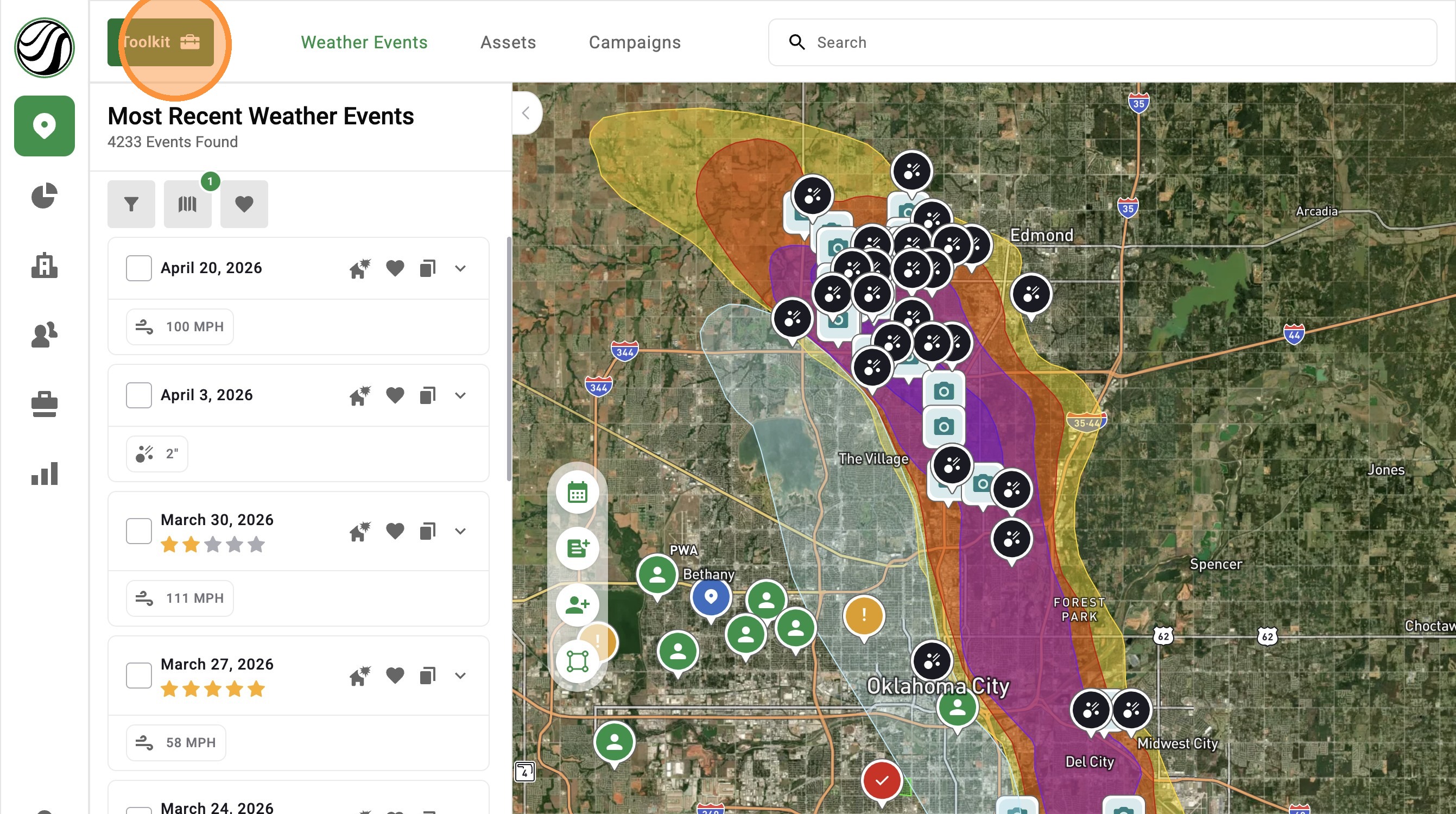
[5.0] Start Faster with the Toolkit Menu
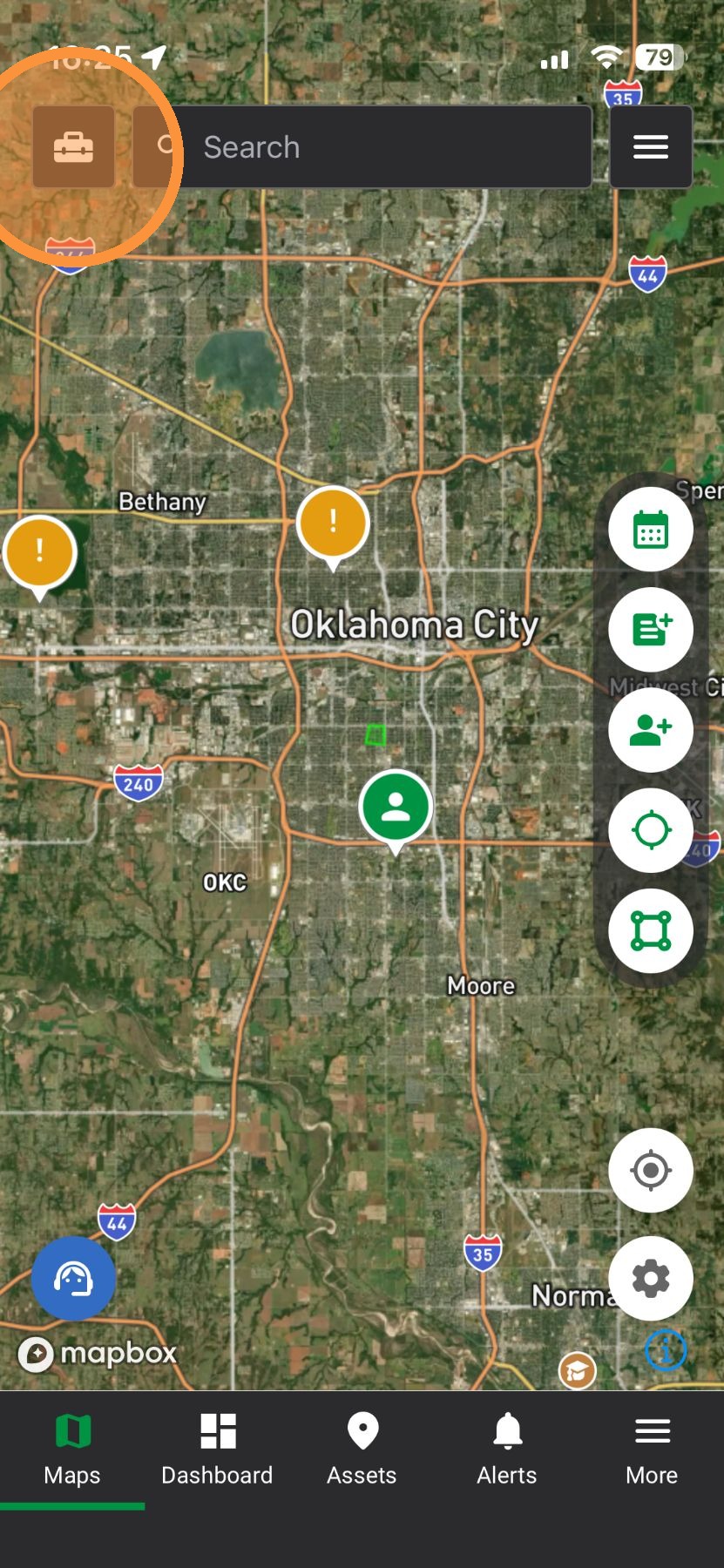
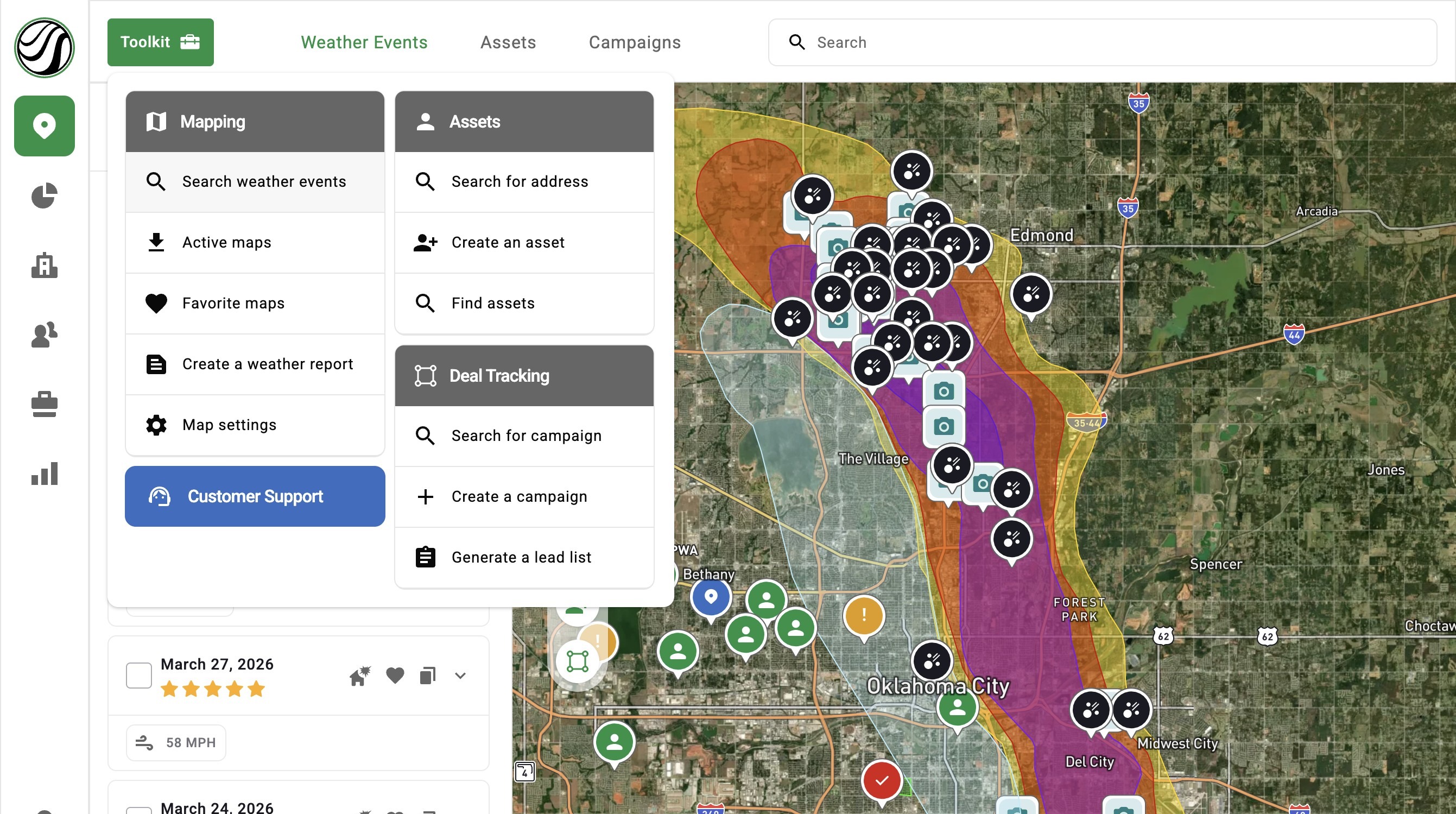
The Toolkit is your starting point in the app. It puts your main tools in one simple menu right on the map.
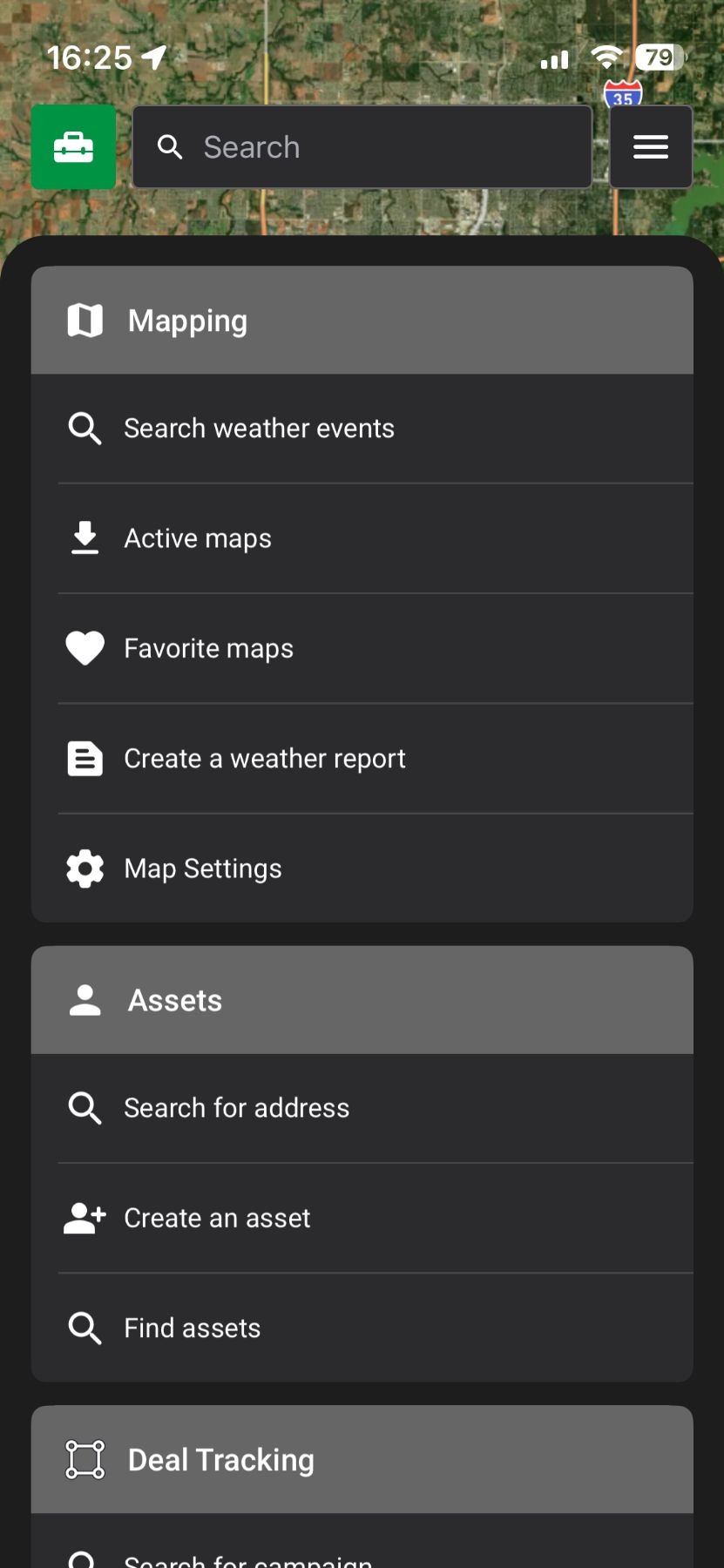
You can find storms, search addresses, create assets, and more—all in one place.
No more guessing where things are or clicking through multiple screens. This helps you move faster and start working right away.
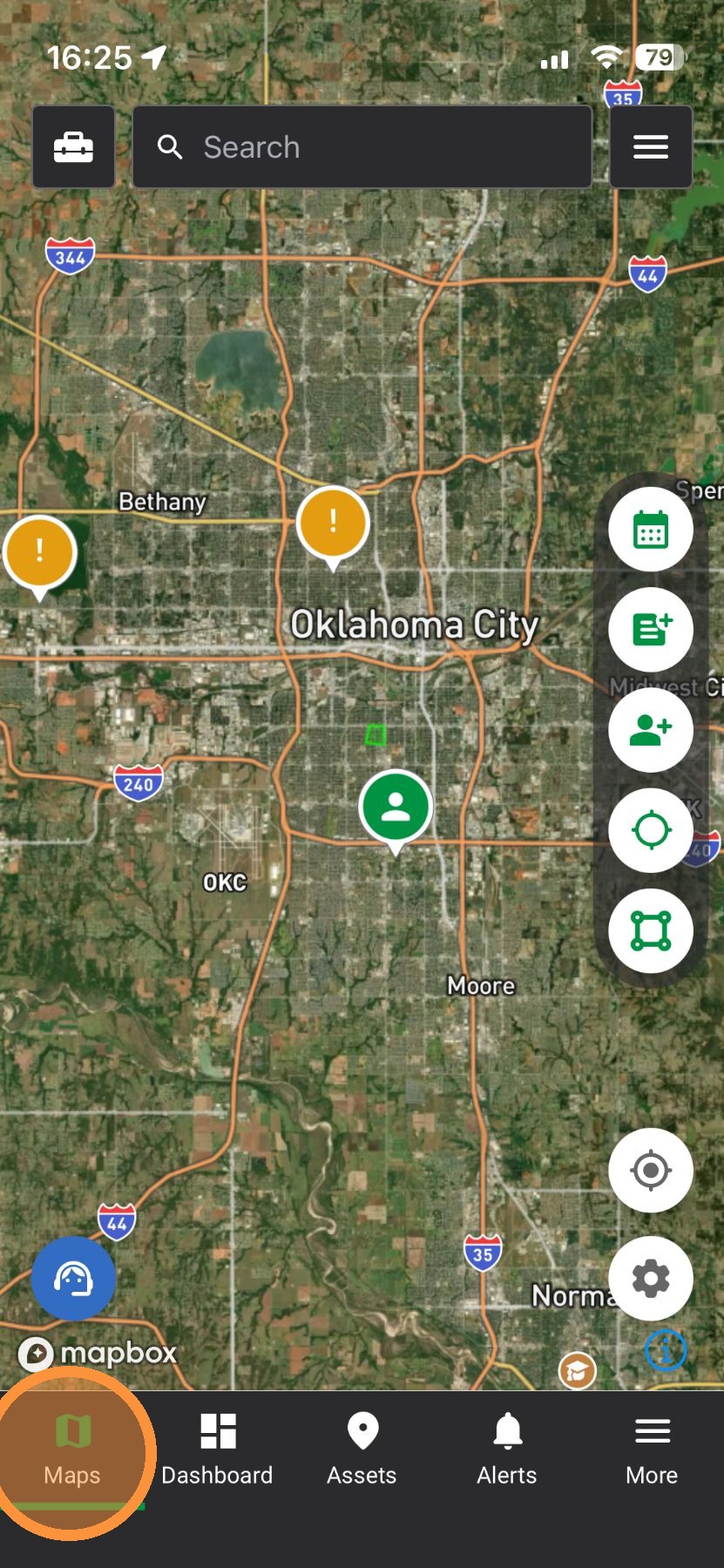
Mobile App


3. Jump into using a tool

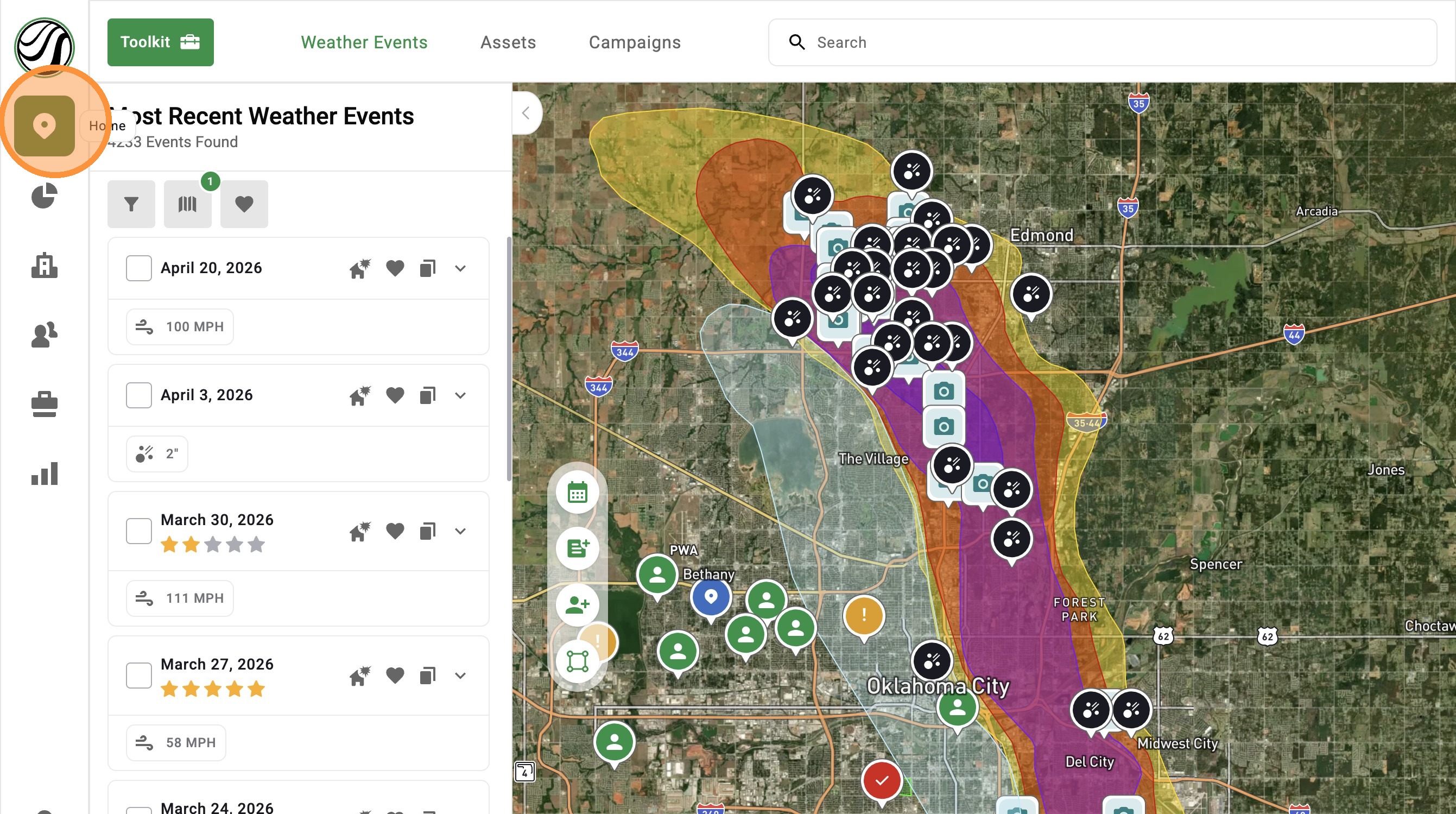
Browser App


3. Jump into using a tool

Related Articles
[5.0] Use Asset Filters to Find the Right Properties Faster
Assets are the properties tied to your clients, contacts, and opportunities in HailTrace. Asset Filters help you quickly find the properties you need, whether you are working from the Asset page or viewing them on the Map. You can filter by details ...
[5.0] Manage Storms Faster with the Weather Event Panel
The Weather Event Panel now makes it easier to find and manage your storms. You can quickly filter maps, view active events, and access your saved favorites all in one place. Clear maps one at a time or reset everything with one click. This helps you ...
[5.0] Use Impacted Assets to Find Clients Hit by a Storm
While generating new leads through canvassing, mailers, and other methods is important, the quickest and easiest opportunities often come from your existing leads and clients who have been impacted by a new storm. The Impacted Assets feature provides ...
[5.0] How To Find Storms & Activate A Weather Event
Our Maps, also called Weather Events, help you find areas hit by hail, wind, and tornadoes. Use them to identify the best places to generate leads and get there first—whether in the heart of the storm for maximum opportunity or along the edges where ...
[5.0] Find Storms Nearing Deadline with Statute of Limitations Filter
The Statute of Limitations filter highlights storms nearing the deadline for homeowners to file an insurance claim. It helps you quickly find and revisit damaged areas so you can reach owners who may still be able to file but haven’t yet. Mobile App ...