[5.0] Use Quick Actions to Get More Done

[5.0] Use Quick Actions to Get More Done

Quick Action Buttons put your most important tools right on the map. Everything is in one clean, stacked layout, so it is easy to find on mobile and browser.

You can pick a storm date, create an asset, request a report, and more without jumping around the app.
This keeps you focused, saves time, and helps you get more done in the field.


Mobile: Quick Action buttons

1. Tap the "Maps" page
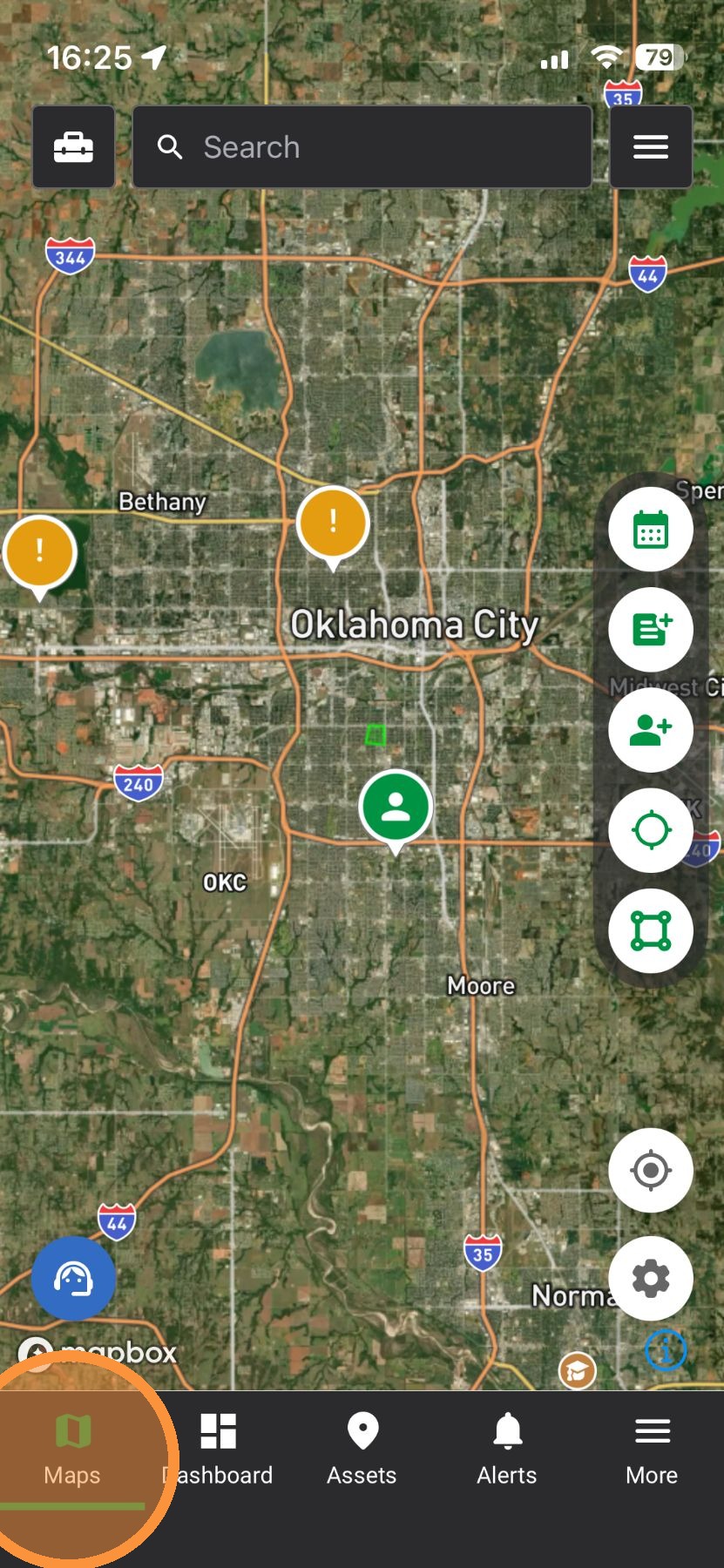

2. Event Date Picker: Pick a date to find storms fast.
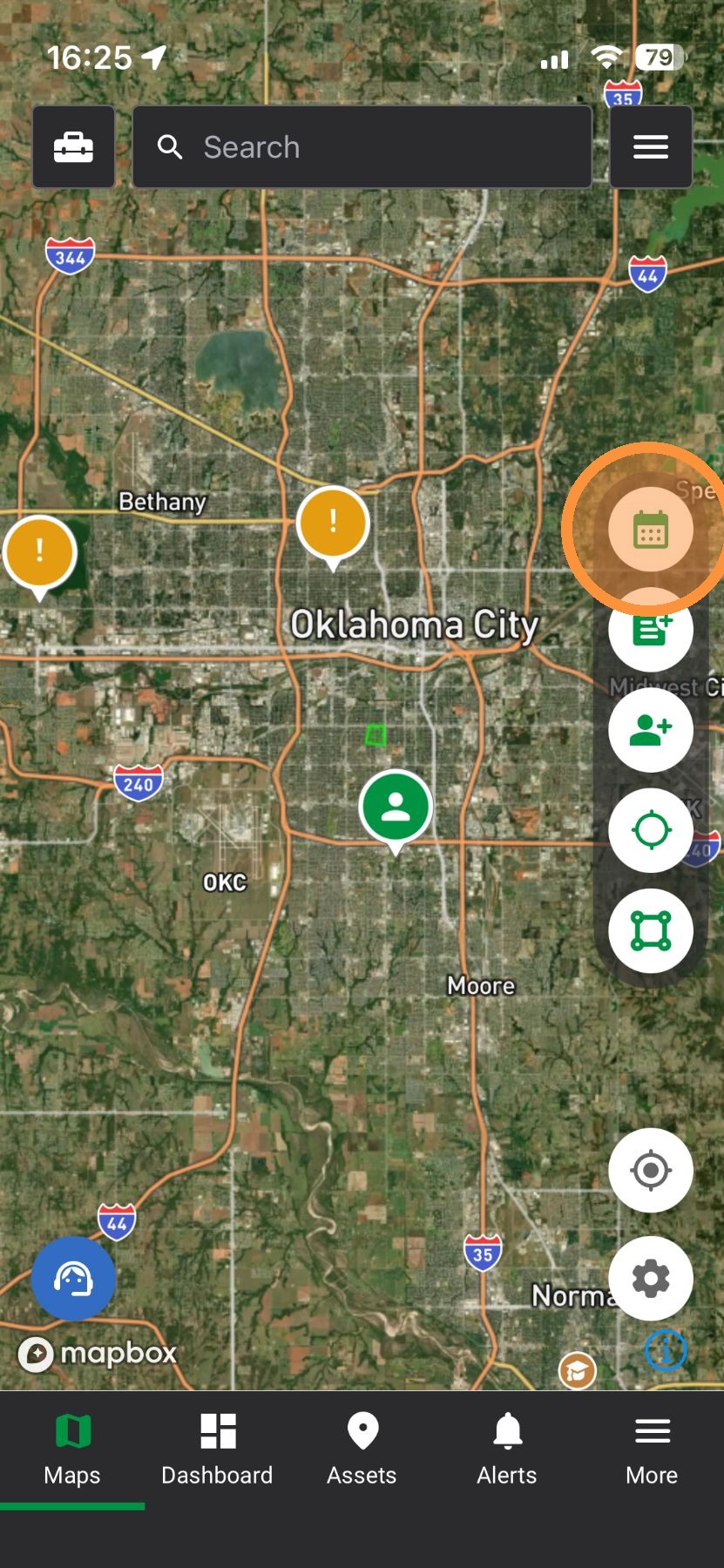

3. Download Weather History Report: Find storm dates at an address
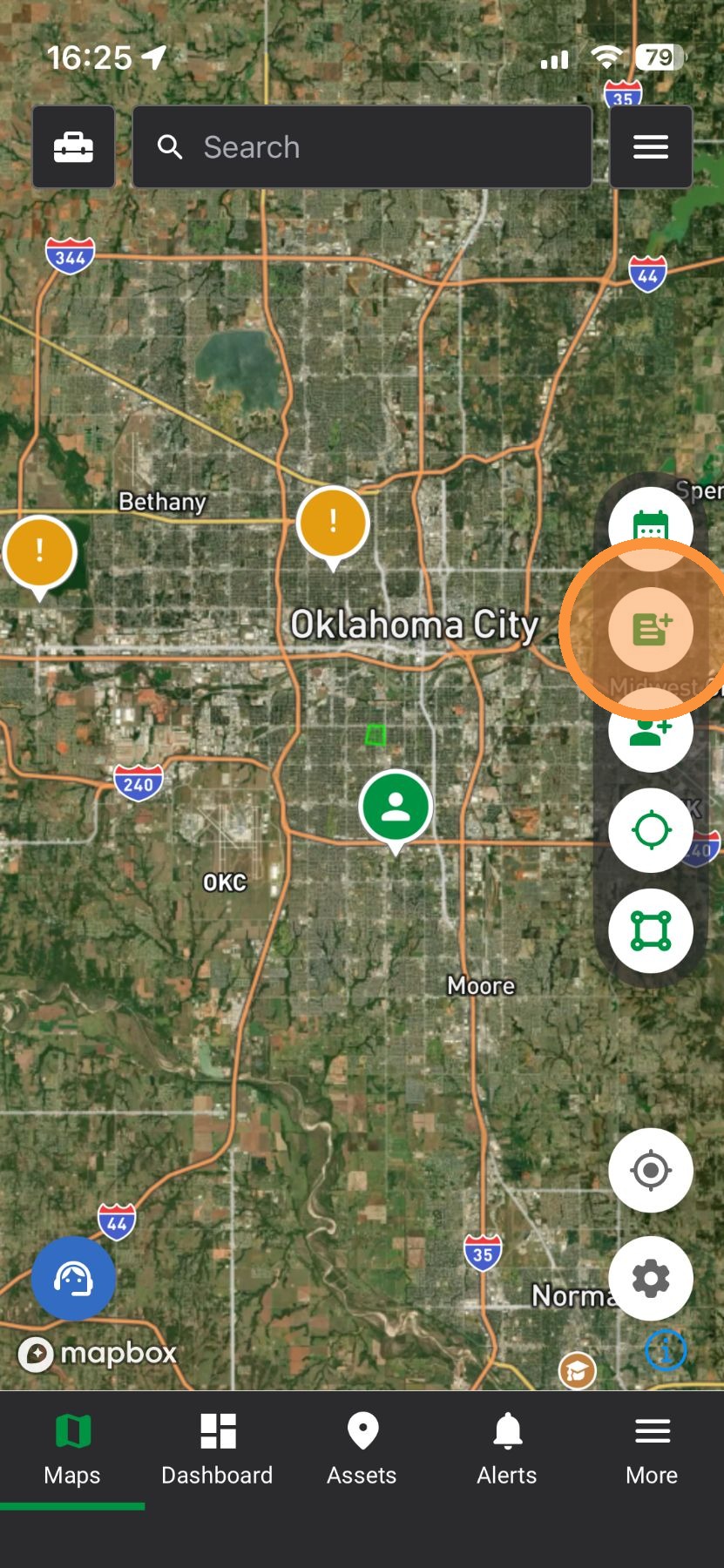

4. Create Asset: Quickly drop a pin and track a lead
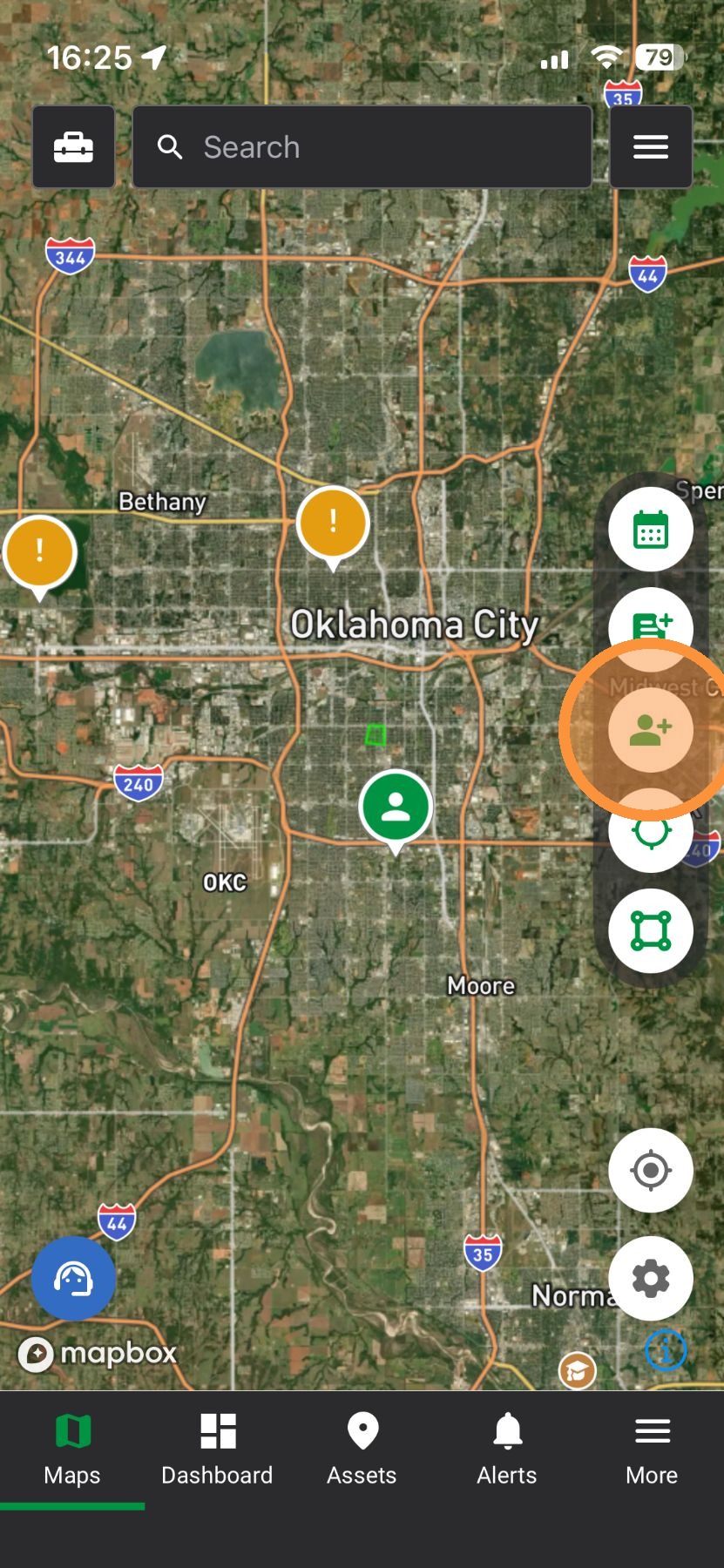

5. Inspector Tool: Tap the map to see storm details and download a Lead List
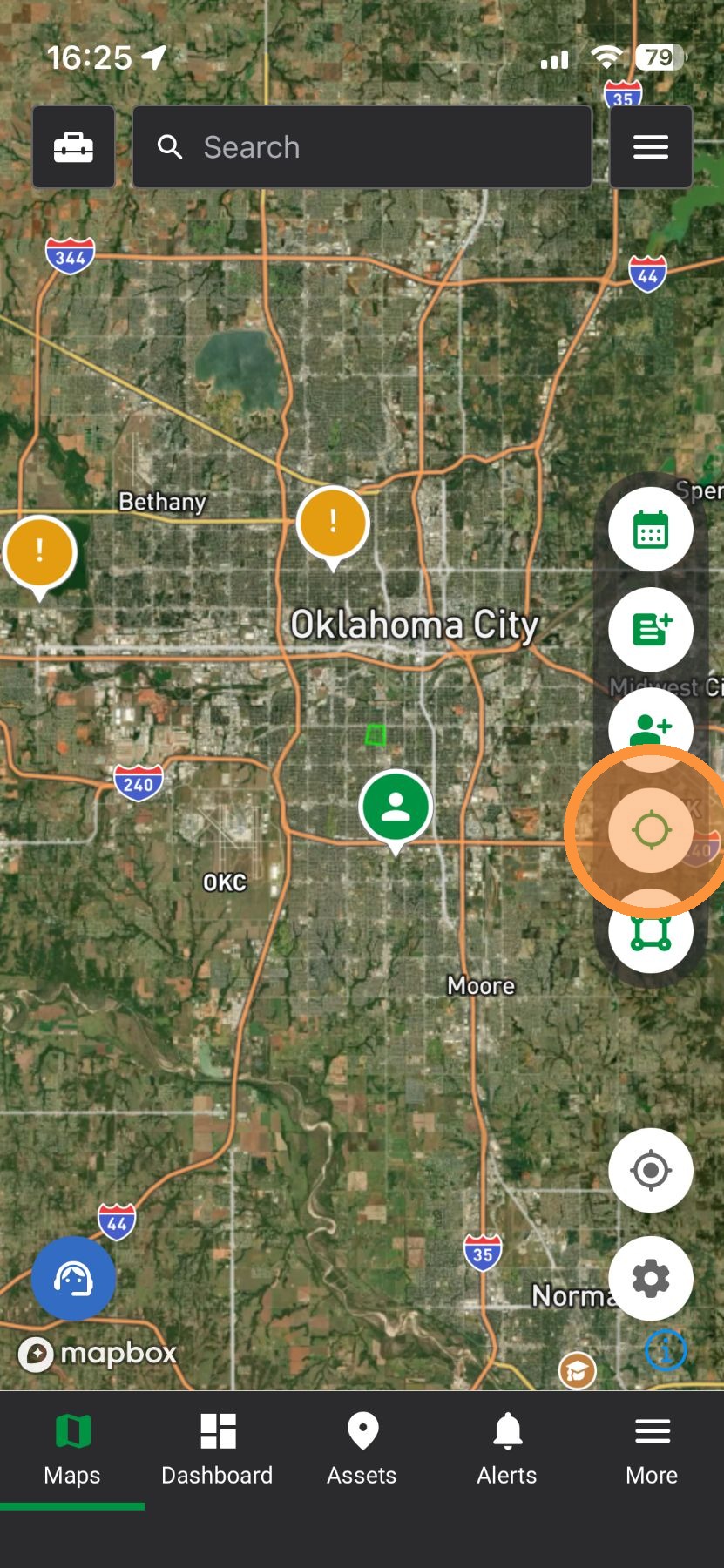

6. Pull a Lead List: Get contact info for properties inside a storm
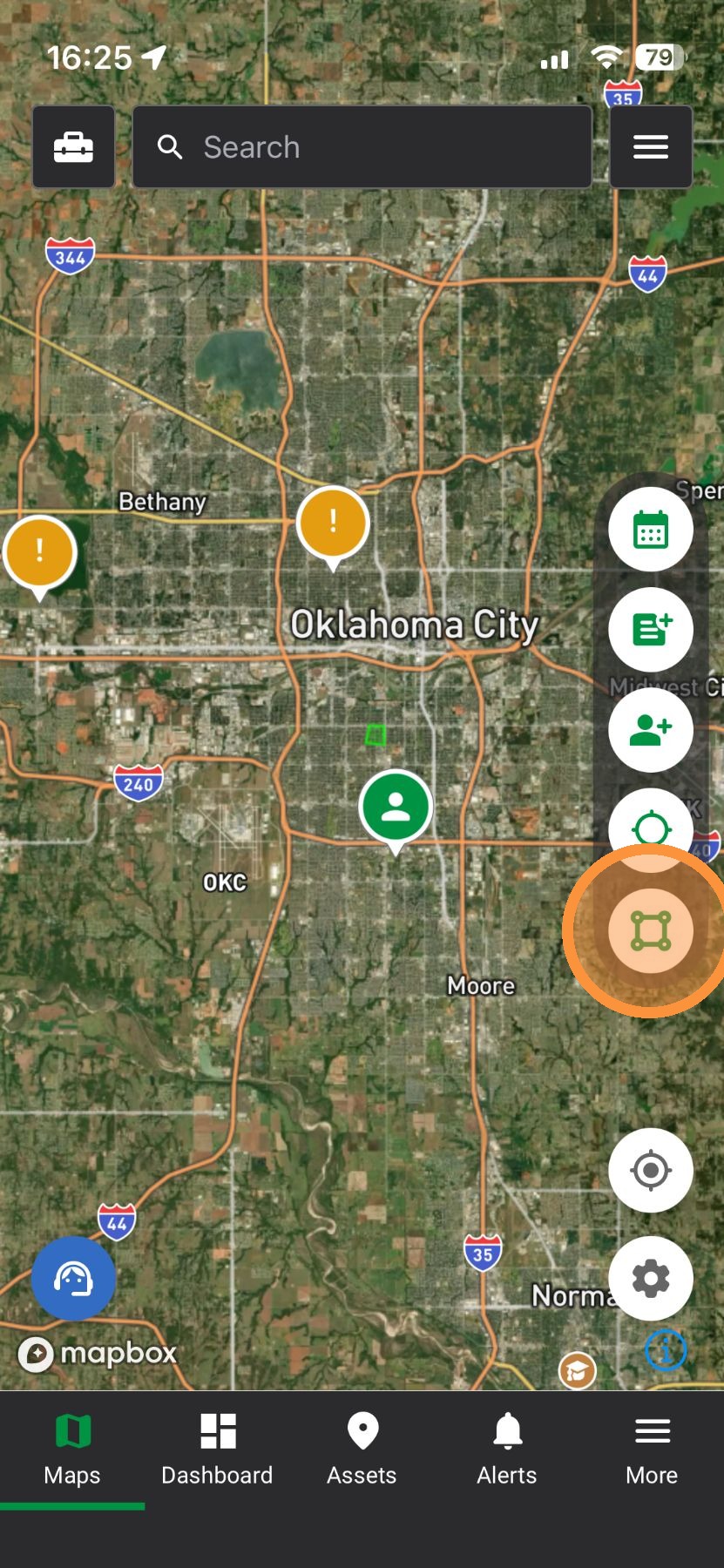

7. Location(GPS): Jump to your current spot on the map
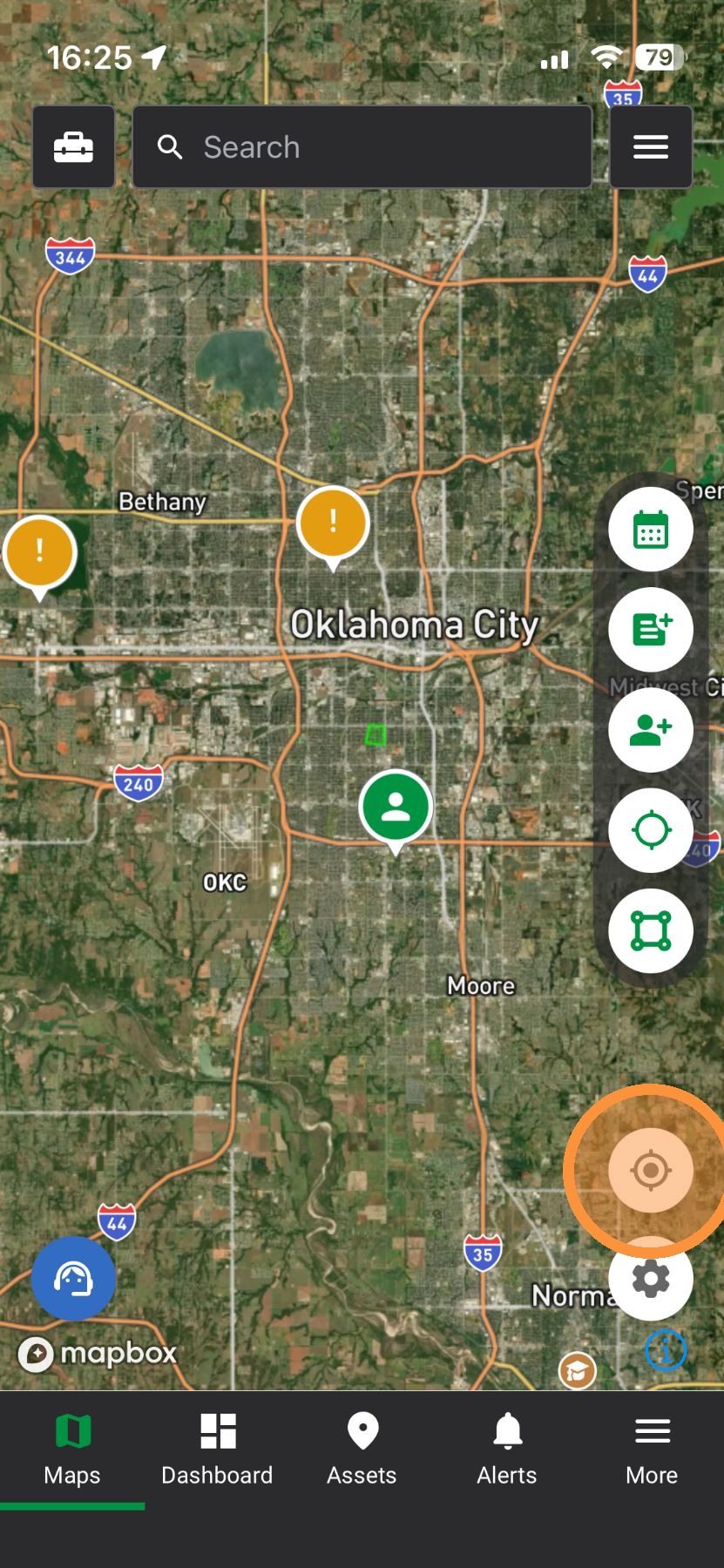

8. Settings: Control layers and map view in one place.
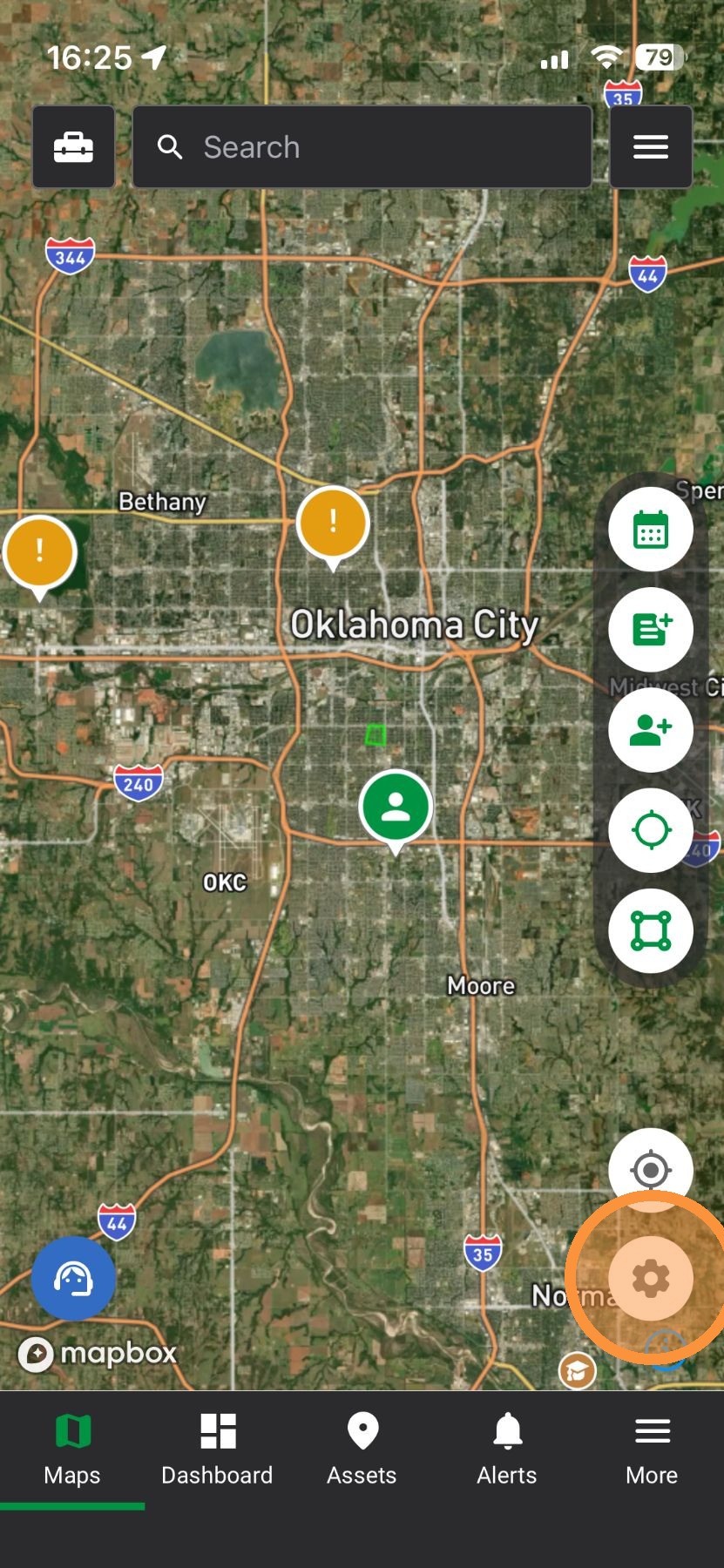


Browser App

1. Select "Maps" page
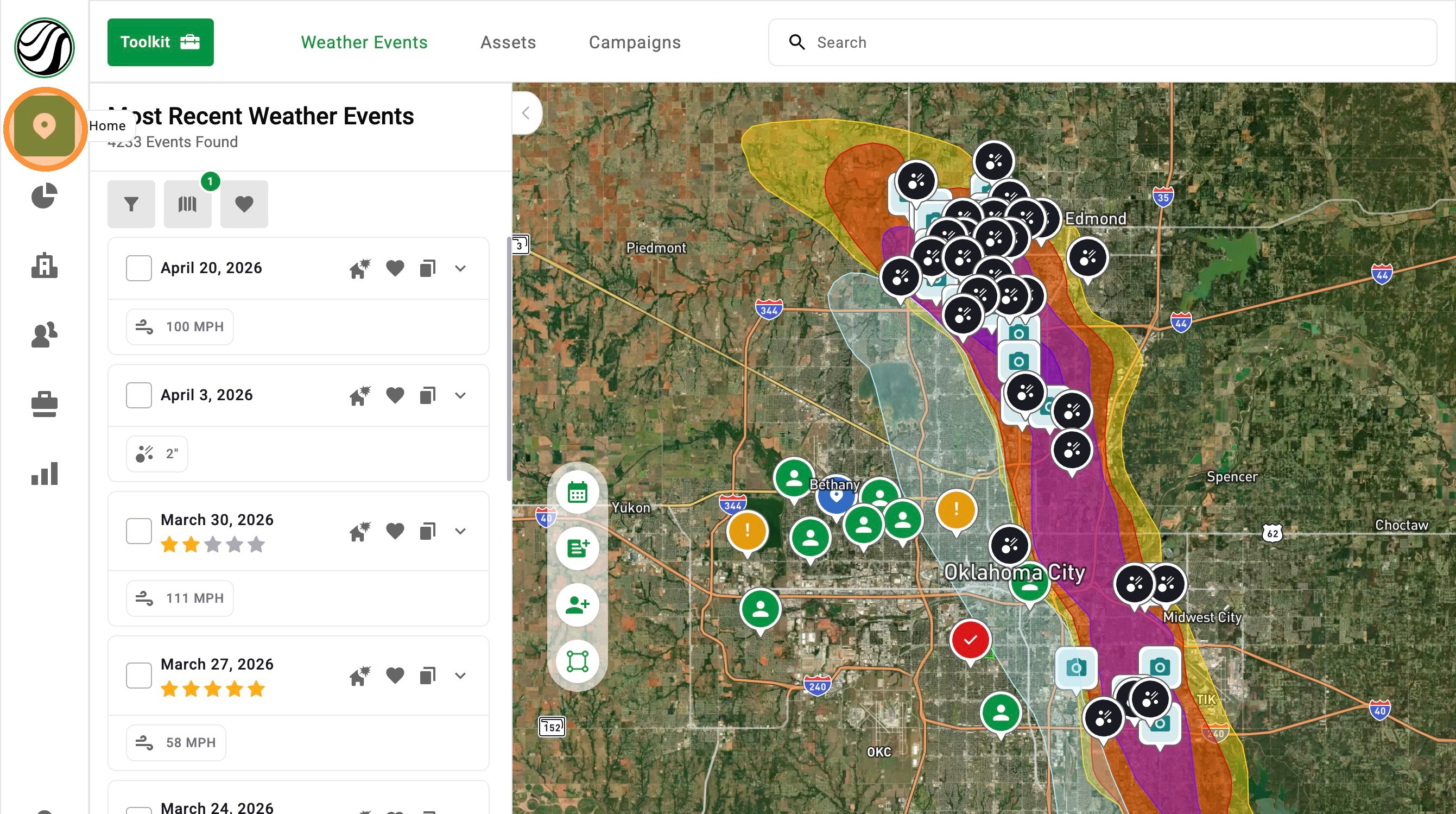

2. Event Date Picker: Pick a date to find storms fast.
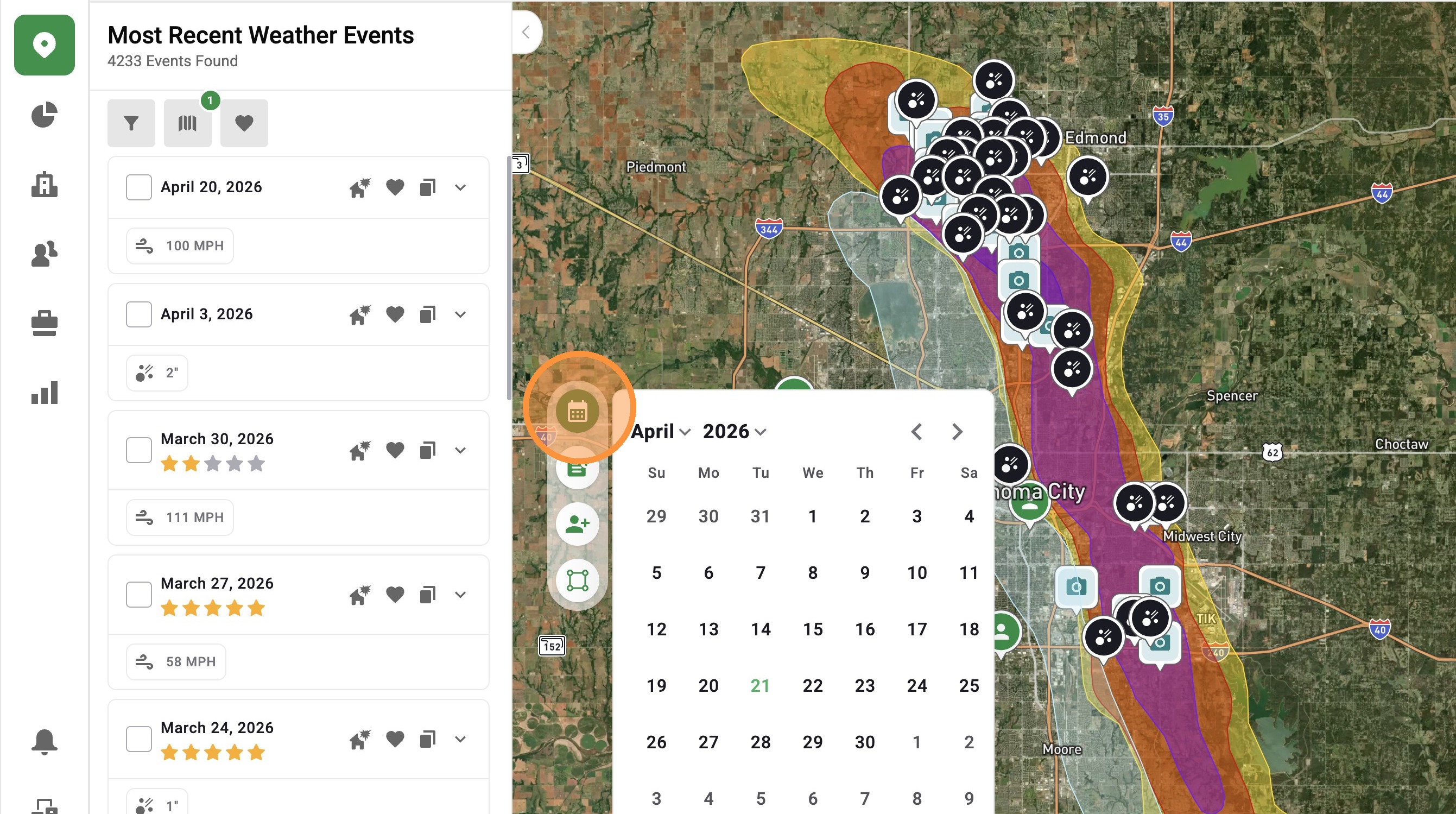

3. Download Weather History Report: Find storm dates at an address
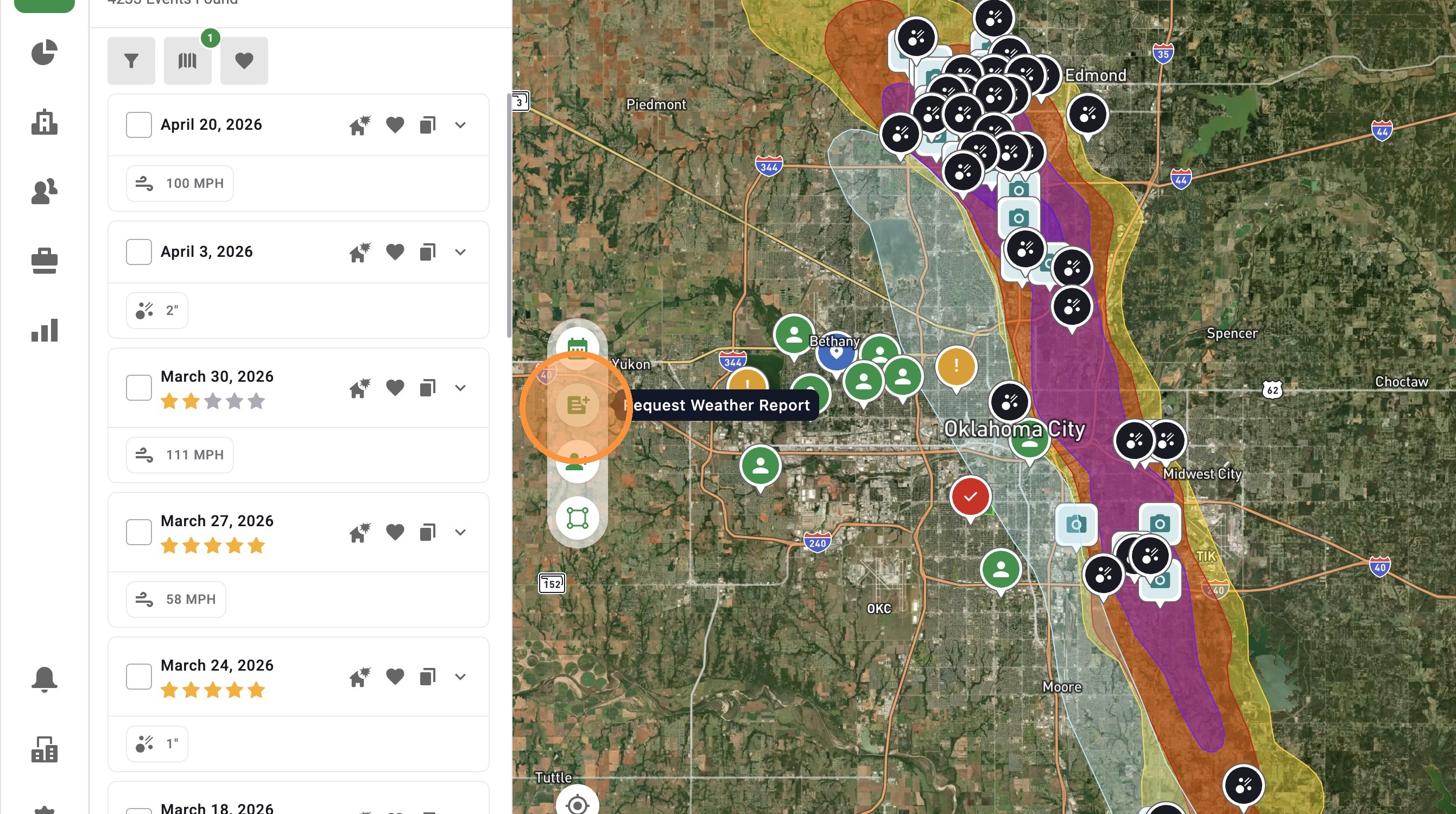

4. Create Asset: Quickly drop a pin and track a lead
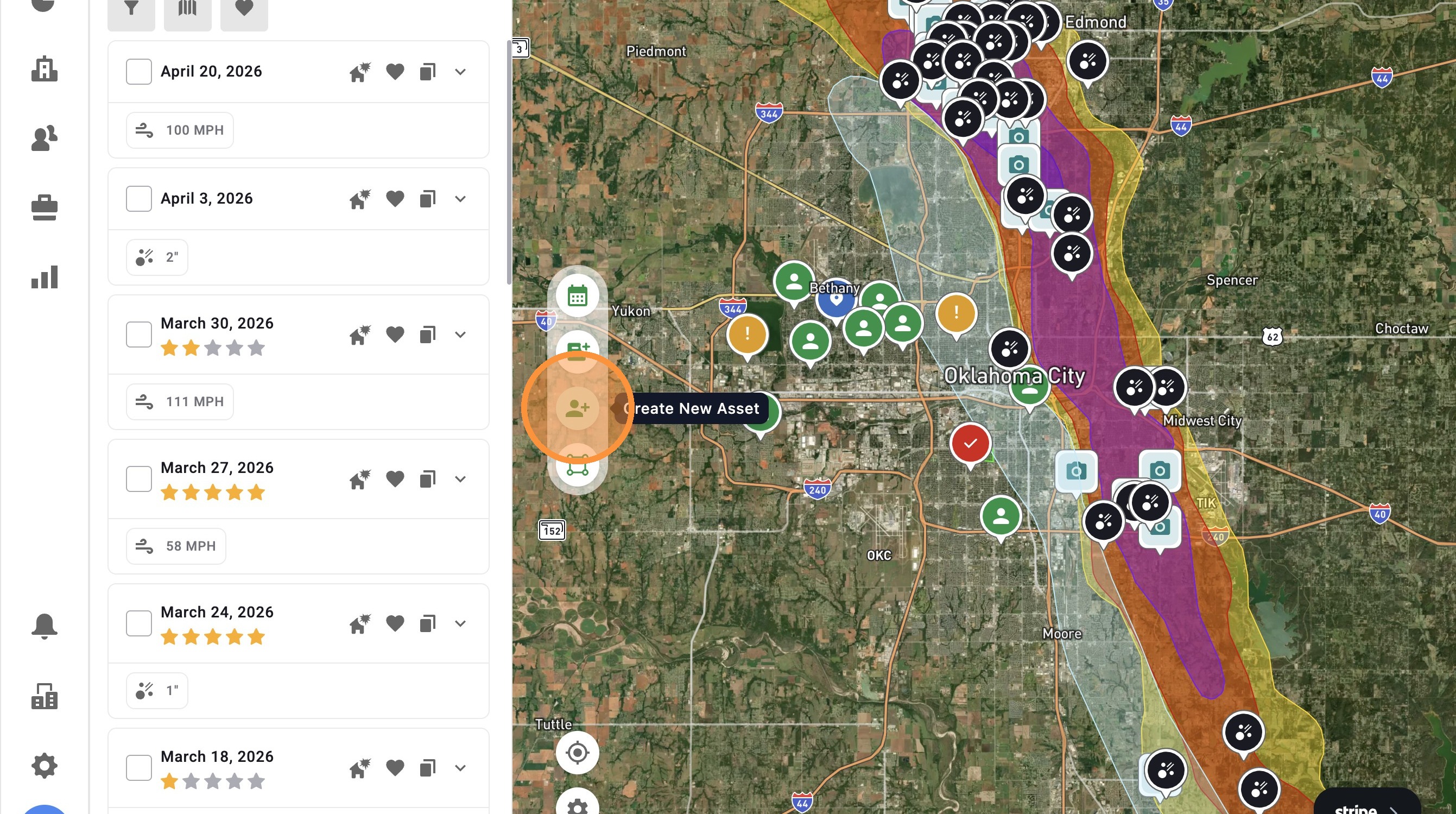

5. Pull a Lead List: Get contact info for properties inside a storm
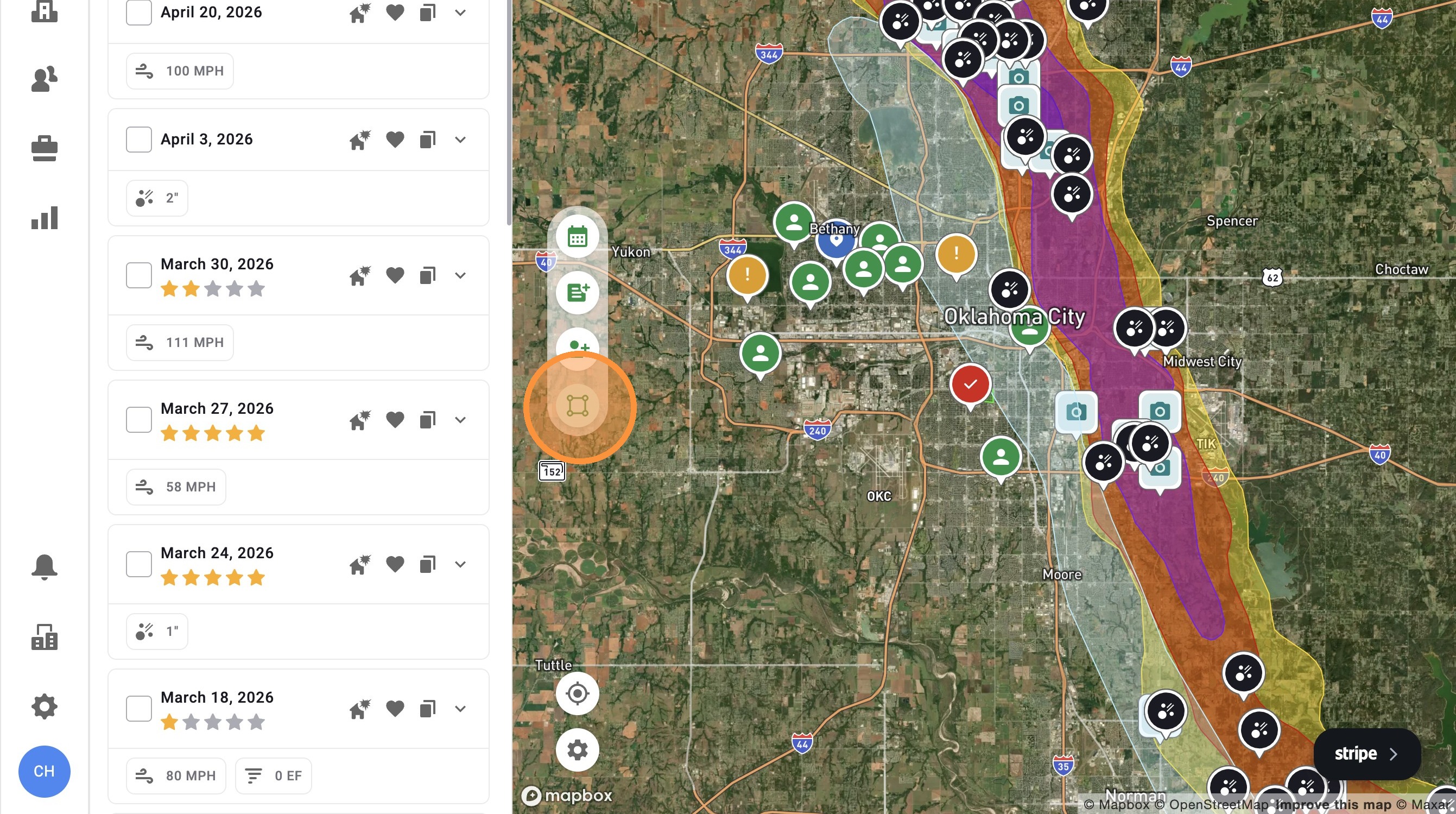

6. Location(GPS): Jump to your current spot on the map
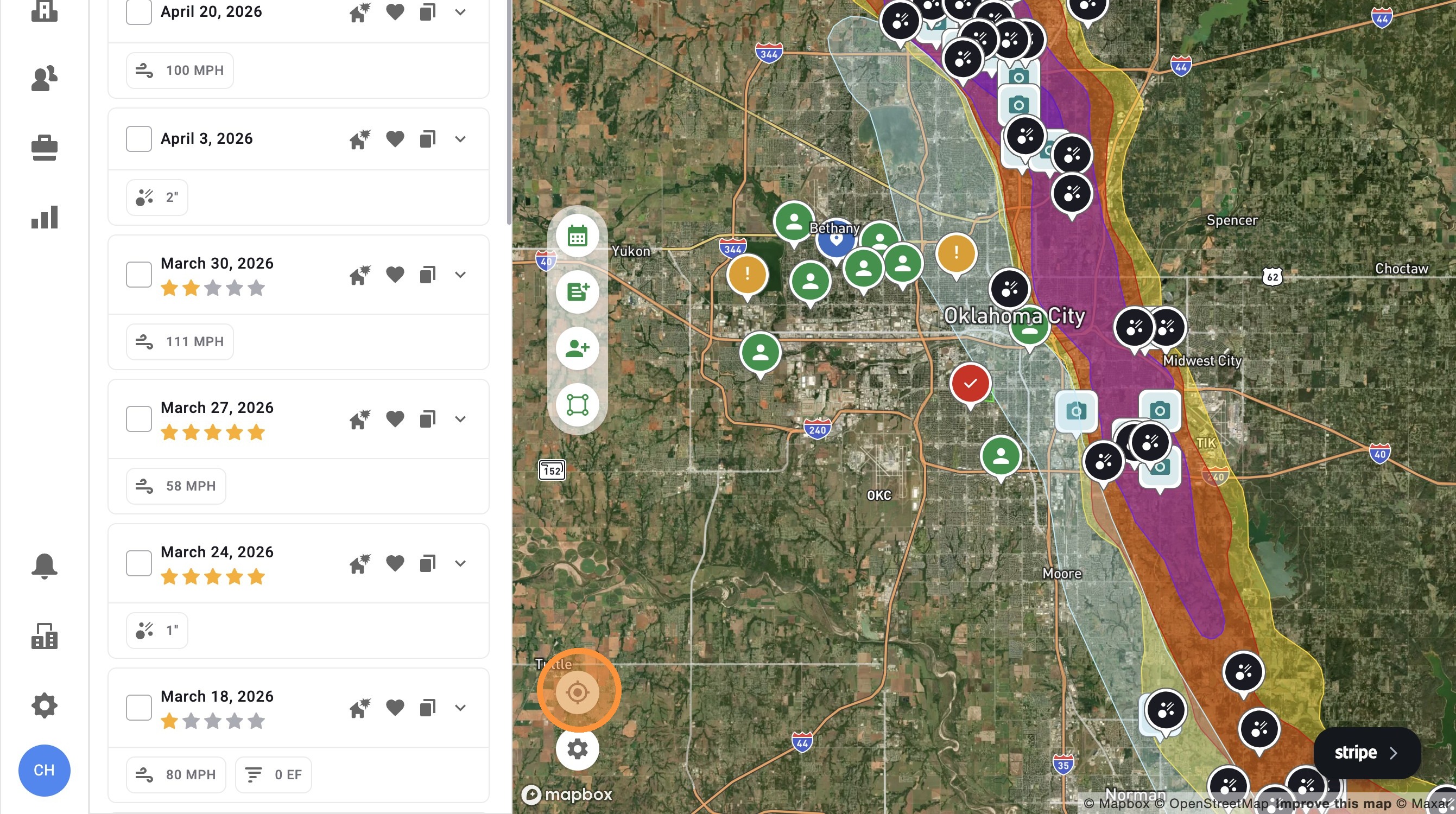

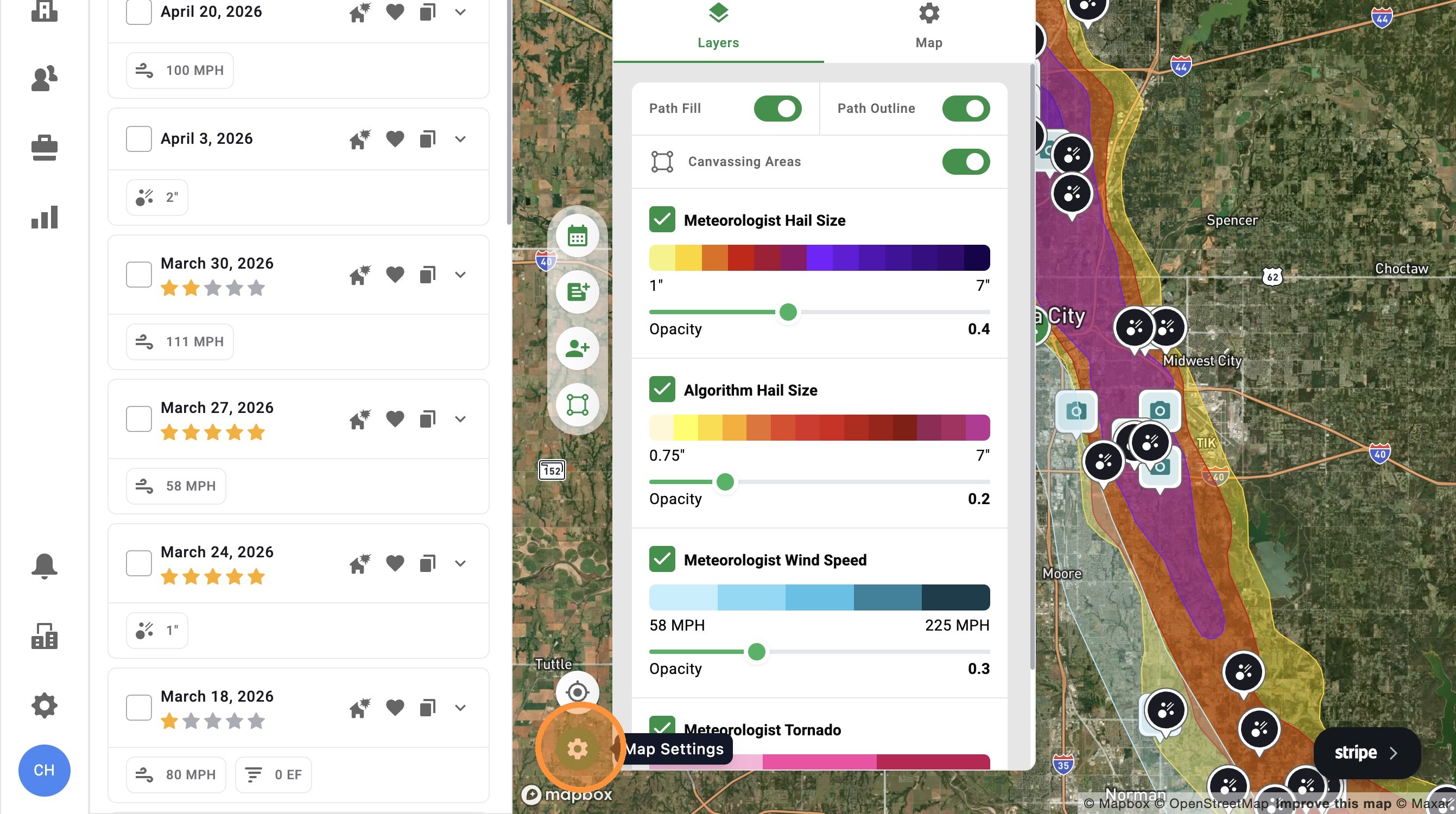
7. Settings: Control layers and map view in one place.


    • Related Articles

    • [5.0] Use Asset Filters to Find the Right Properties Faster

      Assets are the properties tied to your clients, contacts, and opportunities in HailTrace. Asset Filters help you quickly find the properties you need, whether you are working from the Asset page or viewing them on the Map. You can filter by details ...
    • [5.0] Save Weather Events for Quick Access

      Saving weather events makes it easy to find the storm maps you use most often. Use saved events to quickly pull up important storms, active sales areas, or maps you need to reference often inside the app. Mobile App 1. Tap "Maps" page 2. Tap ...
    • [5.0] Use Impacted Assets to Find Clients Hit by a Storm

      While generating new leads through canvassing, mailers, and other methods is important, the quickest and easiest opportunities often come from your existing leads and clients who have been impacted by a new storm. The Impacted Assets feature provides ...
    • [5.0] Search That’s Easier to Use

      Search is now front and center, giving you one place to quickly find addresses, contacts, assets, and businesses. Easily search by business type, view results on the map or in a list, and jump back to recent searches. This allows you to spend less ...
    • [5.0] How to Use One-Click Code in HailTrace

      Building codes can be hard to track, especially when requirements change by property or location. HailTrace’s One-Click Code feature helps by showing key roofing code information tied to a specific property. With One-Click Code, you can quickly check ...