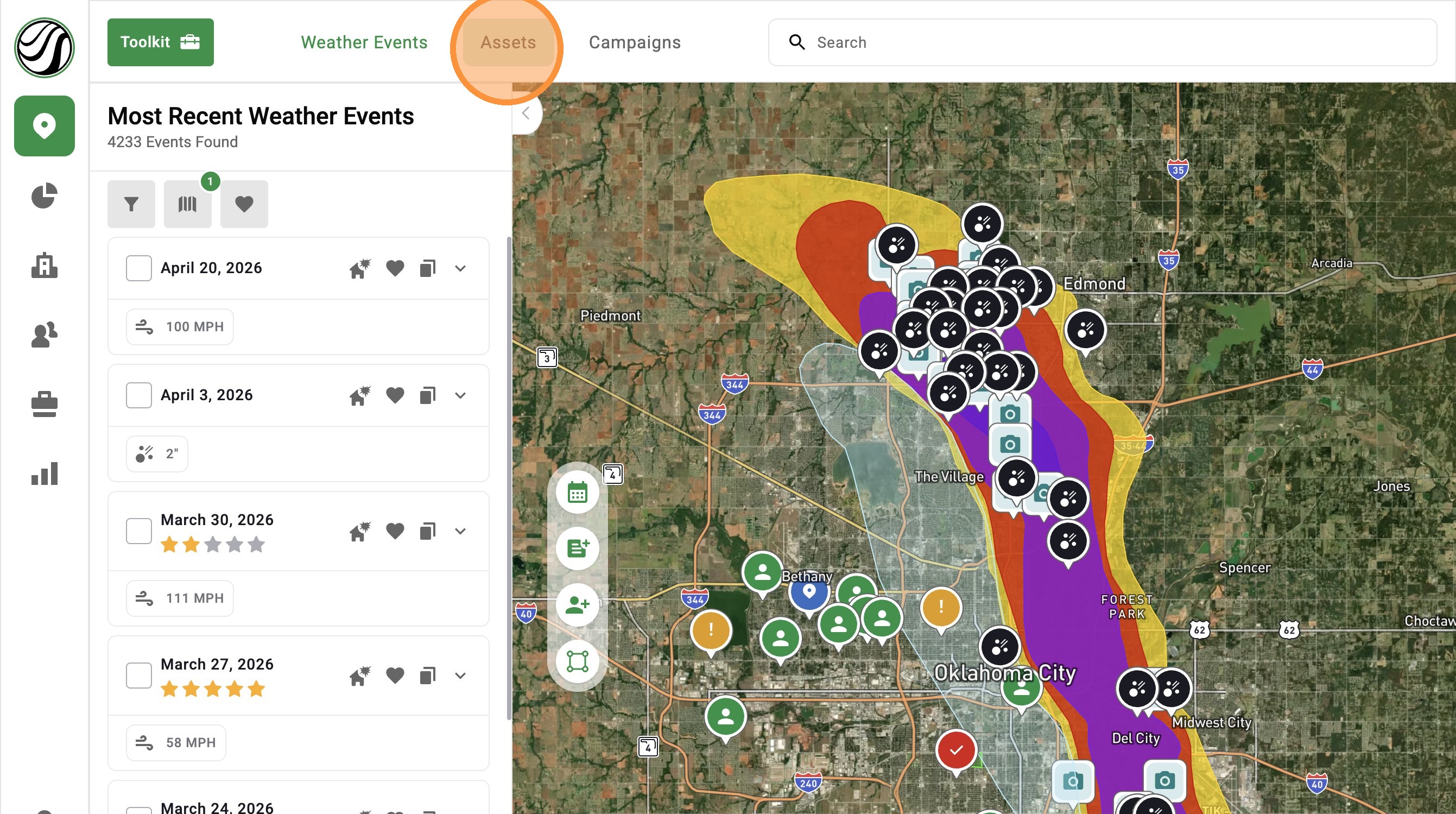
[5.0] Use the Asset Panel to Find, Create, and Manage Assets
The Asset Panel now makes it easier to manage your work without leaving the map.
Filters are built right into the panel, so you can quickly find the assets you need.
You can also create a new asset right from the panel. This helps you stay organized, see your workload, and keep moving in the field.
Mobile App

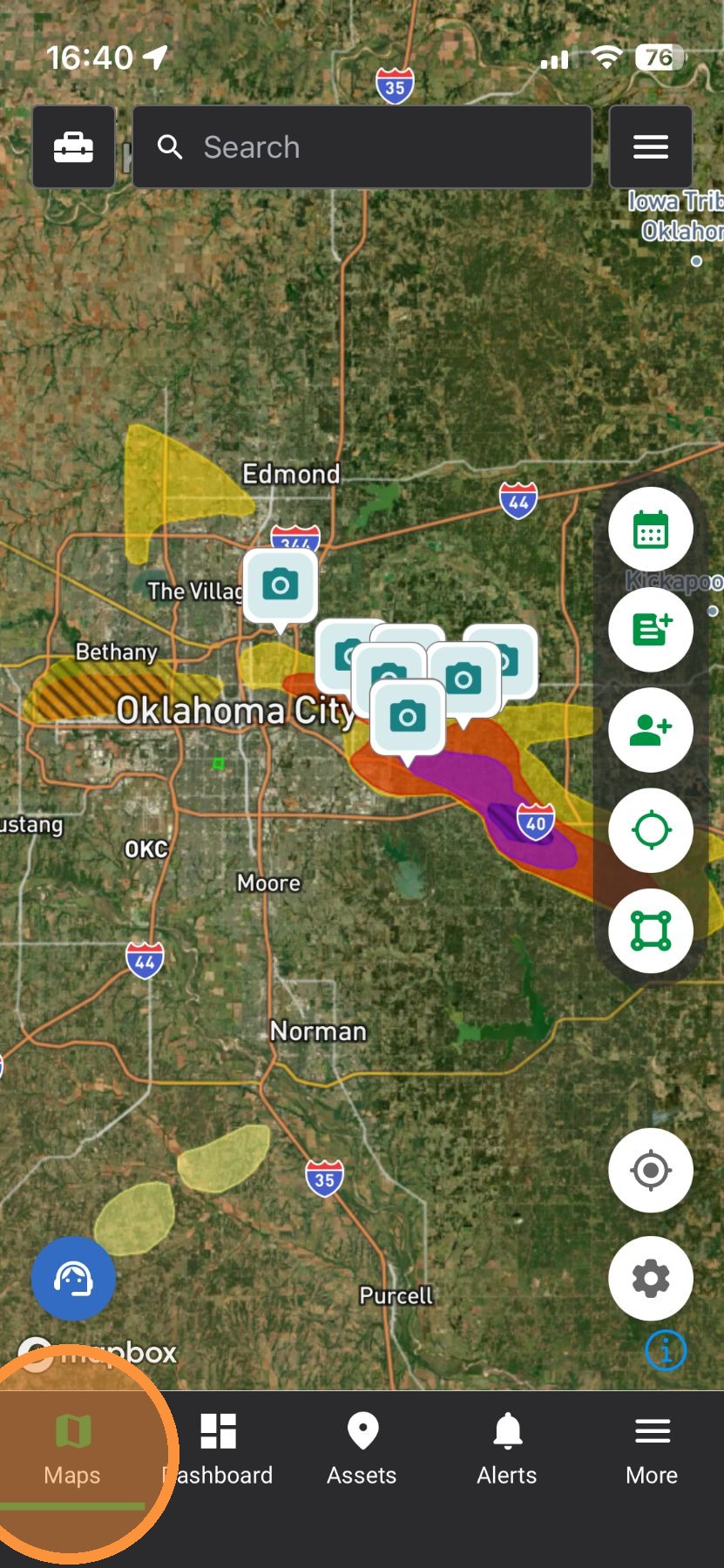
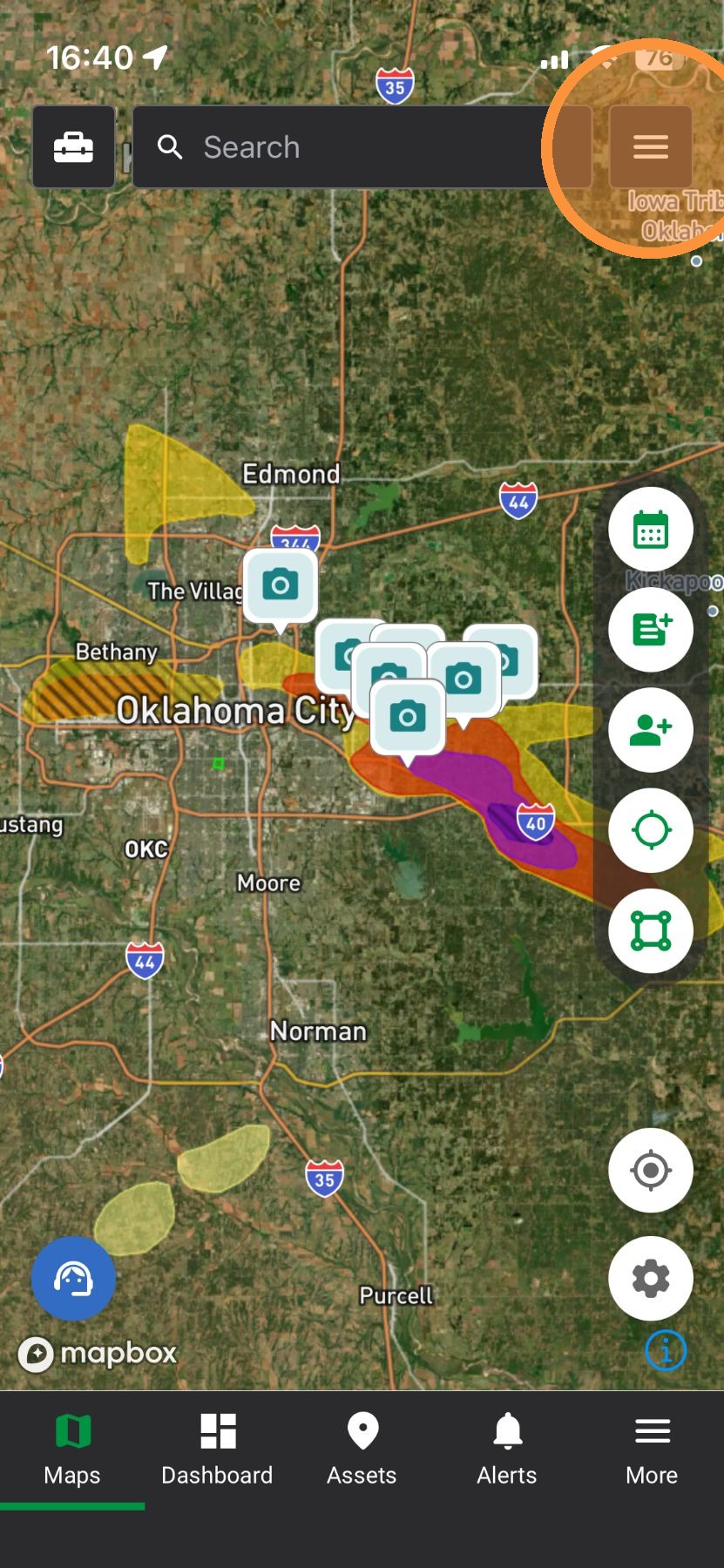
2. Tap "Navigation" panel


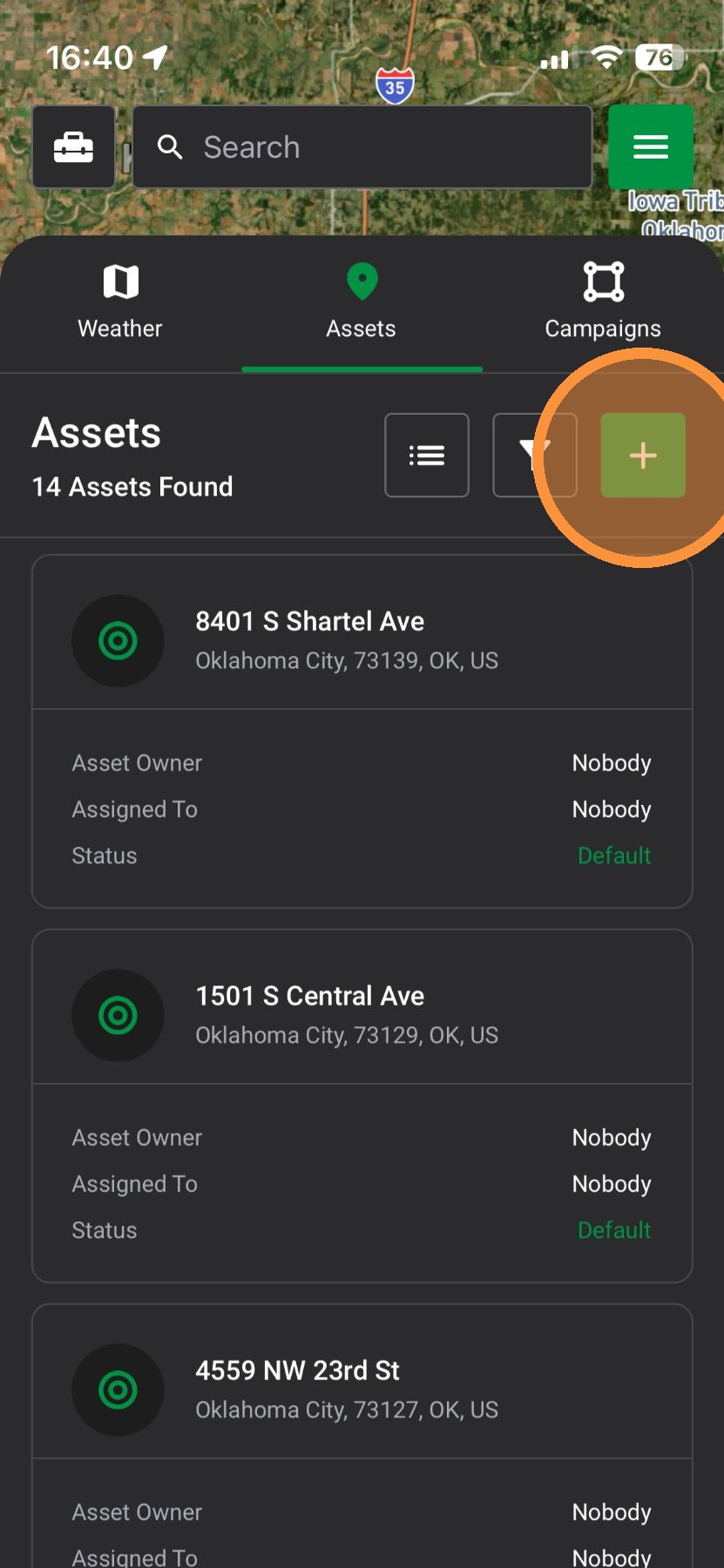
4. Tap "Create Asset" button to drop a pin
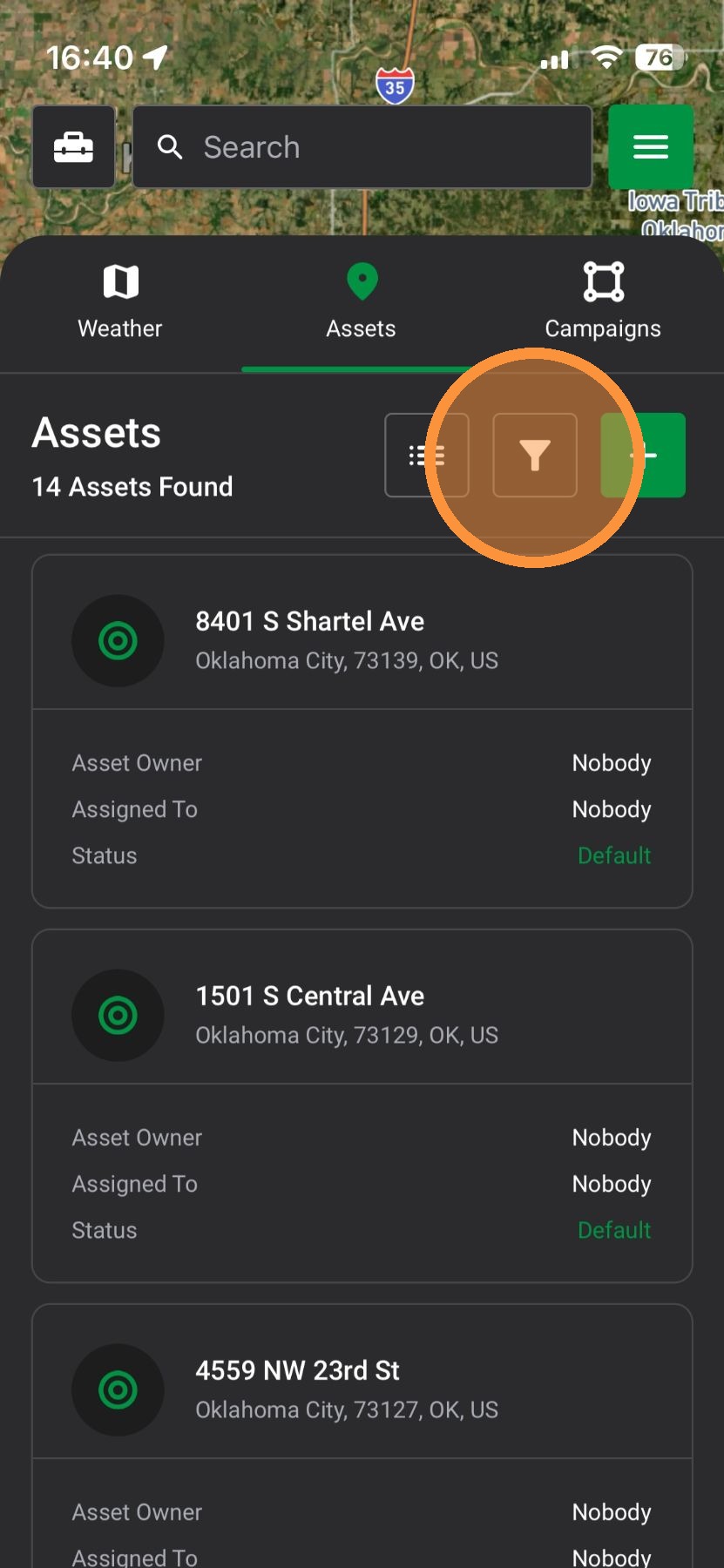
5. Tap “Asset Filters” to find assets impacted by storms, assets in your pipeline, and assets created by specific users
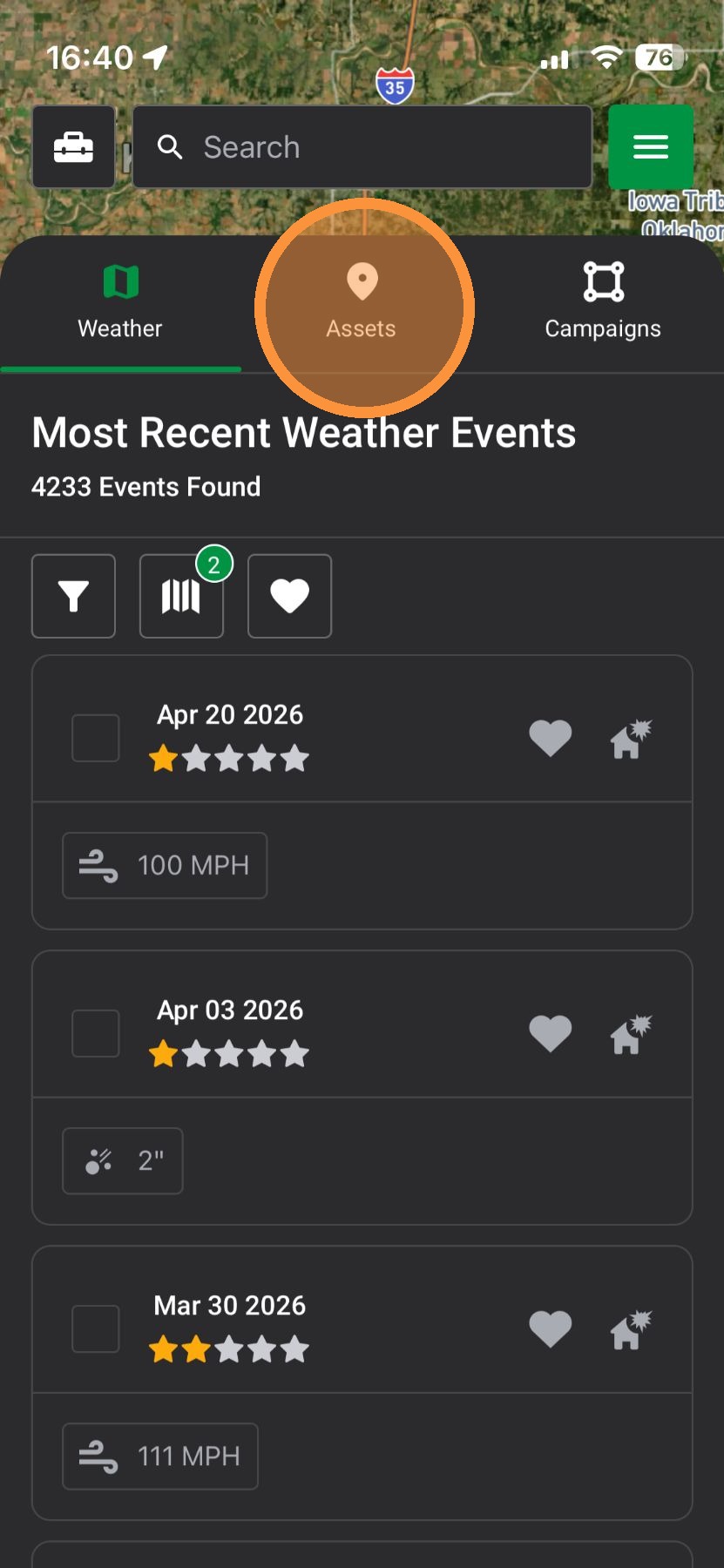
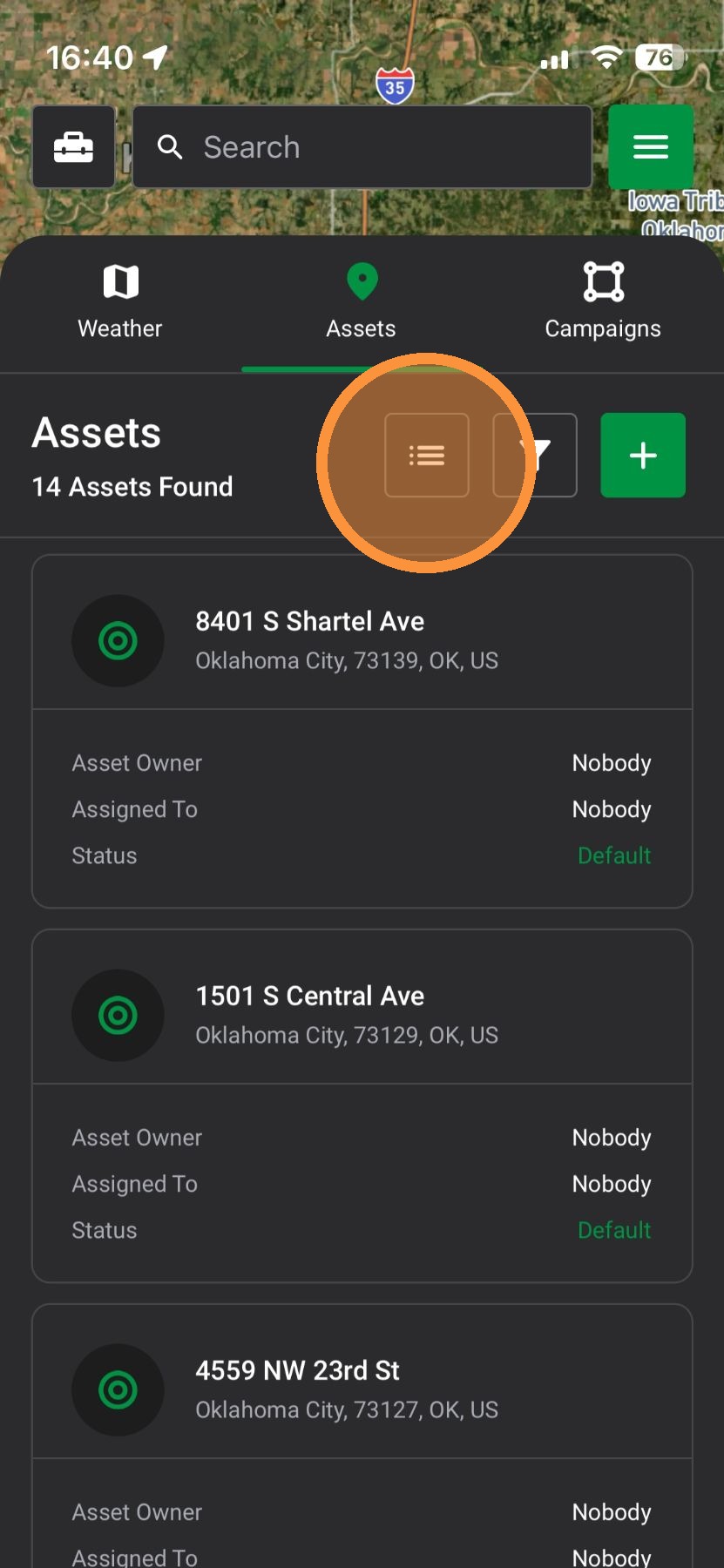
6. Tap "View Assets" to jump to the Asset page and view all assets
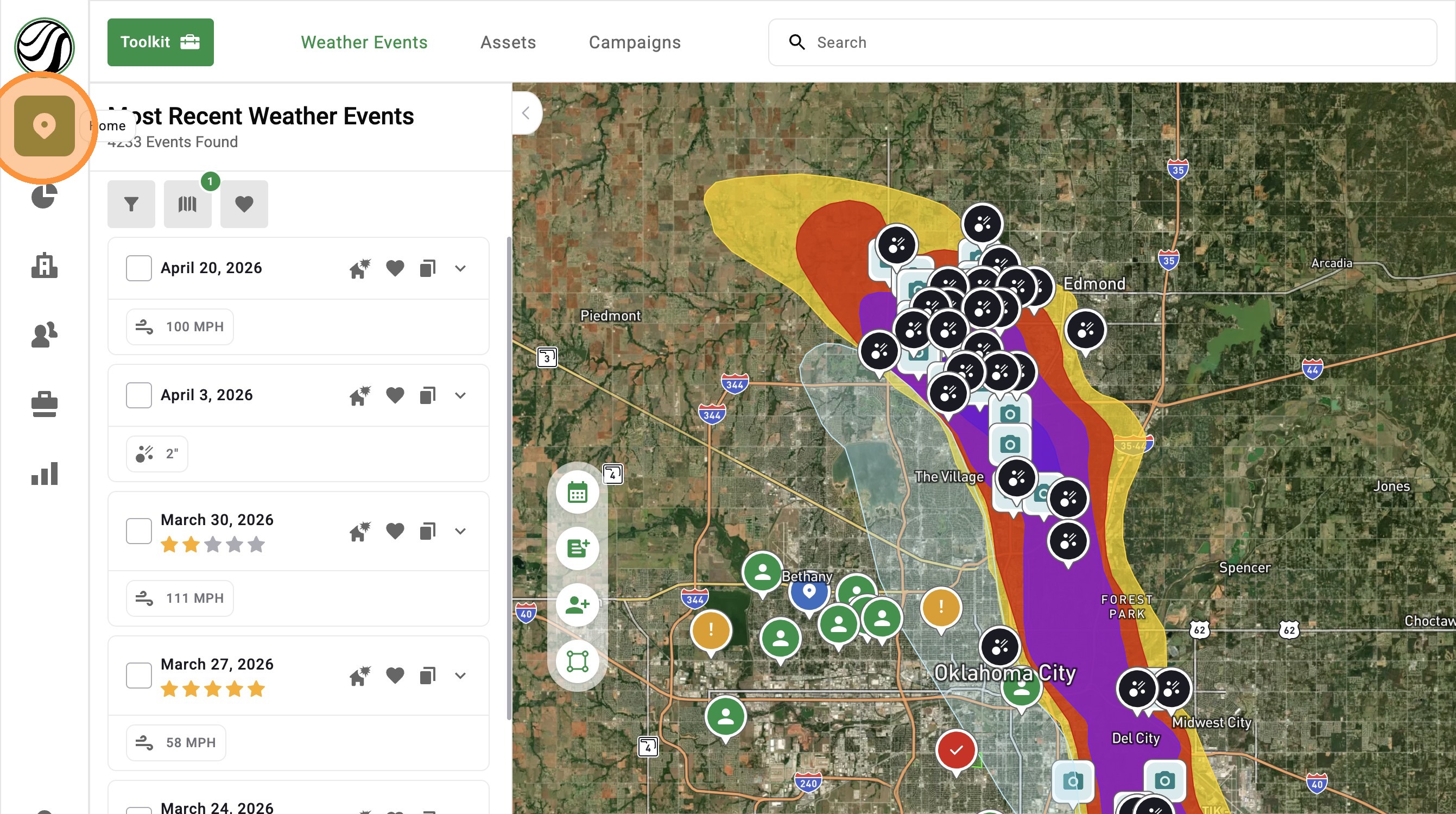
Browser App


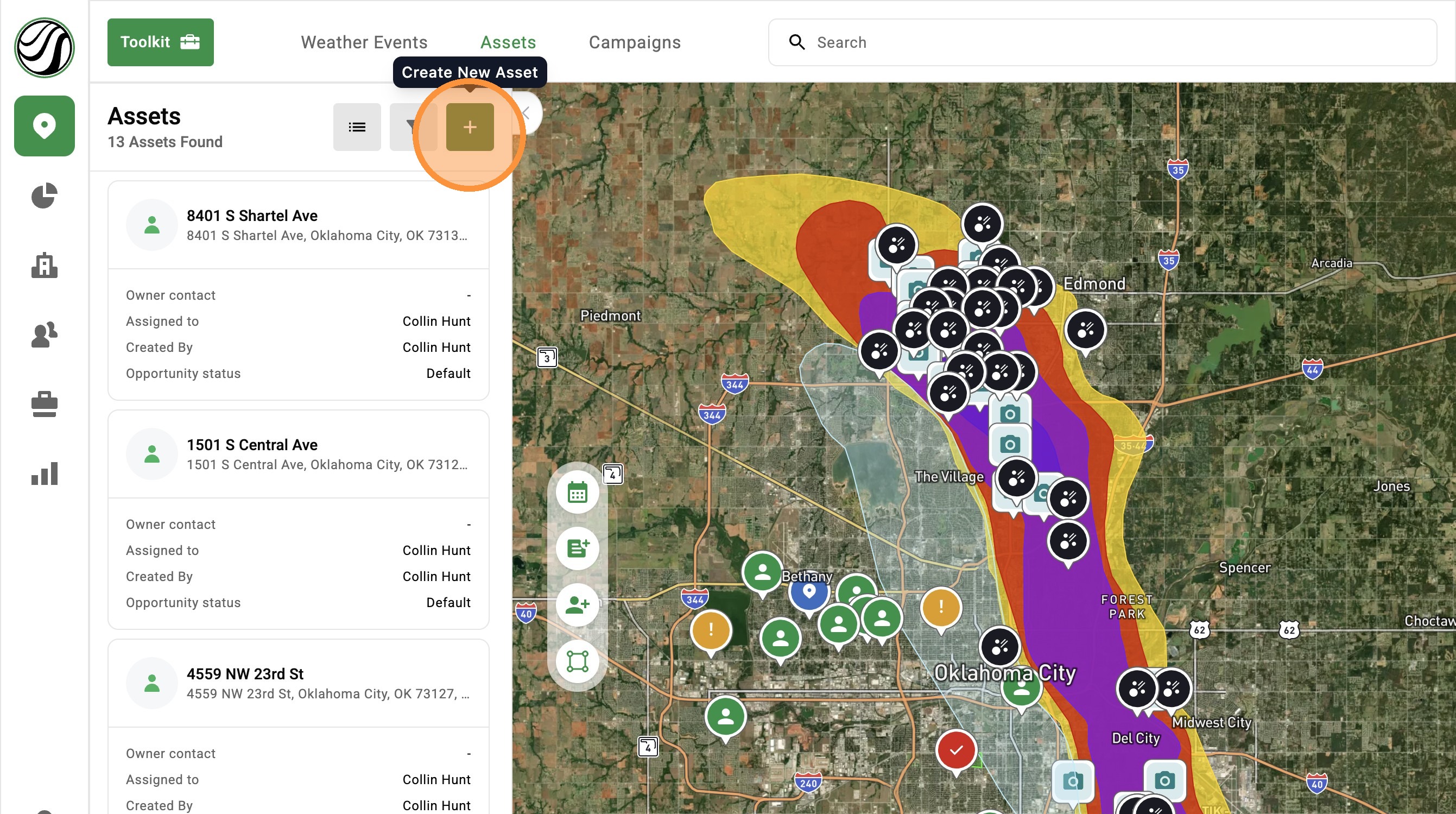
3. Select "Create Asset" button to drop a pin
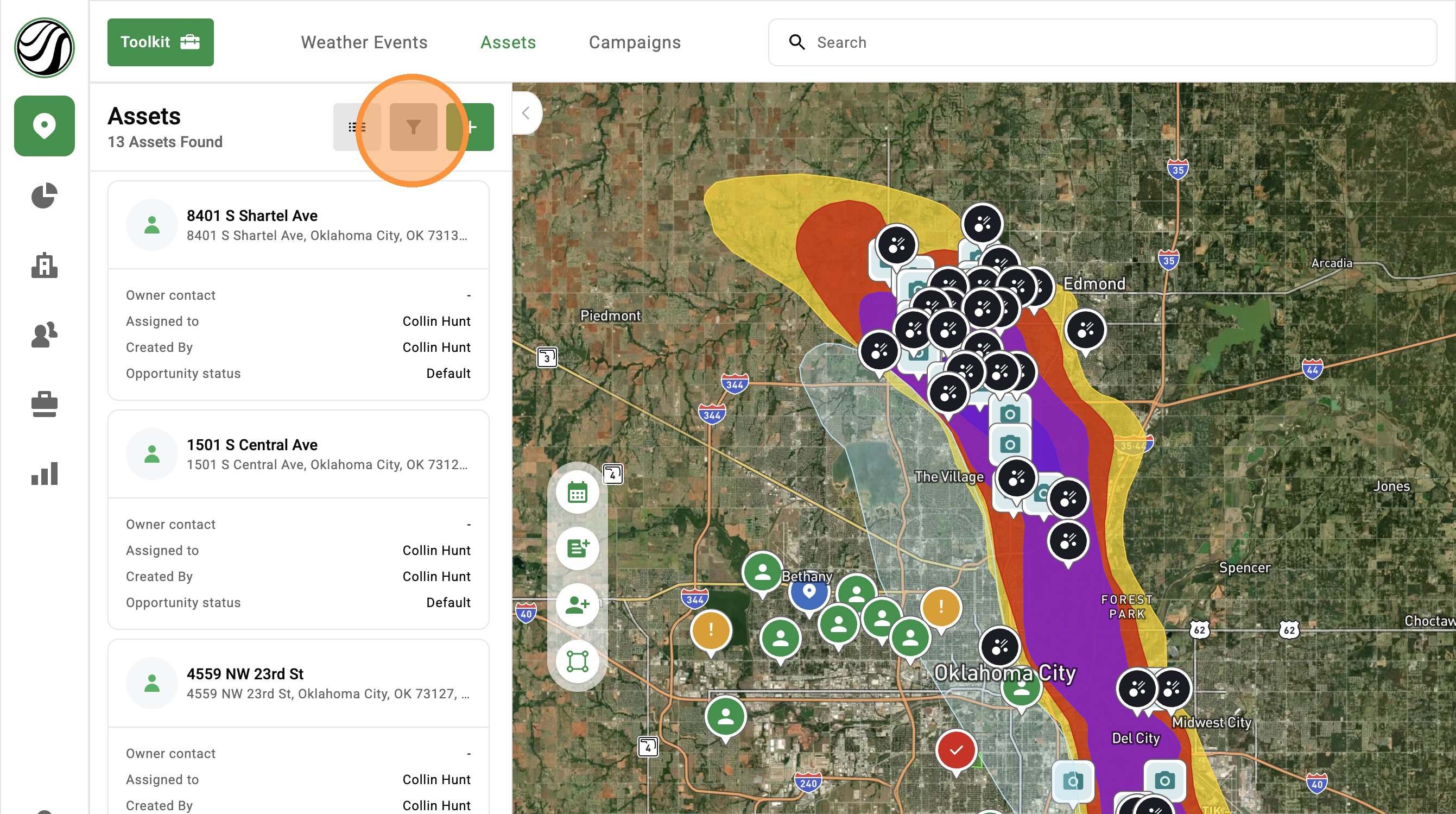
4. Select “Asset Filters” to find assets impacted by storms, assets in your pipeline, and assets created by specific users
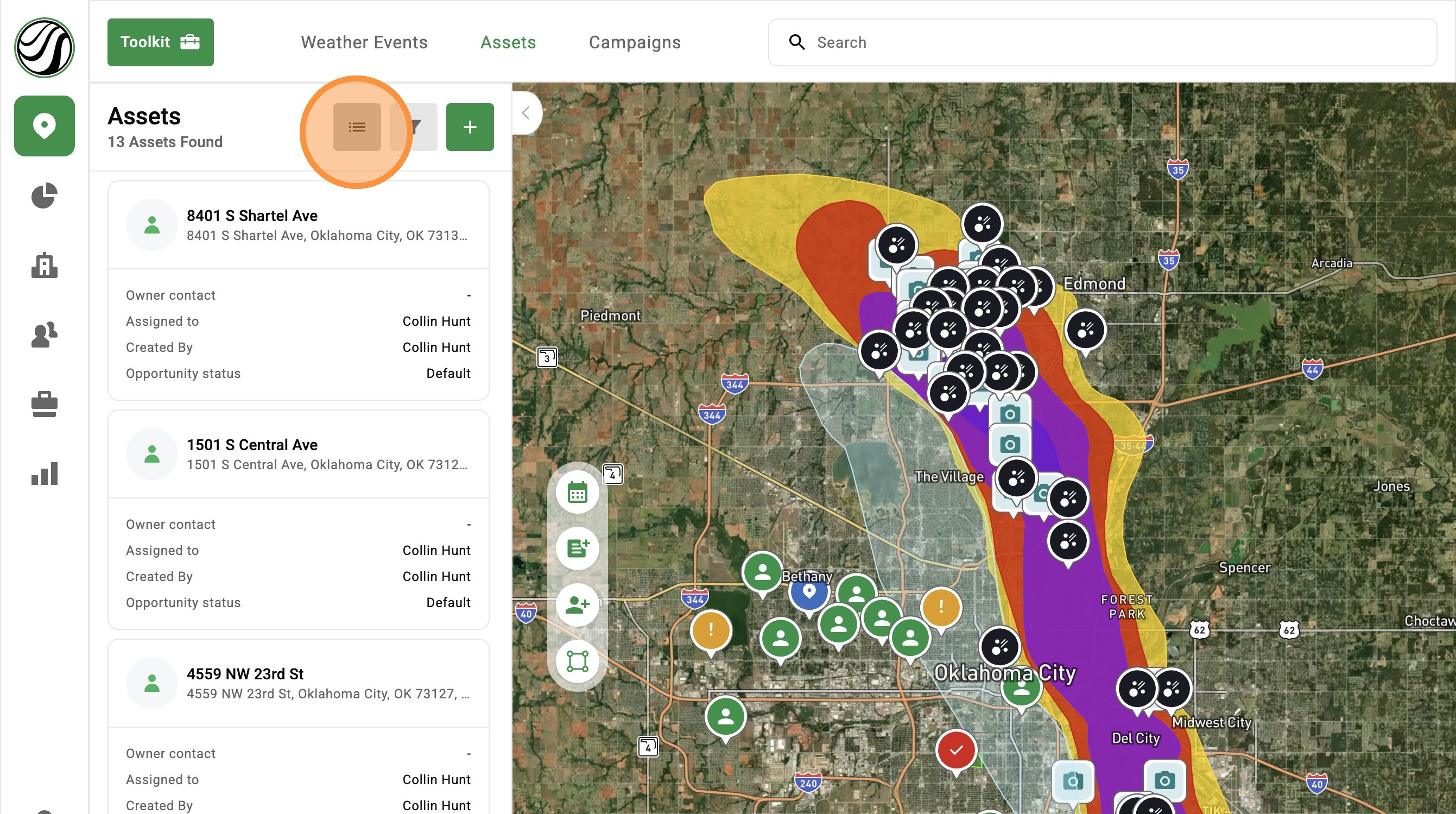
5. Click "View Assets" to jump to the Asset page and view all assets
Related Articles
[5.0] How to Create a New Opportunity for an Asset
Opportunities help you track deals tied to an Asset in HailTrace. They include details like the status, notes, priority level, and assigned user. If a deal is lost, a claim is closed, or a new storm creates another sales opportunity, you can create a ...
[5.0] Use Asset Filters to Find the Right Properties Faster
Assets are the properties tied to your clients, contacts, and opportunities in HailTrace. Asset Filters help you quickly find the properties you need, whether you are working from the Asset page or viewing them on the Map. You can filter by details ...
[5.0] How to Create an Asset, Contact, & Opportunity
When dropping a pin or tracking a lead in the HailTrace app, you can create an Asset, Contact, and Opportunity at the same time. This helps you track the door knock, start monitoring the property for future storm with Impacted Assets, and work the ...
[5.0] Use Impacted Assets to Find Clients Hit by a Storm
While generating new leads through canvassing, mailers, and other methods is important, the quickest and easiest opportunities often come from your existing leads and clients who have been impacted by a new storm. The Impacted Assets feature provides ...
[5.0] Create Assets in Seconds with the New Workflow
Creating an asset is now quick and simple. Just drop a pin on the map, fill out a short form, and you are done. No more jumping through multiple steps or screens. This helps you add homes faster in the field and keep your work moving. Mobile App Drop ...