[5.0] New Lead List Panel, Campaign Search, and Weather Event Controls
This update makes it easier to find storm opportunities and take action in the HailTrace Browser and Mobile app.
- Create and manage Lead Lists in one place.
- Find campaigns with a quick search.
- Control storms and check access from Weather Event cards.
Manage Lead Lists
Lead Lists are now in one place, so you can find storm opportunities and reach property owners faster.
A Lead List shows properties and customers that may have been hit by a storm.
Depending on your access, it may include:
- Impacted Assets, such as current clients
- Residential Contact Data*
- Commercial Contact Data*

*Residential and Commercial Data is part of the Data Plan. To upgrade, please reach out to our Customer Success team at 855-334-4245
Here is what you can do:
1. You can open Lead Lists from the Navigation Panel on your browser or mobile app
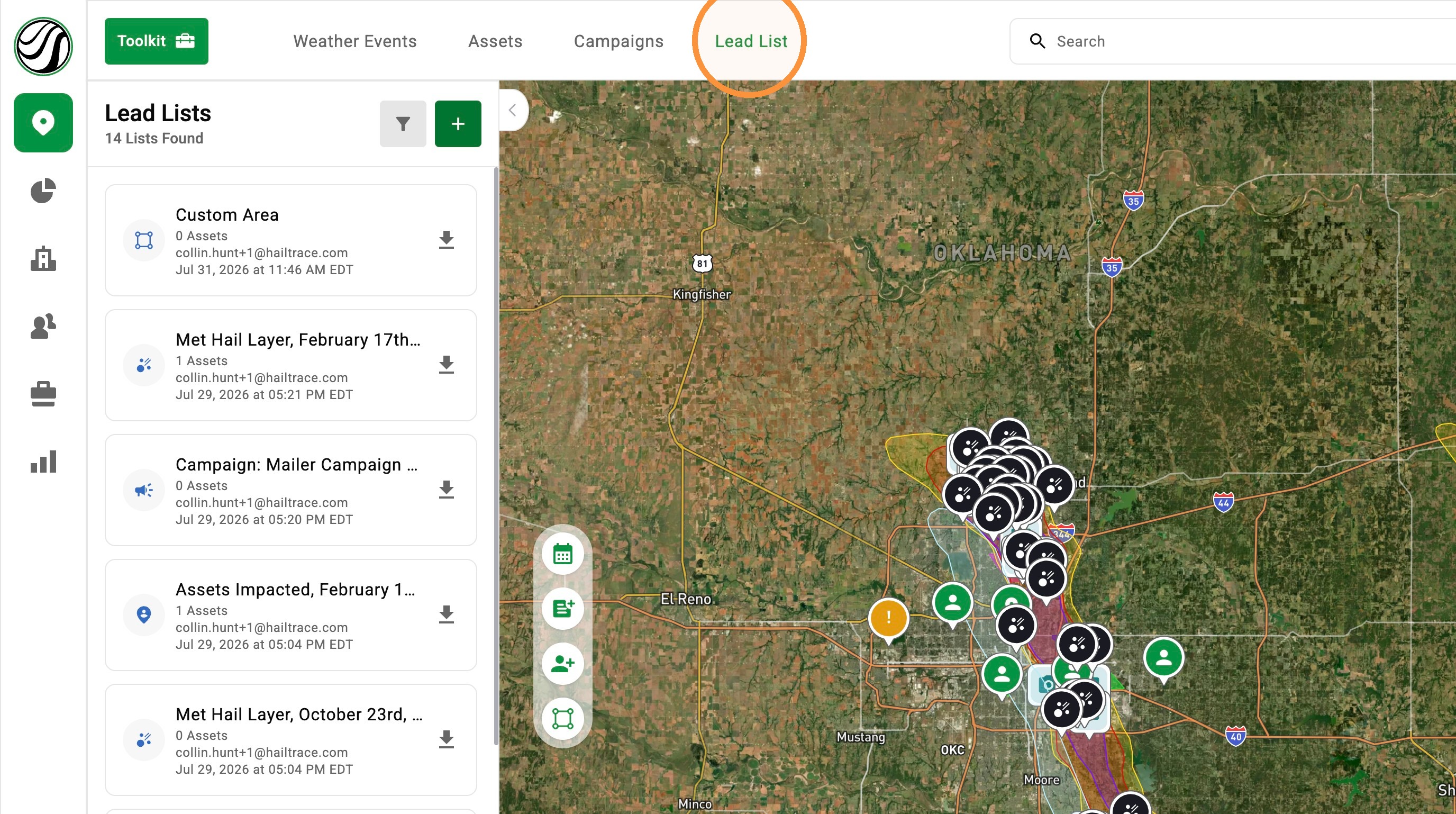
2. Create a list from a custom area, weather layer, or campaign
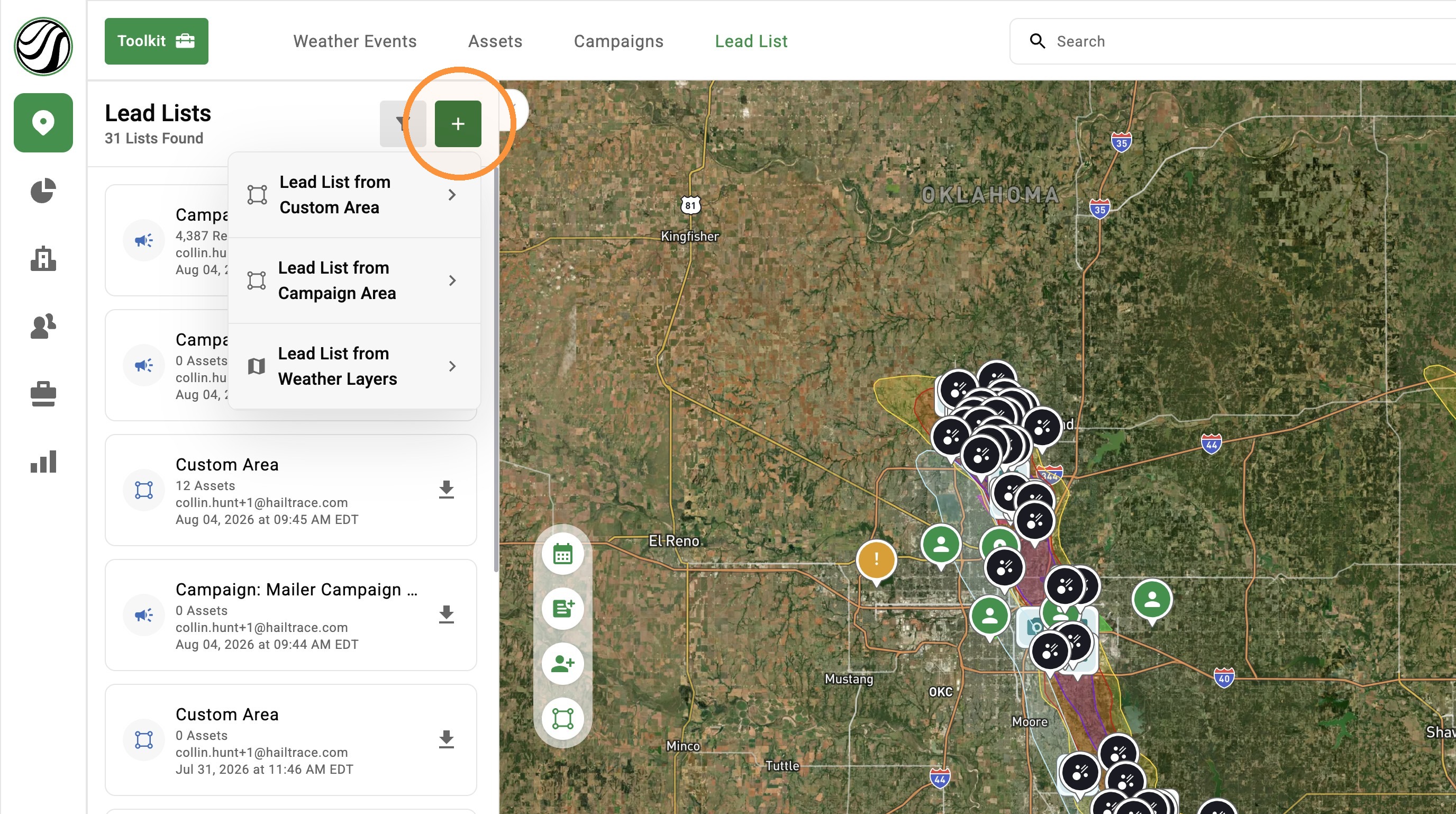
3. Find and Download lists made by you or your team
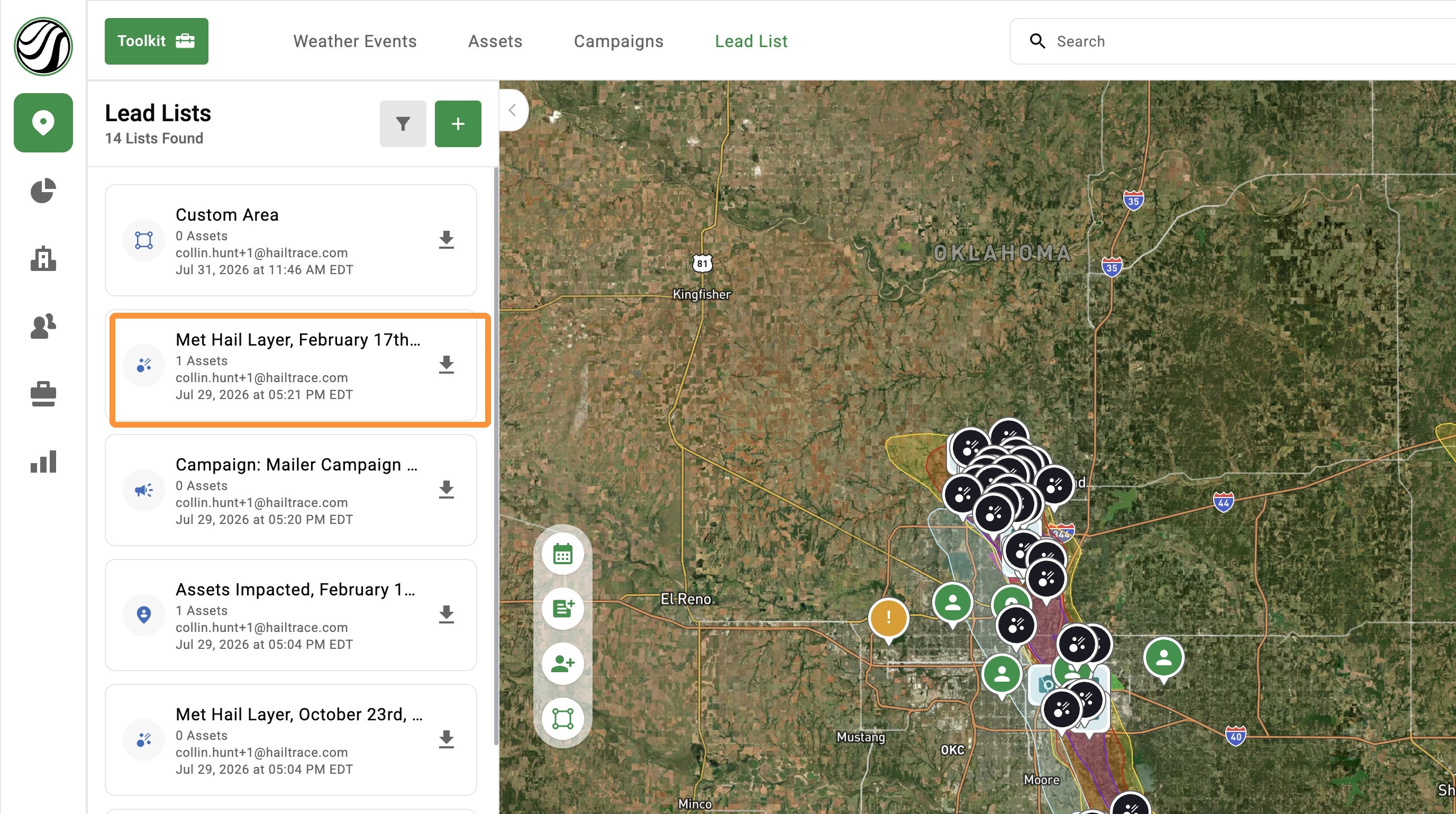
4. Check the status of a list, such as generating, ready, failed, or no longer available
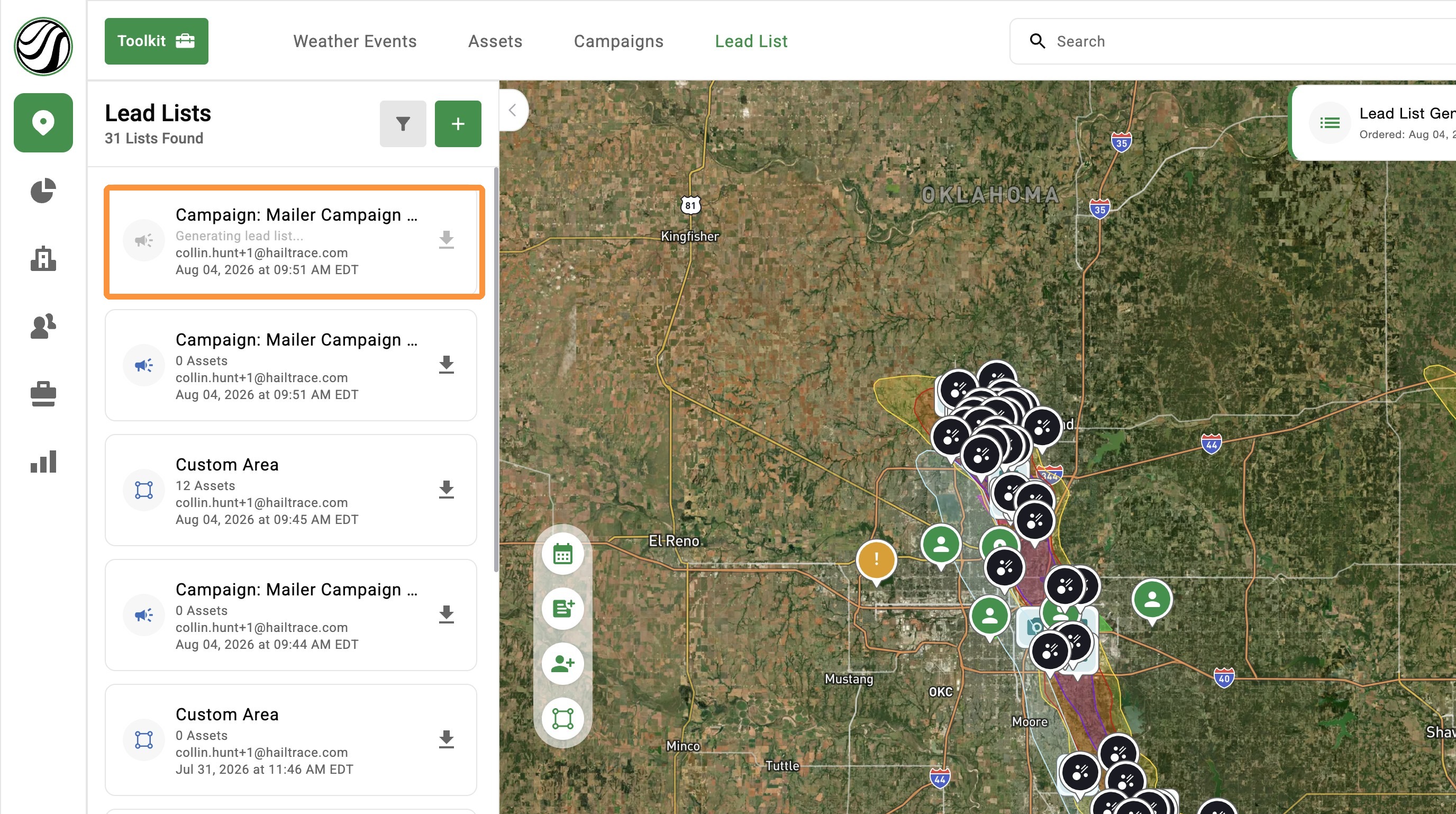
5. Filter lists by date, creator, list type, or property type
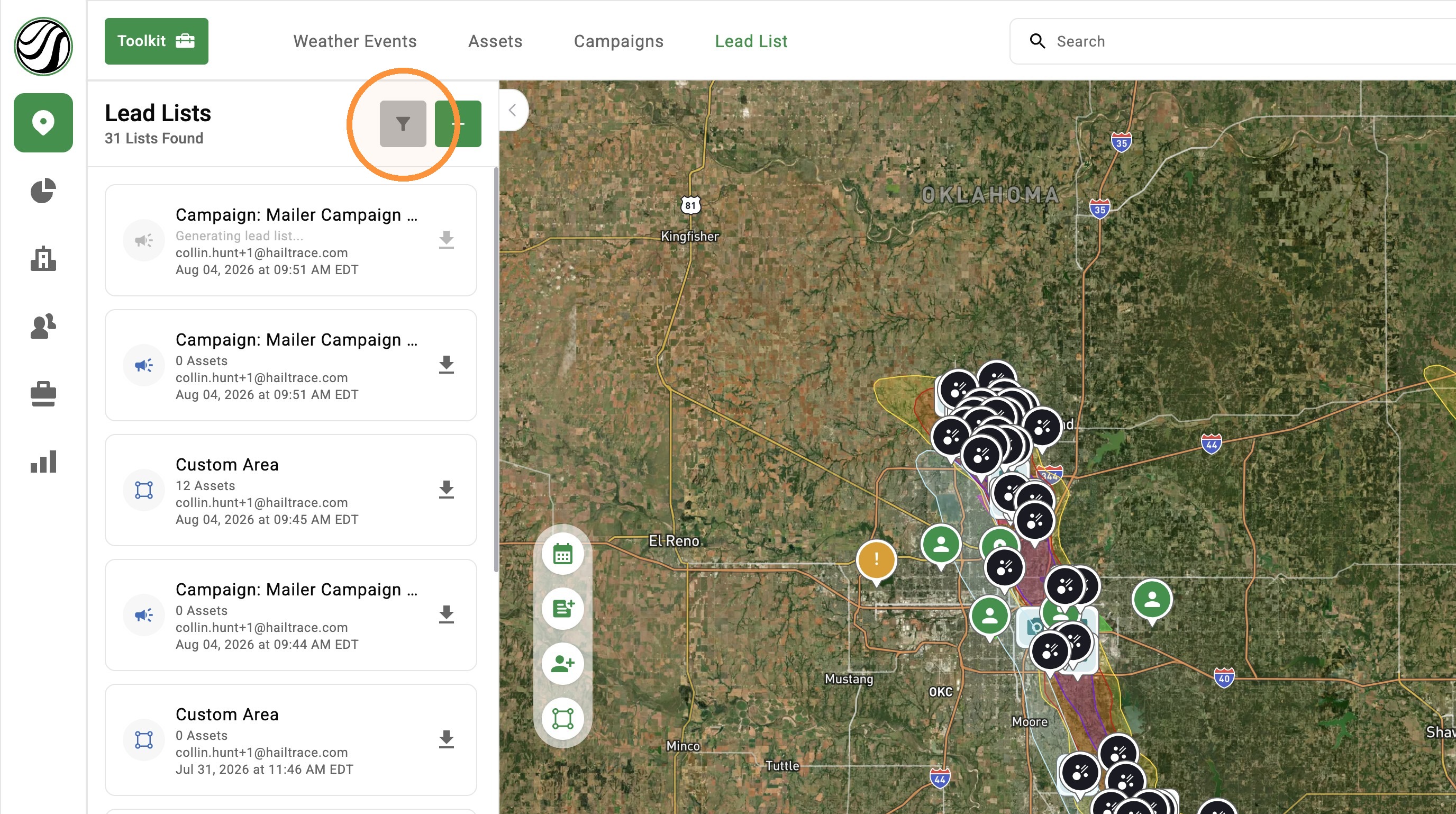
Need a deep dive? Checkout this Lead List article and video
Campaign's Quick Search
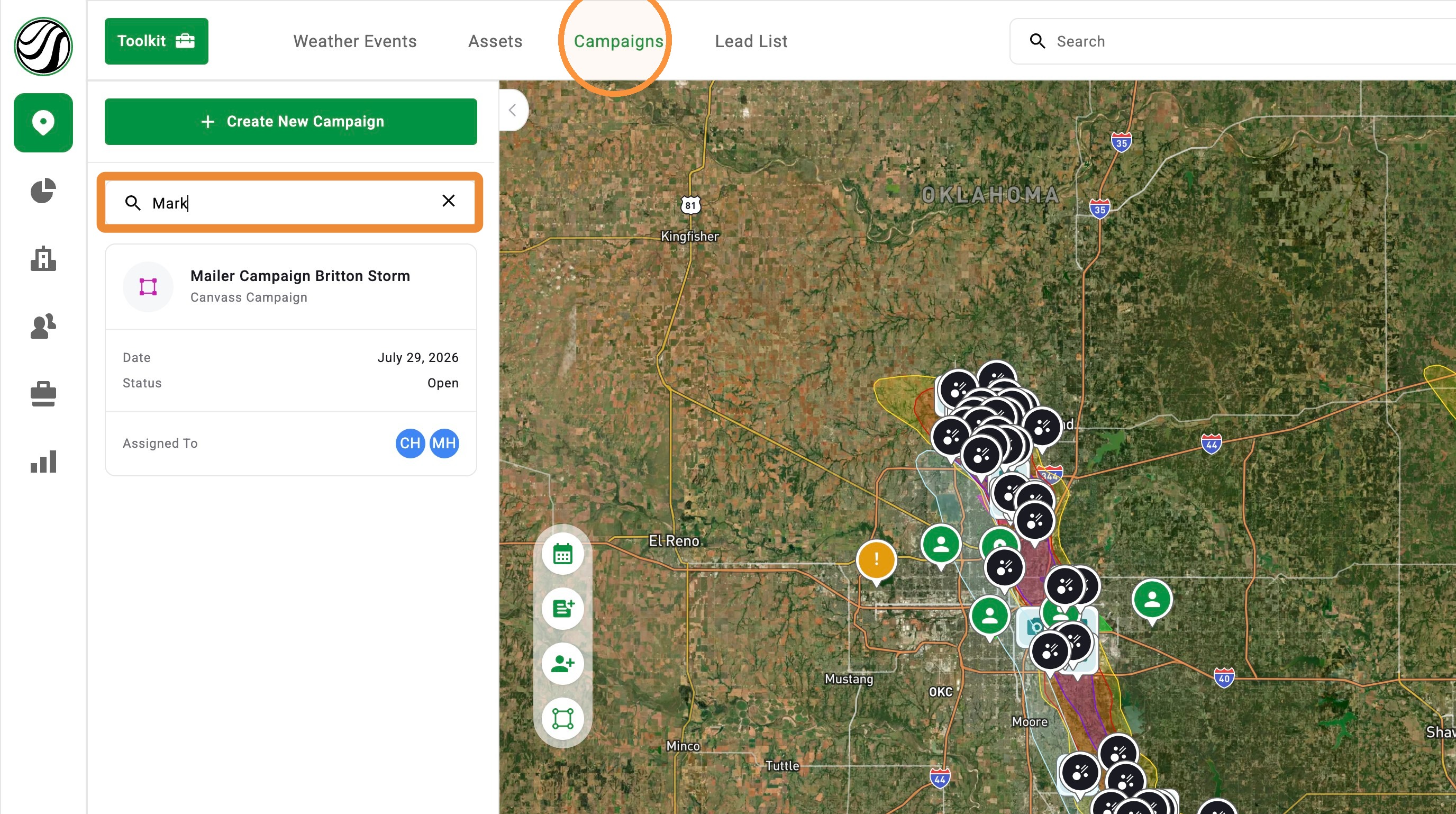
Campaign search helps you find the right campaign without scrolling through a long list.
Campaigns are part of our DealTrace Plan. To upgrade, please reach out to our Customer Success team at 855-334-4245Under the "Campaign" panel, you can search by:
- Campaign name
- Assigned user’s name
- Assigned user’s email address
Control Maps with Weather Event Cards
Weather event cards now make it easier to control storms on the map and see which storms are part of your plan.
Here are the three changes:
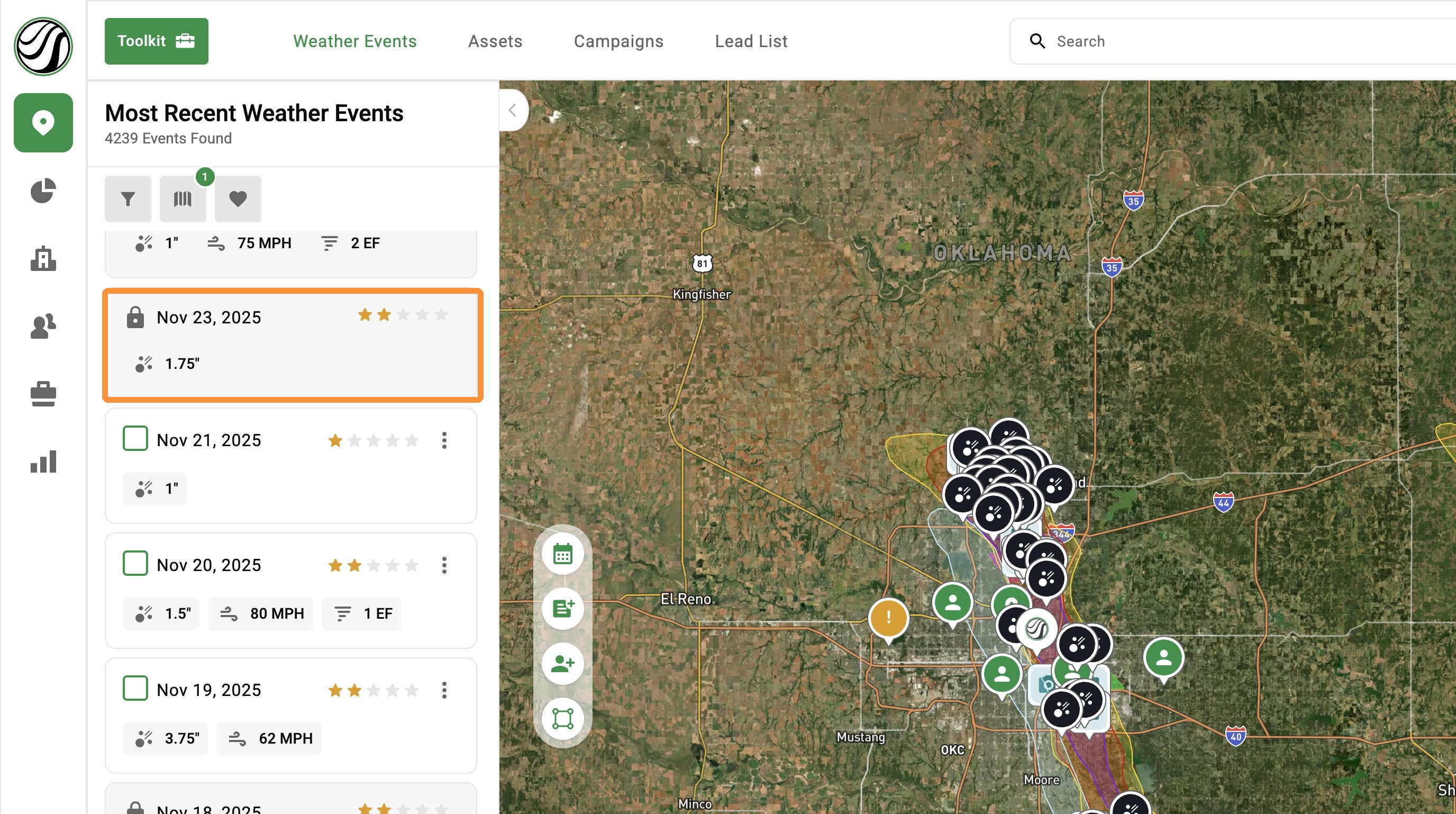
1. View icon: Hide one weather event without removing it from the map. Select the icon again to show the event.
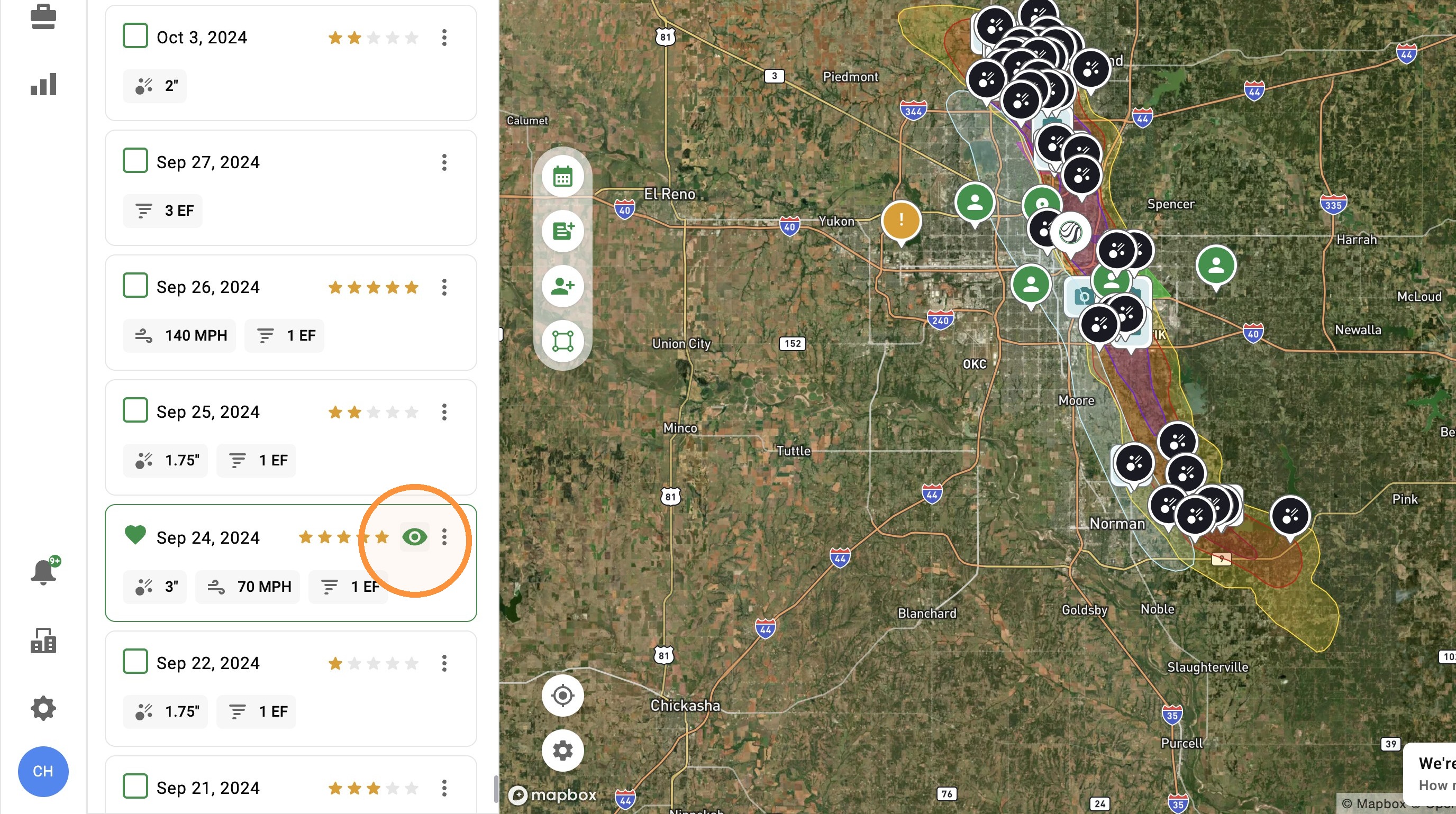
2. Actions button: Find options to favorite the event or get a list of impacted assets.
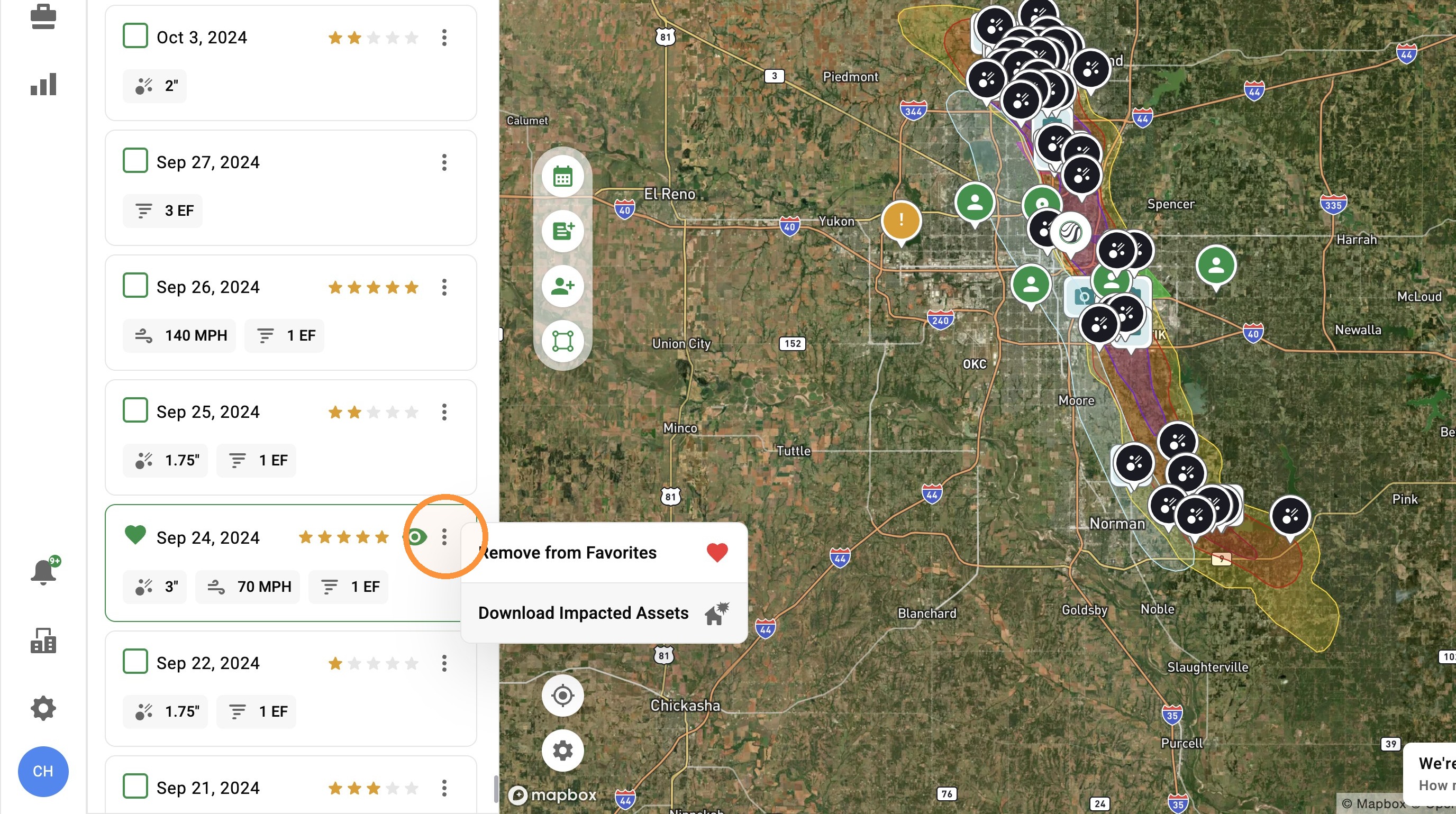
3. Lock icon: See when an event is not included in your plan so you can focus on your storms